Phones & tablets
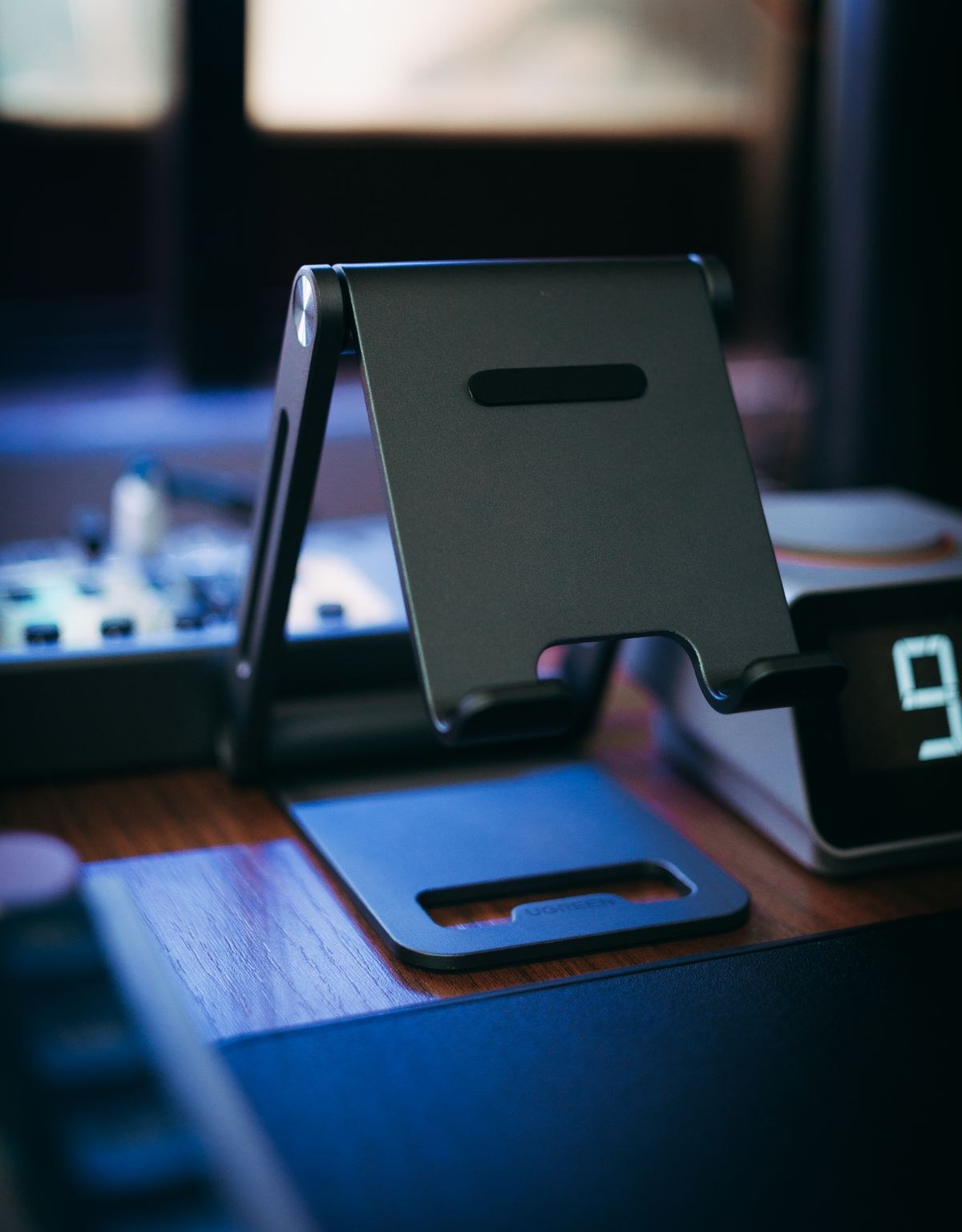
Choose a tablet stand for handwriting and video calls
Writing on a screen and looking into a camera ask different things of a stand. Check both positions before choosing one.
Explore a device, an accessory or the next question in your setup.
179 articles
Writing on a screen and looking into a camera ask different things of a stand. Check both positions before choosing one.
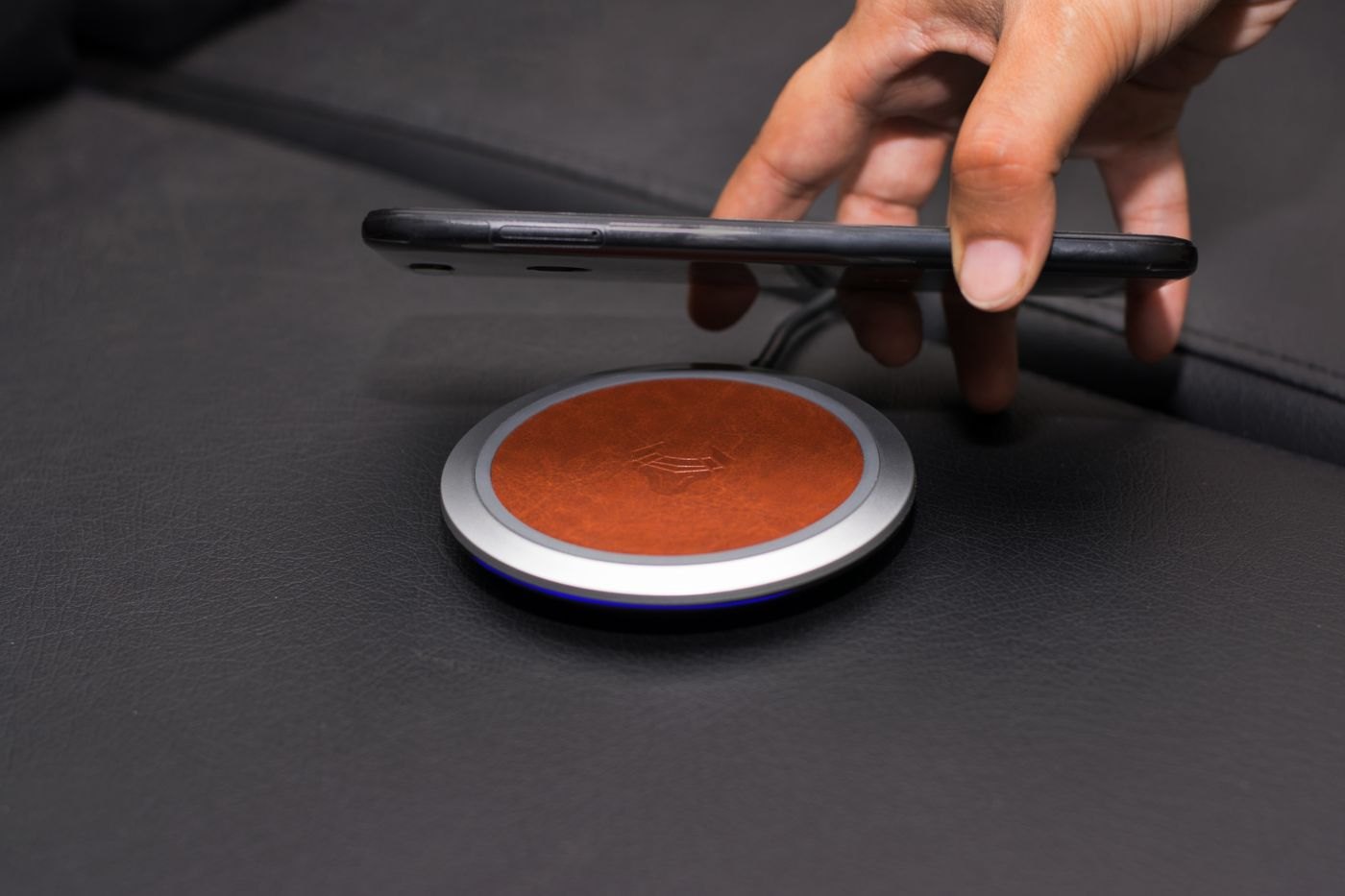
The case is part of the charging arrangement. Check its materials, attachments and fit before choosing a charging pad or stand.
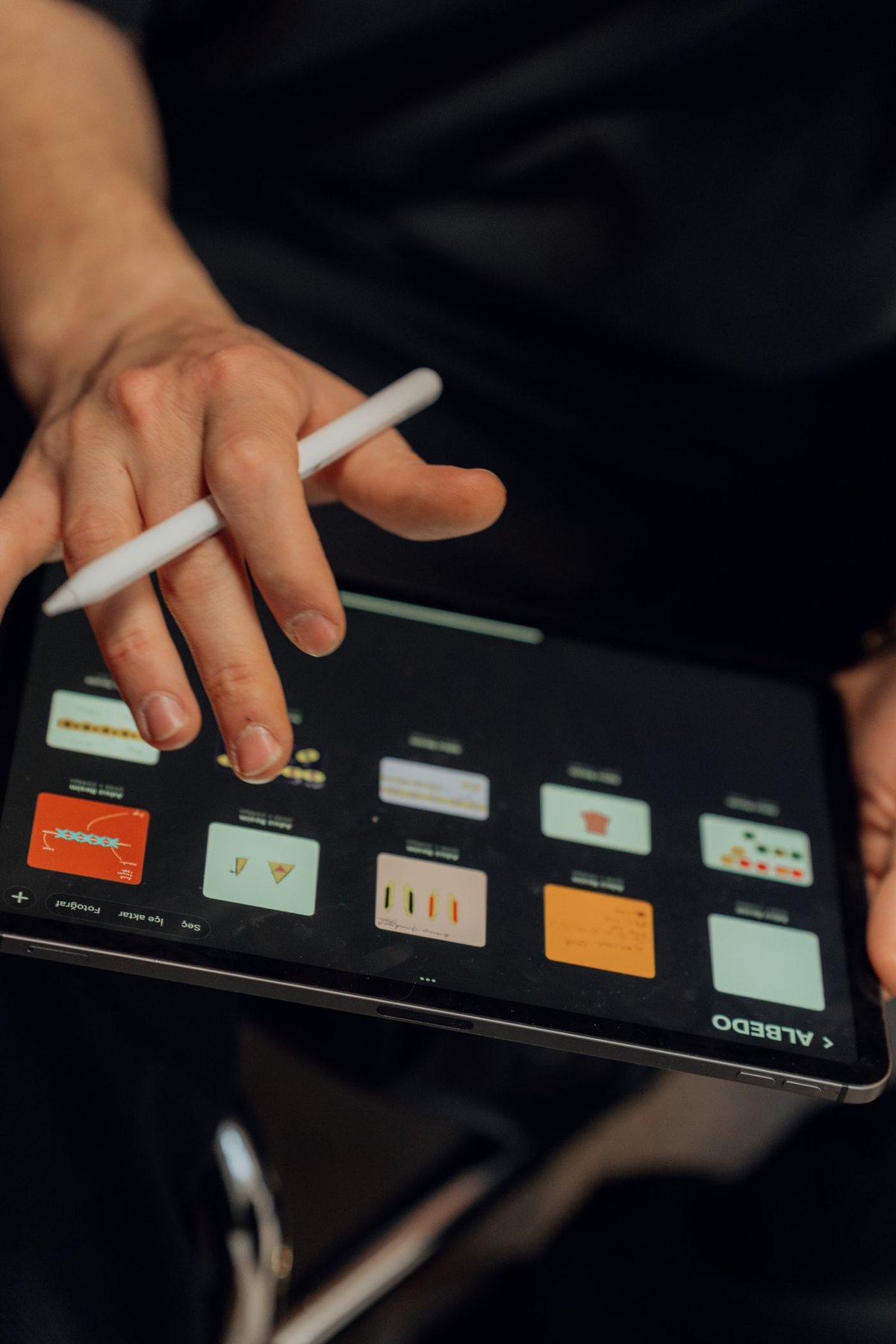
Match the exact pen to the exact tablet, then check the features your writing or drawing task needs.
Change the reading arrangement before deciding that the screen is too small.
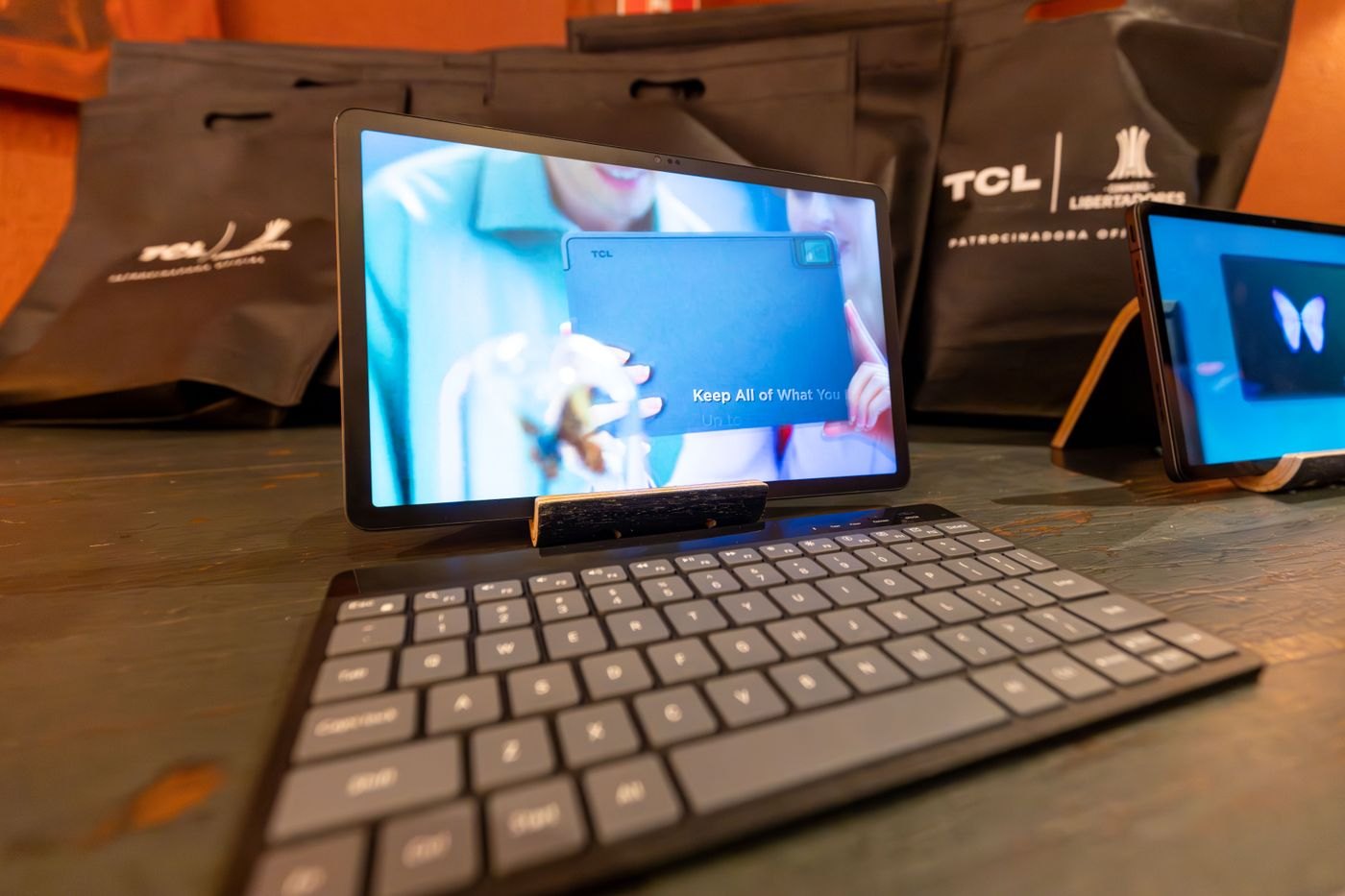
A keyboard case travels as one object; a separate keyboard gives you more control over where the screen and keys sit.
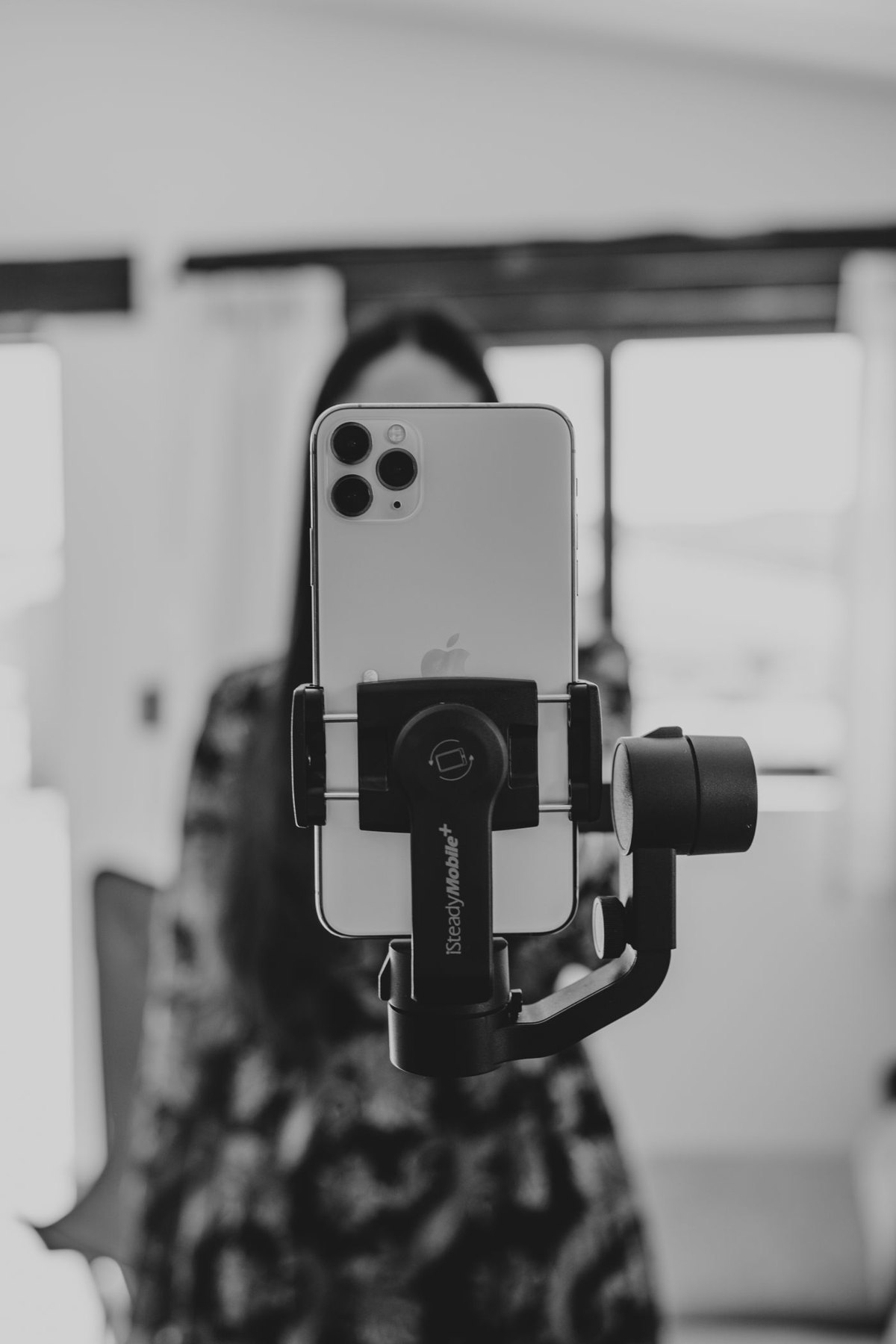
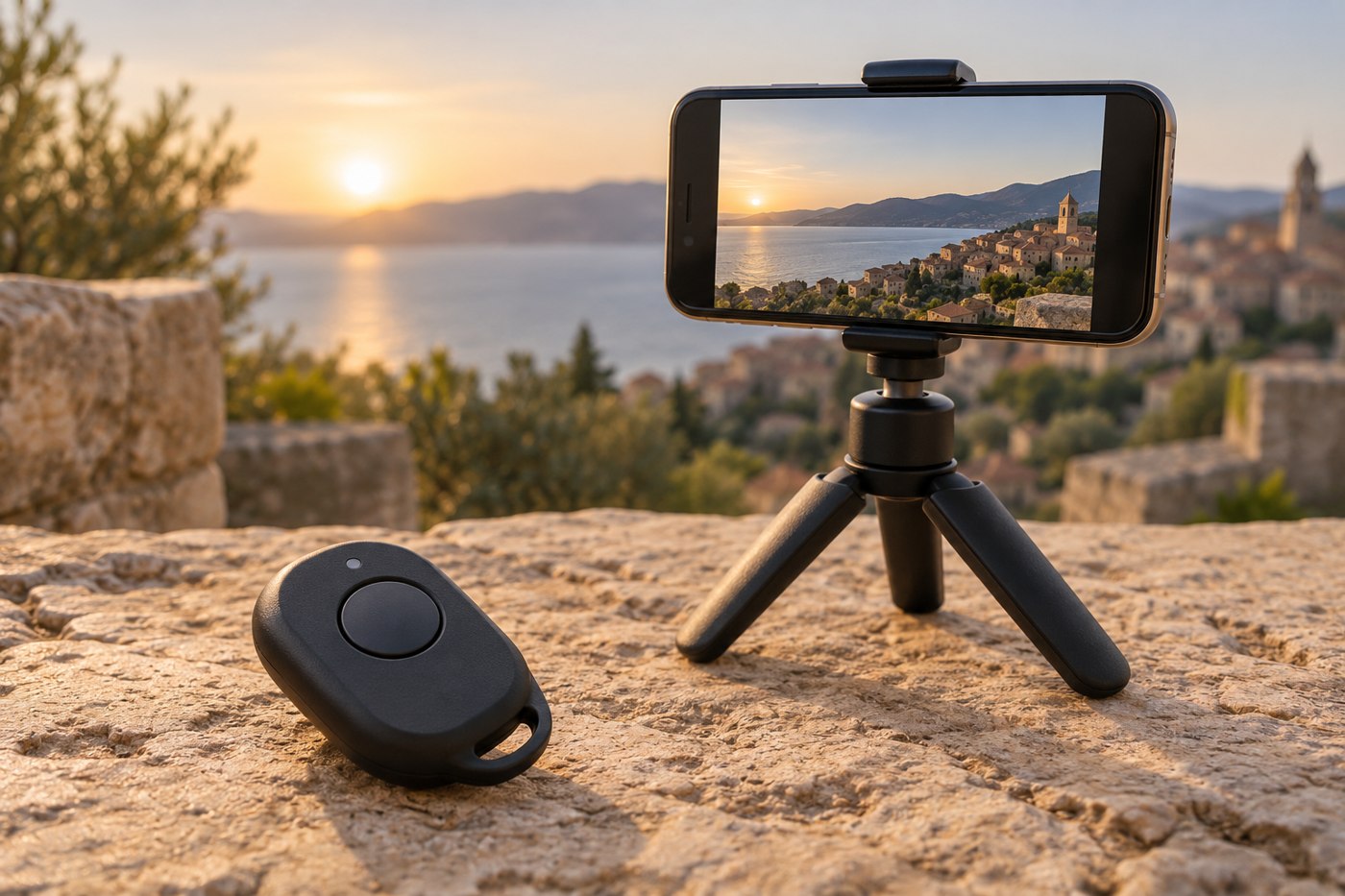
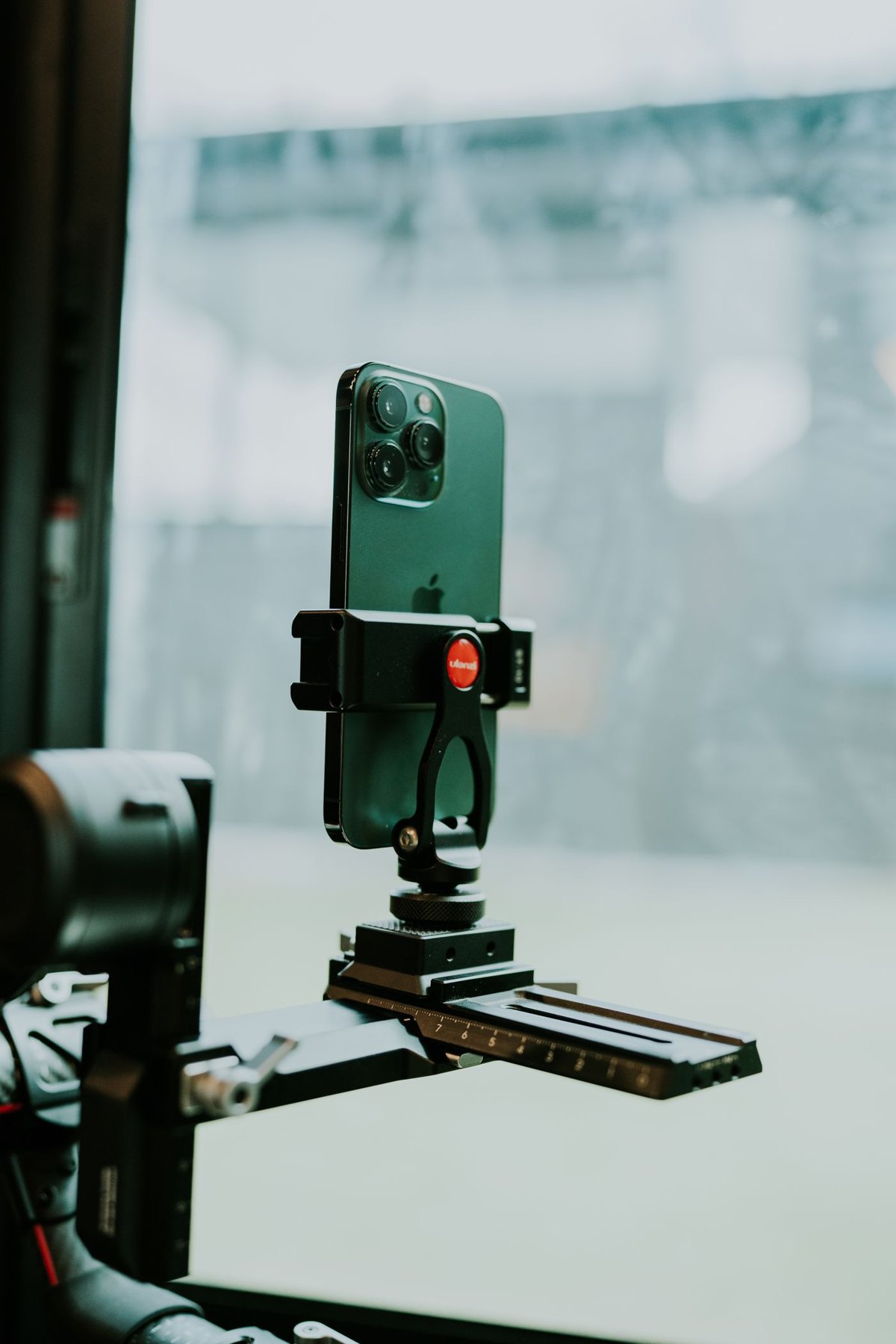
Choose a support that holds the phone in the required orientation and lets you start recording without disturbing the frame.
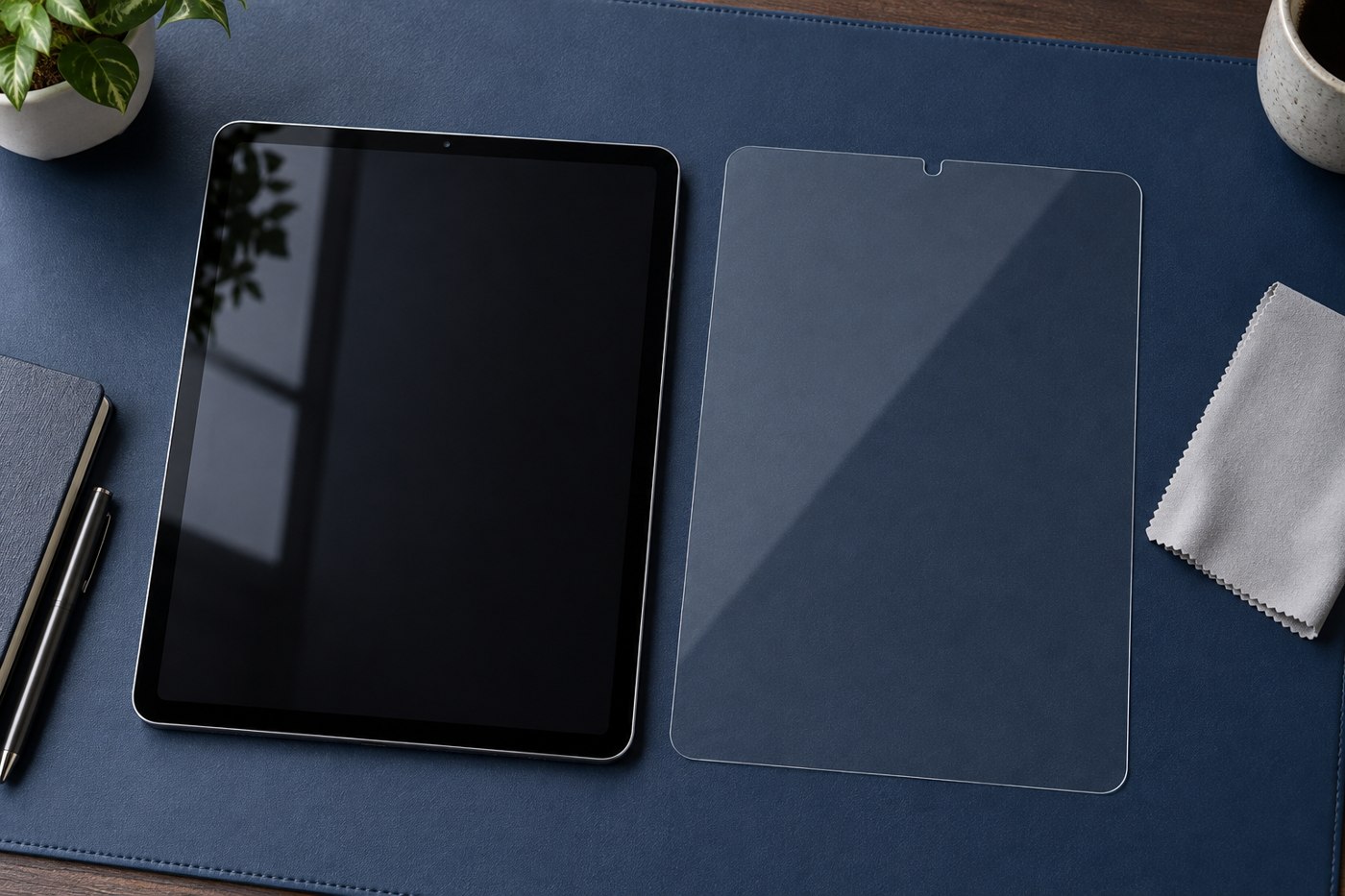
A screen protector changes the surface you touch. Choose it for the task as well as the tablet model.
Agree what is shared, what stays private and how the tablet returns to a ready state after each use.
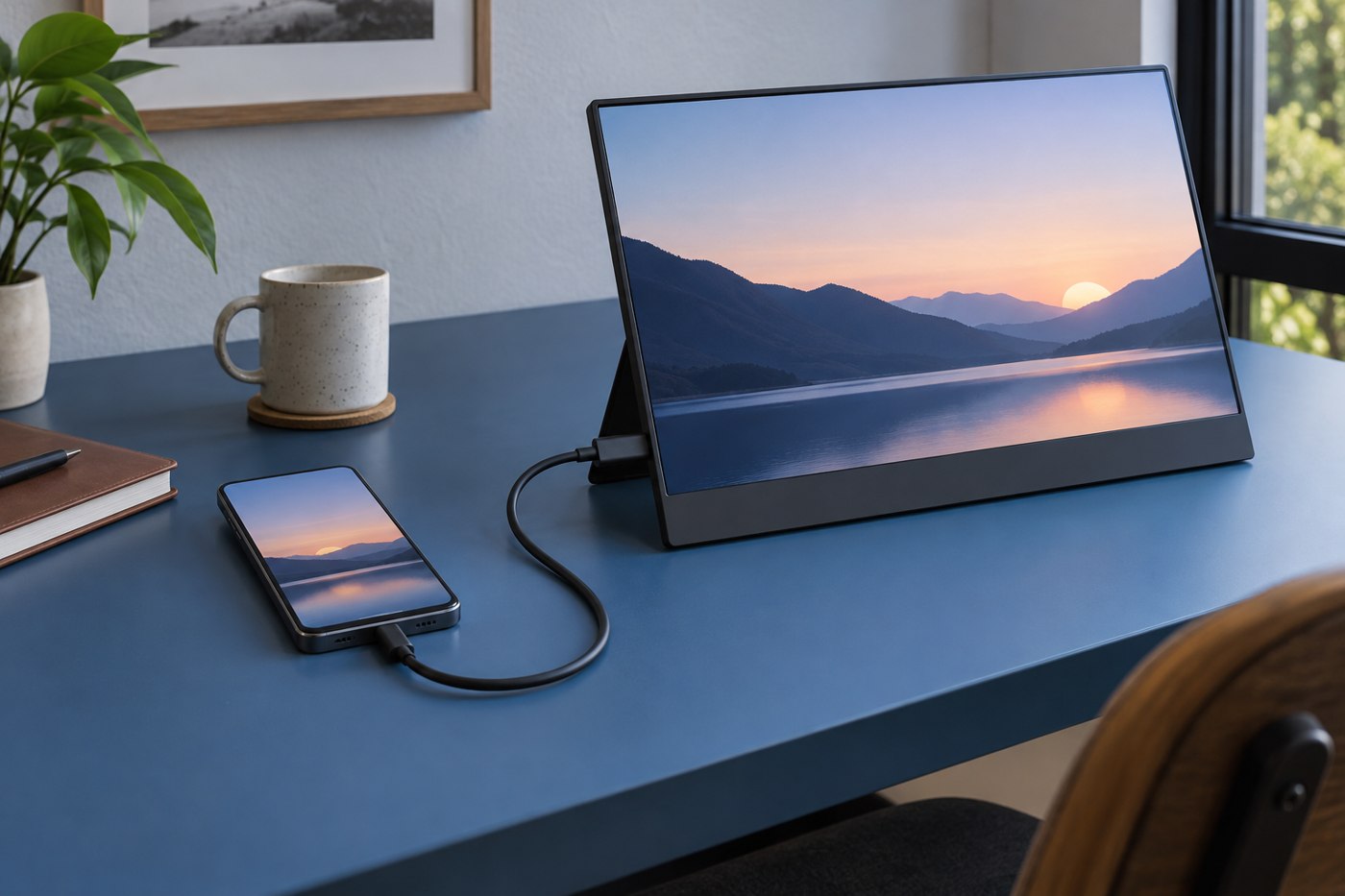
An external display connection depends on the phone, its port, the adapter and the software behaviour you expect.
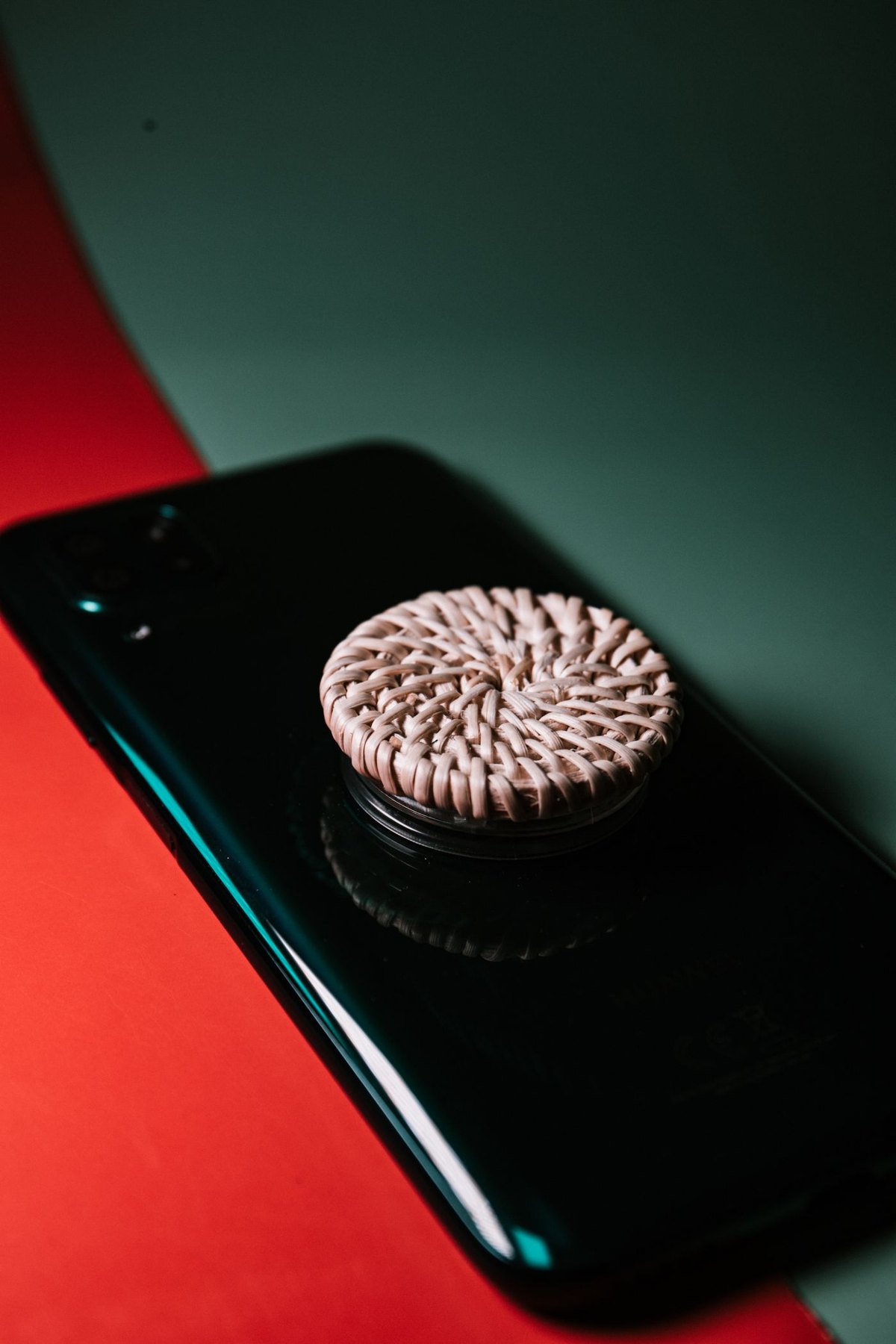
A grip should help with the way you hold the phone while leaving the rest of your routine workable.
Confirm that your information and account access work elsewhere before erasing the phone you are handing over.
Build a note-taking arrangement around retrieval and review, not just the experience of writing on the screen.
A used tablet needs a model check, a condition check and a clear route for resolving a problem after purchase.
Choose a pouch by the objects and access pattern inside it, not only the advertised device size.
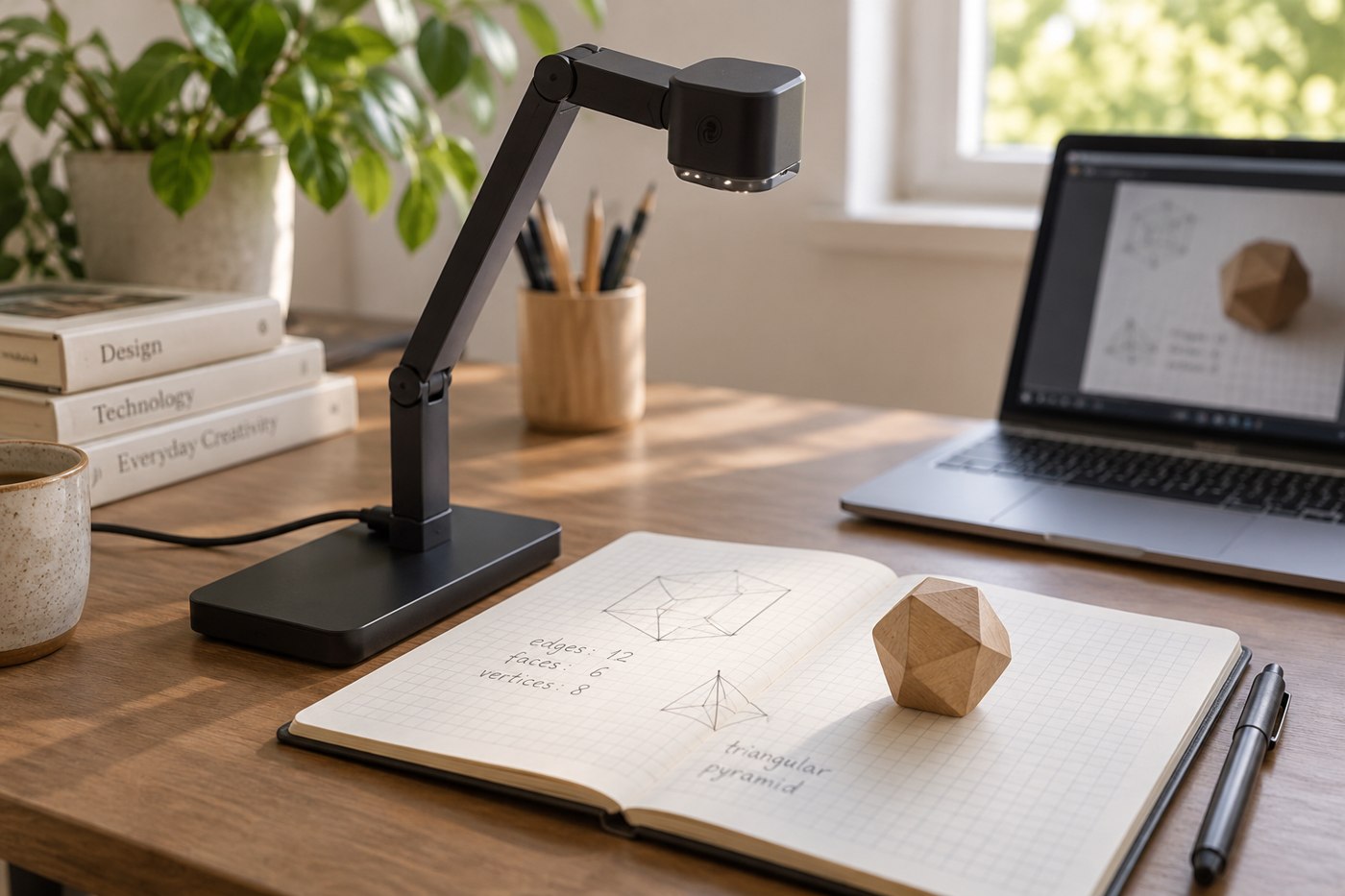
An overhead view needs a stable support, clear lens placement and a way to see the frame before recording.
A case must fit the working parts of a tablet as well as its outline.
Decide whether independent mobile data solves a repeated problem before paying for a cellular tablet and a plan.
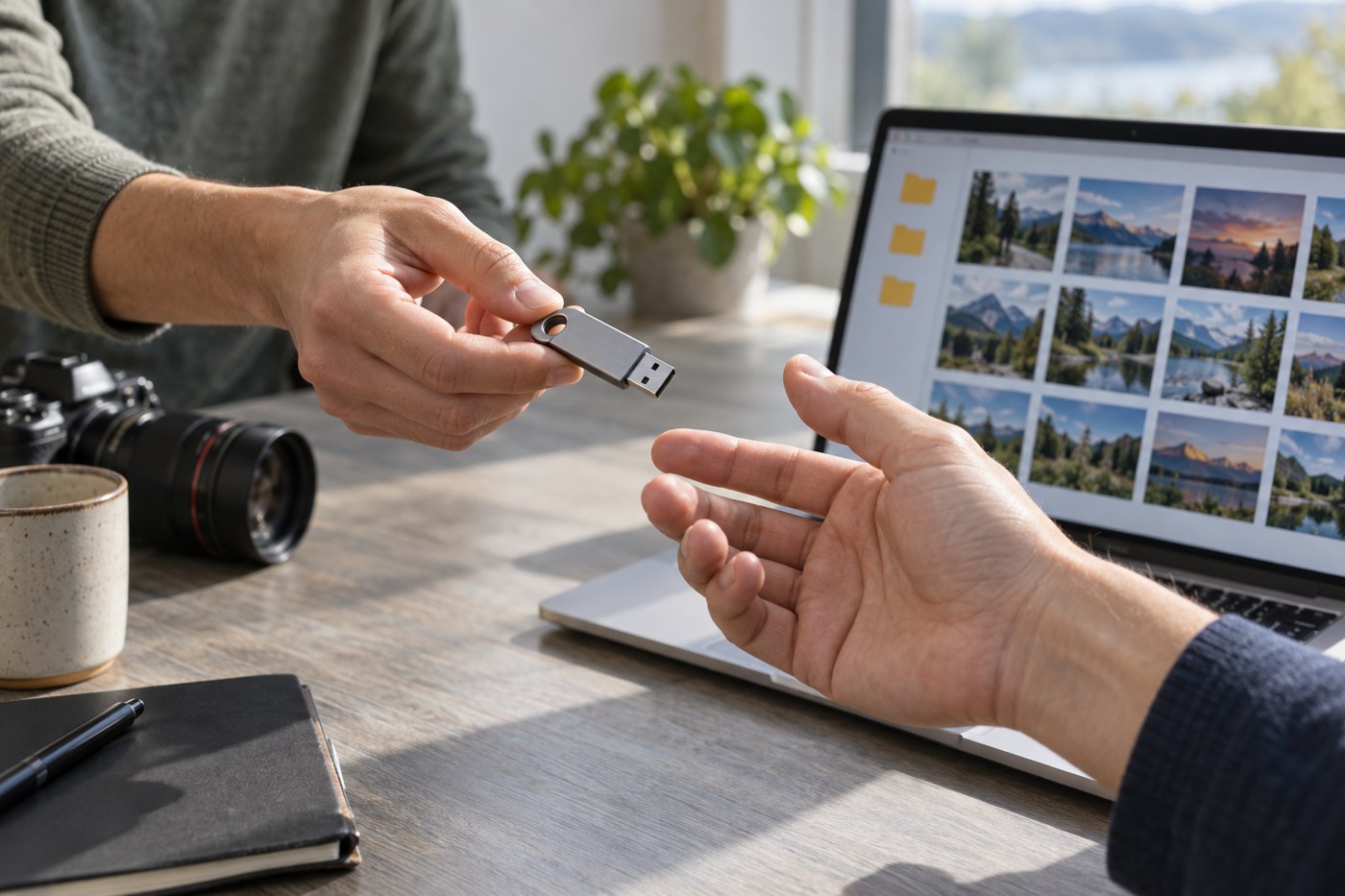
Move a verified copy of your photos, then decide what can be removed from the phone.
Compare the documents you read at a usable text size, then account for carrying and holding the tablet.
Give the tablet a defined job and enough space to reach it without disrupting the laptop.
A remote shutter should work with the phone and camera application you intend to use, including the mode you need.
Use instructions for both the device and the case material; a method suitable for one surface may not suit the other.
Test the complete presentation path, including the destination display and a usable fallback copy.
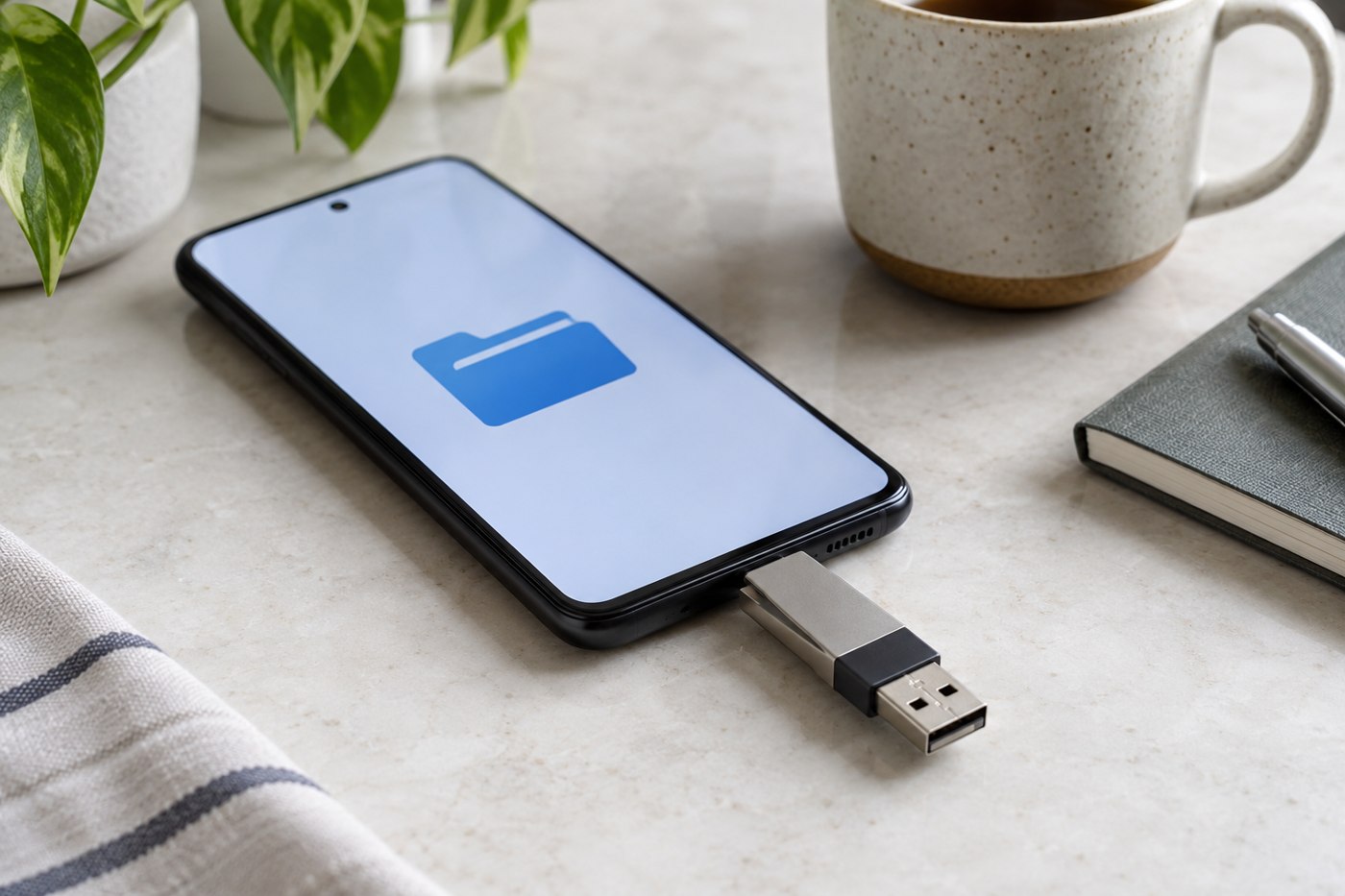
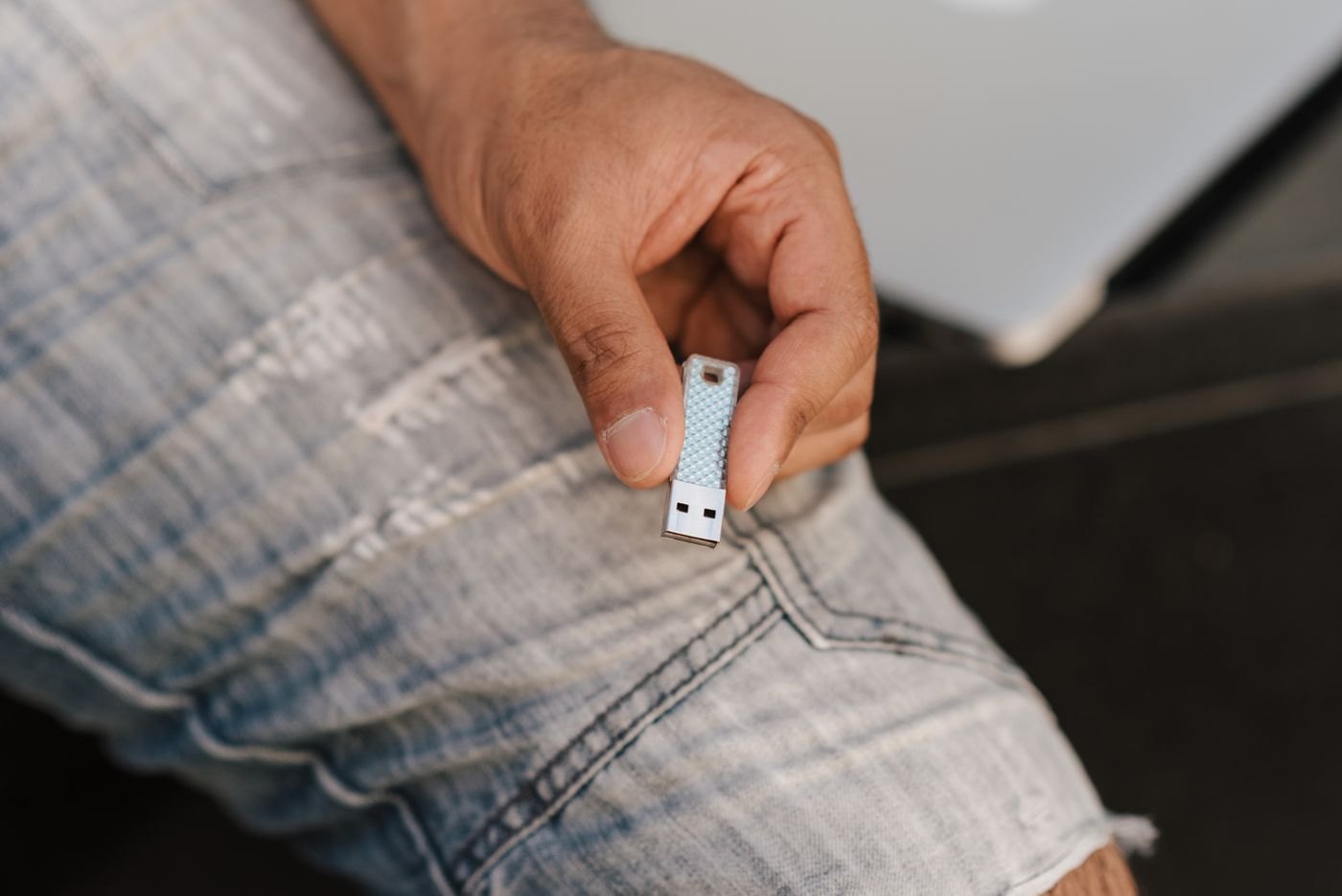
Check file-system support, power and the application path before treating a USB drive as phone storage.
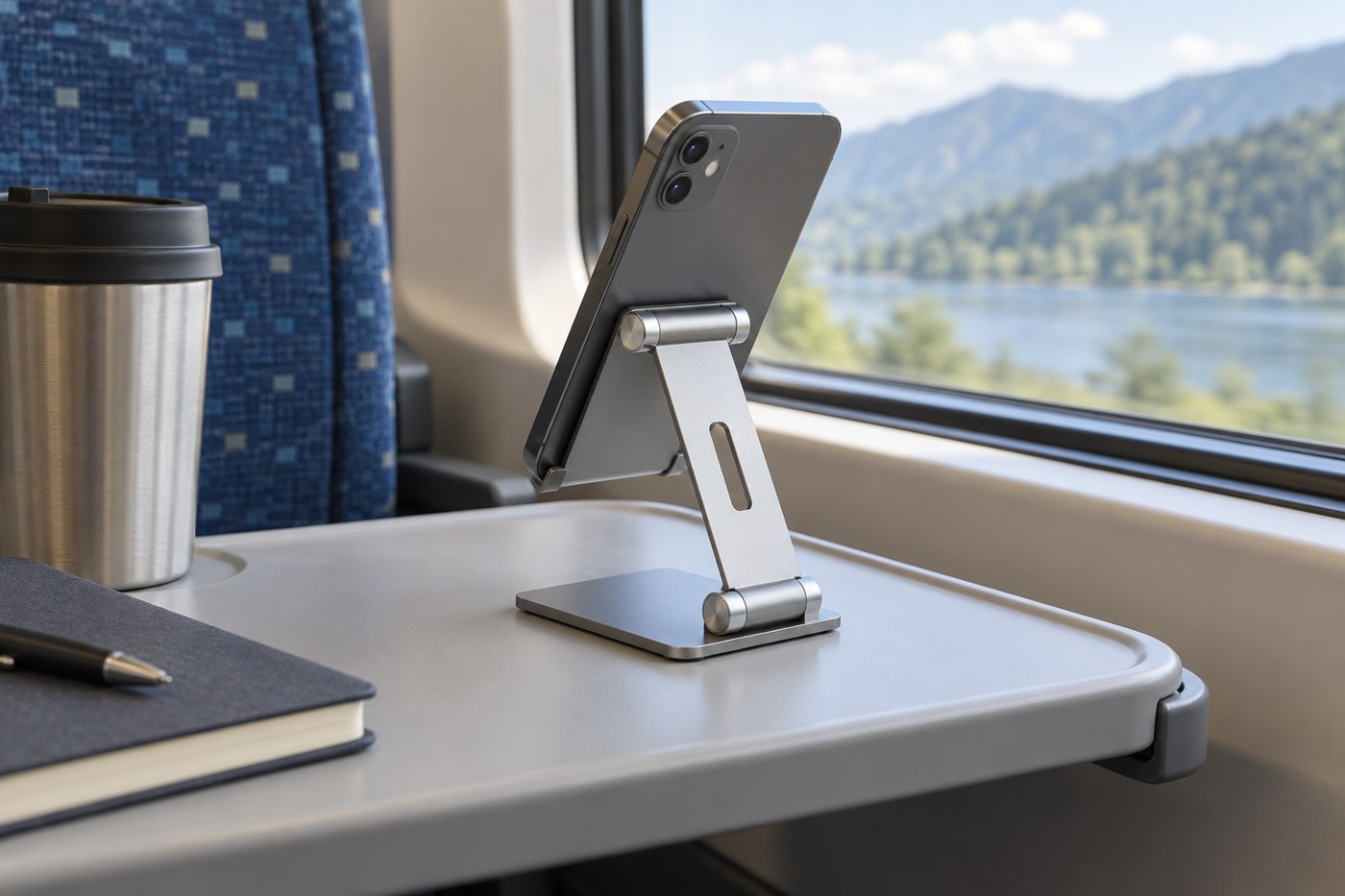
A travel stand needs to fit the small surface available and remain usable with your phone's case and cable.
Look at the action that is difficult, then choose an accessory that supports it without adding another awkward step.
Build a small camera kit around the photographs or videos you repeatedly make.
Choose an external microphone when you can identify what the built-in recording arrangement is failing to capture.
Build the charging spot around the devices, their supported chargers and the space needed to connect them comfortably.
A refurbished label needs a defined condition policy, exact model information and written after-sale terms.
A spare phone is useful when its intended role, account access and maintenance routine are clear.
Measure the tablet in its everyday case and leave space for an easy opening, not a forced fit.
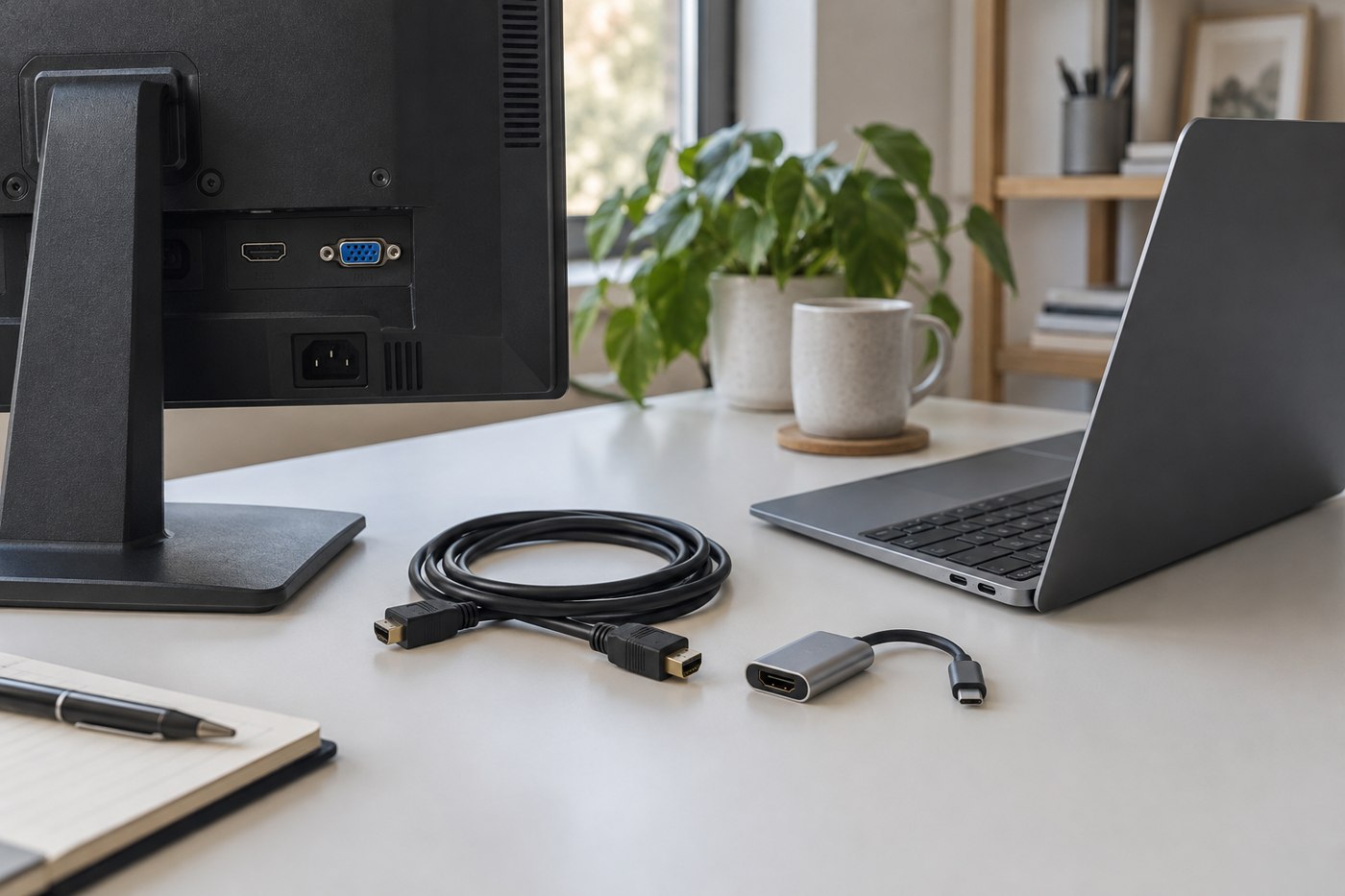
Match the computer output, monitor input and desired display mode before putting a cable in your basket.
A portable screen has to fit your bag, your temporary desk and the connections your laptop can actually supply.
Use the keys you need and the space your pointing hand uses to judge full-size, compact and separate number-pad layouts.
Compare a mouse's grip, controls and transport requirements across the two places where you expect to use it.
Build a compatibility record around the laptop model, display arrangement, peripherals and power requirement.
Find a stable camera position that leaves room for your screen, hands and ordinary desk work.
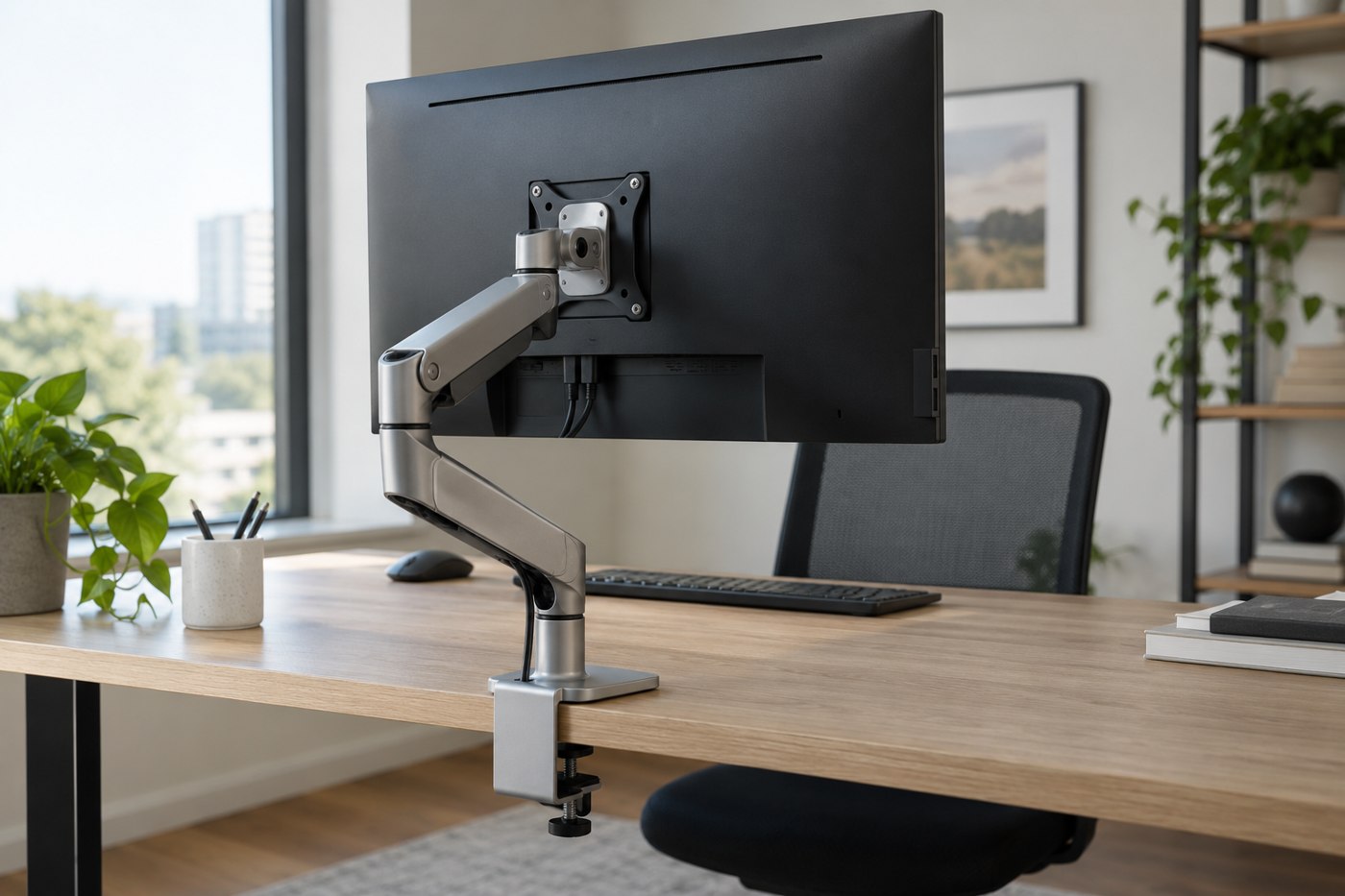
Check the mounting pattern, supported load, desk construction and movement space before choosing an arm.
Compare the complete working arrangement, including keyboard position, screen size and the space needed to put everything away.
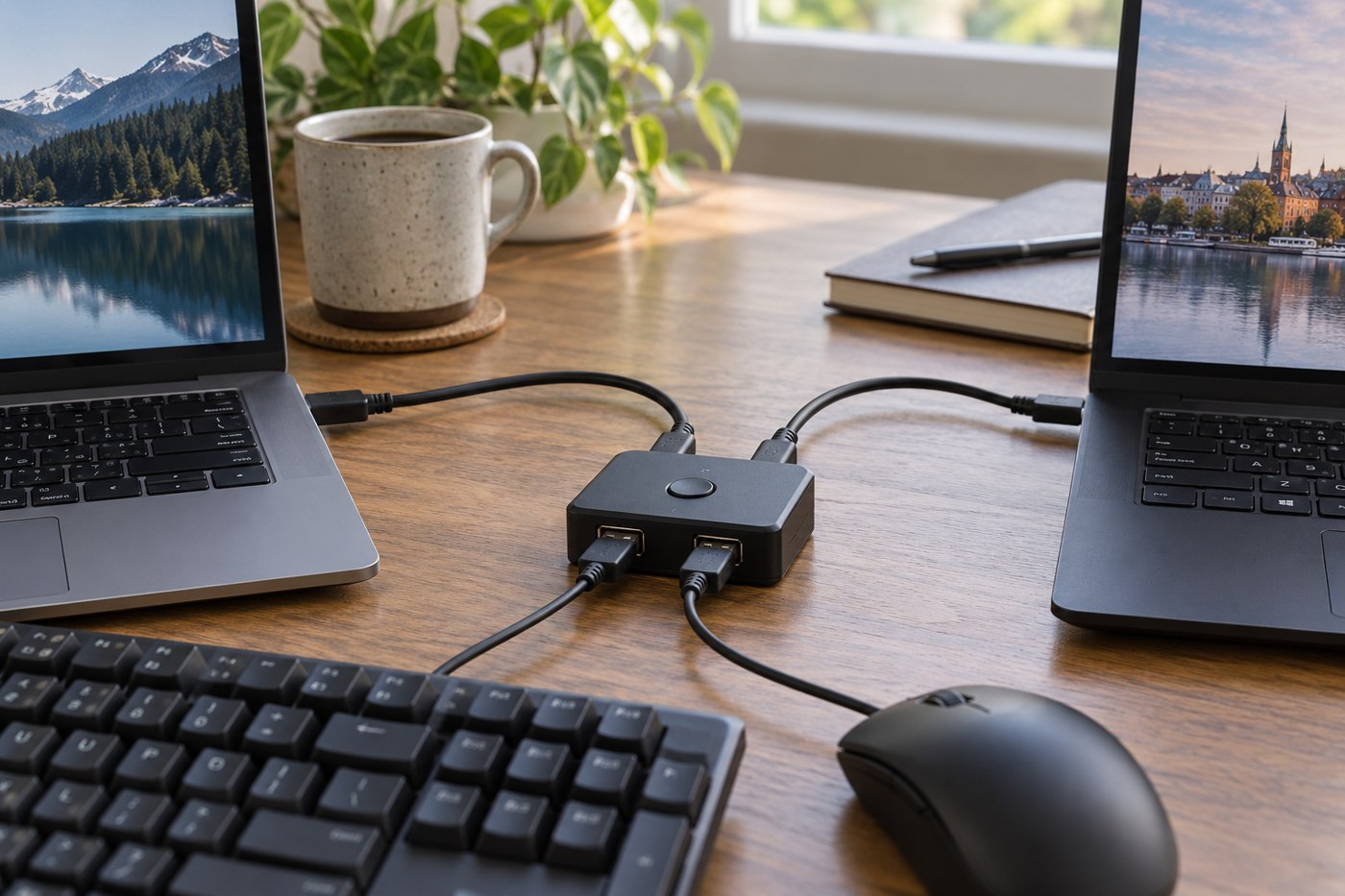
Separate display switching, USB peripherals and paired wireless devices when planning a desk shared by two computers.
A keyboard's physical arrangement, printed legends and operating-system input setting are three separate things.
Measure the working area and choose a surface you can clean without making the whole desk harder to manage.
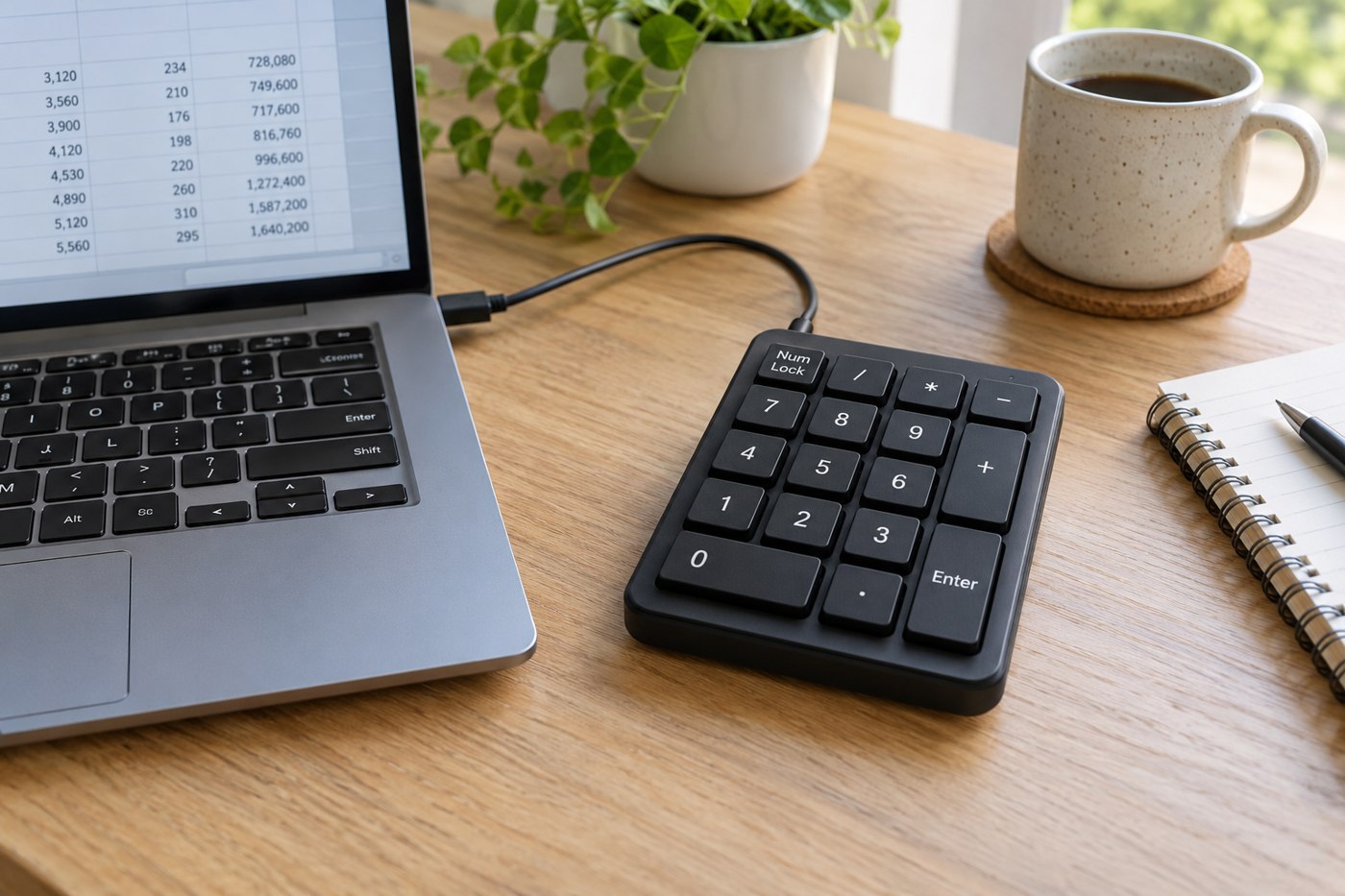
Check key positions, number-lock behaviour and the applications you use before adding a separate numeric keypad.
Work out what the room is doing to your picture before paying for a higher-resolution webcam.
Leave controlled slack for the full desk travel while keeping leads away from moving parts and the chair.
Identify the old display's input and the new computer's output before deciding whether an adapter is worthwhile.
Compare the space needed during printing, replacement supplies and computer support for the documents you actually produce.
Read screen size, resolution, scaling and adjustment together when most of your day involves words and numbers.
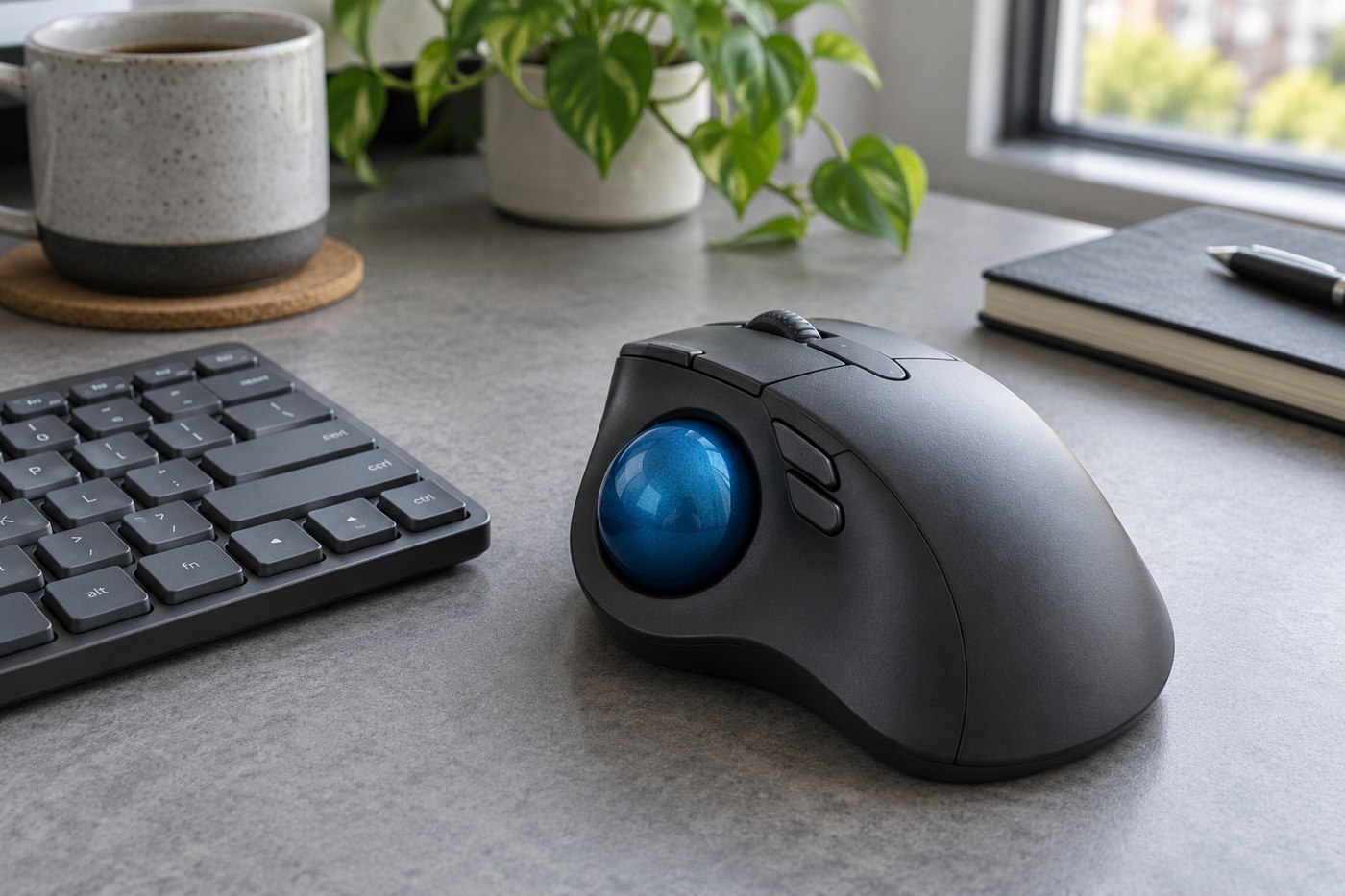
Assess the ball position, button reach and learning period without treating a different pointing device as a guaranteed improvement.
Match the stem, key sizes, stabilizers and row profile before treating a replacement set as compatible.
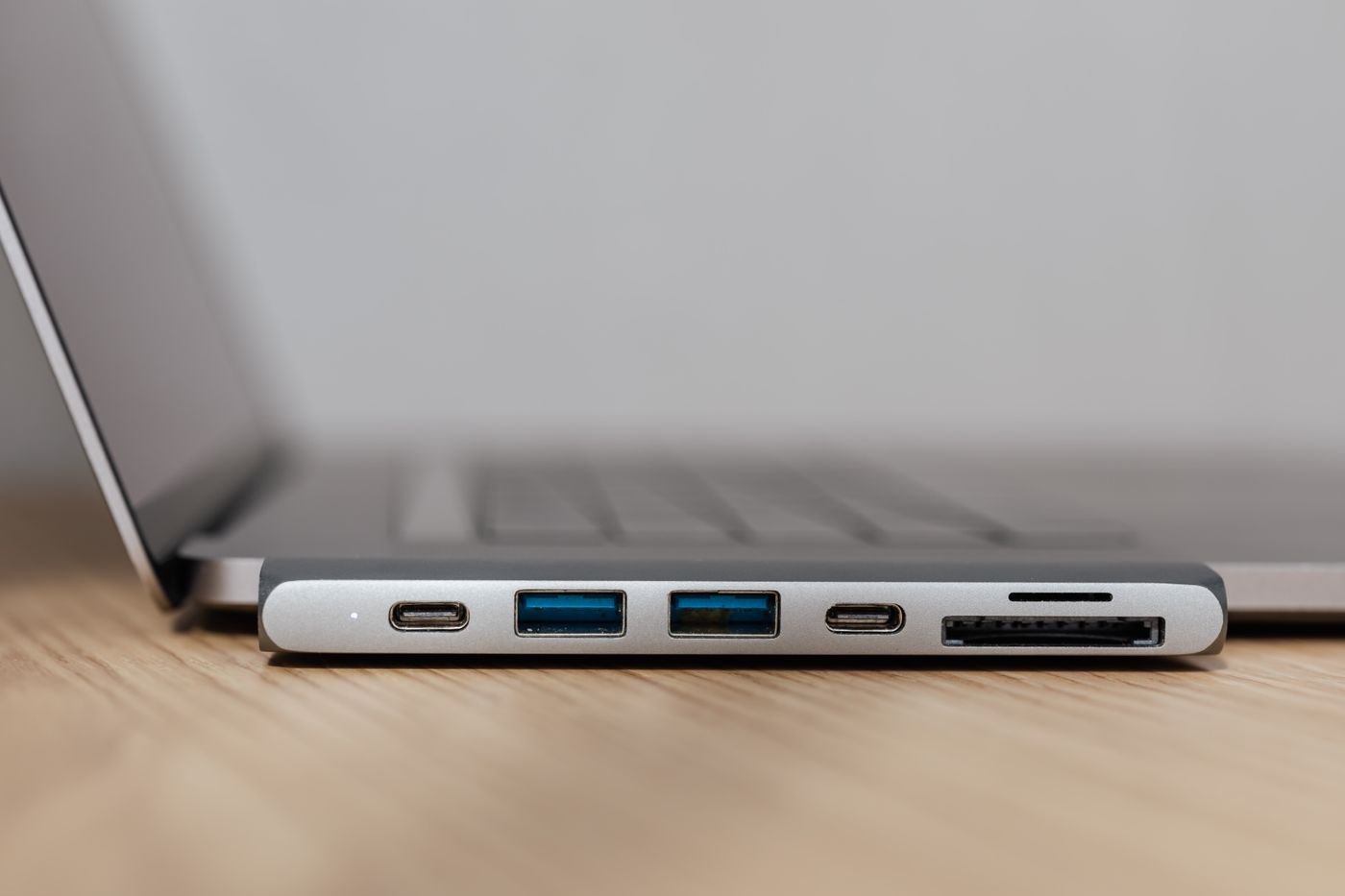
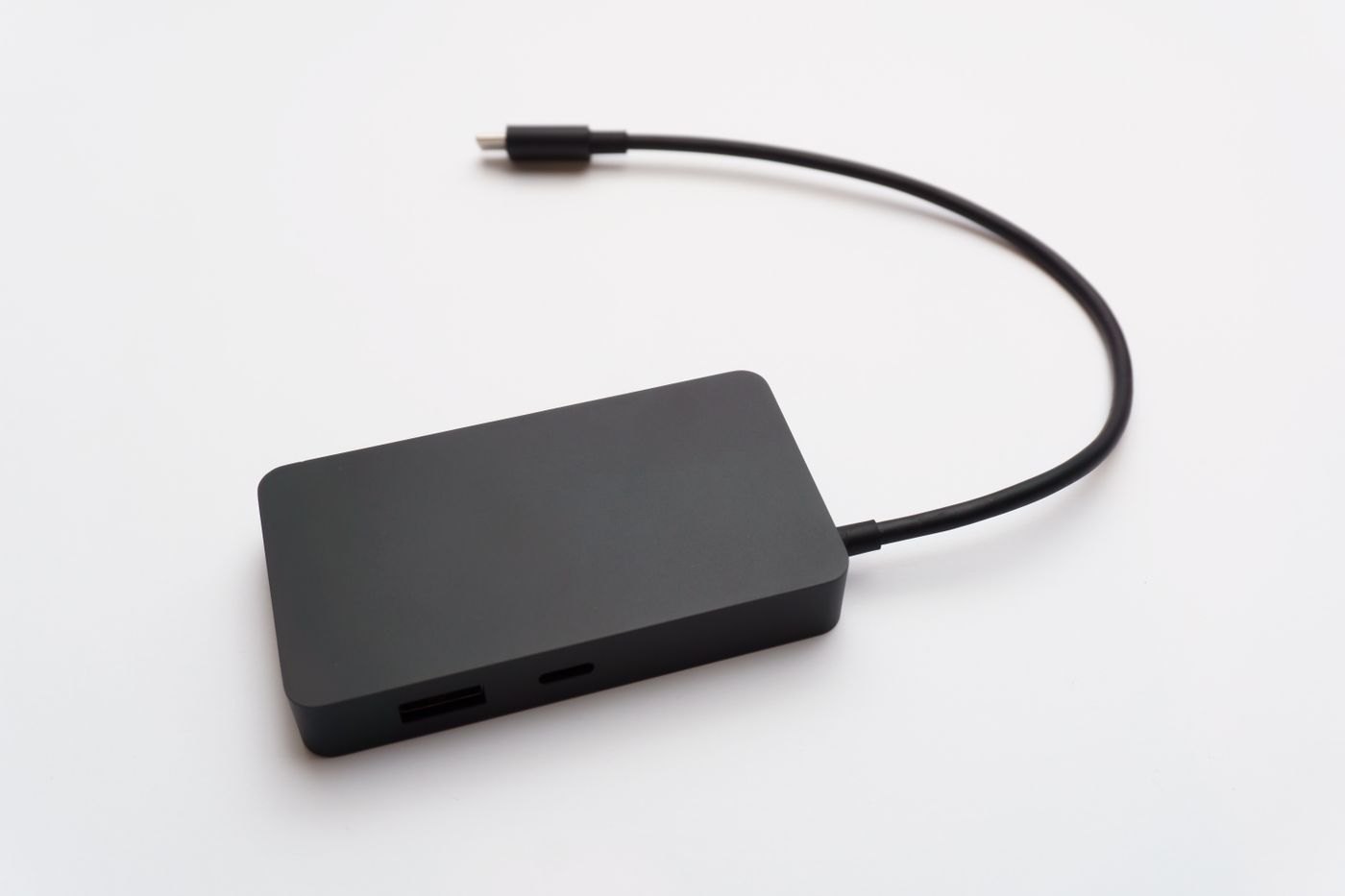
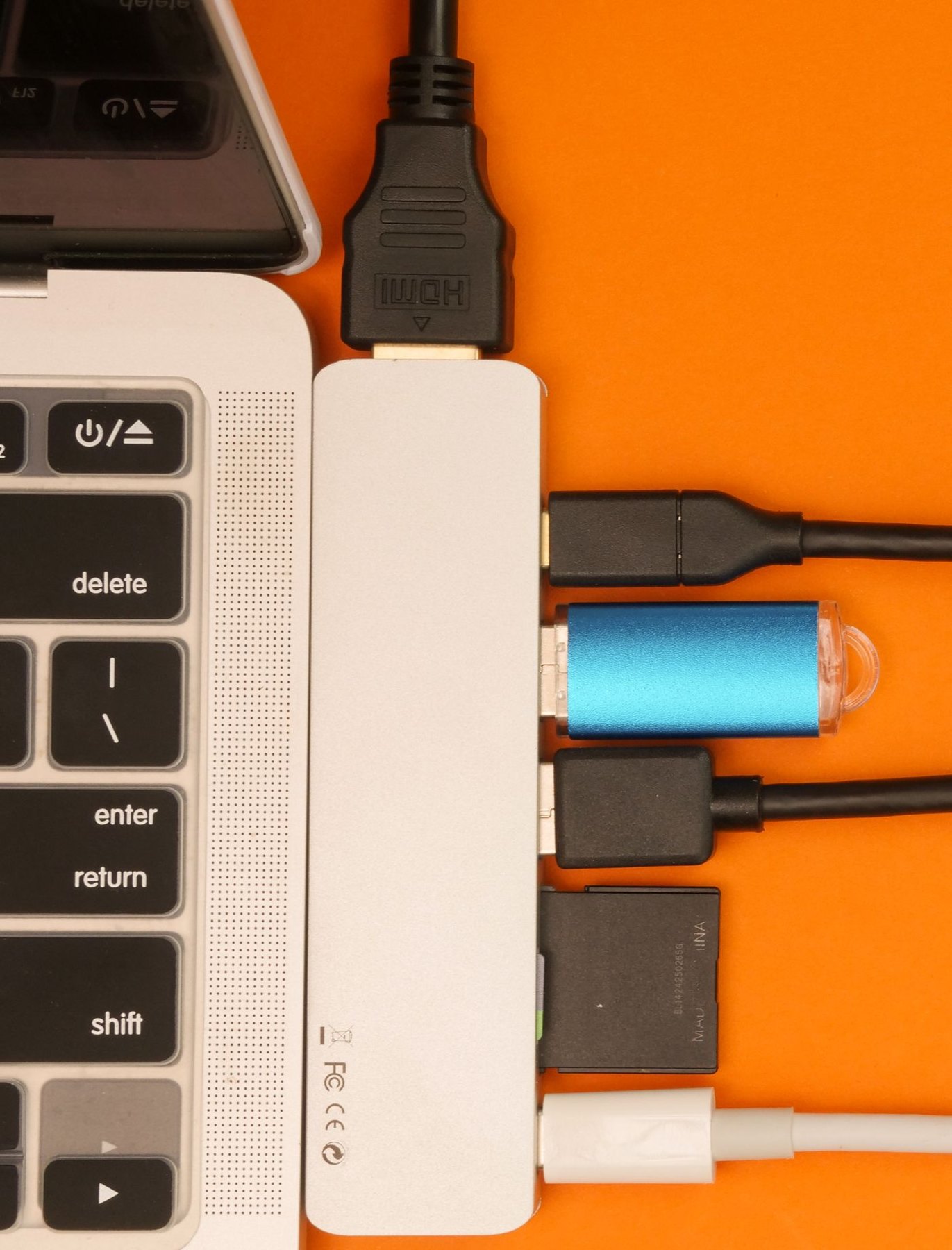
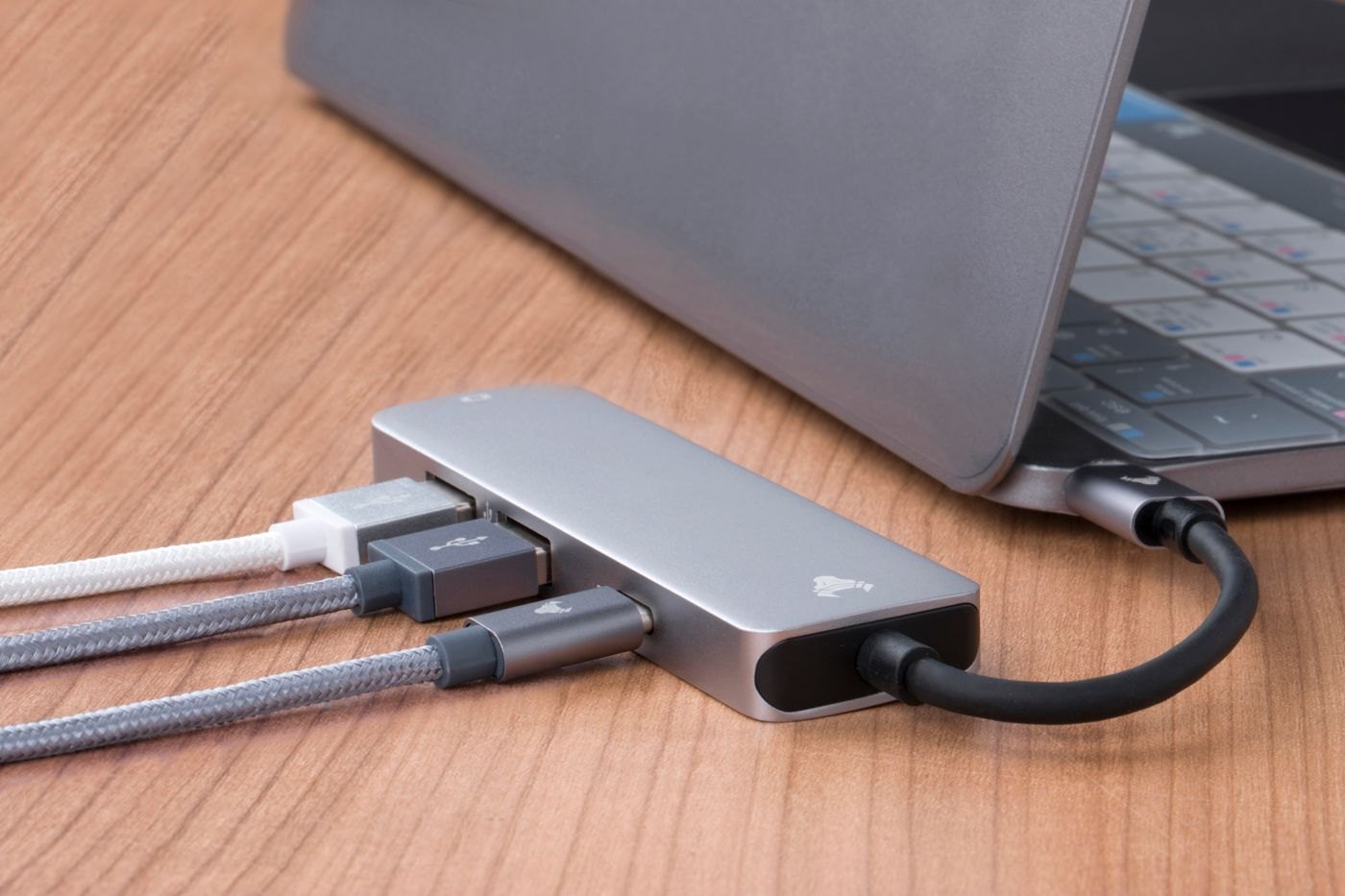
Choose by the functions and power arrangement you need, because the names hub and dock do not guarantee a fixed feature set.
Create a repeatable packing sequence so a temporary desk can become a clear table without tangled leads or misplaced parts.
Compare the visible area, focus behaviour and software controls using the objects you want other people to see.
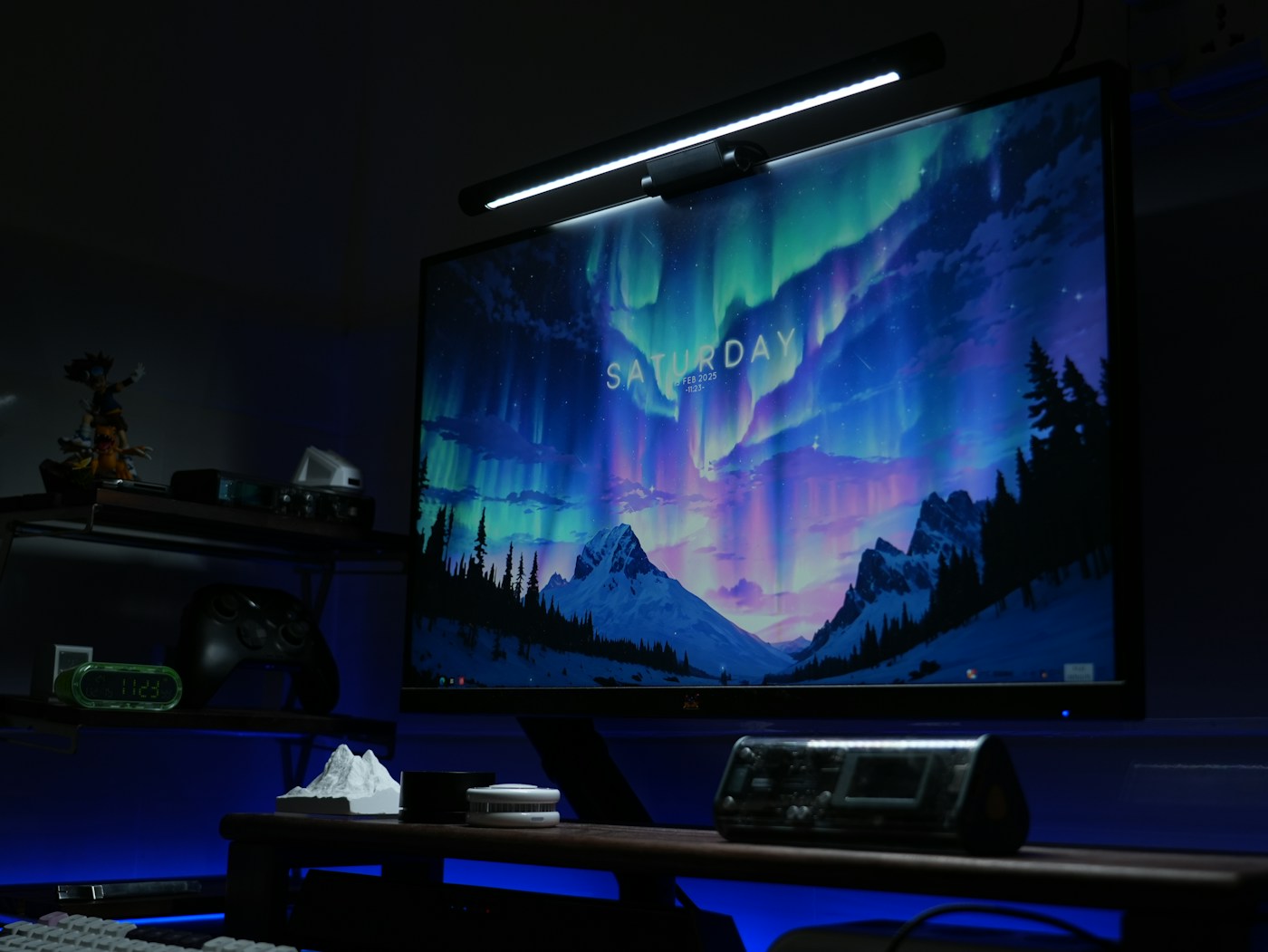
Check the monitor's shape, clamp area, power arrangement and webcam position before adding a light above the screen.
Check paired-device switching, operating-system keys and the tasks you expect to move between a tablet and a computer.
Identify the host connections, peripheral requirements and switching behaviour before sharing USB devices between computers.
Check condition, included parts and the modes you will use while the seller's inspection window is still open.
Consider the sound of the whole keyboard on your desk, including larger keys and the way you type.
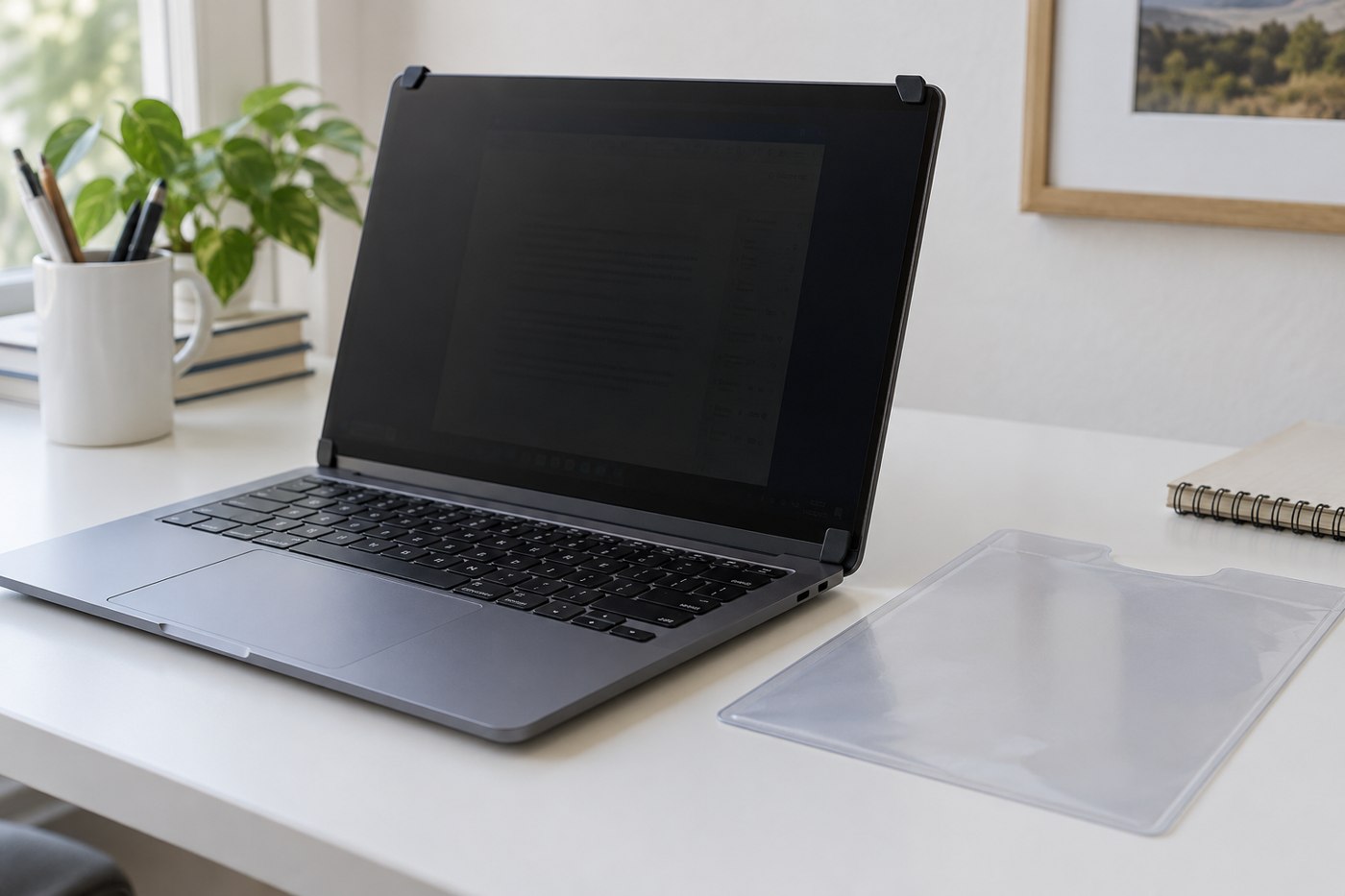
Use the display's actual dimensions and construction, then check what the filter obscures from different positions.
Give the pen surface, keyboard shortcuts and pointer a workable relationship before choosing a larger drawing tablet.
Measure the pointer movement you use before choosing a pad that leaves too little room beside the keyboard.
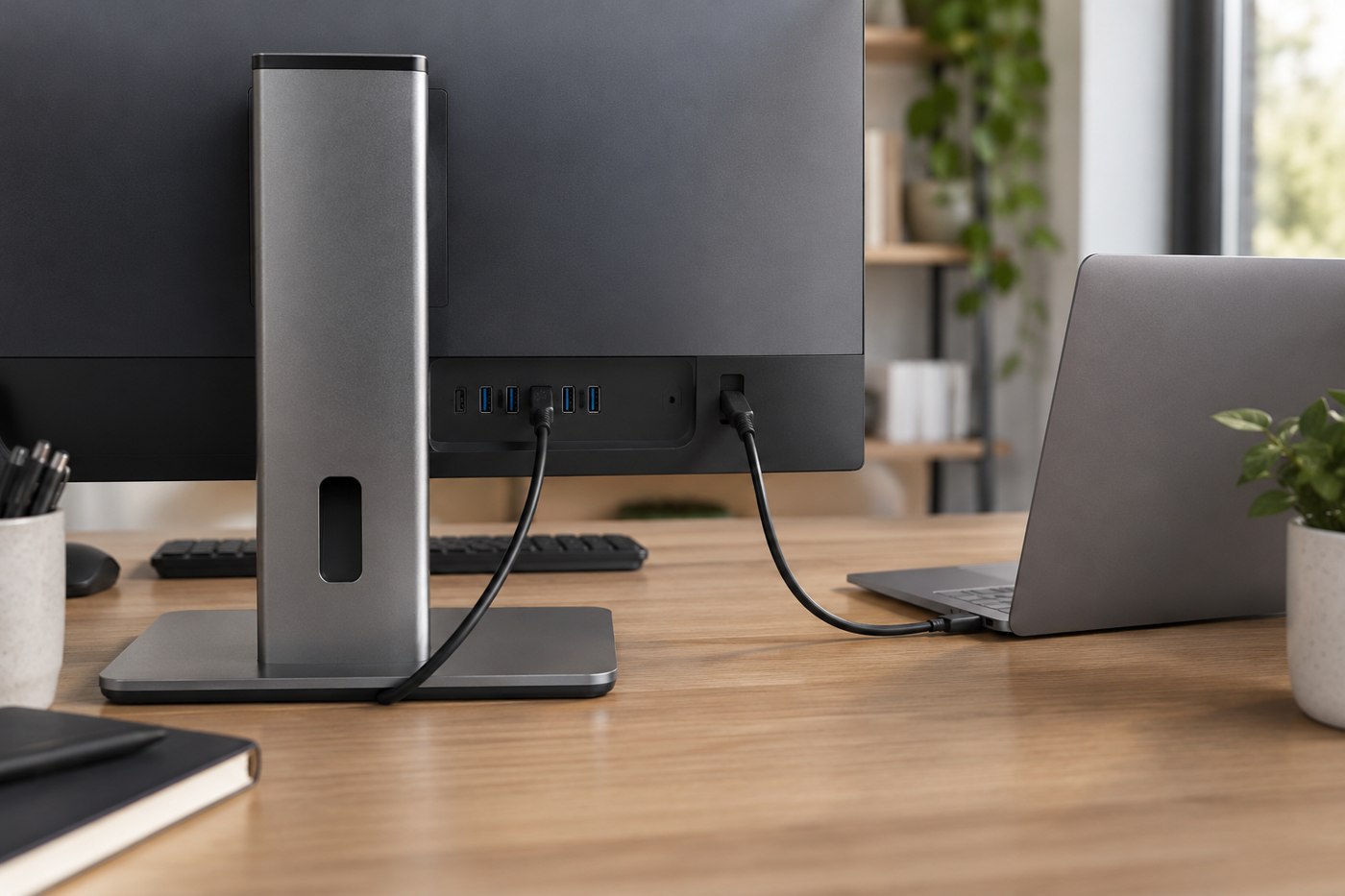
A monitor's USB sockets need the right computer connection before they can act as a home for your peripherals.
Pack a verified set of equipment around the work you need to finish, then confirm the destination's space and connections.
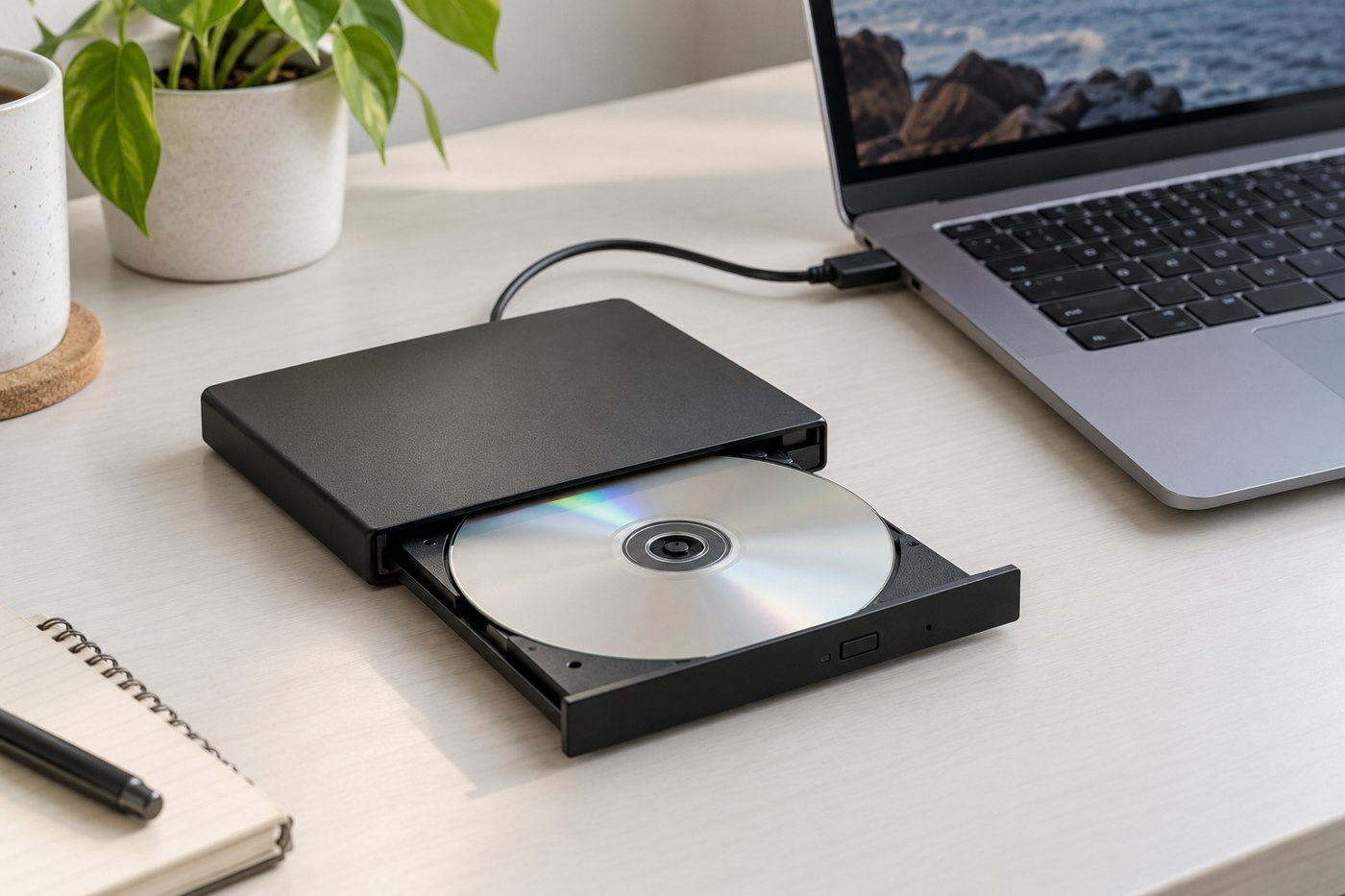
Match the disc types, computer support and playback software before buying an external drive for an old collection.
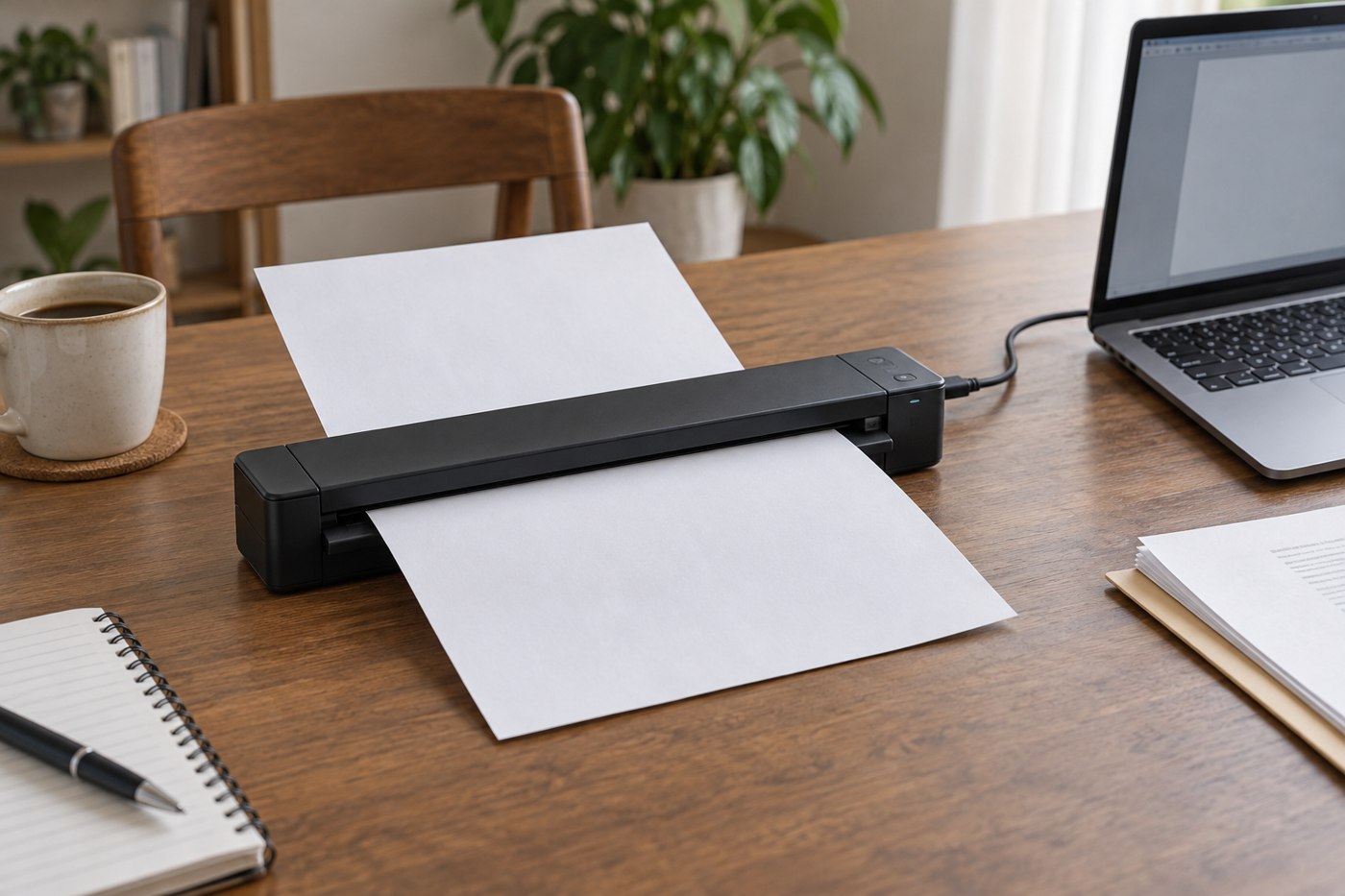
Match the scanner's paper handling and output workflow to your documents before prioritizing portability.
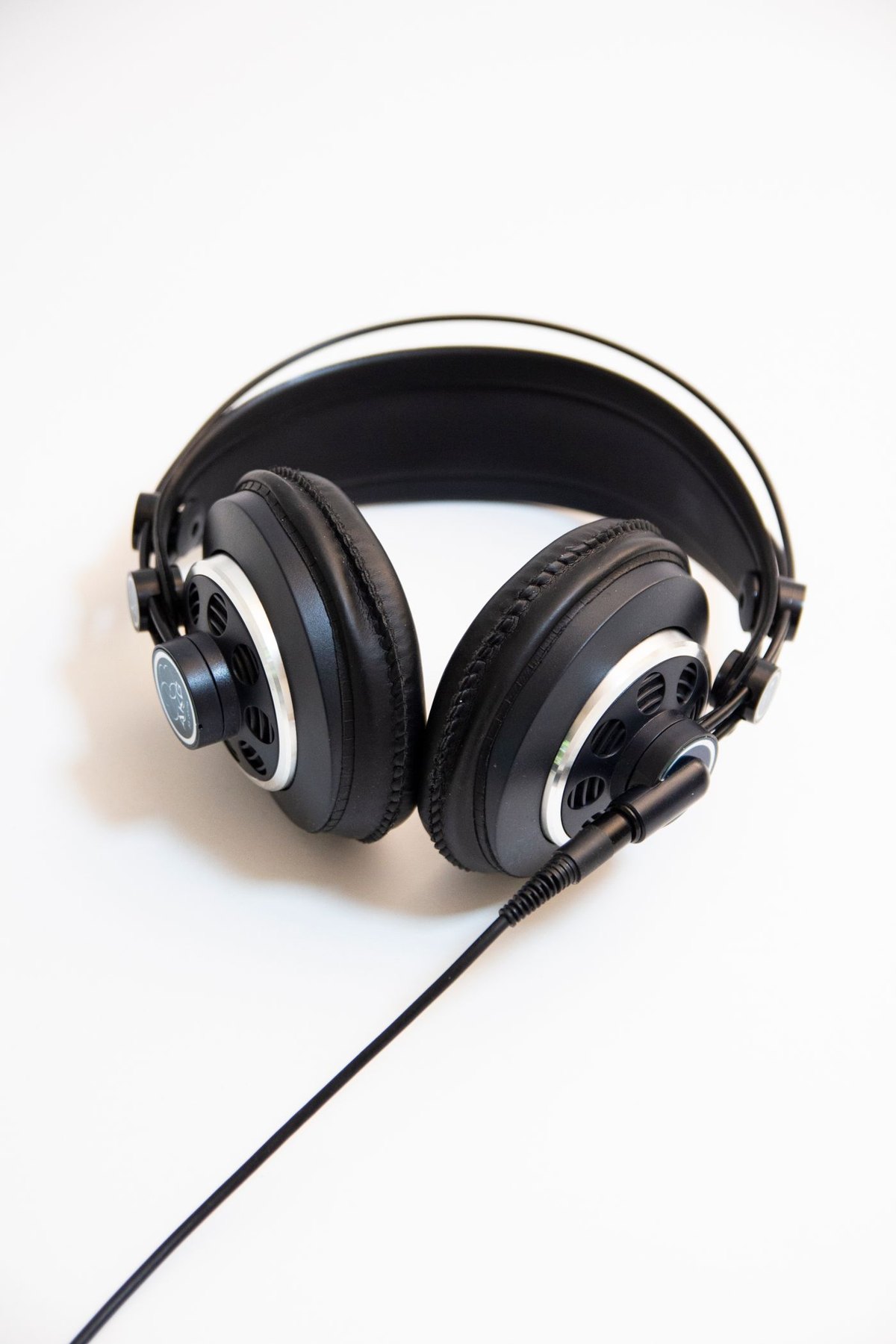
Assess the headband, ear cups, controls and everyday interruptions instead of choosing by battery life alone.
Compare the whole journey, from packing and platform announcements to fit with glasses and a winter coat.
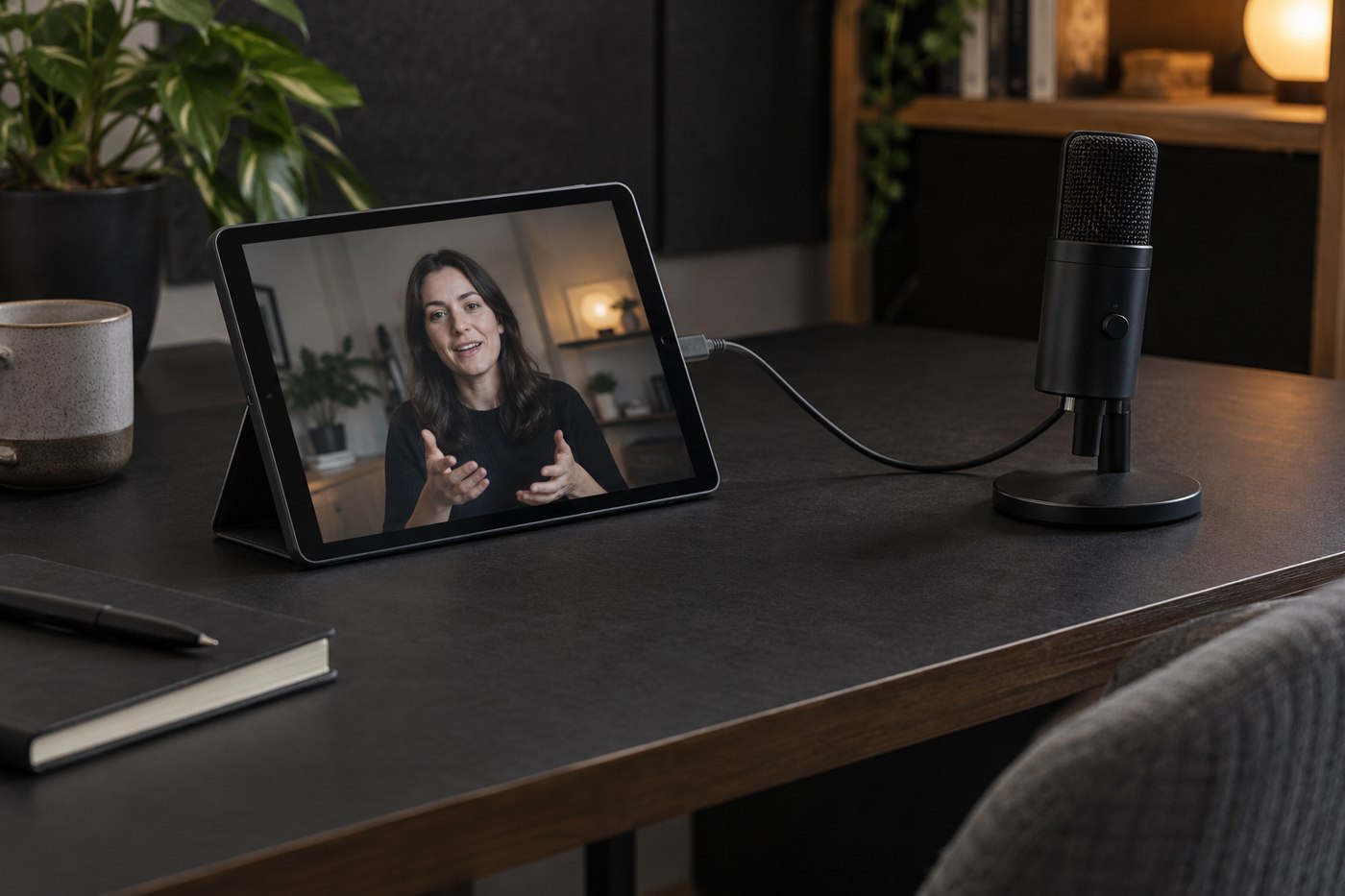
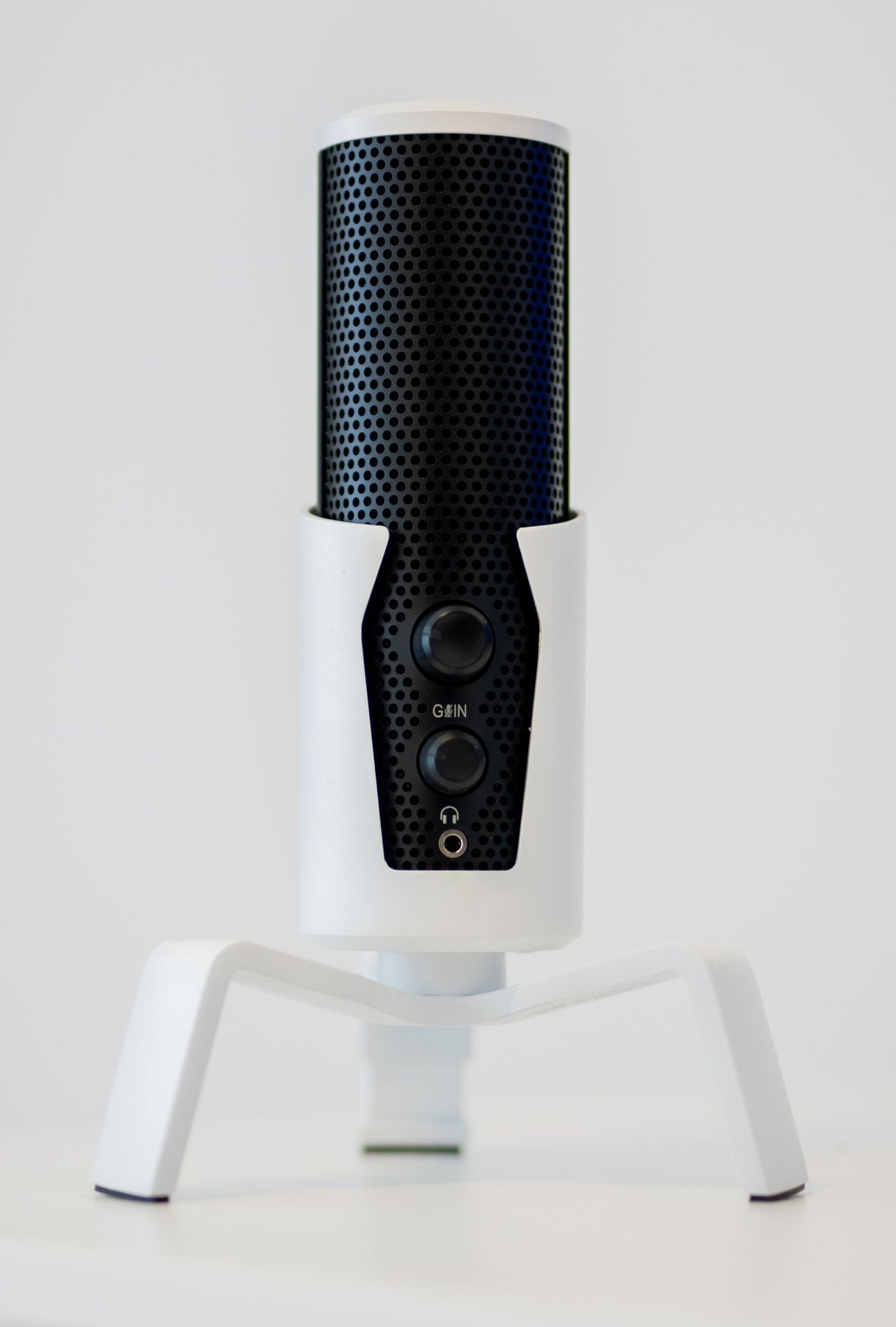
Check connection, placement, controls and monitoring before choosing a microphone for both meetings and saved audio.
Give both speakers a clear route to the listening position before fitting them into the remaining gaps.
Separate the fit, listening modes and noise-cancellation limits from claims about eliminating the outside world.
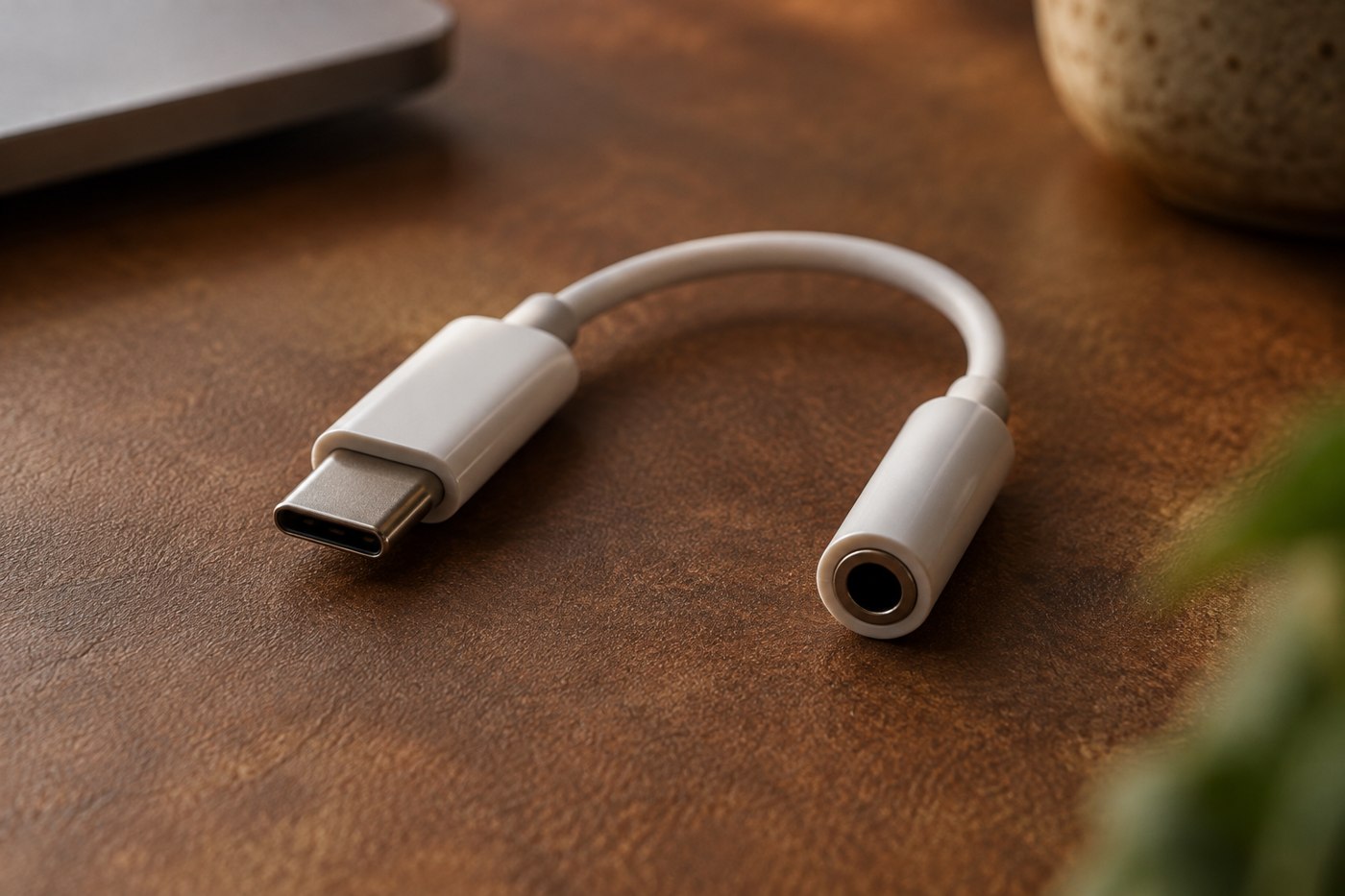
Identify the phone connector, adapter's audio functions and headset requirements before buying a small dongle.
Distinguish hearing your input directly from hearing the recording program's processed return signal.
Start with the earbud model and attachment, then assess each ear using the maker's fitting guidance.
Use the intended folding motion and a supported storage position instead of compressing headphones into the last gap in a bag.
Start with the television's documented audio outputs and decide whether other people must still hear its speakers.
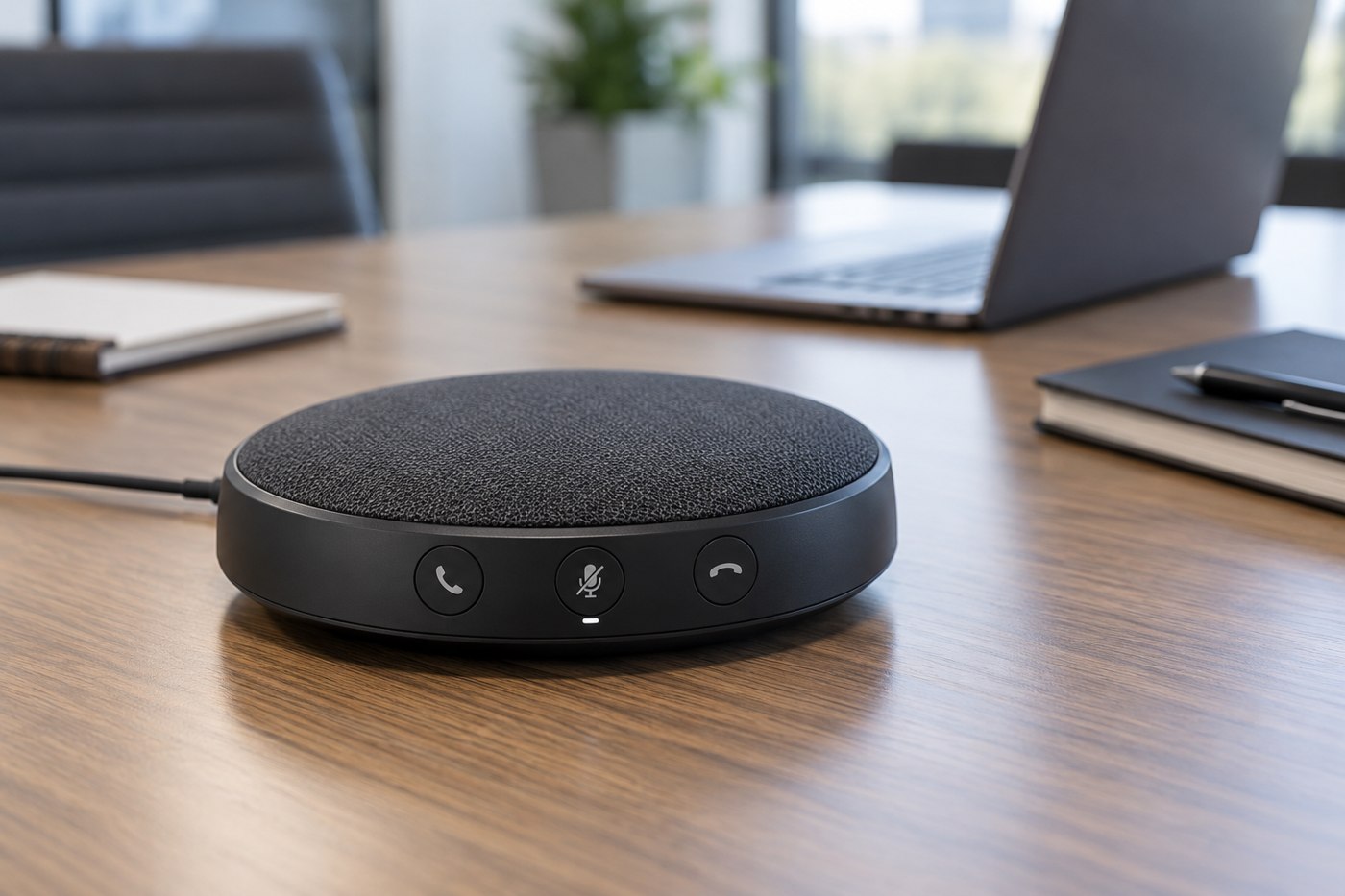
Choose a speakerphone around the table, participants and conferencing application rather than the device's compact appearance.
Trace the microphone signal through hardware, system permissions and the application before replacing equipment.
Compare connection reliability, microphone use, charging and movement as part of the same laptop routine.
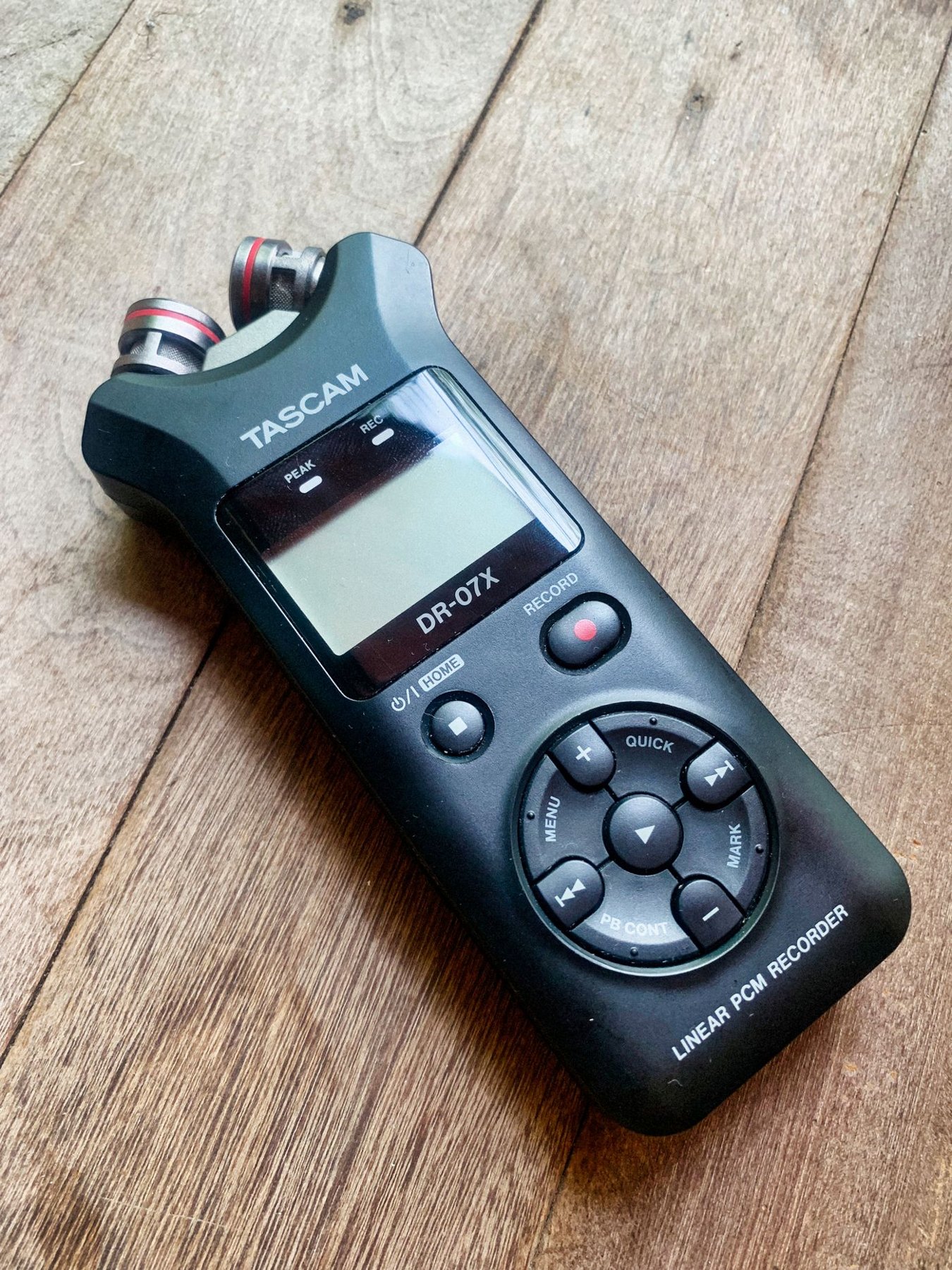
Prioritize microphone placement, monitoring, file handling and a repeatable recording procedure for interviews.
Match the headphone-side fitting, source plug and supported functions rather than buying by connector diameter alone.
Verify the desk edge and total supported load before bringing a microphone out over a lightweight surface.
Choose a filter that can stay in the right place without blocking your screen or overloading the microphone support.
Identify the exact earbuds and follow the instructions for their contacts and case, rather than using a generic cleaning tool kit.
Check microphone routing, connection modes and controls before assuming a gaming headset will behave the same way in a meeting.
Distinguish remembered pairings from simultaneous connections, then test how the headphones choose between a phone and computer.
Use voices you know, low-level controls and the actual listening position to judge a compact speaker setup.
Build the recording path around one voice and the actions shown on screen before adding mixers or extra microphones.
Choose the enclosure style around room noise and nearby listeners, then compare individual headphones on their own merits.
Match the microphone's connector, power and signal needs to the interface before comparing extra sockets or software bundles.
Measure the headphones in their intended storage position and leave room for accessories without pressure on the ear cups.
Identify whether the unwanted sound travels through the air, the support or the cable before changing the recording setup.
Verify the actual meeting application, audio route and fallback before the interview starts.
Keep playback mode, call use and charging-case totals attached to the advertised number of hours.
Check the microphone-to-phone connection and clothing placement before assuming a small clip guarantees usable video sound.
Identify the limitation in your present headphone setup before adding another powered device to the signal path.
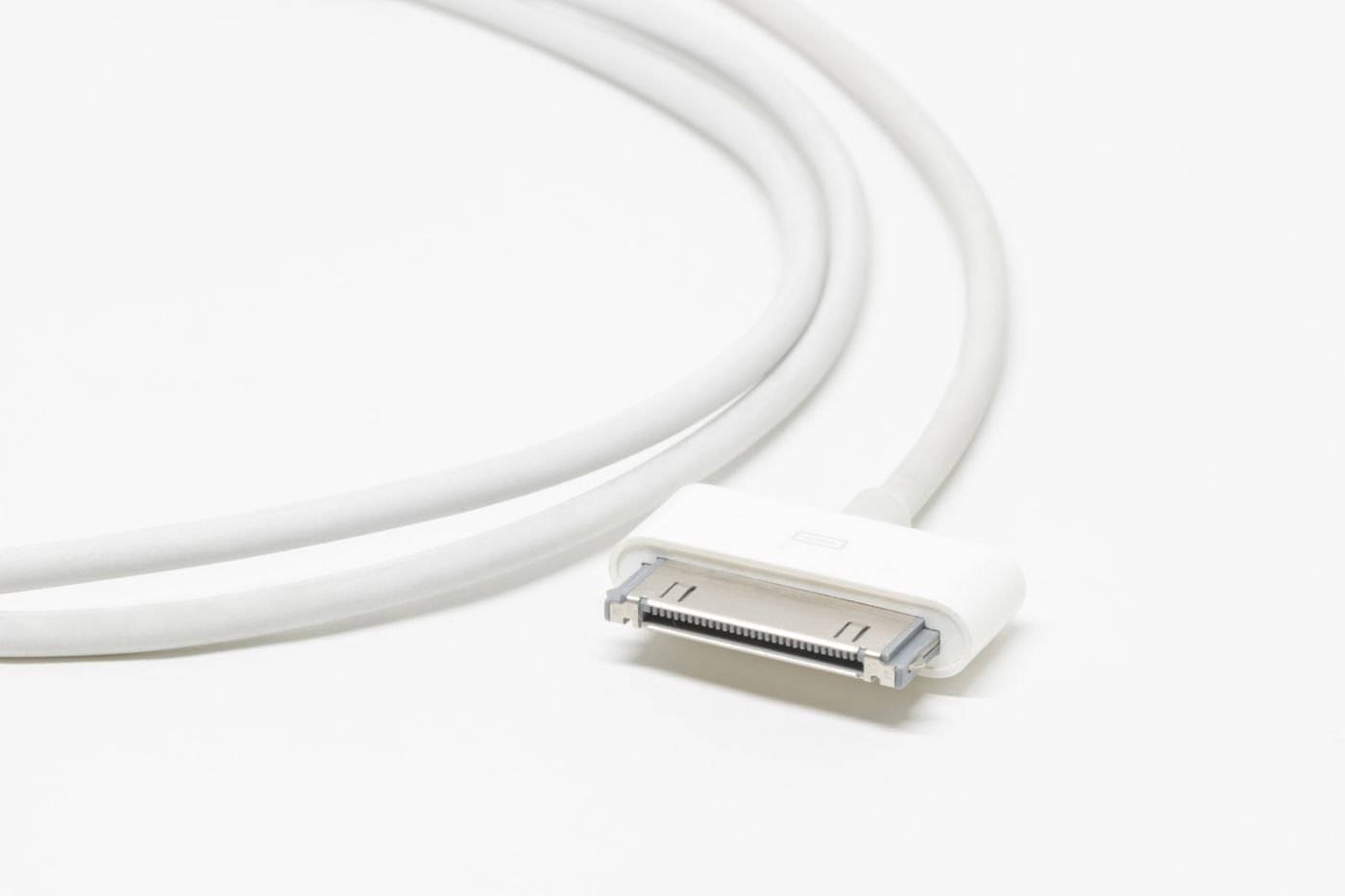
The connector shape is only one part of a cable specification. Read power, data and display claims separately.
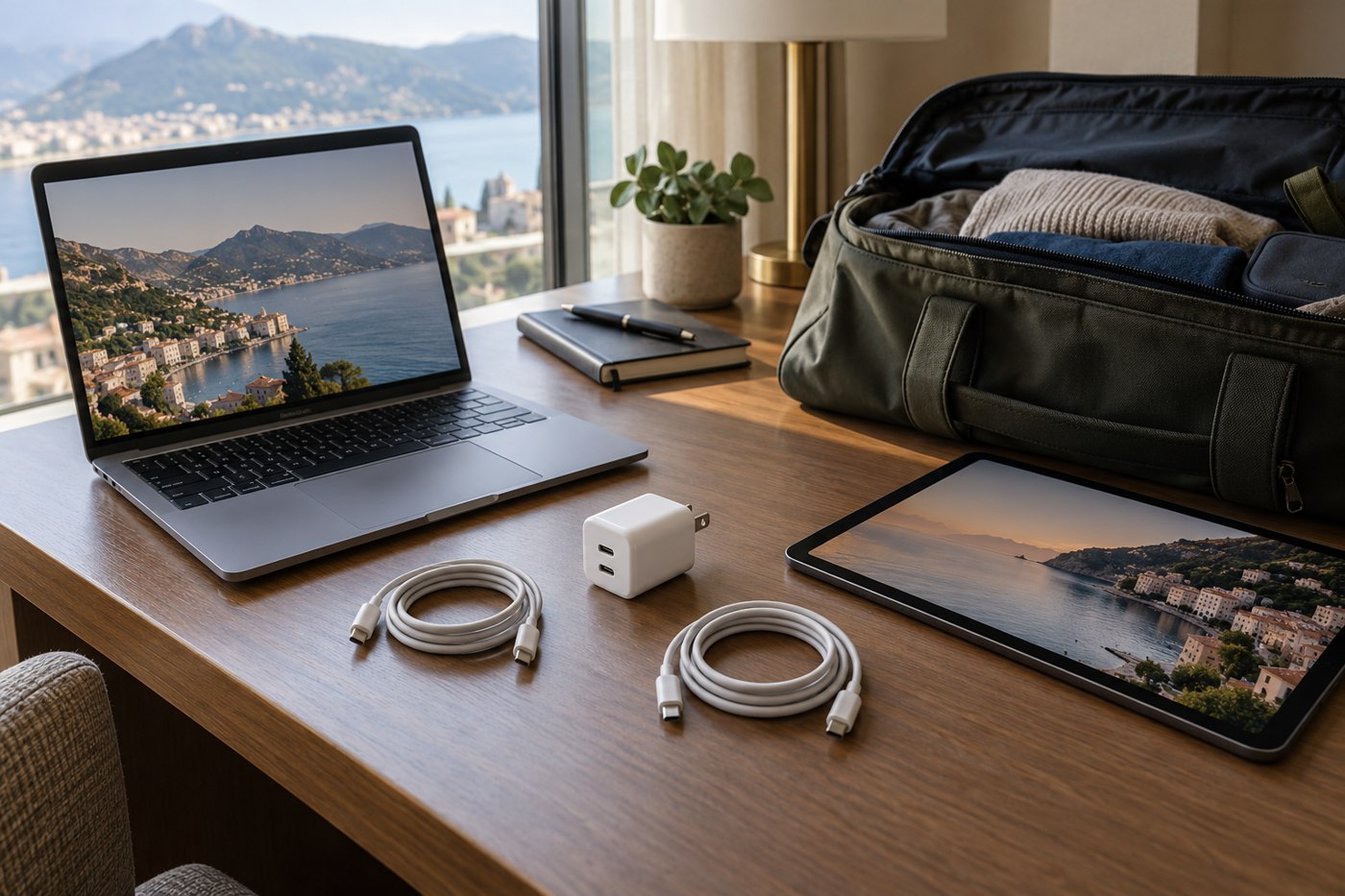
Match the charger's documented output to the laptop's requirements, then include the cable and any shared ports.
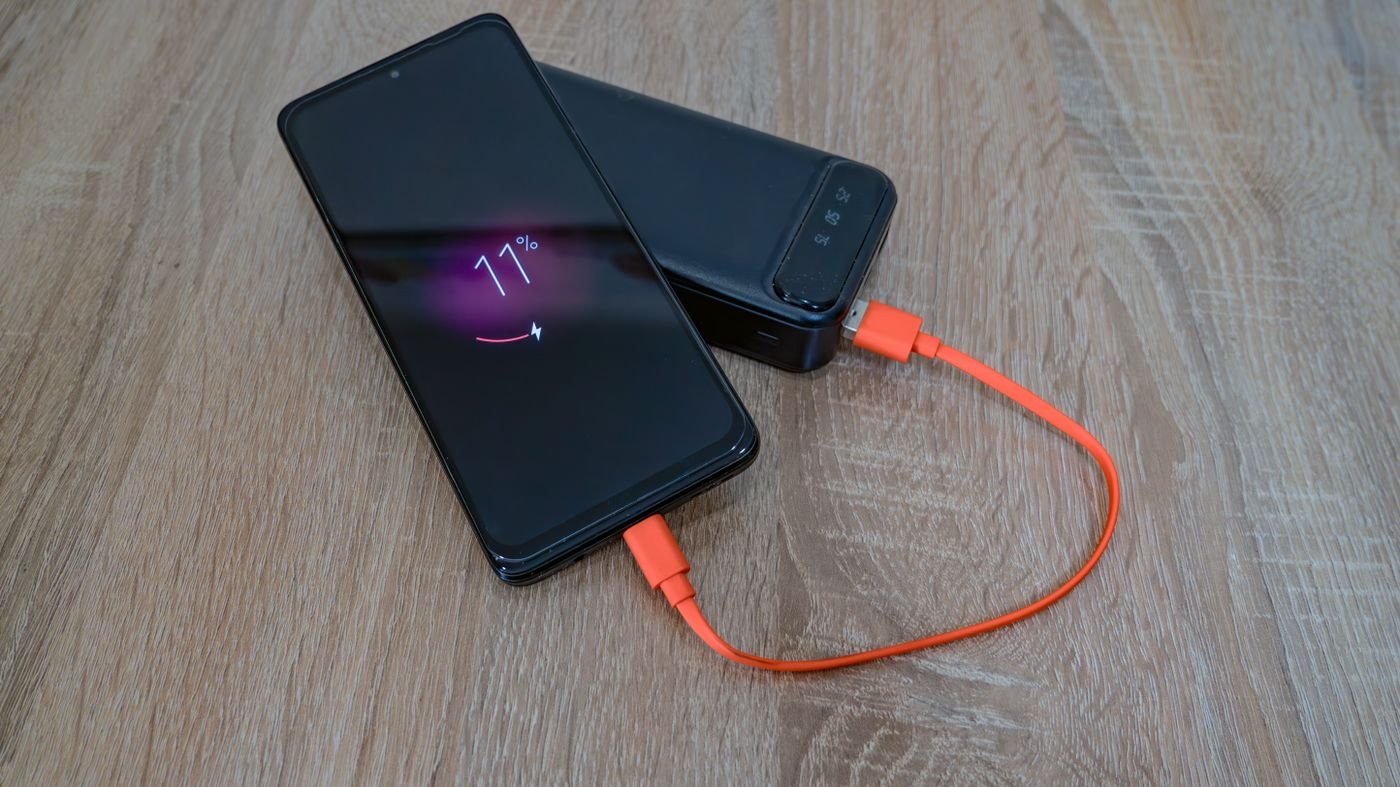
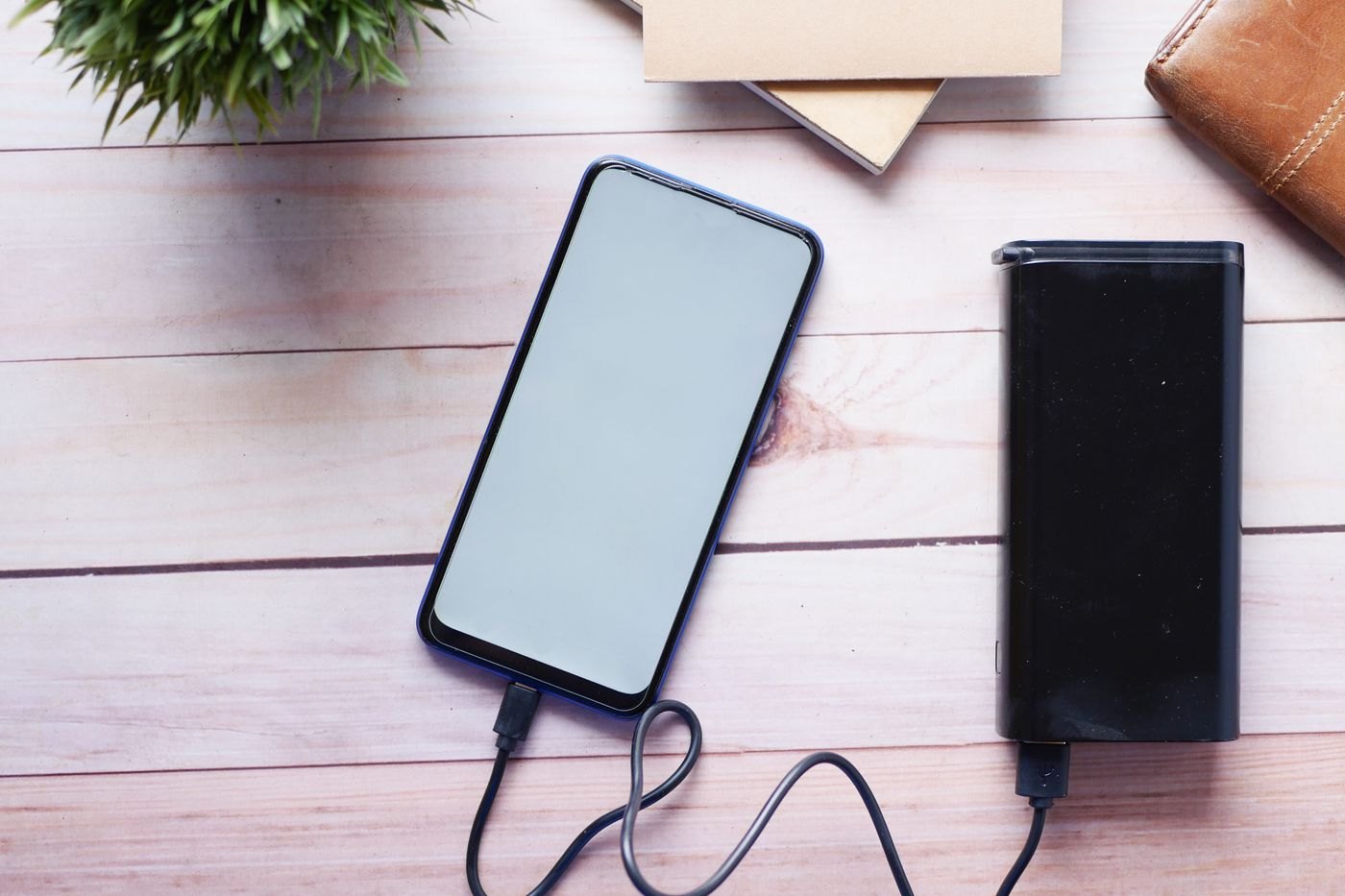
Capacity and output power answer different questions. Read the units before estimating what a power bank can do.
Measure the route from the outlet to the device, including the movement you make while using it.
Read the port-allocation chart for the combination you will use, rather than dividing the headline wattage yourself.
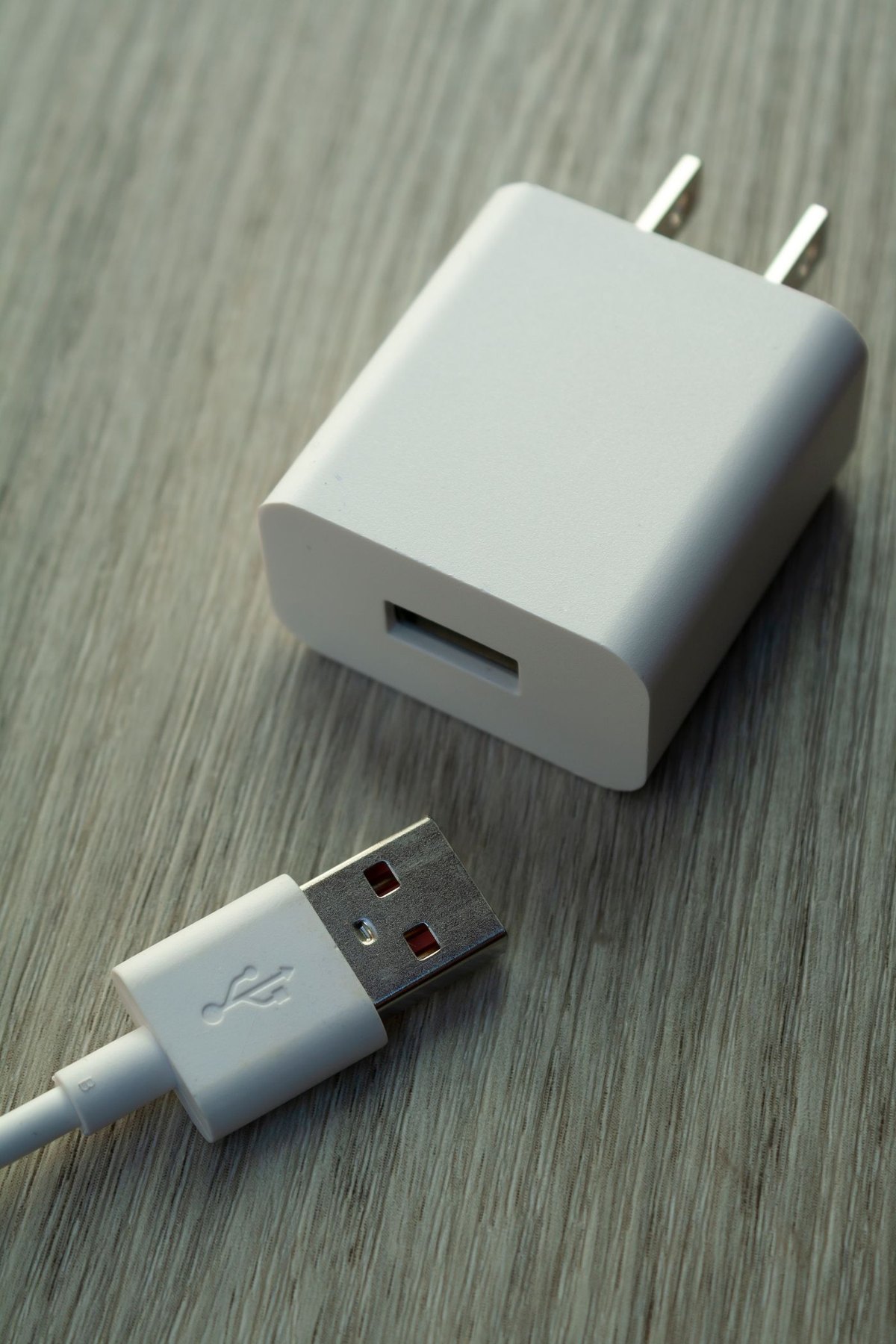
Separate the wall-plug question from the charger's electrical input and the device's charging requirements.
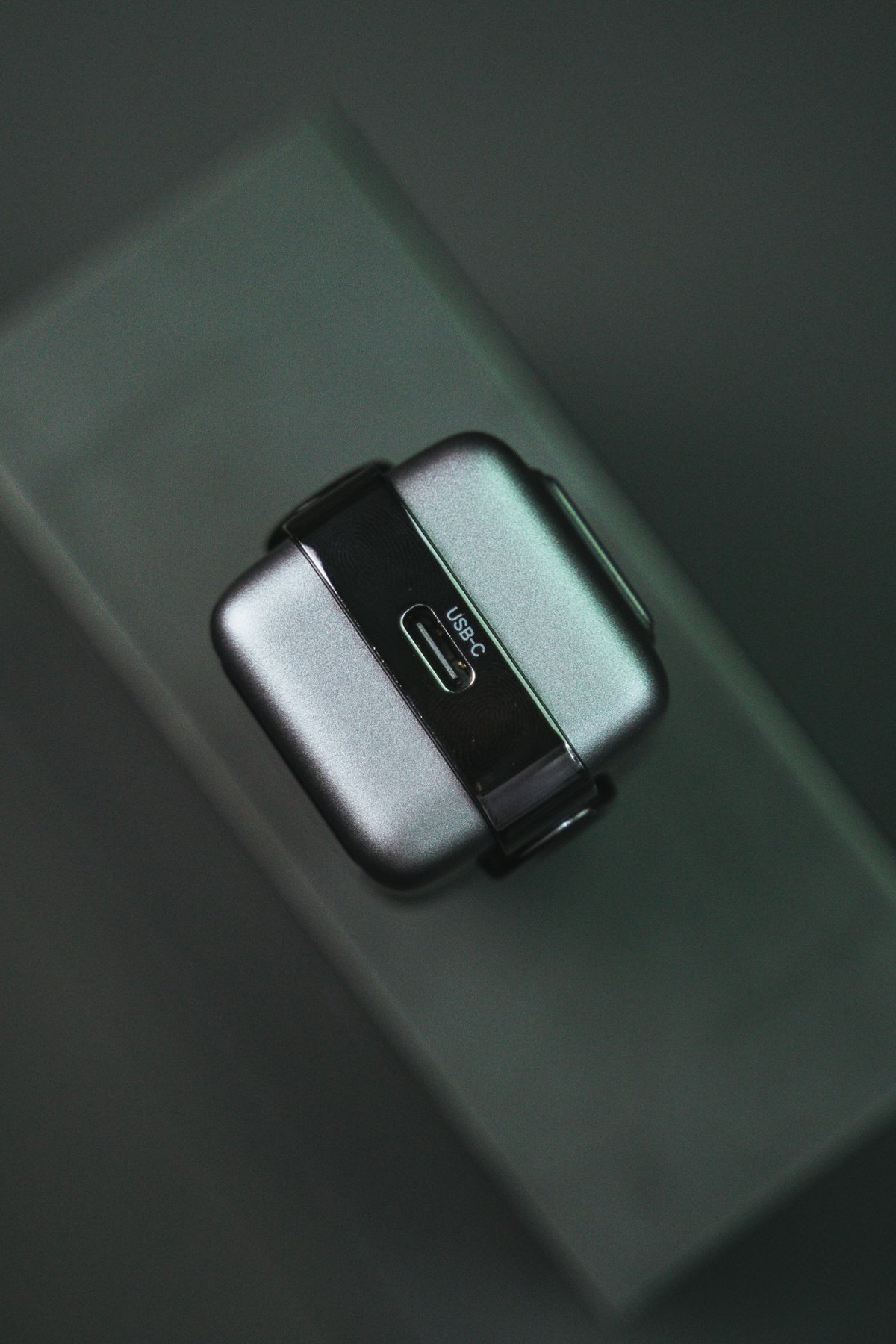
A USB-C socket's shape does not tell you whether it accepts power, sends video or supports the data task you need.
Store cables with gentle bends, identifiable purposes and no pressure on their connectors.
Check the phone's position on the charger and the case's supported features as one arrangement.
Choose portable power for the devices and time away from outlets, then consider what you are willing to carry.
USB Power Delivery is part of a charging match, not a promise that every supported product charges at the same rate.
An identifiable model, readable ratings and accessible manufacturer documentation are more useful than an unexplained safety badge.
Pack a small set of verified connections and give each cable a reason to be there.
Replace a worn lead with one that meets the device's documented needs, then remove the damaged one from ordinary use.
Confirm both the attachment and the charging support of a magnetic accessory before making it part of your daily routine.
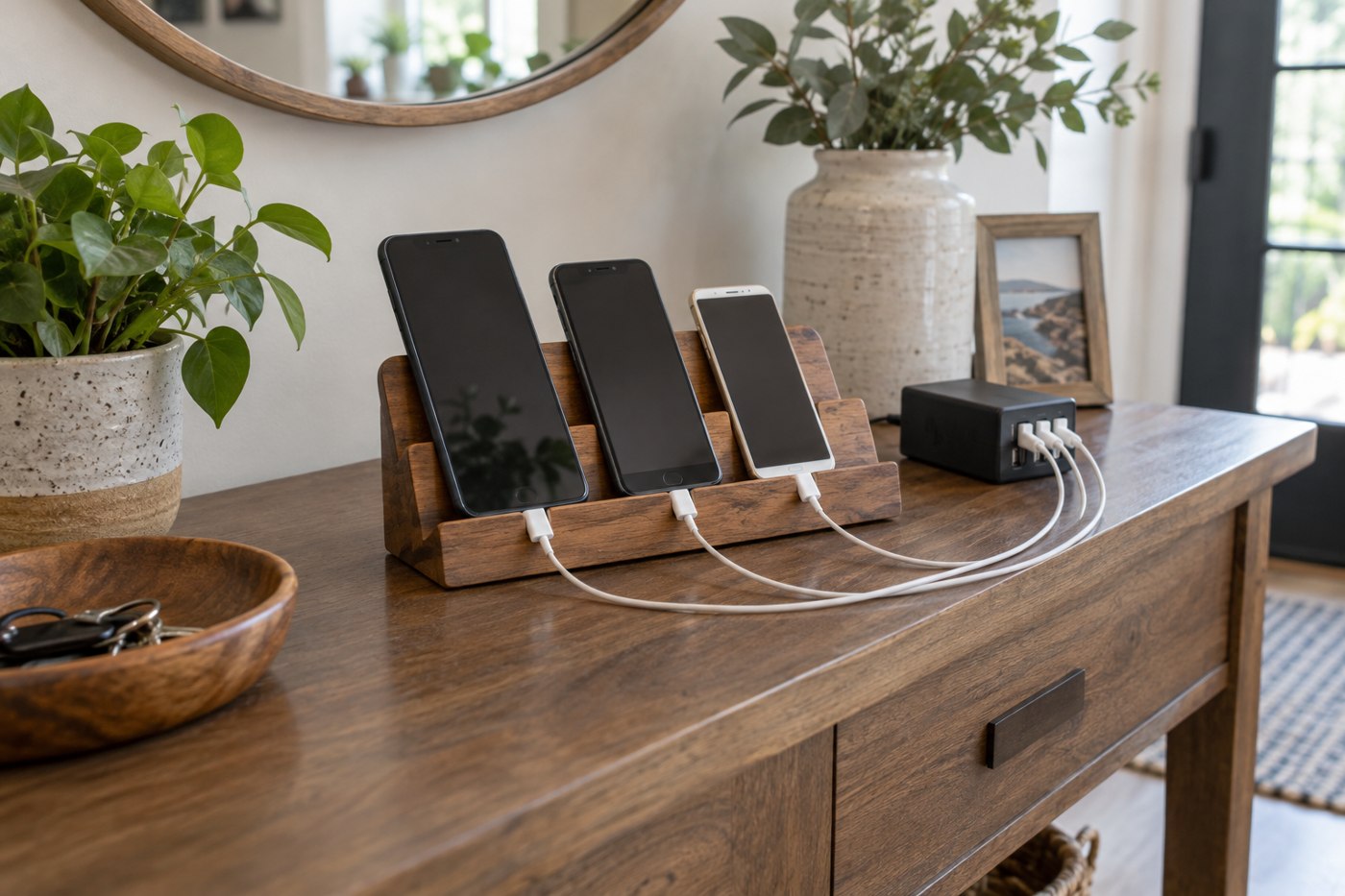
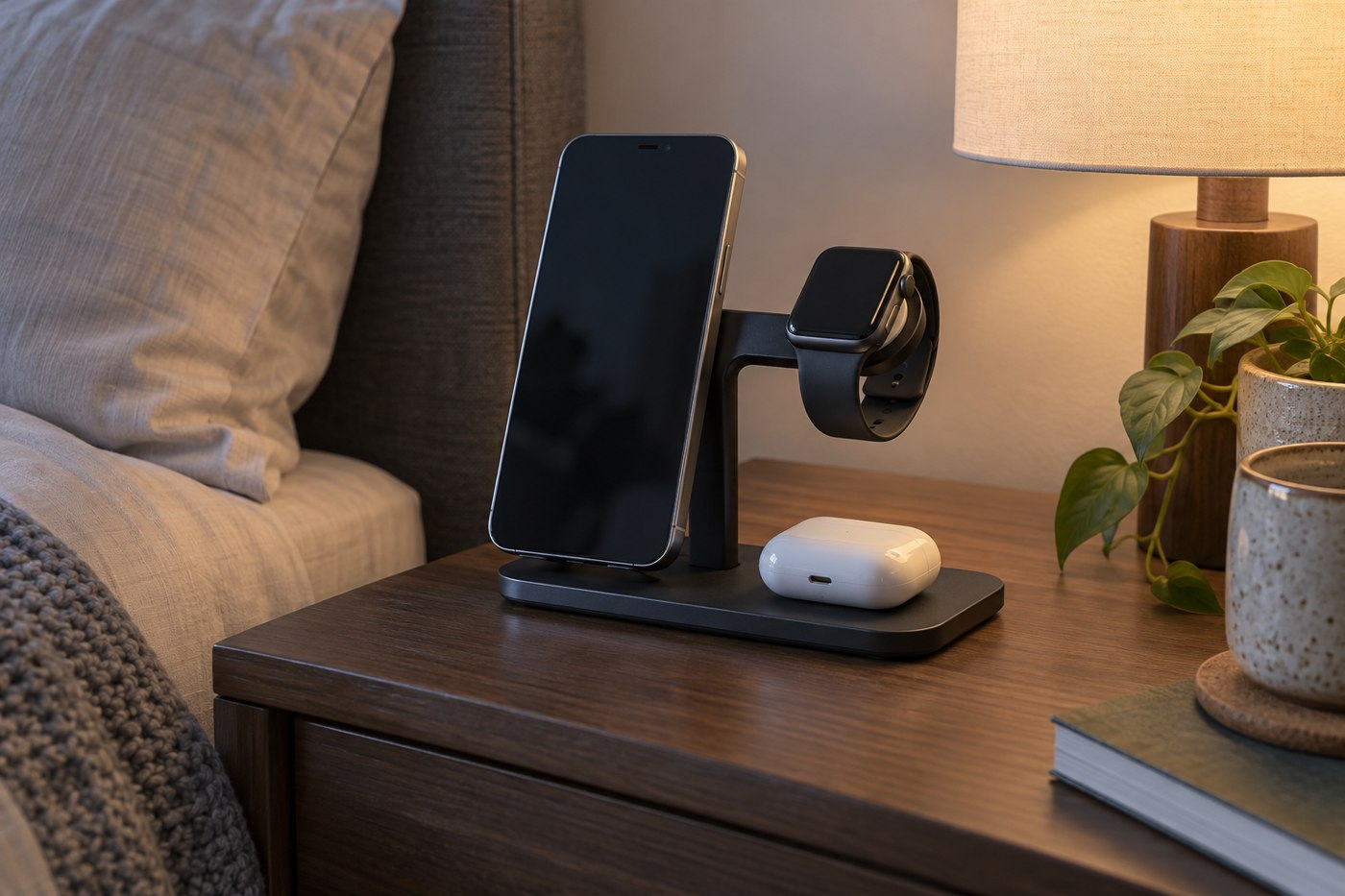
Choose a charging station around the devices that will occupy it together, including their cases and cables.
A slow-charging message can describe the power path, not necessarily a failed battery.
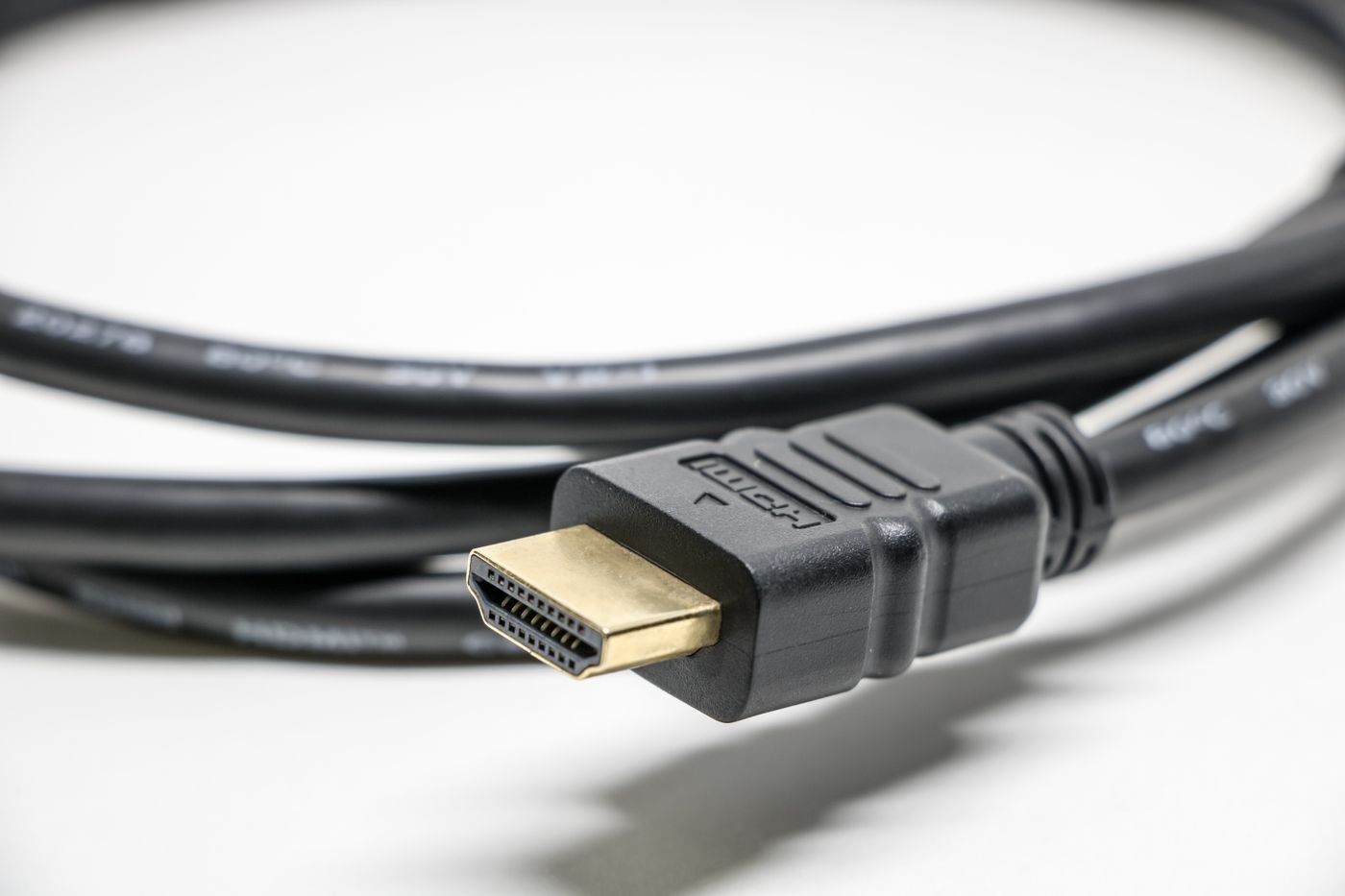
Choose the HDMI cable for the required display mode and actual length, with a traceable specification.
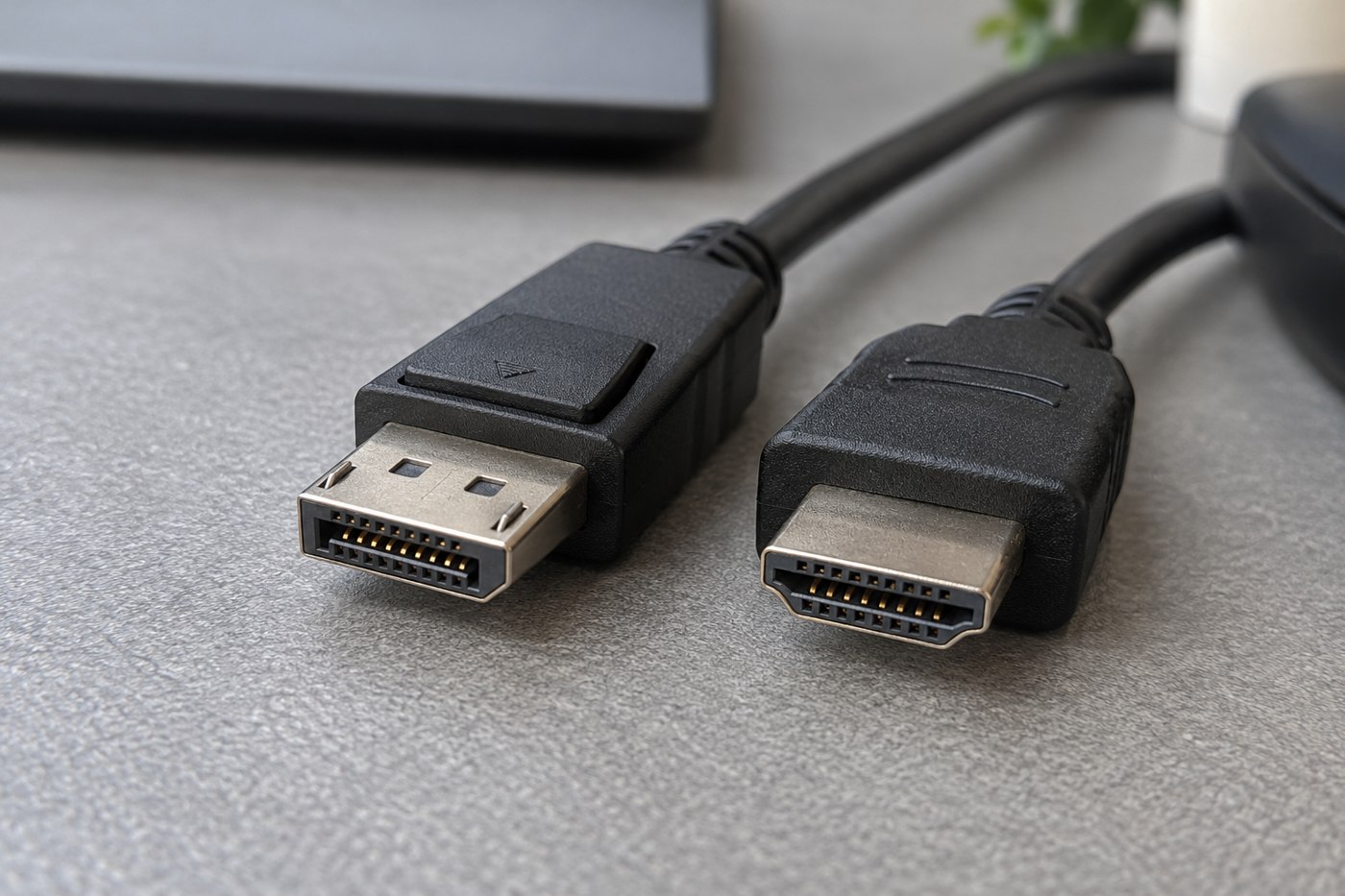
Compare the ports and display modes available on your equipment before preferring one connector family.
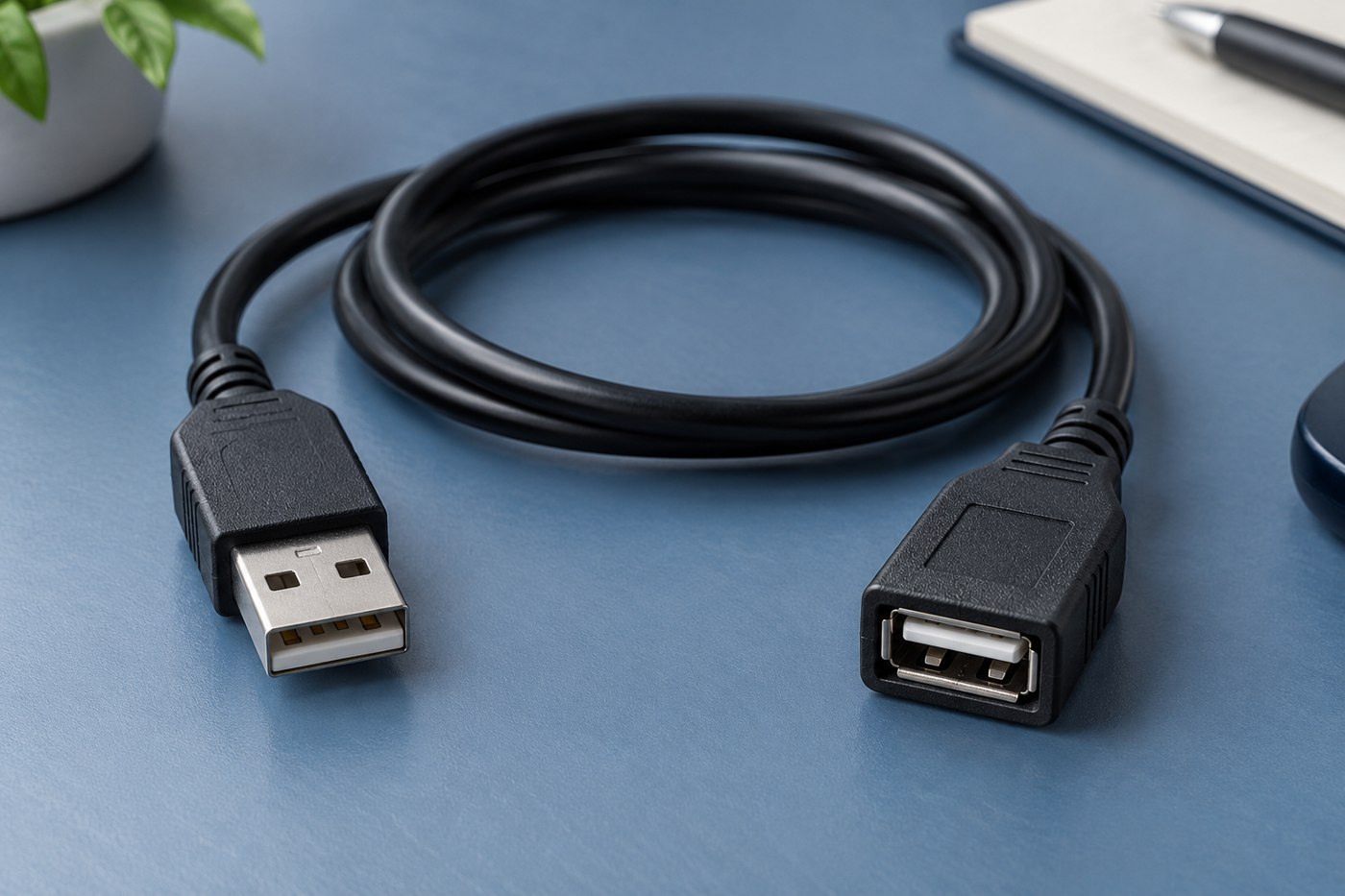
Identify the device and connection type before using an extension to solve a reach problem.
Plan the charging sequence as well as the equipment, especially when a single adapter serves both devices.
Know when to stop swapping accessories and use the manufacturer's service process.
Write down every step between the computer and screen before adding another adapter.
A short SSD cable should support the drive's data connection while leaving enough room to place the drive safely.
Turn the listing into a short specification: connector ends, length, power, data and any required display support.
Keep the charging equipment accessible and uncovered while making the phone easy to reach.
Use the device's original requirements and an identifiable replacement model, especially when the connector is proprietary.
Check the airline and relevant aviation authority for your actual batteries, itinerary and onboard-use plans.
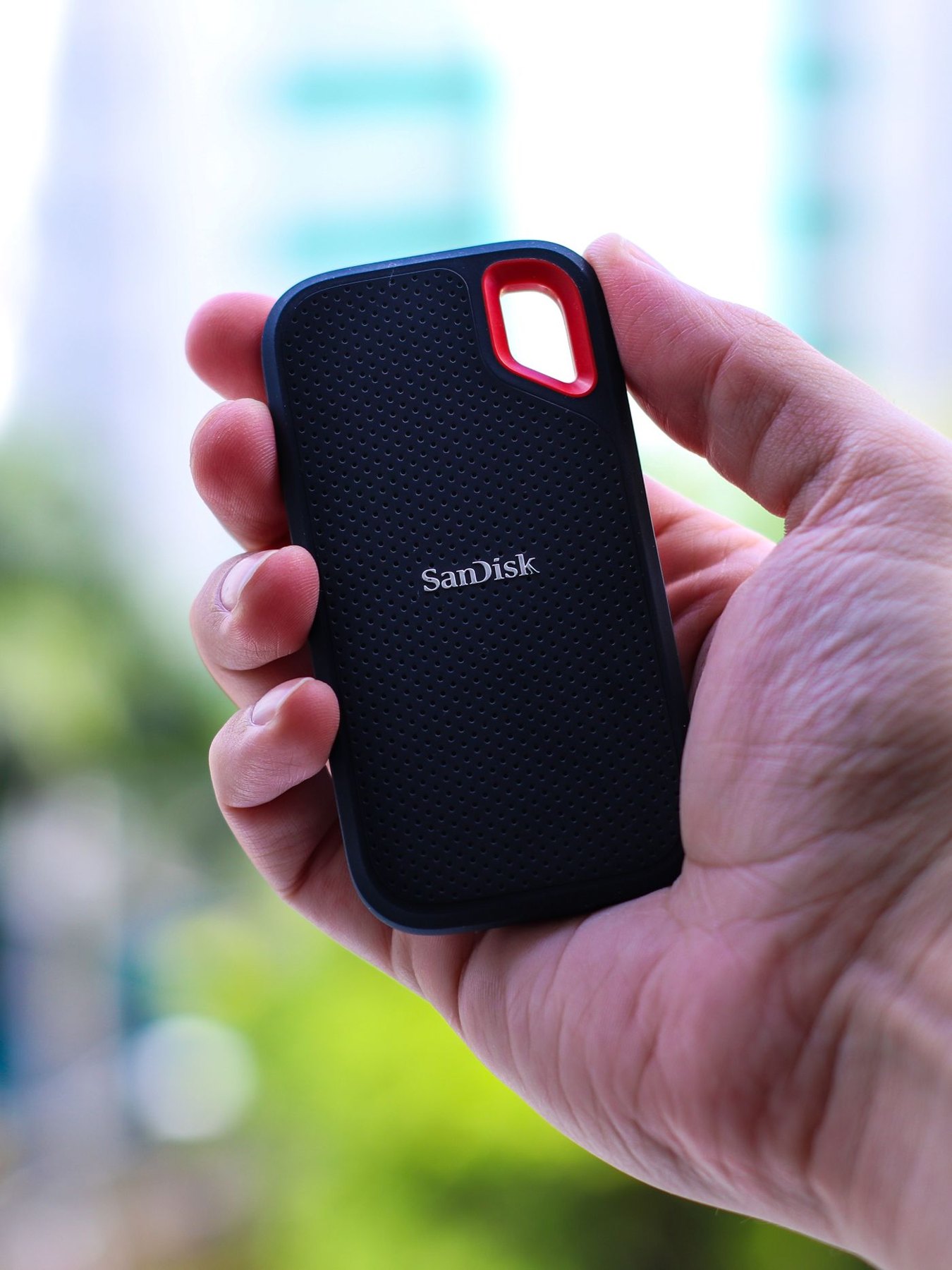
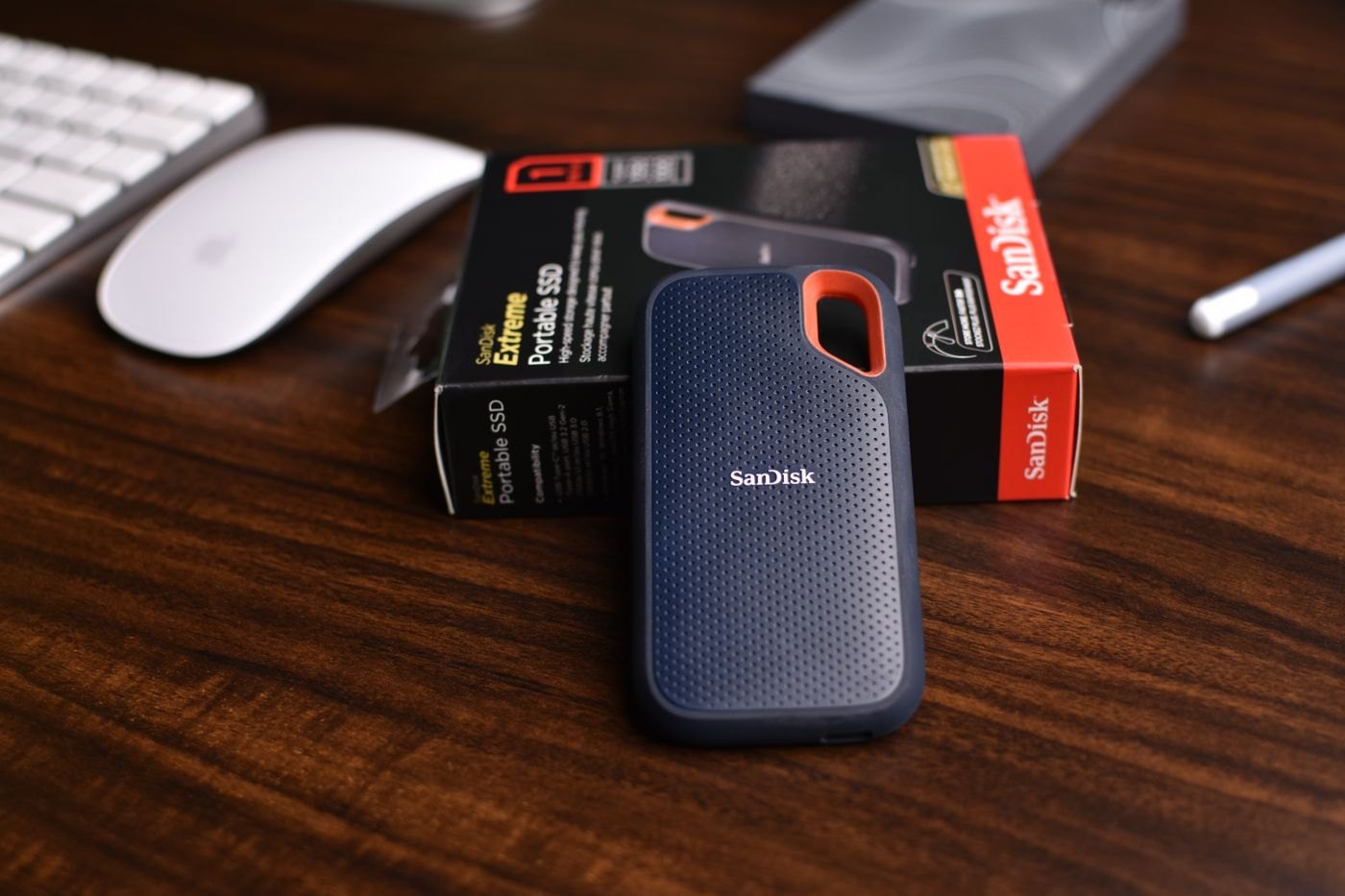
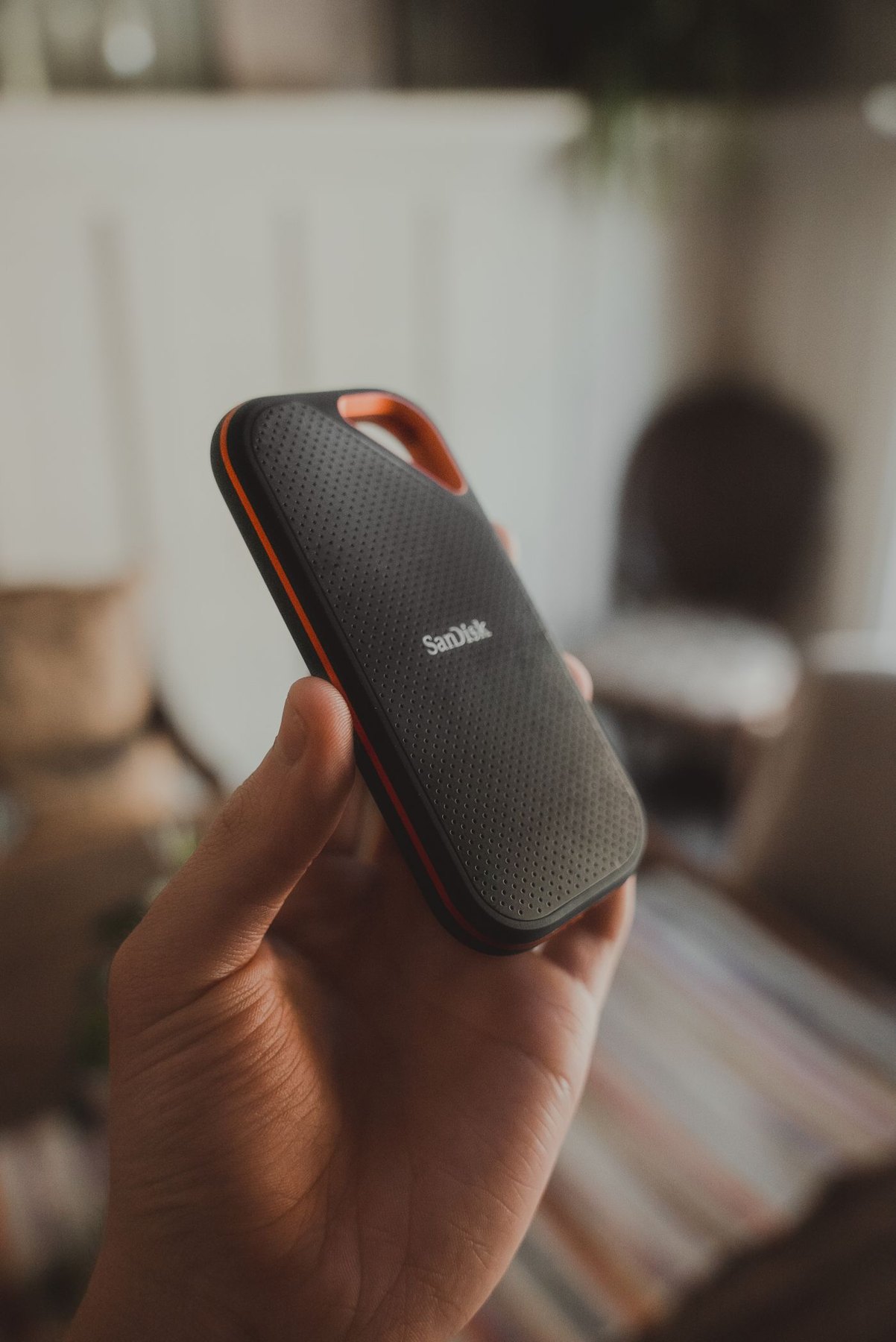
Estimate your real transfer sizes, check the complete connection and decide what needs a separate backup before choosing a portable SSD.
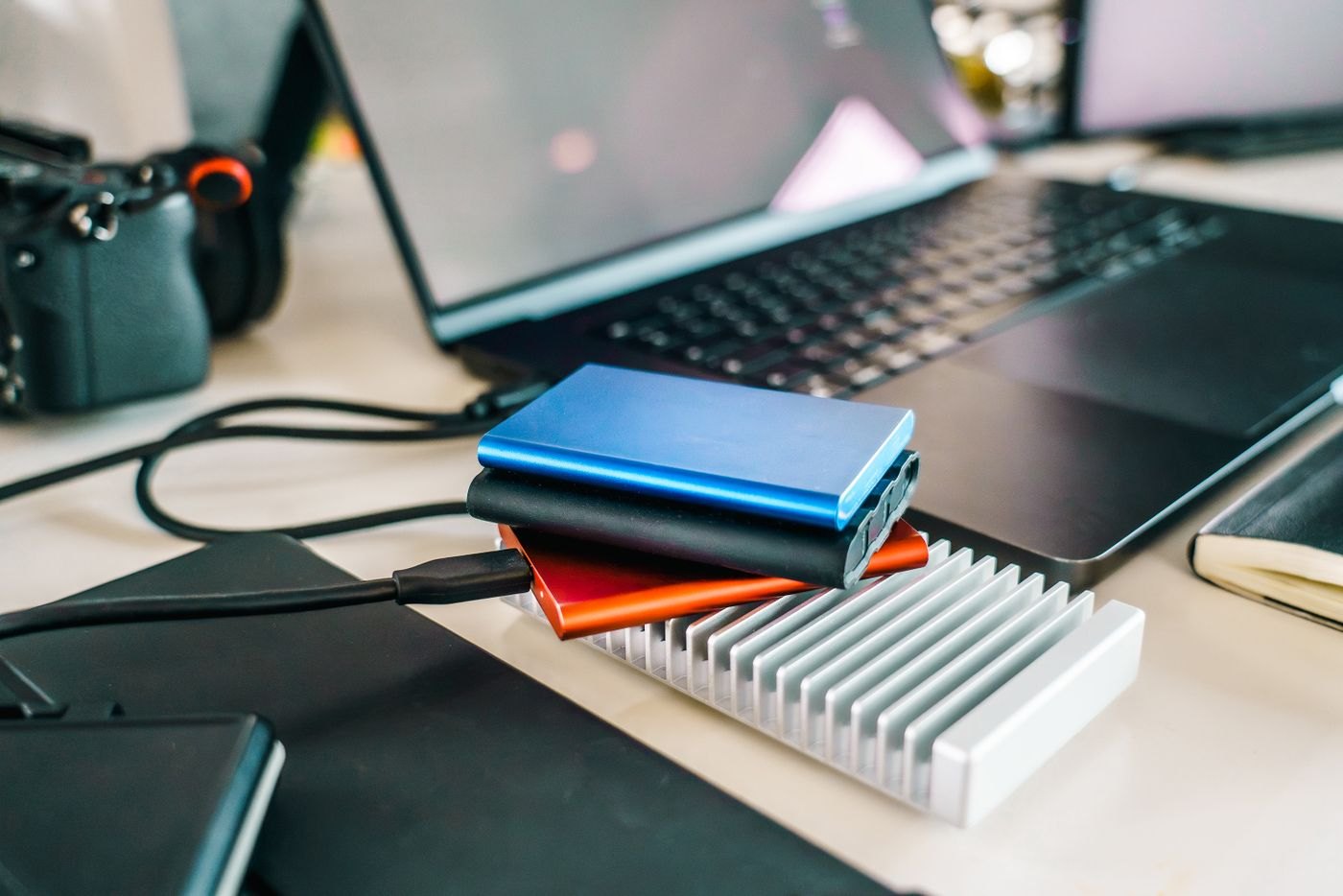
Match the drive to when, where and how you make backups, including the space needed for older versions.
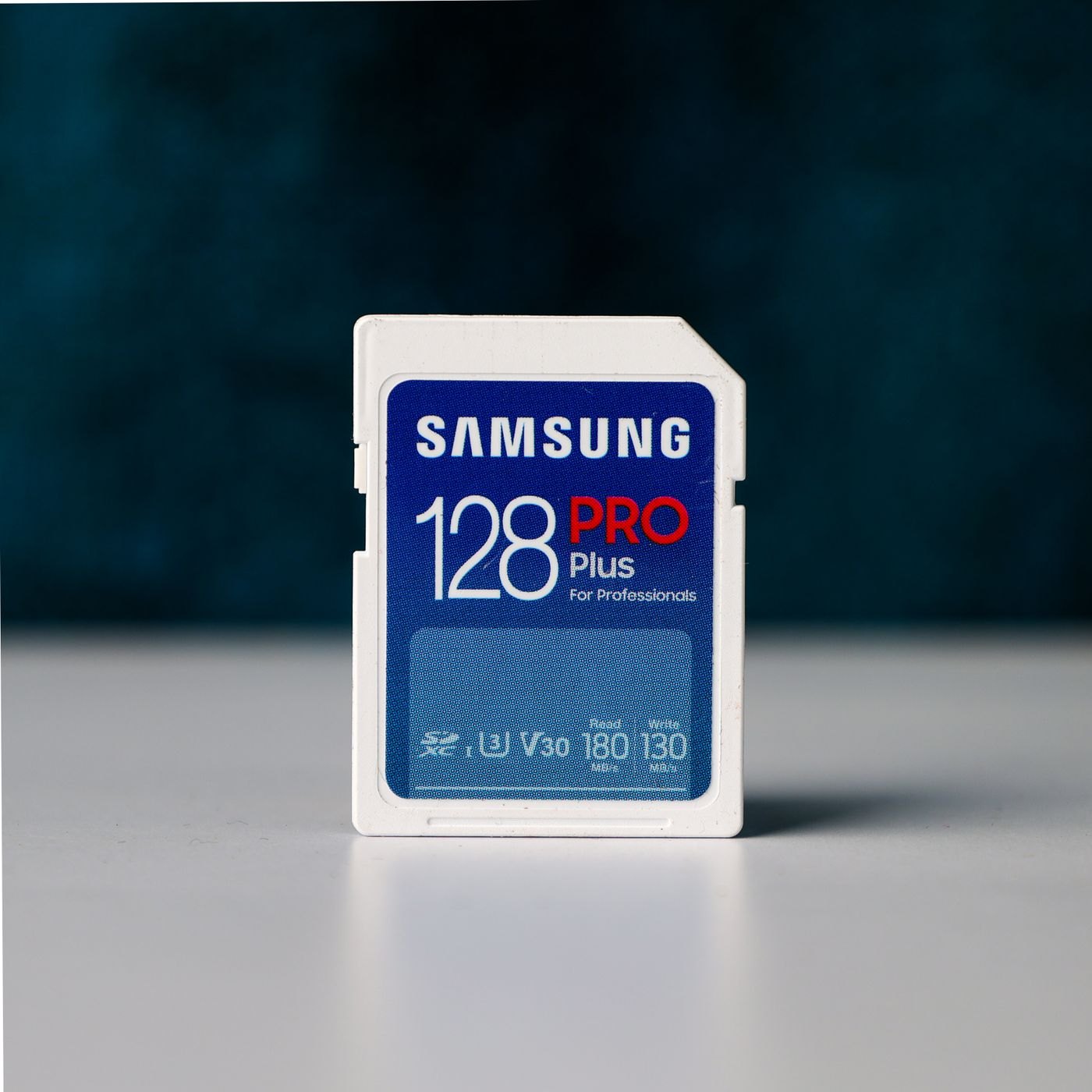
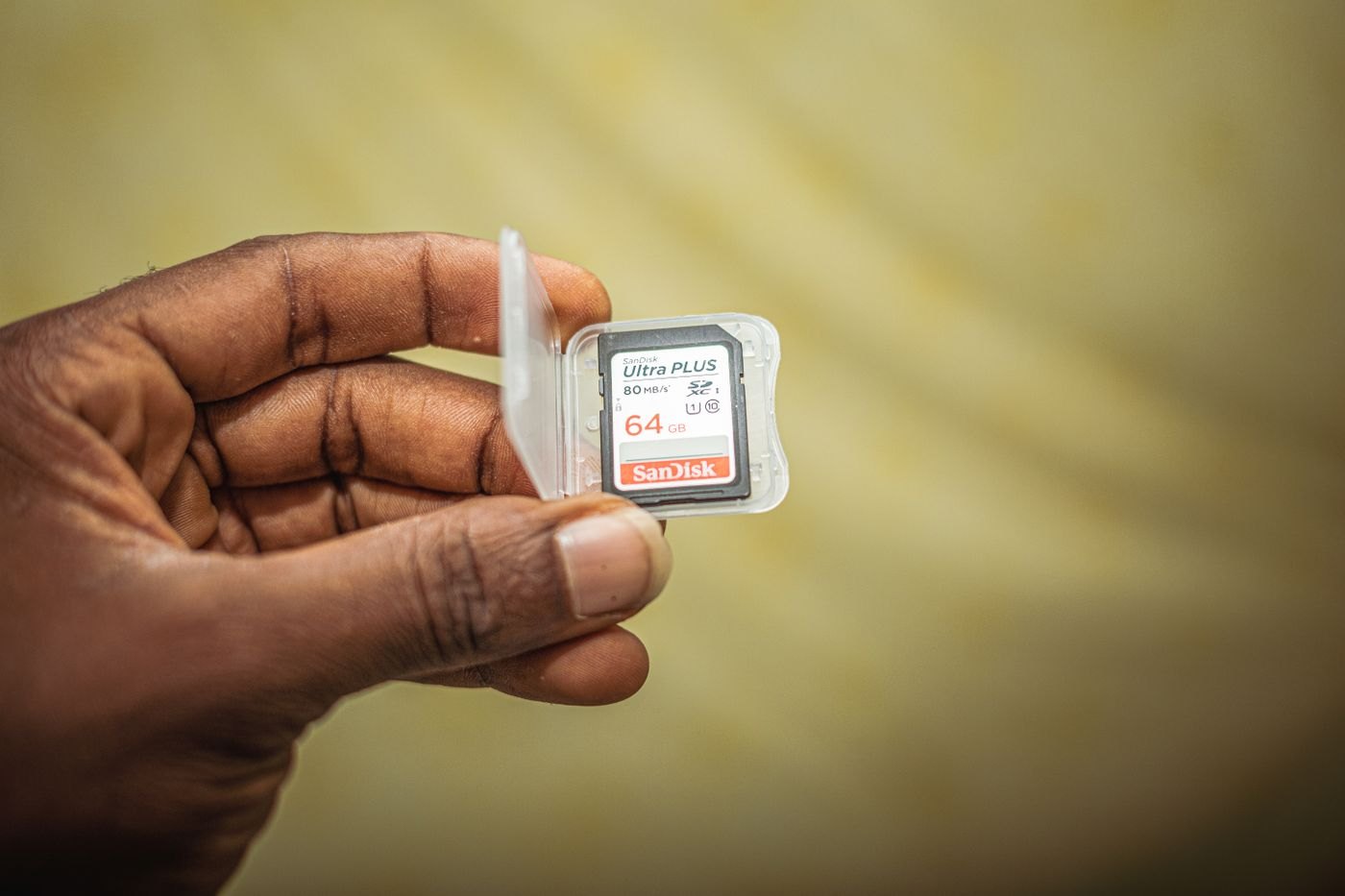
Use the camera's recording requirements to interpret memory-card labels and avoid choosing on capacity alone.
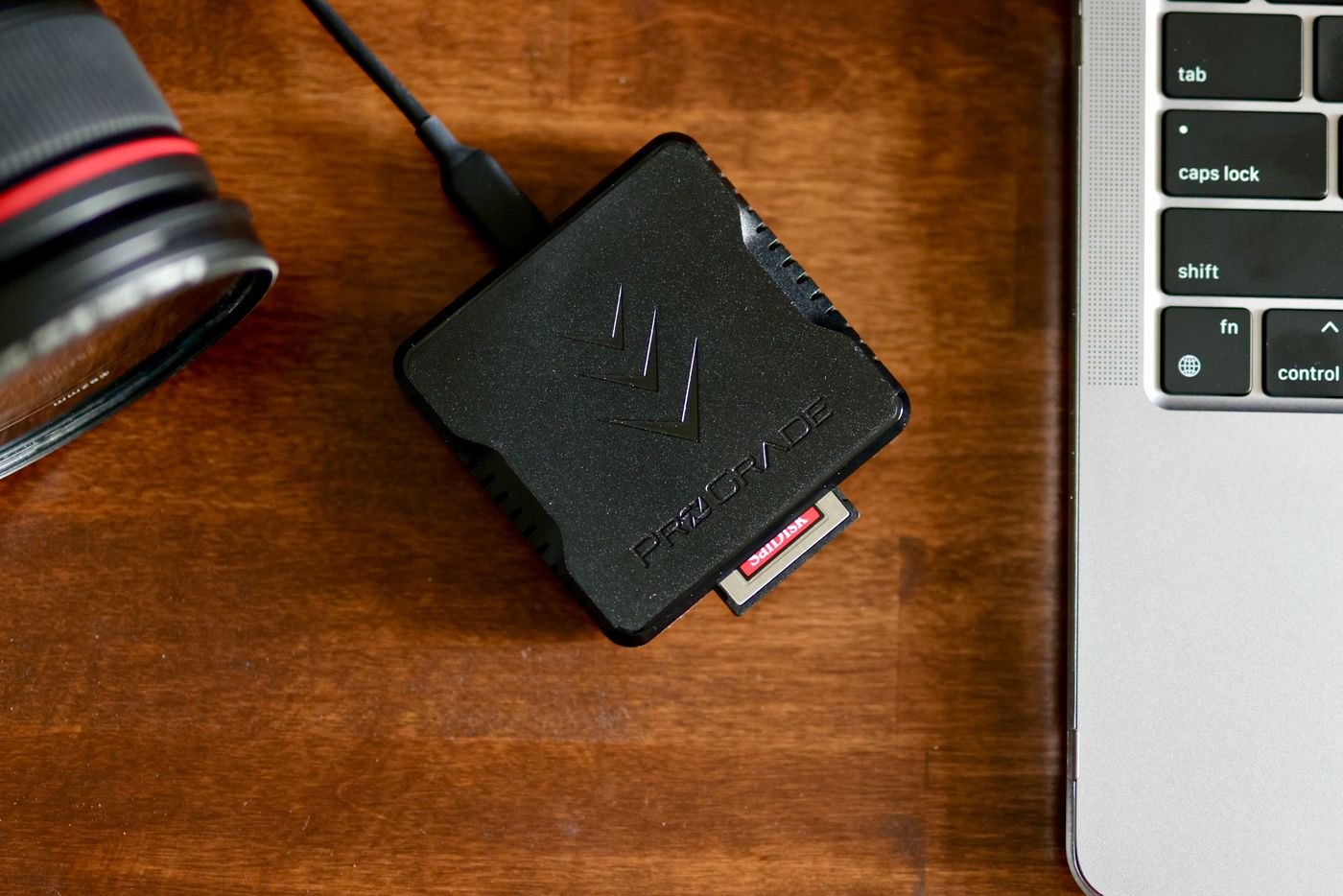
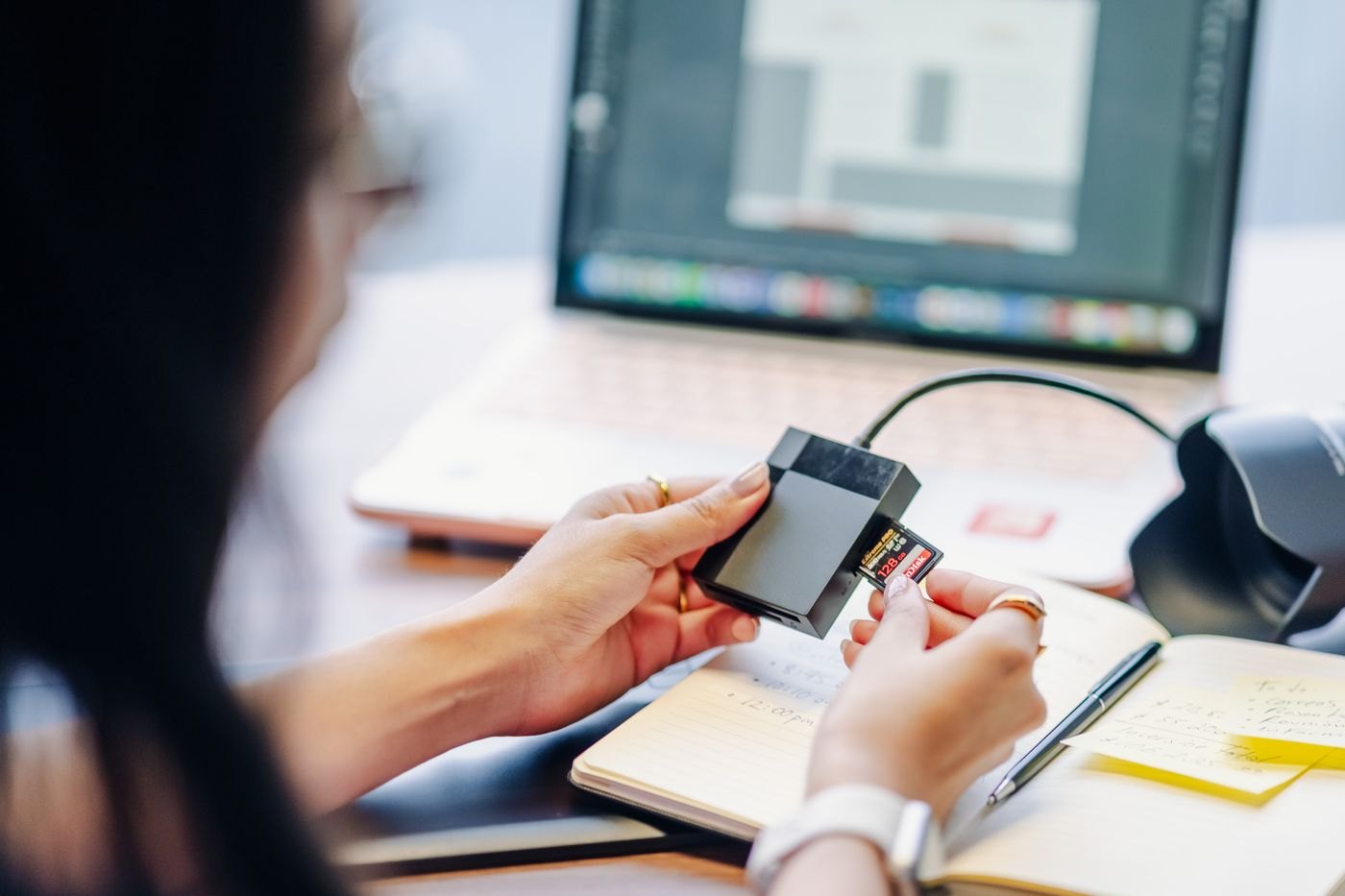
Check physical card types, supported standards and connection details before buying a multi-slot reader.
Build a repeatable import, copy and recovery routine for a growing photo collection.
Use dates, events and a short naming rule to make photo folders understandable years later.
Plan the handover between operating systems before changing a drive's format or removing the old computer.
Estimate the full import job, including copies and editing files, before inserting a nearly full camera card.
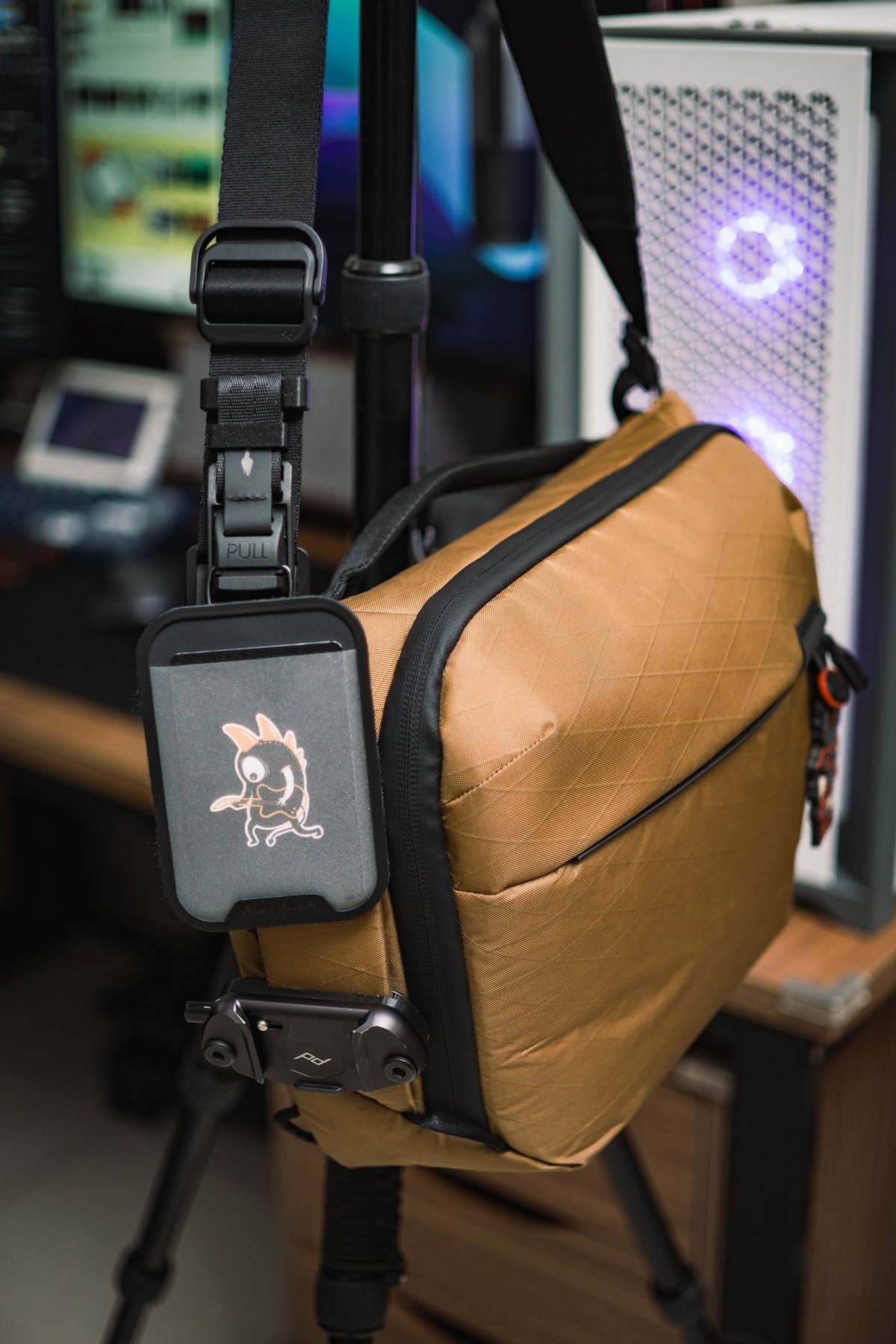
Measure the camera in its normal working configuration and leave room for access, rather than choosing a bag by camera count.
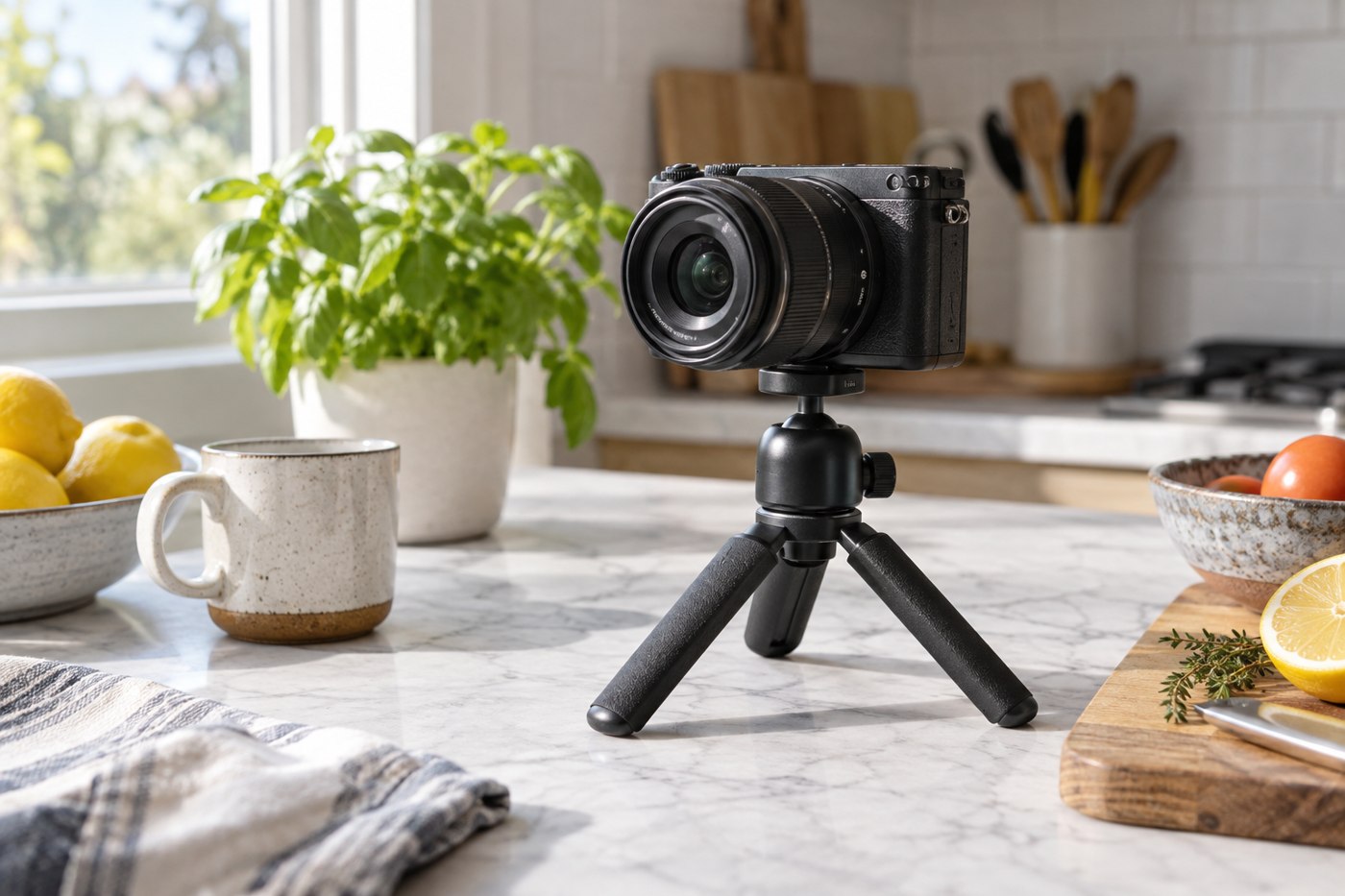
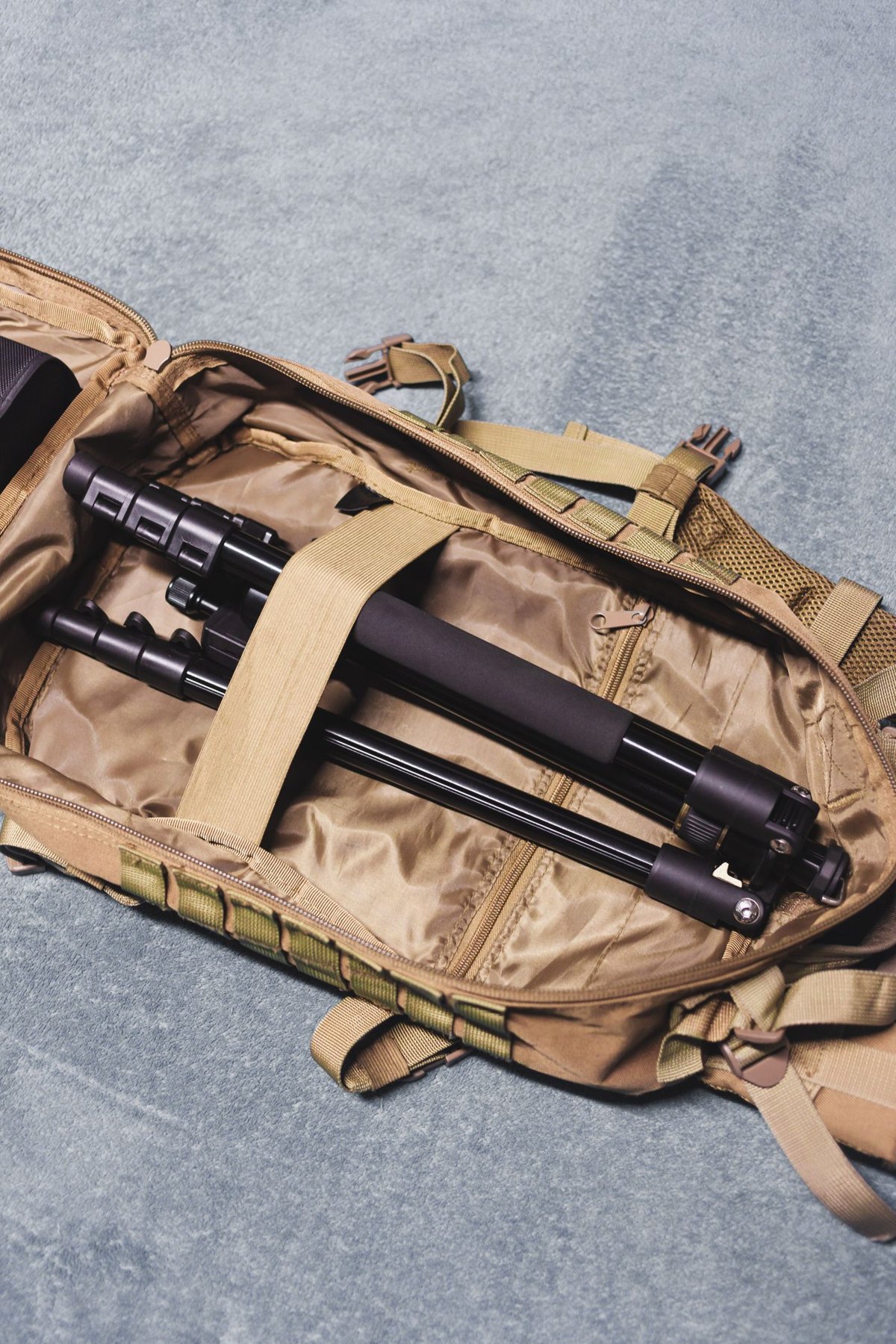
Match a tabletop tripod to the camera, surface and framing position before trusting its small size.
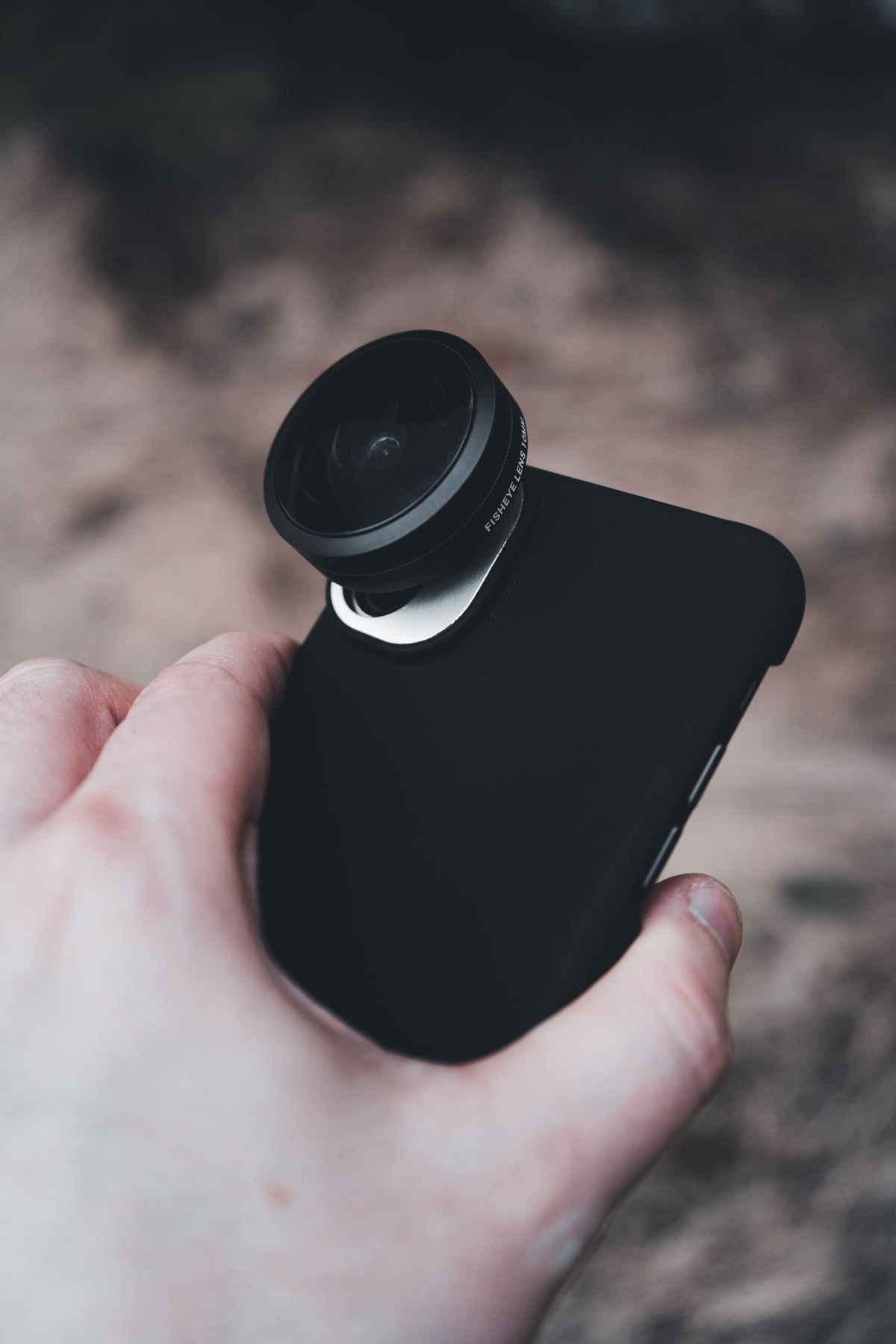
Check the exact phone, camera position and case before considering a clip-on or mounted lens.
Give working storage and backup storage separate jobs so freeing space does not accidentally remove your safety copy.
Use a controlled connection check to distinguish a cable problem from a storage problem without risking your only files.
Pack a deliberately limited copy of travel files while keeping the original collection and sensitive material accounted for.
Choose document-sharing storage around the recipient's equipment, the files involved and a clear return or disposal plan.
Separate a single-file limit from available capacity before deciding whether a drive needs a different format.
Inspect the parts that determine fit and function, then compare the complete cost of a used accessory with an available alternative.
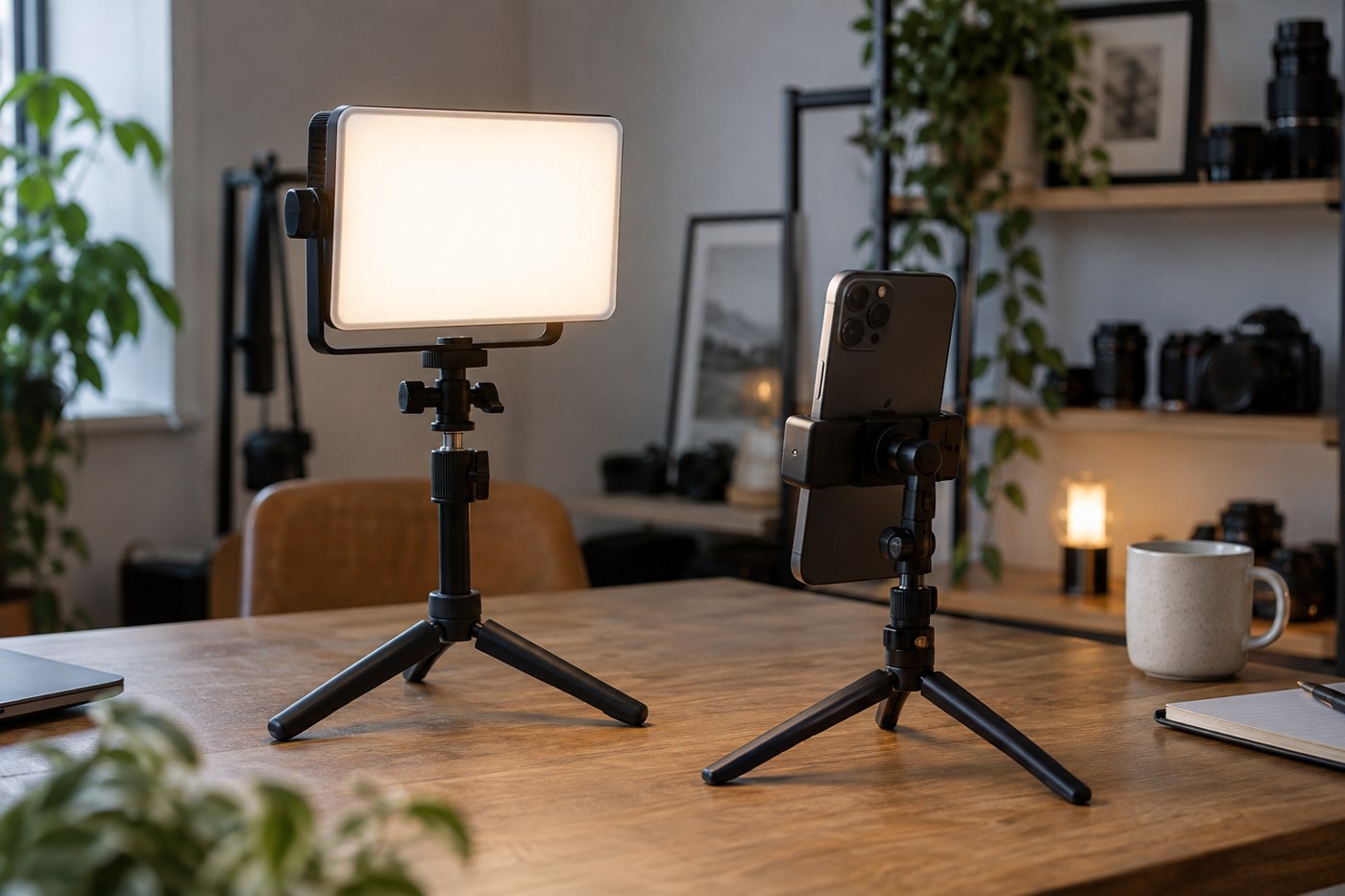
Choose a small video light by placement, adjustment and power needs rather than by the most impressive brightness label.
Use card identifiers and a simple physical separation rule to avoid confusing recorded material with cards ready for reuse.
Match a replacement camera battery to the exact camera and charger, and check the seller's identification and support details.
Build a small cleaning kit around the lens manufacturer's instructions and keep delicate internal parts outside its routine use.
Agree who copies, checks and returns each camera card so a shared event does not end with missing or uncertain files.
Verify both sides of a quick-release system: the connection to the camera and the fit in the support's clamp.
Choose compartments around the smallest easily lost items and the largest awkward connector in your kit.
Treat phone scanning as a capture, review and filing process, including page order and a tested final copy.
Separate source photographs, editable projects and delivery copies so an export does not become your only remaining version.
Check a tablet reader's connector, card support and file workflow before relying on it away from a computer.
Make a photo collection understandable to its next owner, with clear folders, context and a verified copy they can open.
Inspect identity, connection and test results while keeping a used drive outside any role as the sole home for important files.
Find out whether your storage problem is capacity, duplication, missing organisation or an incomplete backup process.
Build a short-trip camera kit around the photographs you expect to make and a complete charging and file-return routine.
Use a novel and a representative document to decide whether an e-reader suits the pages you read, not just the size you want to carry.
Compare usable page area, carrying size and the amount of navigation your documents require.
Check format support, purchase restrictions and the actual transfer route for the books you already own.
Judge a folding reader case by the angle, stability and hand clearance it provides on your actual table.
Organise a household reading device while keeping account ownership, purchase access and each reader's place clear.
Prepare books you already have, check offline access and pack the reader as a complete working kit.
Choose a reading light by its attachment, beam position and effect on the screen rather than brightness alone.
Check the model, screen, account state and charging behaviour before committing to a second-hand reader.
Test page buttons with your normal grip and reading position before treating them as either essential or unnecessary.
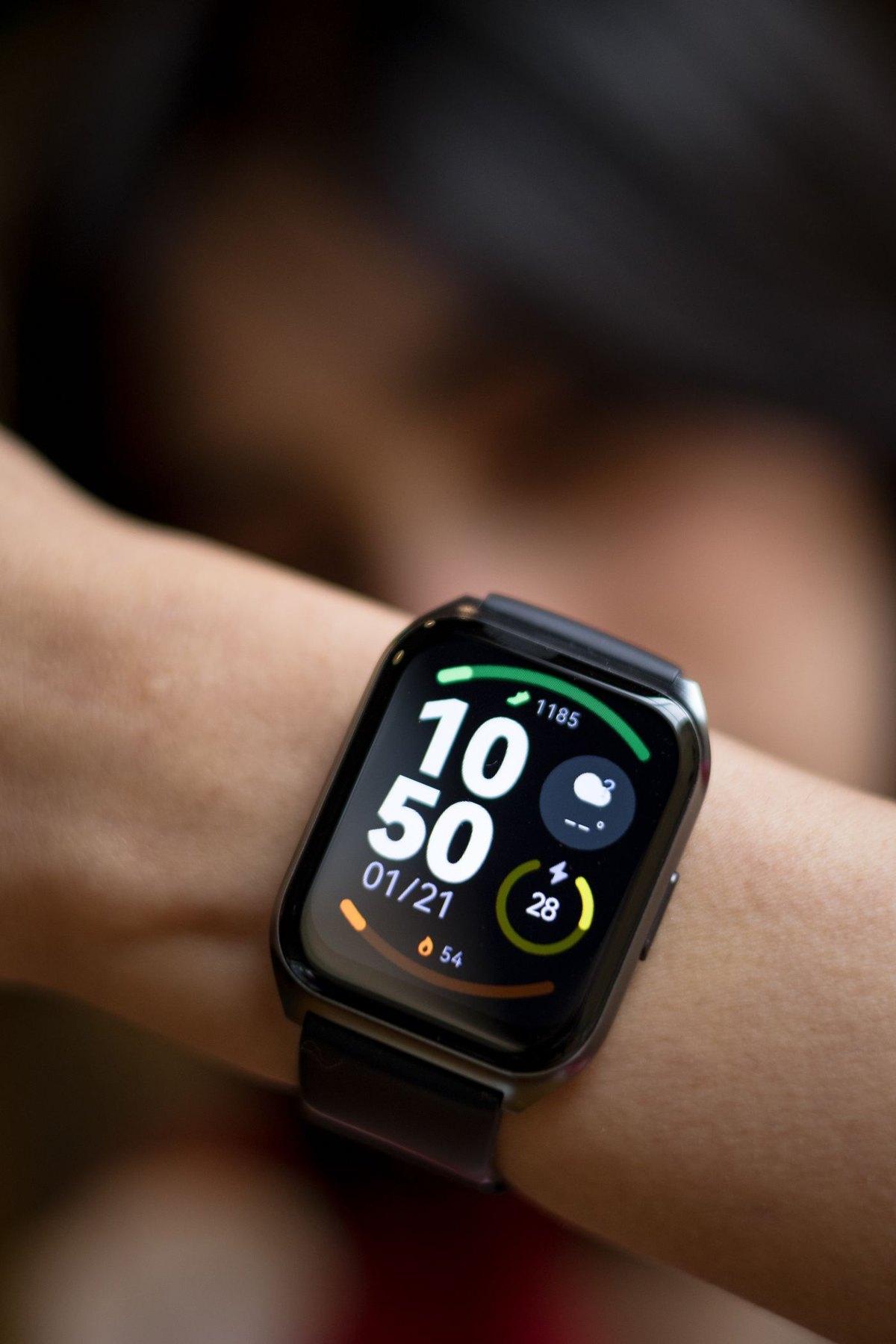
Check the phone model, software requirements and essential watch functions before comparing styles or sensors.
Compare battery claims using the activities and settings behind the number, then plan a charging window that fits your day.
Match the band to the exact watch attachment and case size, then check closure and wrist adjustment separately.
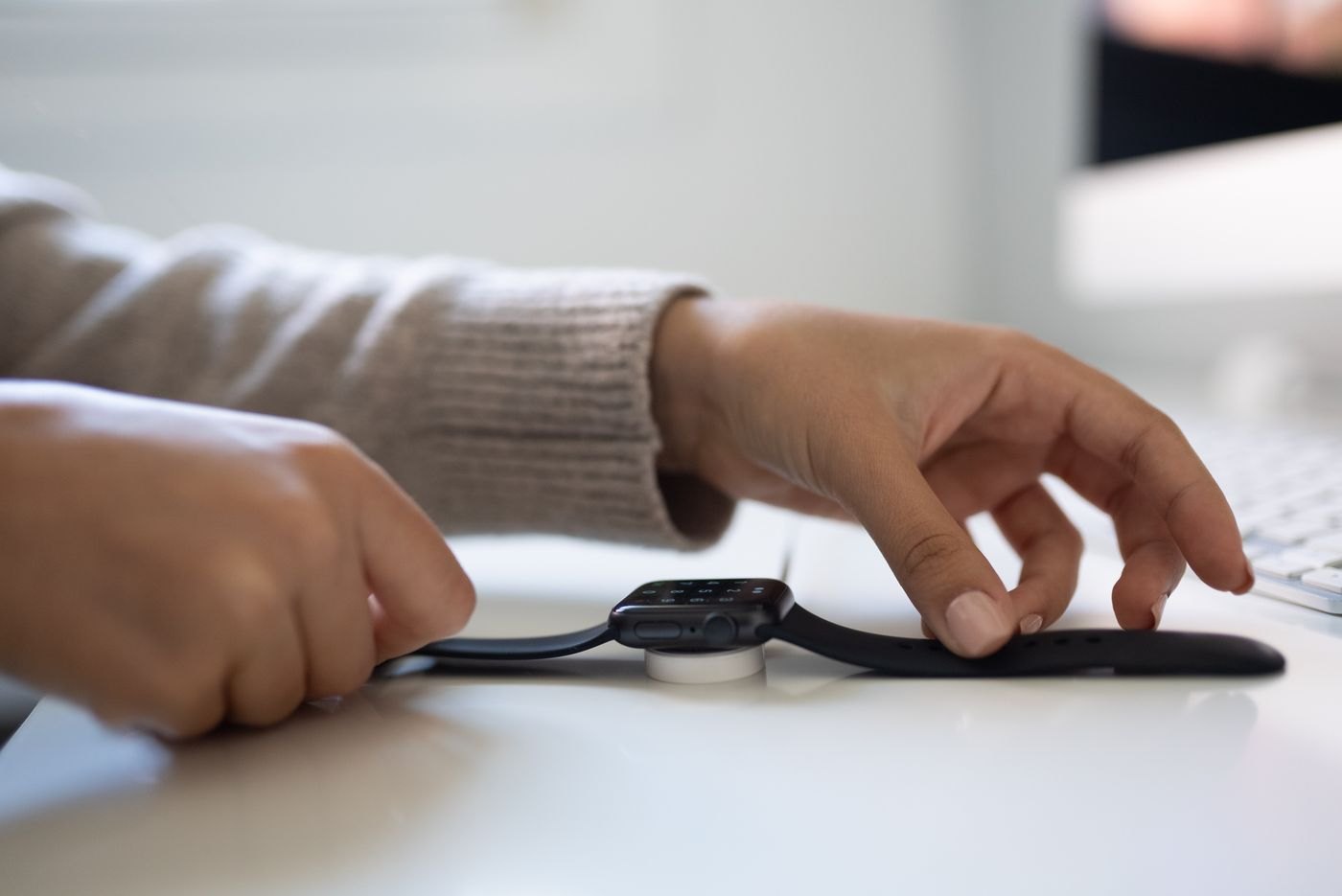
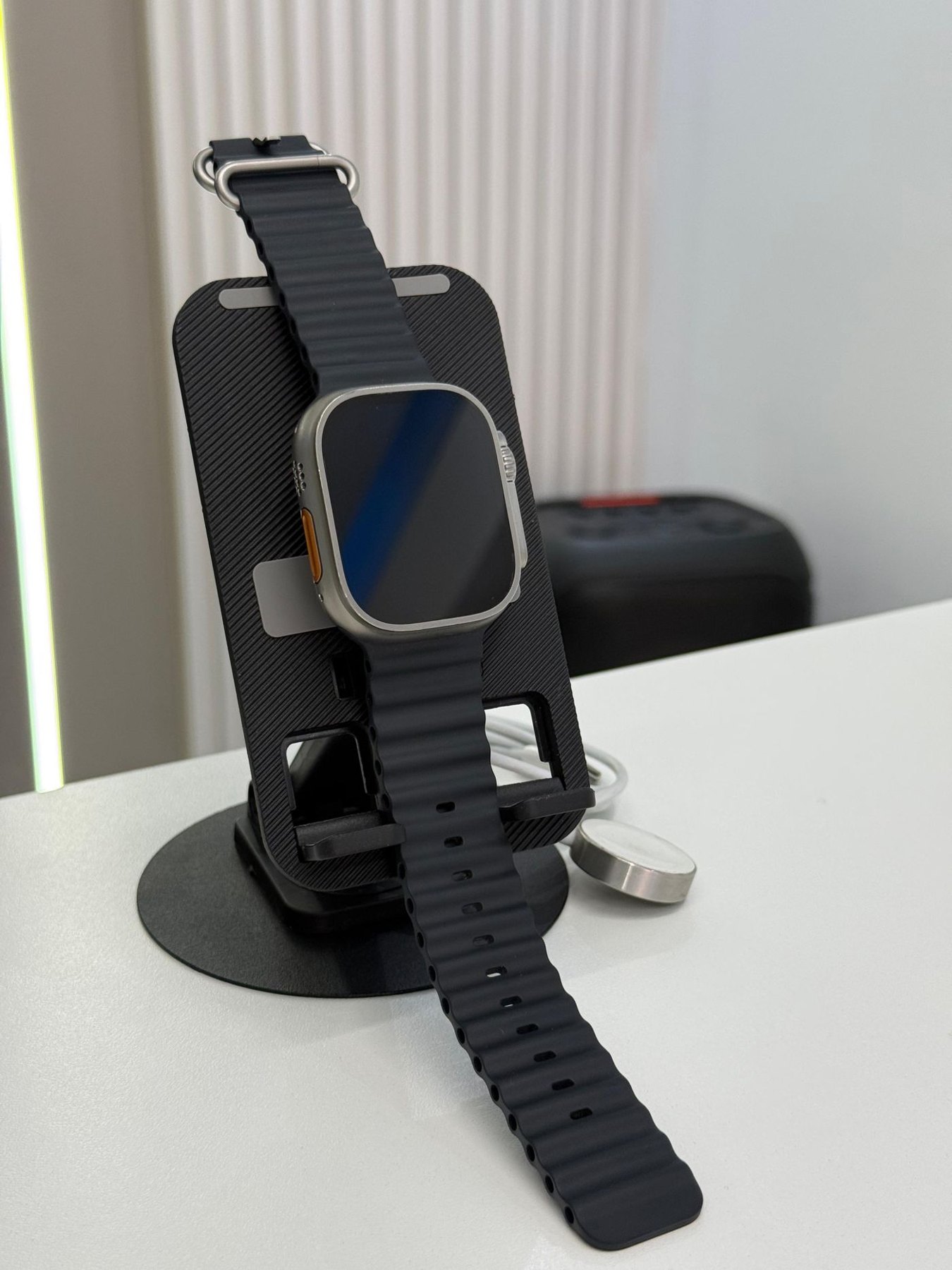
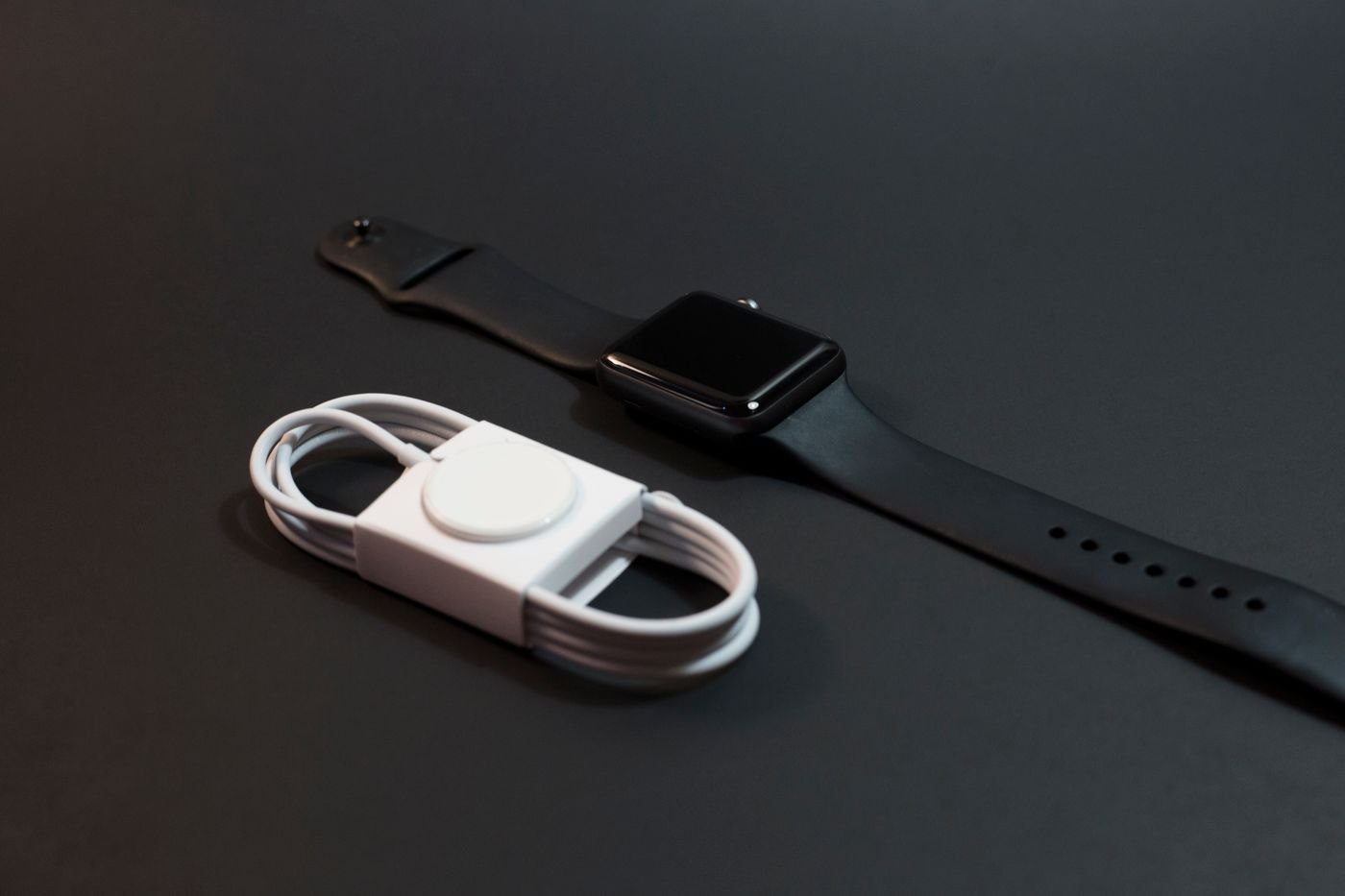
Check whether a stand includes charging hardware, supports your watch and fits the way both devices sit overnight.
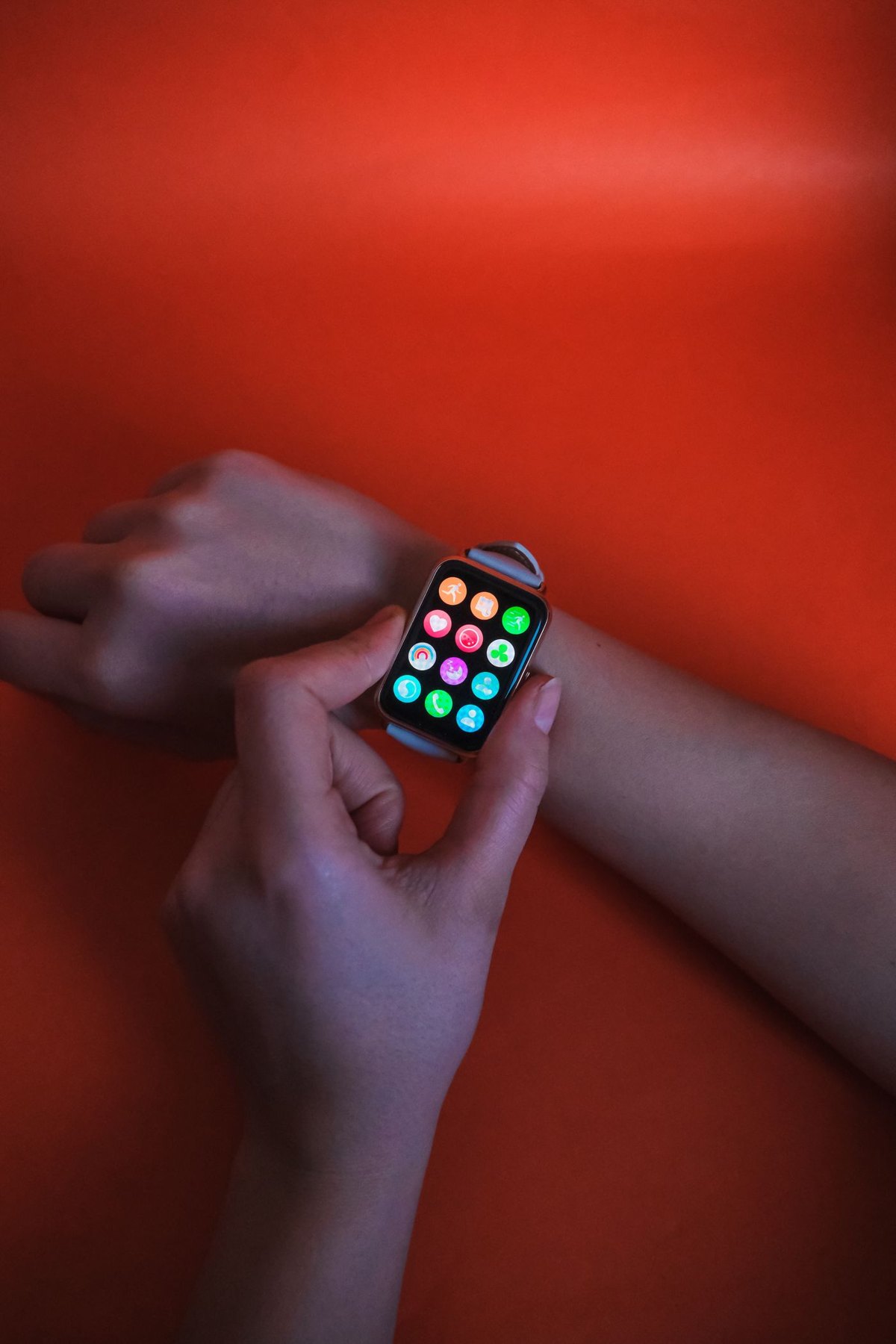
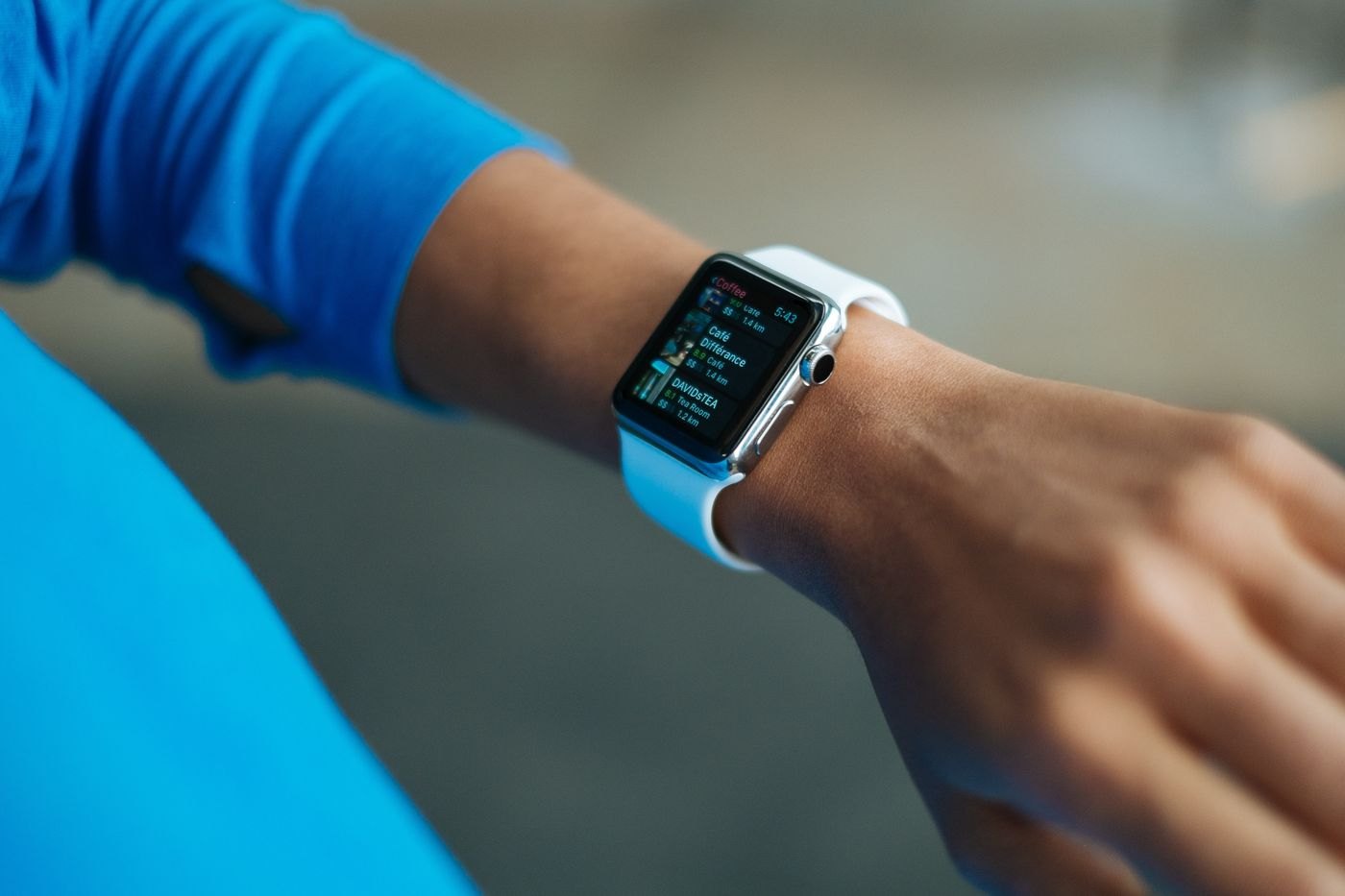
Choose which interruptions deserve a place on your wrist and test how they behave with the phone locked or in use.
Compare the everyday interface, charging routine and phone integration before deciding which wearable category fits.
Read a wearable's model-specific water guidance, including permitted activities, band care and what to do after exposure.
Prepare the data, account state, mobile plan and physical accessories before a watch moves to another owner.
Choose a reading-device case by screen protection, fit and carrying pressure, including accessories already attached.
Use a small citation habit and a stable desk arrangement to connect handwritten notes with digital reading.
Test the complete reading workflow, including menus, book access and controls, against your specific accessibility needs.
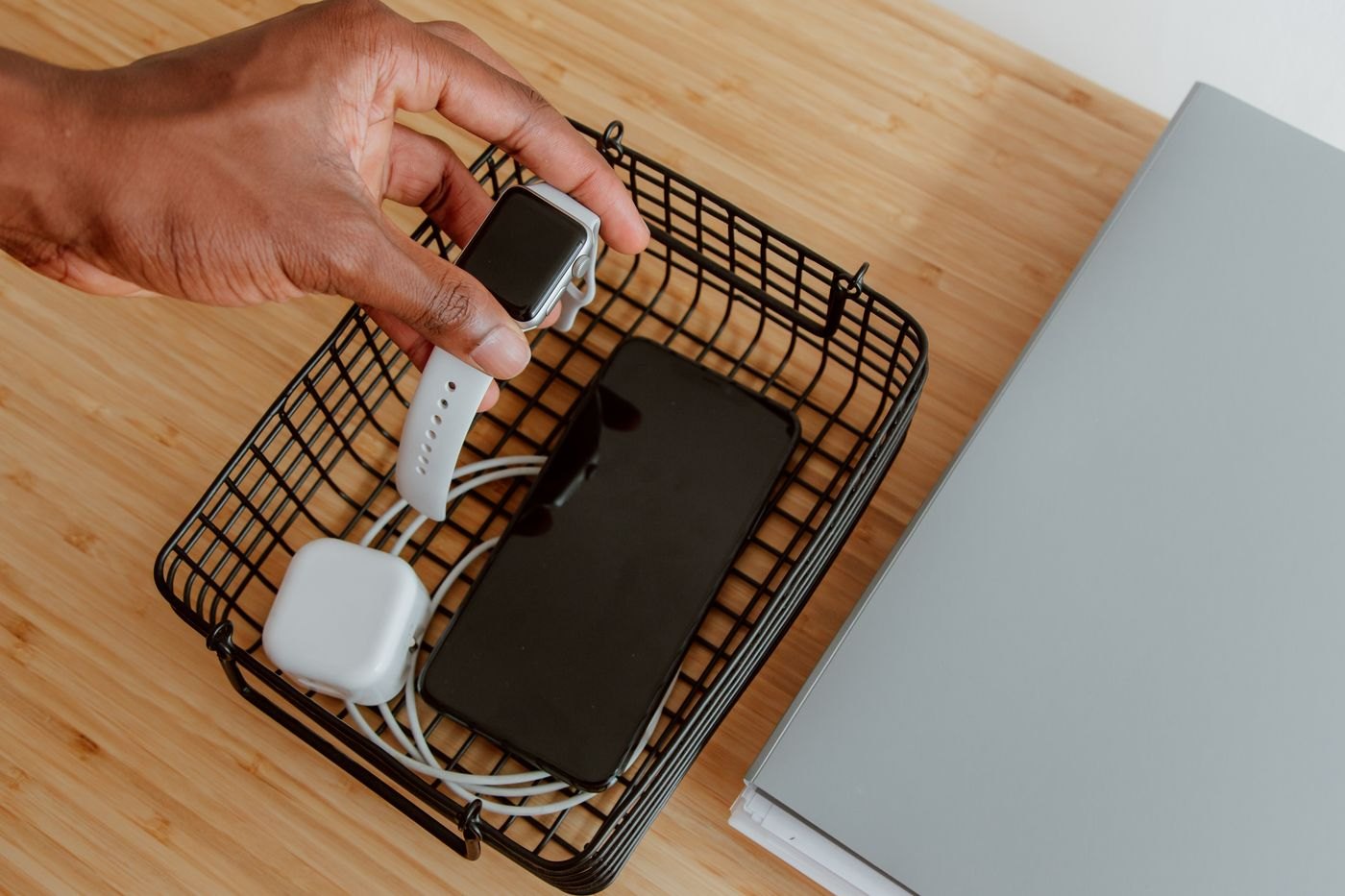
Pack a complete wearable charging setup and choose a realistic charging window for a short stay away.
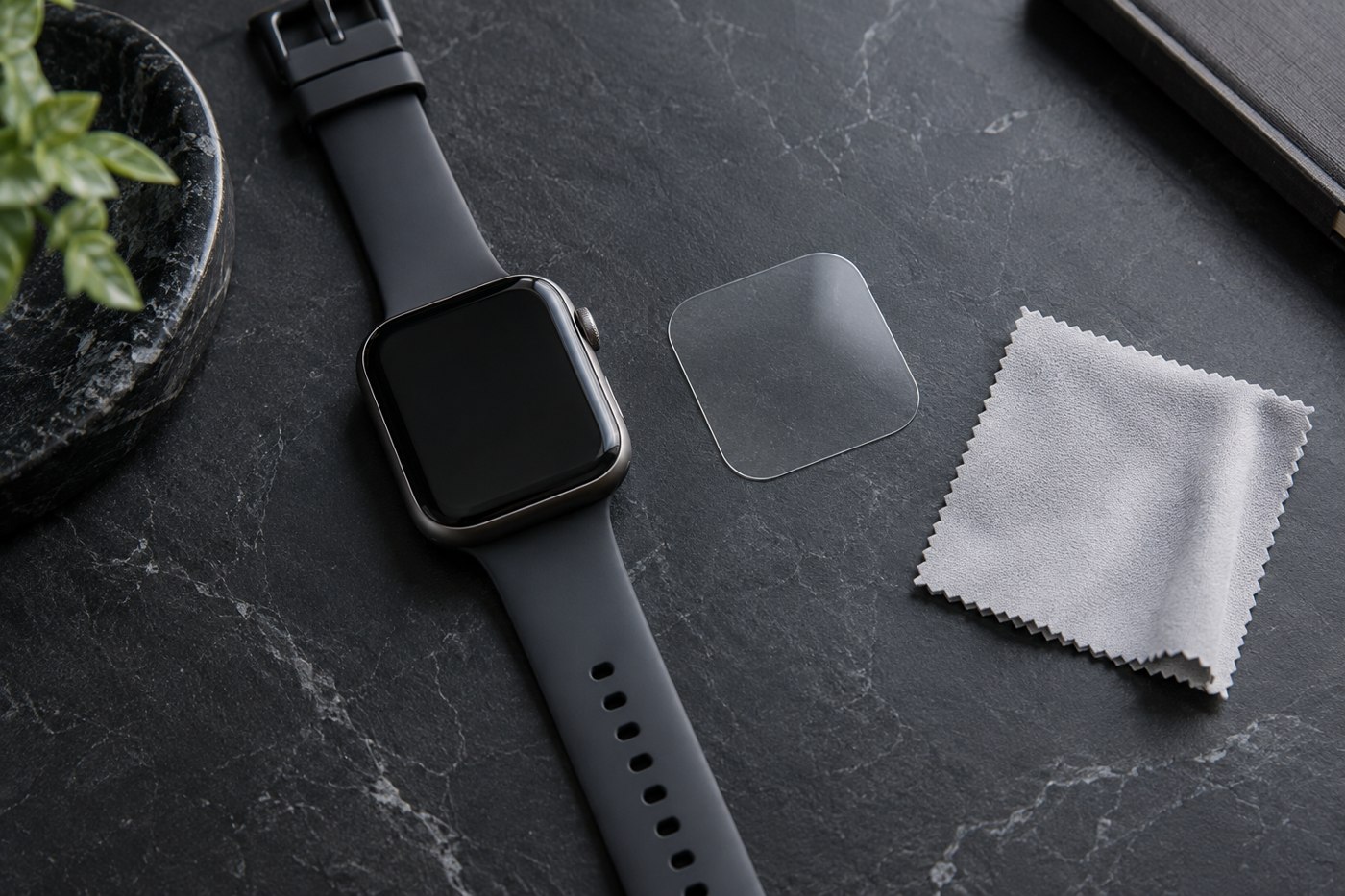
Check exact screen geometry, control clearance and case fit before applying a watch protector.
Turn a few ordinary tasks into clearly named wrist reminders and verify delivery before relying on them.
Give each person's charger, bands and small replacement parts a recognisable home without assuming similar accessories interchange.
No matching articles. Try a shorter phrase or clear the search.