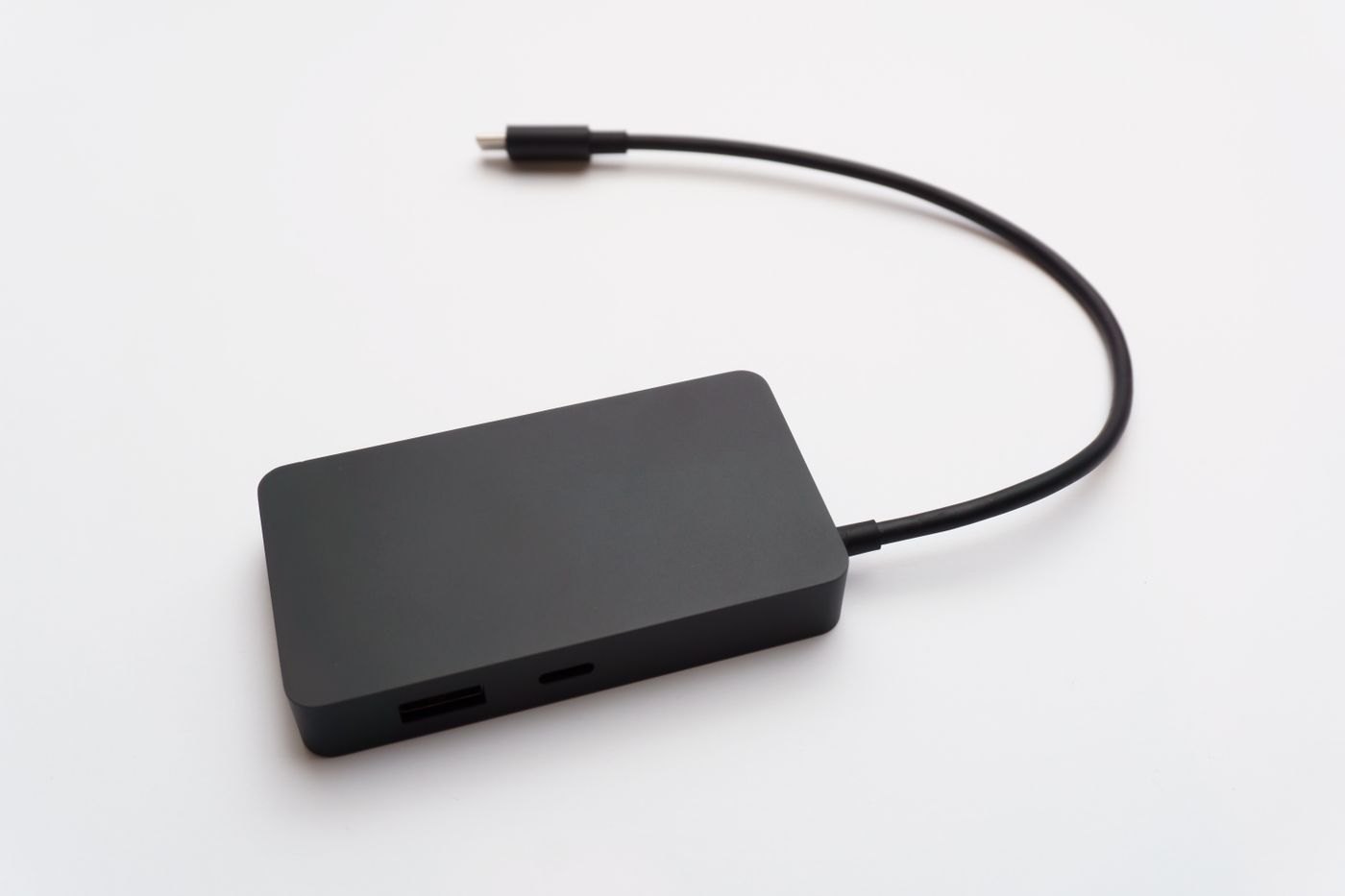
If you need more sockets, it is tempting to compare accessories by port count. A better starting point is to name the missing functions. Two more USB connections for a mouse and a drive are a different requirement from powering a laptop, connecting a display and attaching several peripherals through one lead.
A hub commonly expands USB connectivity, while a docking station often combines several desk functions. Those are useful descriptions, not rigid guarantees. Read the actual specifications of the product in front of you rather than assuming its name establishes display support, charging capability or performance.
Build a small connection map
Write the computer at the top, then list the accessories below it. For each one, note the connector, any power requirement and whether it must operate at the same time as the others. Add the monitor's required mode if video is involved. This turns a vague search for more ports into a set of checks.
Confirm the computer-side requirement. Microsoft documents that USB-C Alternate Mode functions depend on the host supporting the relevant mode. A hub or dock with a video socket does not by itself establish that your computer can use it. Also check whether any function needs a driver and whether that driver supports your operating system.
Consider where the power comes from
A small bus-powered hub draws from the computer connection within its specified limits. A product with an external supply has a different arrangement. Follow the manufacturer's requirements for attached devices and power; do not assume an unused port represents unlimited capacity for another accessory.
For a product advertising laptop charging, read the delivered-to-host figure and its conditions. If a separate charger is required, include it in the purchase and compatibility calculation. The cable between computer and accessory also needs to support the intended functions.
Compare a travel kit with a permanent desk
Consider a traveller who connects a mouse and card reader for short sessions. A supported compact hub may cover those needs without a separate power supply. Now consider a desk where the laptop must run an external display, charge, use a webcam and access a drive. That second plan requires explicit checks for video, delivered power and simultaneous peripheral use, regardless of whether the seller calls the accessory a hub or dock.
Price comparisons should include everything needed to make each plan work. Add a missing charger, host cable or display adapter to the total. Also count the leads you must reconnect when leaving. A cheaper accessory that needs three separate connections may still be the right choice if that is acceptable, but it should not be compared with a one-cable arrangement as though the daily routine were identical.
When testing, keep a record of the host port used. Some computers have similar-looking ports with different capabilities, and moving the accessory to another socket can change the result. A label on the verified port or a photograph for your own reference can prevent a later setup from becoming a fresh guessing exercise.
Compare the physical routine
A compact hub may travel easily but leave several cables attached directly beside the laptop. A desktop dock may give those leads a permanent home while occupying more space and needing its own power supply. Measure the cable reach and check that ports remain accessible after the unit is placed.
Buy the least complicated arrangement that meets the mapped requirements, with room for a specific planned addition if necessary. When it arrives, test the full combination, not just one device in each socket. The distinction that matters is whether the accessory supports your working setup consistently, not which label the seller puts on the box.