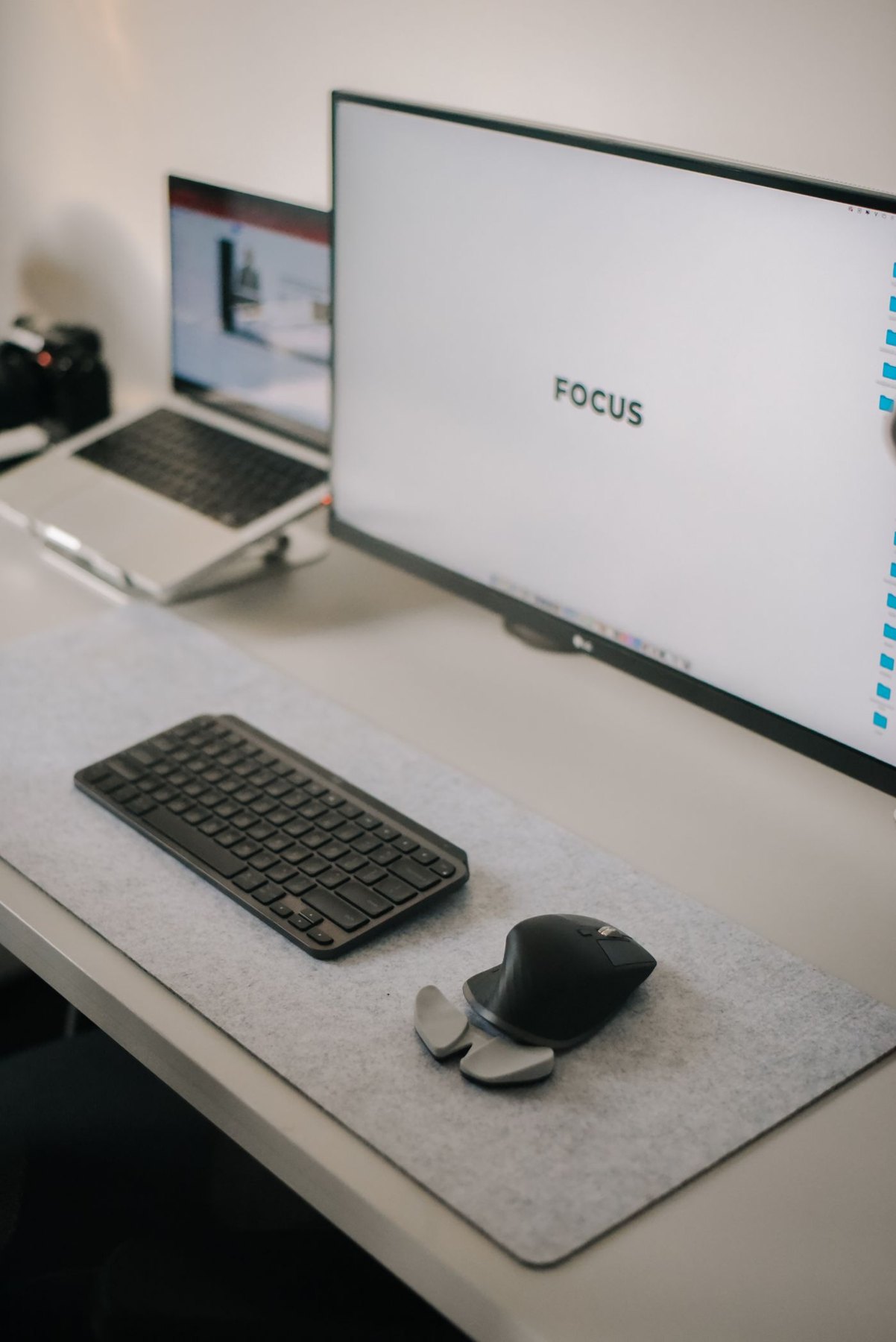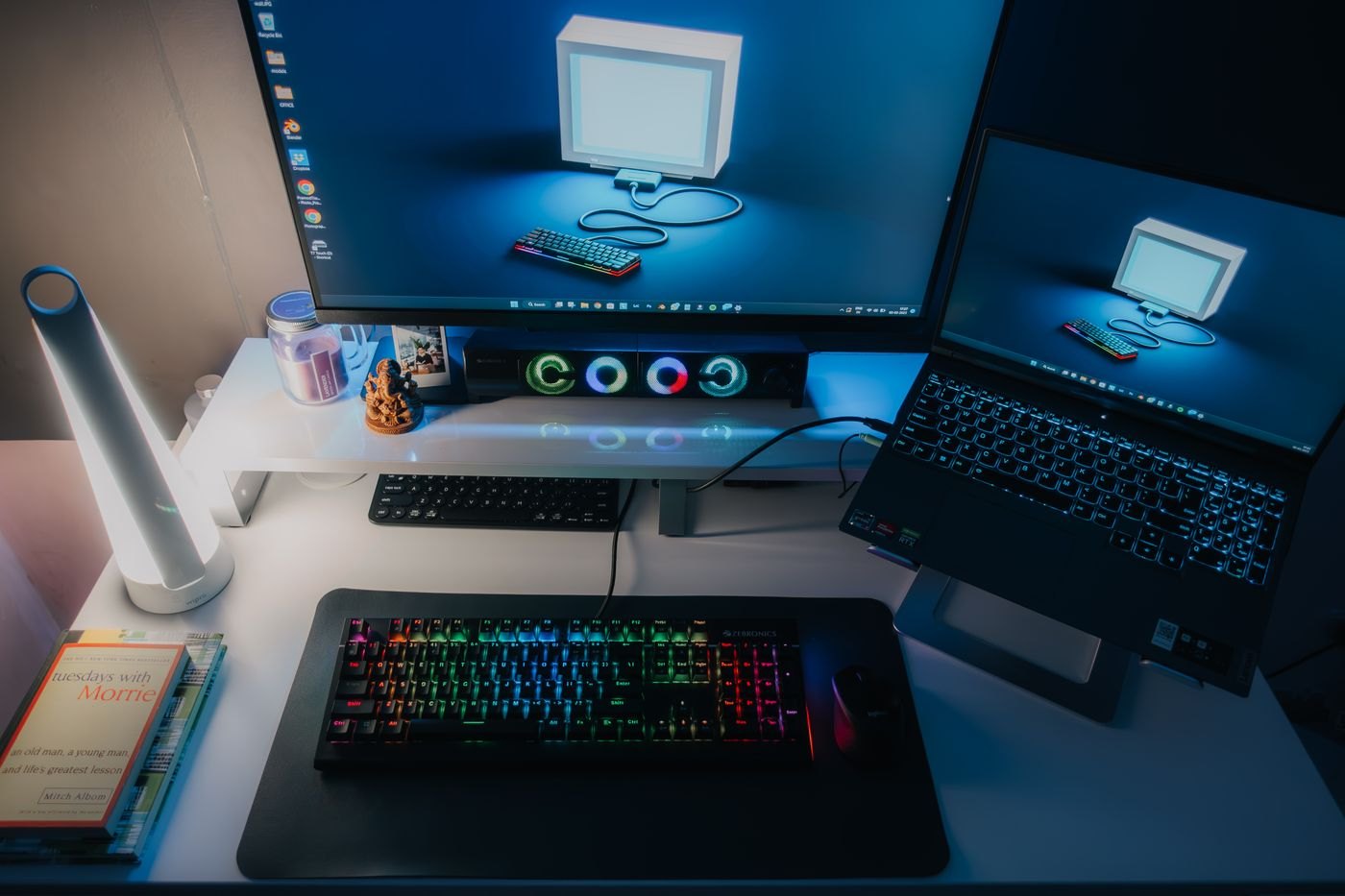
One keyboard and mouse can serve two computers in several ways, but the phrase shared desk hides different expectations. You may want to move a few peripherals once a day, switch everything with a button, or keep one computer visible while working on the other. Write that sequence down before choosing a switch or dock.
Decide what must move together
List the keyboard, mouse, webcam, microphone and display separately. A USB peripheral switch usually changes the attached USB devices between hosts; it does not automatically switch a monitor connected elsewhere. A KVM product may handle keyboard, video and mouse, but its supported display modes and peripheral features still need checking against both computers.
A monitor with several inputs offers another possibility: change its selected video input and manage the keyboard and mouse separately. This can be adequate for occasional switching. It becomes tedious when you move between computers every few minutes, so rehearse the number of actions required rather than assuming fewer boxes always means a simpler workflow.
Some keyboards remember several devices and have a button for choosing the active one. Logitech's K380 is a documented example of separate paired-device channels. That is a model feature, not a property of every Bluetooth keyboard. Also check whether your mouse switches independently, because changing the keyboard's target does not necessarily move the pointer with it.
Two examples with different priorities
For a personal laptop and a work laptop used at separate times, a monitor with two verified inputs plus a supported keyboard switching feature may be enough. The routine could be selecting the display input and then selecting the keyboard and mouse channels. Write those actions on a small setup note and try them several times. If the sequence is infrequent and obvious, a more integrated switch may add little value.
For someone alternating every few minutes, those separate actions may become the main annoyance. A suitable KVM can consolidate some of them, but you must verify the exact display mode, USB devices and both host connections. Check whether the chosen unit switches audio too or leaves the microphone attached elsewhere. Otherwise, you could be typing on one computer while speaking into the other computer's meeting.
A third consideration is what must remain independent. A storage drive belonging to the work computer should not be casually moved to a personal host through the same button that changes the keyboard. Put that requirement in the plan before arranging cables. Colour labels or simple host names on the connections can help explain the setup without exposing any account details.
These examples are design choices, not product guarantees. The right architecture is the one whose individual actions you can state and test with the equipment in front of you.
Keep storage out of casual switching
If an external drive is attached to a USB switch, changing hosts can interrupt access to it. Use the operating system's appropriate eject procedure and ensure file operations have finished before switching. For a desk where people switch frequently, leaving storage directly connected to its intended computer is often easier to manage than remembering another condition every time.
Check the power arrangement for the switch and its connected devices. A webcam or other accessory may introduce a requirement absent from a keyboard-and-mouse demonstration. Compare the manufacturer's supported device types and data rate, then test the actual combination. Do not connect two computers through an improvised cable arrangement.
Make the active computer obvious
Position the switching control where you can see its indicator. Use distinct desktop backgrounds or another non-sensitive visual cue so it is clear where you are typing. During setup, test with a harmless text document on each computer before entering passwords or sending messages.
Try waking each computer, reconnecting after a restart, and using the webcam in the applications you depend on. Note whether any accessory takes time to appear again. If one computer is managed by an employer, confirm that the sharing hardware and required software are permitted. The best arrangement is the one whose switching behaviour remains predictable during an ordinary busy day.