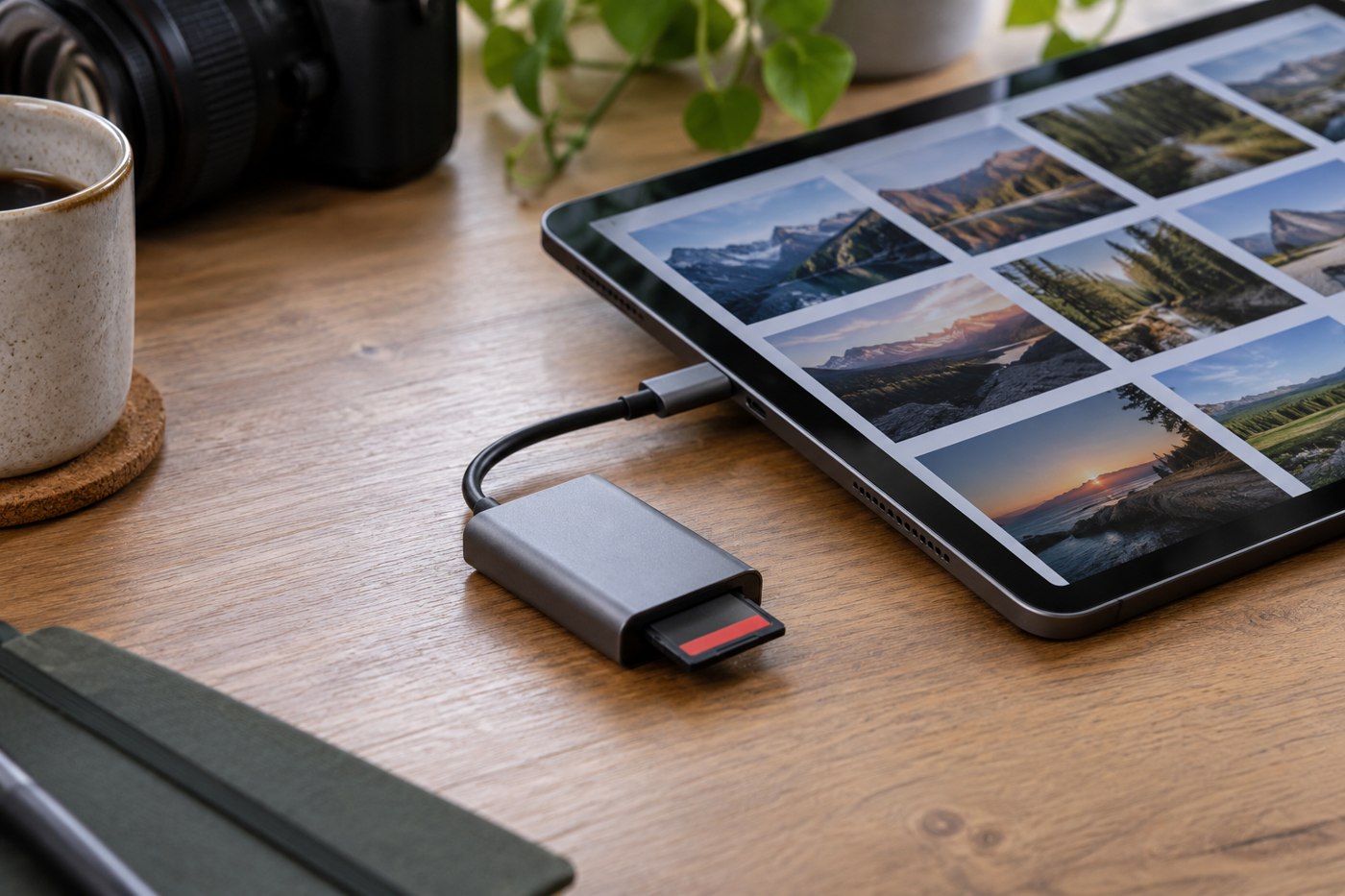
Start with the tablet's exact model and port. A reader that fits physically may still depend on supported card types, sufficient power and application access. Read both the tablet's external-storage instructions and the reader's compatibility information. Do not assume a desktop card reader becomes fully supported simply by adding a plug adapter.
For an iPad, Apple's external-storage guide lists requirements beyond the connection, including supported formats and a single data partition. Other tablets have their own conditions. Keep those details tied to the actual device rather than turning them into a rule for every tablet with the same-looking socket.
Decide where the files should go
Do you want to view photographs on the card, import them into a photo library or copy them into a project folder? Those tasks may use different applications and destinations. Test the one you need. A file visible in a browser is not necessarily imported into the editing application or included in its backup.
Check the tablet's available space before a large import. Include any additional files your application creates while editing. If the tablet is nearly full, work out a storage plan before leaving home; buying a reader alone does not create room for the card's contents.
Consider the physical connection in the place you will work. A rigid reader can project into a cramped seat or table edge. A short lead can let the reader rest on a surface, but must not leave it dangling where a movement pulls on the port. Confirm that a protective case does not prevent the plug from seating correctly.
Run a complete rehearsal
Use a card containing disposable test material and try the intended sequence: connect, locate, copy, open and disconnect using the supported process. Include every file type you expect, particularly videos or camera formats that a basic viewer may not display. Keep the source card unchanged while verifying the destination.
If you also need to charge the tablet during the process, check that arrangement separately with compatible equipment. A combined adapter's product photograph does not prove that every function operates together on your model.
Pack the reader, required adapter and any suitable cable as one kit. Record the working combination in a note. When the workflow matters during travel, a tested set of parts is more useful than several unverified alternatives at the bottom of a bag.
Check whether a tablet-only trip covers every step
A traveller may successfully view a camera card on a tablet but still need another destination for a second copy. Map the complete process before leaving: where originals arrive, where the verified backup goes and what remains on the cards. If the tablet has only one port, confirm how the chosen equipment supports the required sequence. Do not assume that two devices shown in an adapter photograph can be accessed together in your setup.
Try a longer recording as well as a small photograph. Check that the import completes, that the application can play the needed portion and that the file reaches any separate backup destination. A successful thumbnail preview does not test those later steps.
If the proposed workflow requires repeatedly moving files through nearly full internal storage, reconsider its capacity or use a computer for that part of the trip. The reader is one component of the plan. It cannot supply missing storage space, an unsupported editor or a backup destination that was never packed.