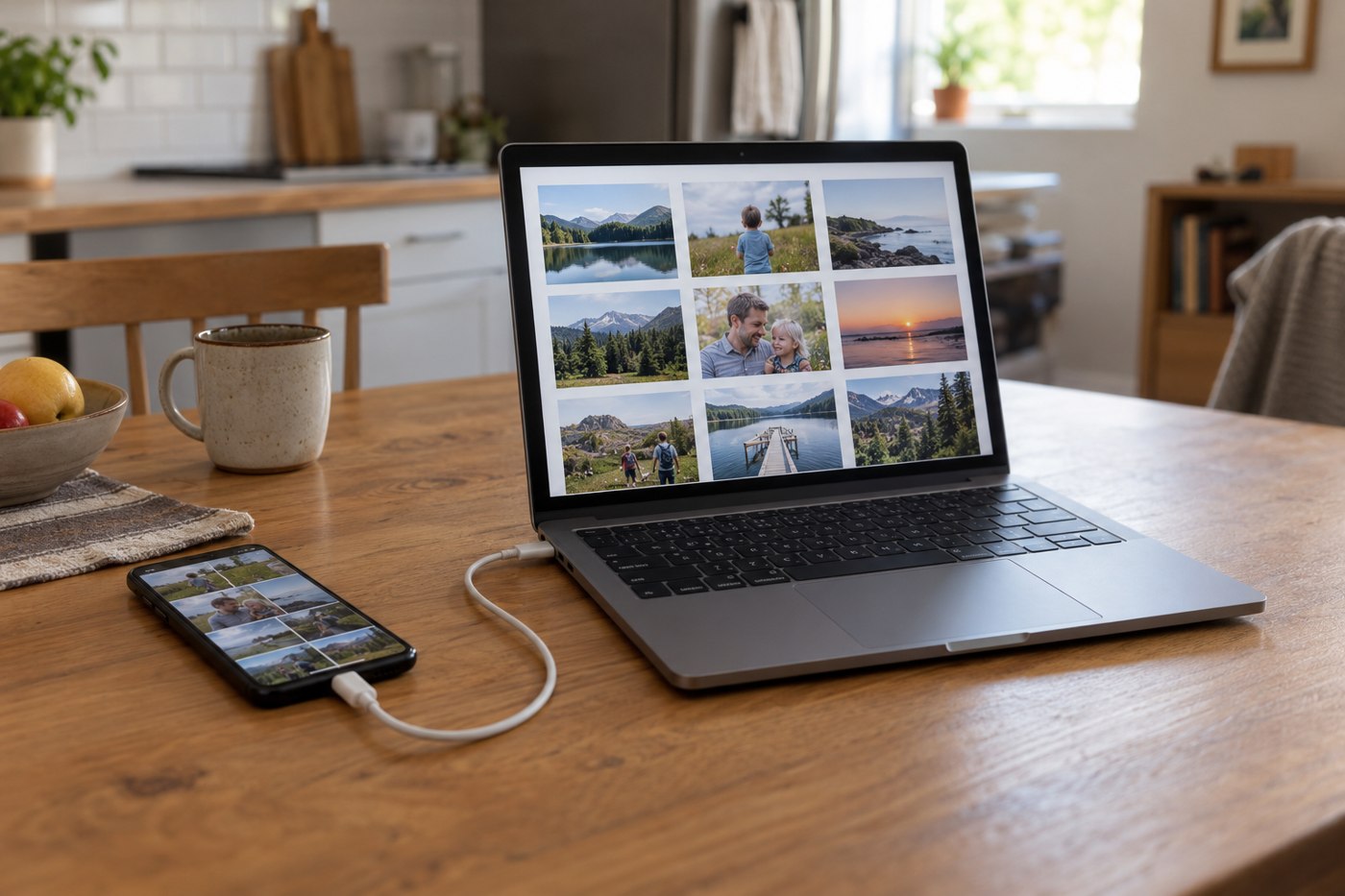
Before a long trip, a nearly full phone can make every new photograph feel like a storage decision. Start by identifying where the existing pictures are stored and which originals are actually on the device. A photo application may show a collection that includes cloud-managed items, so do not assume every visible thumbnail represents a local full-size file.
Use the phone platform's documented export or transfer method. Choose a destination you control and have enough space for the expected material. Keep the phone available until you have checked the result; transfer completion is a useful signal, but opening the copy is the verification that matters.
Check a sample that represents the collection
Open several photographs from different dates and a video if you are transferring videos. Include edited material or another file type that matters to you. Confirm that the destination application can use the files and that they are not merely shortcuts or incomplete downloads.
Look at the folder organization before adding a second transfer. A date-and-trip naming system can make future imports easier to distinguish. Avoid leaving several folders called New Photos if you will not remember which one contains the verified copy.
Understand deletion before freeing space
Read how the photo service handles deletion and synchronization. Removing an item from a synchronized library may affect other connected locations; it is not automatically the same as removing only a local downloaded copy. Use the documented storage-management option for the result you want.
If you intend to delete originals, keep an appropriate independent backup and verify it first. Do not rely on a single newly copied drive as the only home for an irreplaceable collection. A backup plan should survive the loss of one device, including the phone or drive travelling with you.
Prepare for the next set of photographs
Decide how new pictures will be handled during the trip. You might make periodic copies or wait until you return, depending on the equipment and connection available. Test any card reader, drive or cable before leaving rather than discovering a compatibility issue when storage is already full.
Leave some working room for applications and new files without predicting an exact number of photos from a capacity figure. The space used depends on the material you create. A verified transfer and a repeatable routine are more useful than an optimistic estimate that assumes every future file will be small.
Keep a transfer record that prevents accidental deletion
For a large collection, record the source date range, destination folder and verification date. This can be a short private note, not a catalogue of every photograph. If the application reports an item count, compare it in context: edited versions, videos or duplicate exports can make counts differ. Investigate an unexpected difference rather than using a matching folder name as proof that everything arrived.
Open a few older files as well as recent ones. Check a longer video and an image that was edited if those matter to the collection. The aim is to catch an export that omitted a type of material, not to create a false guarantee from a handful of successful opens. Retain the source until you have reasonable confidence in the process and the backup arrangement.
If you repeat a transfer after an interruption, choose how duplicates will be handled before accepting a broad replace or merge command. A second folder with a clear temporary name can be easier to inspect than silently overwriting an uncertain first copy. Once the verified collection is organized, remove temporary duplicates deliberately so they do not later masquerade as independent backups.