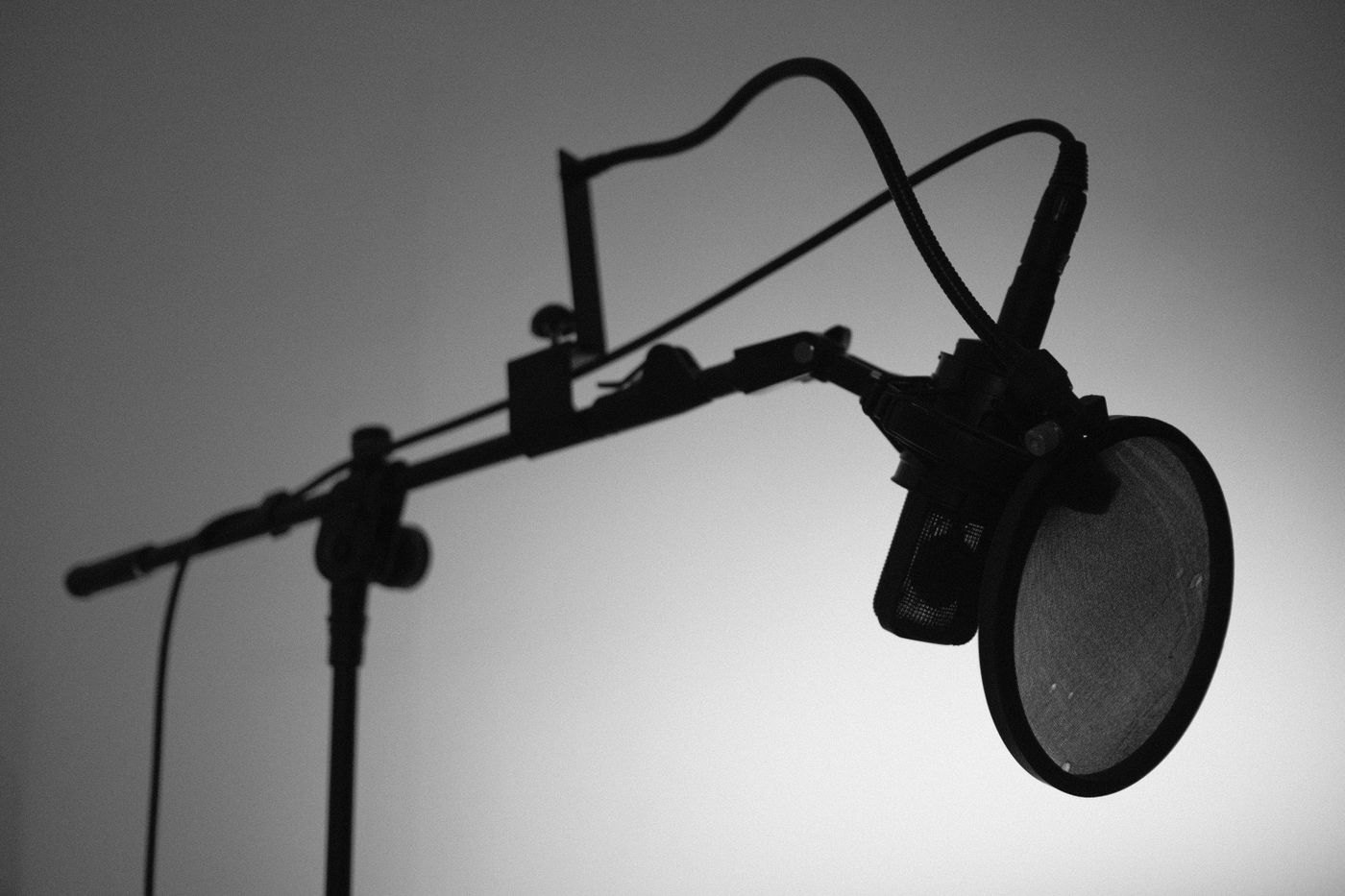
A microphone arm concentrates force at its attachment to the desk. A lightweight table may be suitable, but appearance alone cannot establish that. Read the desk's construction and attachment guidance alongside the arm's clamp requirements before installing anything.
Inspect the proposed location from above and below. A bevel, rounded edge, drawer rail or thin underside can prevent the clamp from sitting as intended. RØDE's PSA1 mounting instructions specifically require appropriate contact with both desk surfaces. Use the instructions for your arm and do not compensate for a poor fit simply by tightening harder.
Count everything on the arm
Add the microphone, clip or shock mount, thread adapter and any other attached accessory. Some counterbalanced arms specify both minimum and maximum loads. The PSA1 is one example with a stated supported microphone-and-mount weight range; your chosen arm may differ.
Check the microphone thread and any required adapter. An adapter should seat normally without cross-threading. Arrange the microphone as instructed before releasing it, and keep fingers away from spring-loaded movement while following the installation procedure.
Plan the full reach
Move the arm through the positions you actually need: speaking, typing and parked out of the way. Ensure it does not strike the monitor, pull its clamp against a cable tray or extend into a walking route. A long arm at full extension creates a different arrangement from the compact position shown in a listing photograph.
Route the cable through the arm's intended guides or secure it loosely as directed. Leave enough slack at joints and connectors for movement. Do not use the cable to hold the microphone in position or pull it back toward the desk.
Test the table as part of the system
Make a short recording while typing lightly and moving the mouse. A desk-mounted arm can still transmit some movement from the table, so assess the result before assuming the arm alone solves handling noise. Avoid deliberately shaking a lightweight desk with equipment attached.
If the surface flexes, the clamp shifts or the installation does not meet either manufacturer's requirements, stop and choose a supported alternative, such as a suitable floor or desktop stand. An arm is useful only when its support remains secure throughout the movements you make every day.