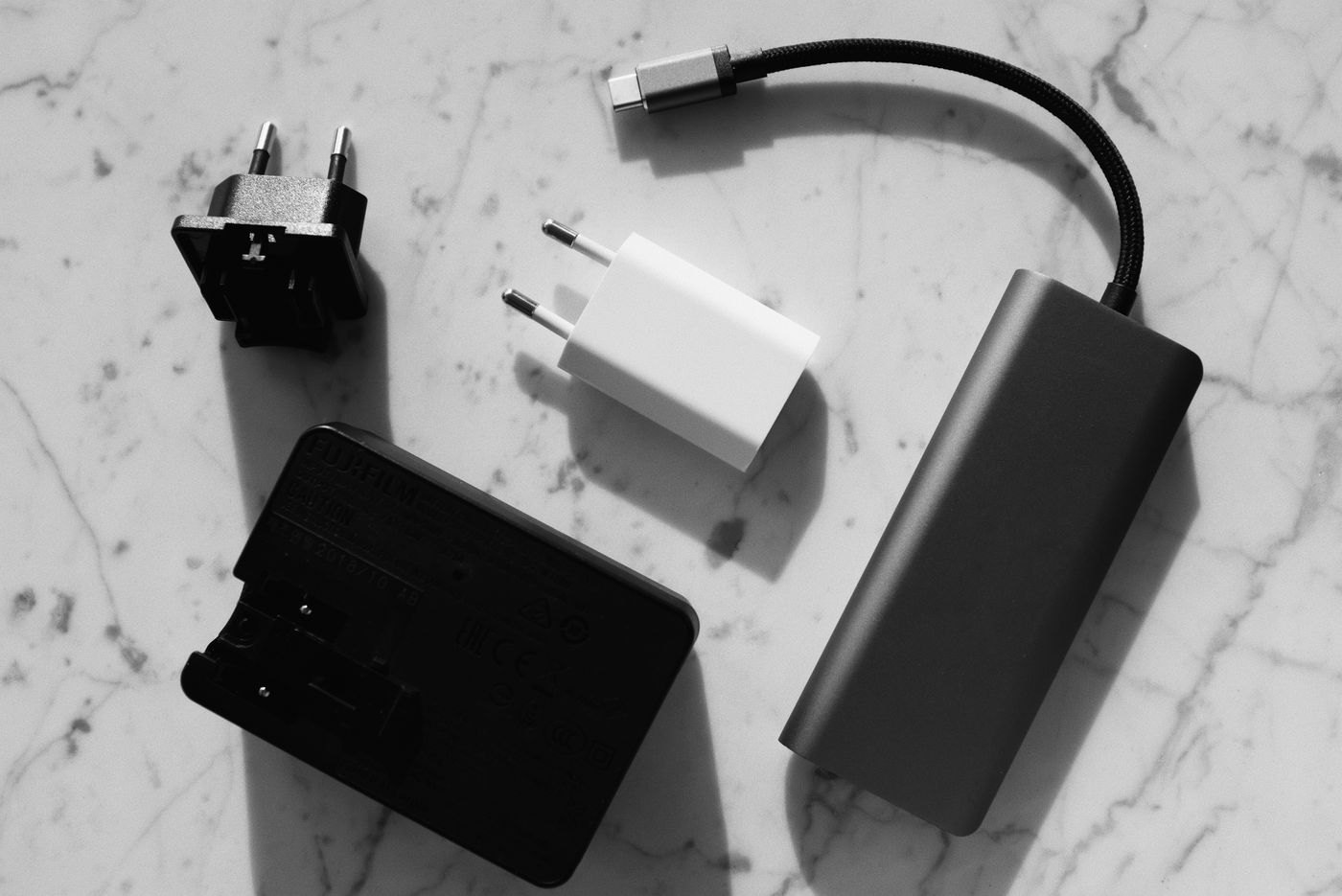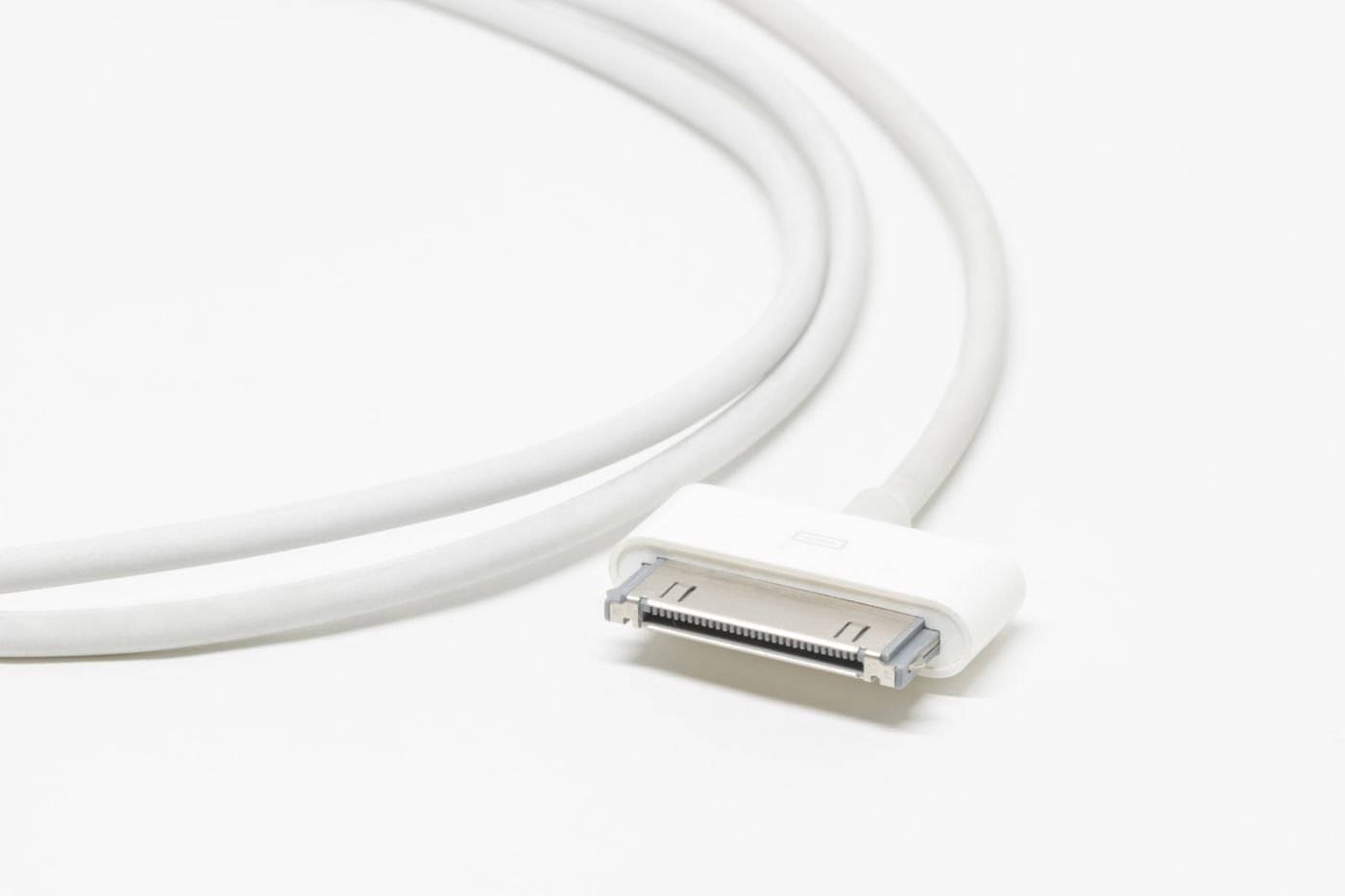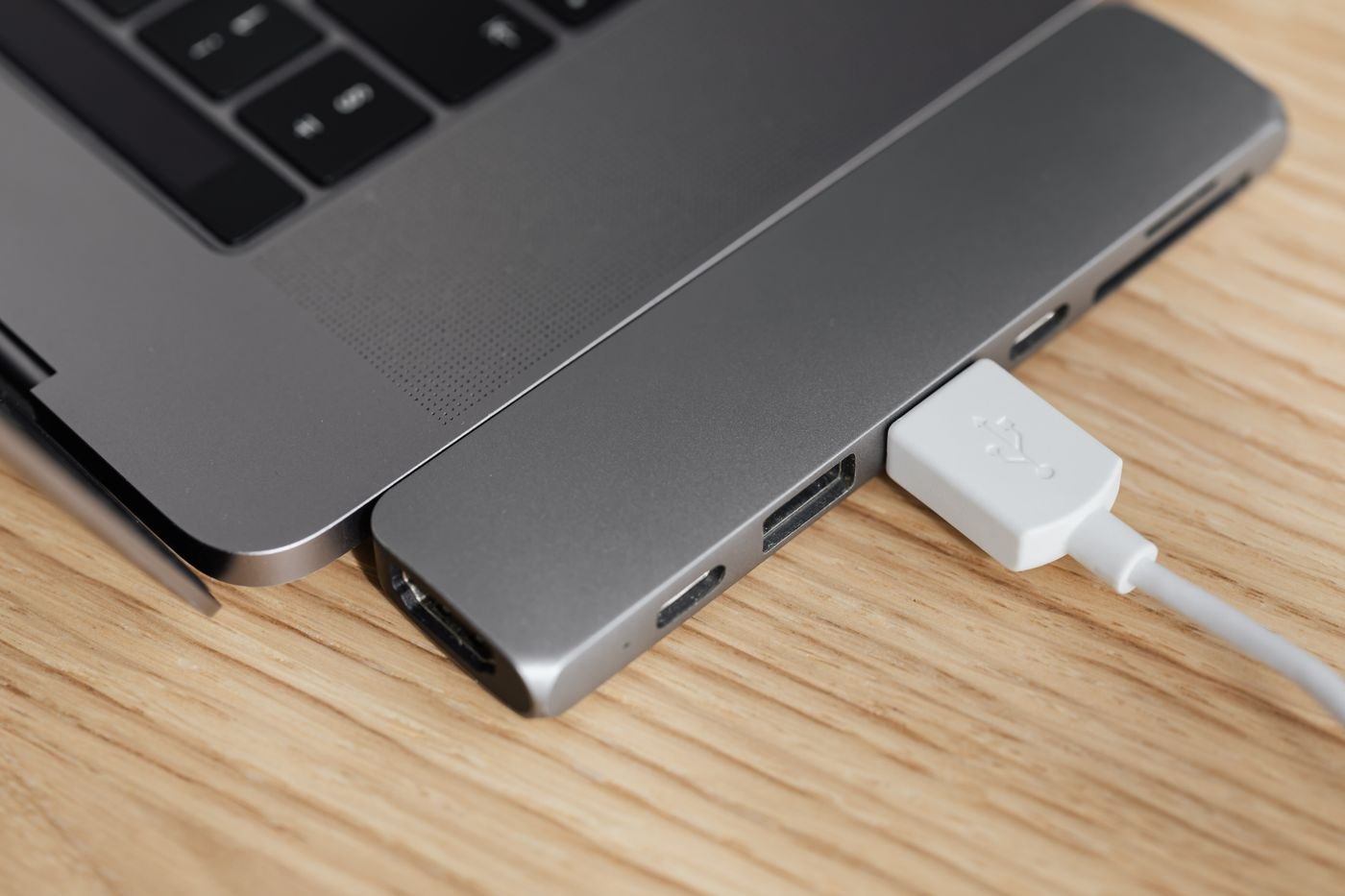
Look up the port description for the exact device and port position. A computer or display can have several similar sockets with different purposes. The manual may distinguish a charging input, a data connection, a display-capable connection or an upstream link for a monitor's built-in hub.
USB-IF's Type-C guidance separates connector terminology from the capabilities implemented by a product. For a display task, also read the device maker's supported output information. Do not infer video support from a charging symbol or from a successful connection to another accessory.
Follow the intended signal path
Write the connection as source device to display input. Then identify the cable or adapter recommended for that path. A USB socket used to connect a keyboard through a monitor is not necessarily the input that receives a picture from a laptop.
If an adapter is involved, check its direction. Familiar connector shapes at both ends do not guarantee that an adapter works in reverse. Ask for a clear description of the source and destination if the listing is ambiguous.
Check a real display mode
The intended resolution and refresh rate can affect the required connection. Read the support information for the source, display and accessory rather than assigning a capability to the connector alone. If the documentation lists conditions, keep those with the specification.
A cable that charges a device successfully has passed a charging task, not a video test. Similarly, seeing an image does not prove that every advertised display mode is available. Check the active mode through the platform or display controls where supported.
Label what you have verified
For a desk with several similar ports, a small reference note can help identify which one serves the monitor and which one is reserved for another task. Use the manufacturer's terminology so the note remains understandable when you revisit the documentation.
If the connection fails, simplify it to the documented route and change one element at a time. Avoid purchasing a series of adapters around a port that never offered the required output. The first useful answer is what the port can do; the accessory choice follows from that answer.