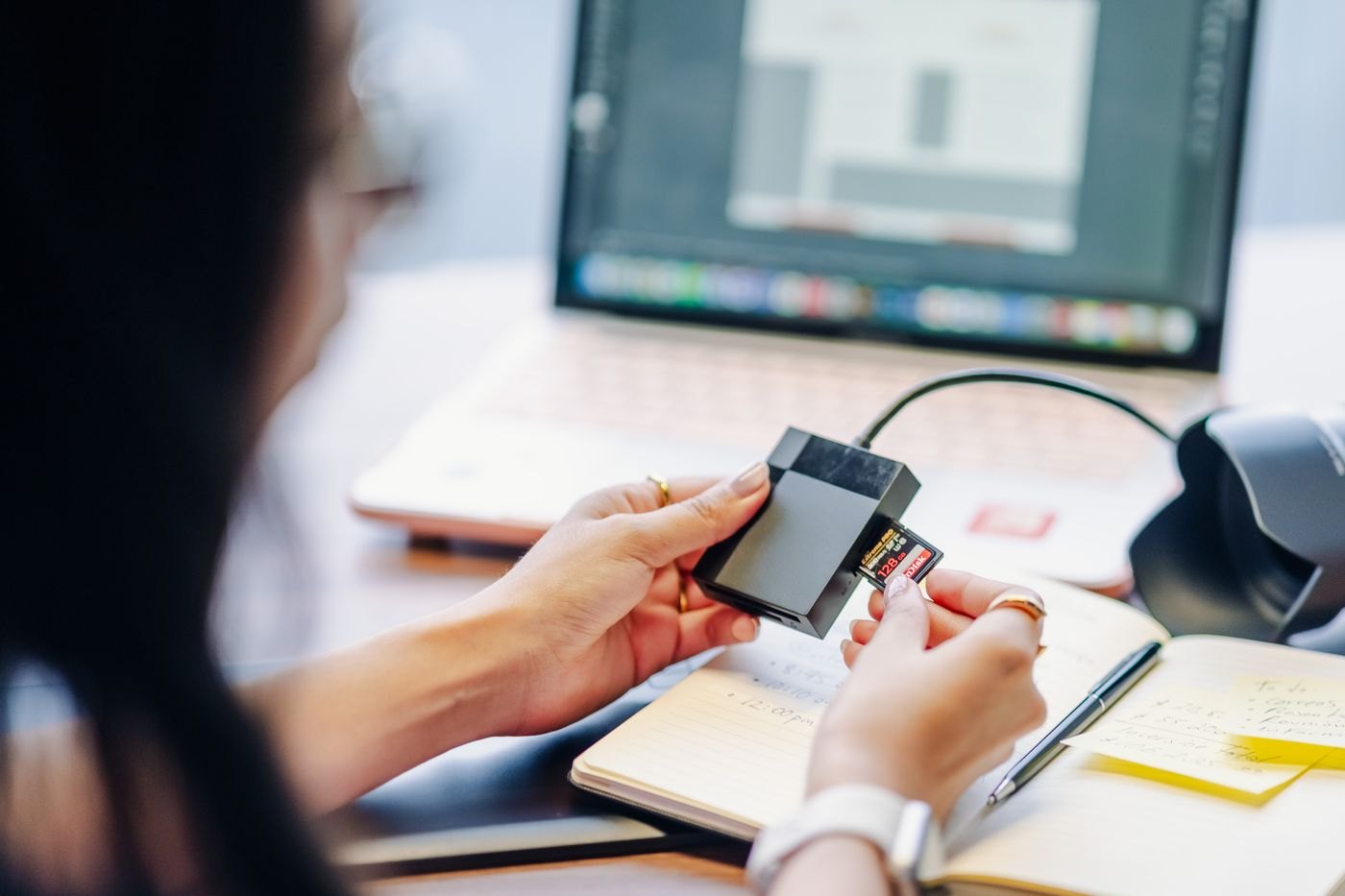
Check the used space on the card and the free space at the destination before starting an import. Do not compare the card's printed capacity with the computer's remaining capacity and assume the answer is settled. The card may contain less than its maximum, while your import process may create additional files beyond the originals.
Find out what the application will generate. Previews, catalogues, converted copies and editing caches can require room of their own. The exact amount depends on the software and settings, so look at a recent comparable job if you have one. Reserve space for the work you plan to do after import, including exported versions you need to deliver.
Trace every destination
Some workflows copy originals to an external drive but keep previews or a catalogue on the computer. Check both locations. A large external drive does not help if the application needs temporary space on an almost-full internal volume. Verify the destination shown in the import dialog rather than relying on the location used last time.
If there is not enough space, pause before making room. Identify material that already has a verified backup and decide whether it belongs elsewhere. Do not clear the source card, empty unrelated folders or delete an application library simply to force the import to proceed. Those actions can be difficult to reverse and may remove the only copy of something important.
For a large collection, dividing the import into dated batches can make progress easier to track. Keep a note of which batch has been copied and checked. Use distinct destination folders so a restarted job does not leave you unsure whether similarly named files are duplicates or separate photographs.
Verify before clearing the card
After copying, compare the expected file count with the result and investigate any warnings. Open a selection from different parts of the shoot, including videos and any file type your usual viewer does not display automatically. A thumbnail alone is not a complete check of a long recording.
Update the backup while the card remains unchanged. Only reuse the card after your normal verification and backup steps are complete. If the import failed halfway through, preserve the source and work out what reached the destination before retrying; an uncertain partial folder should not become the basis for deleting originals.