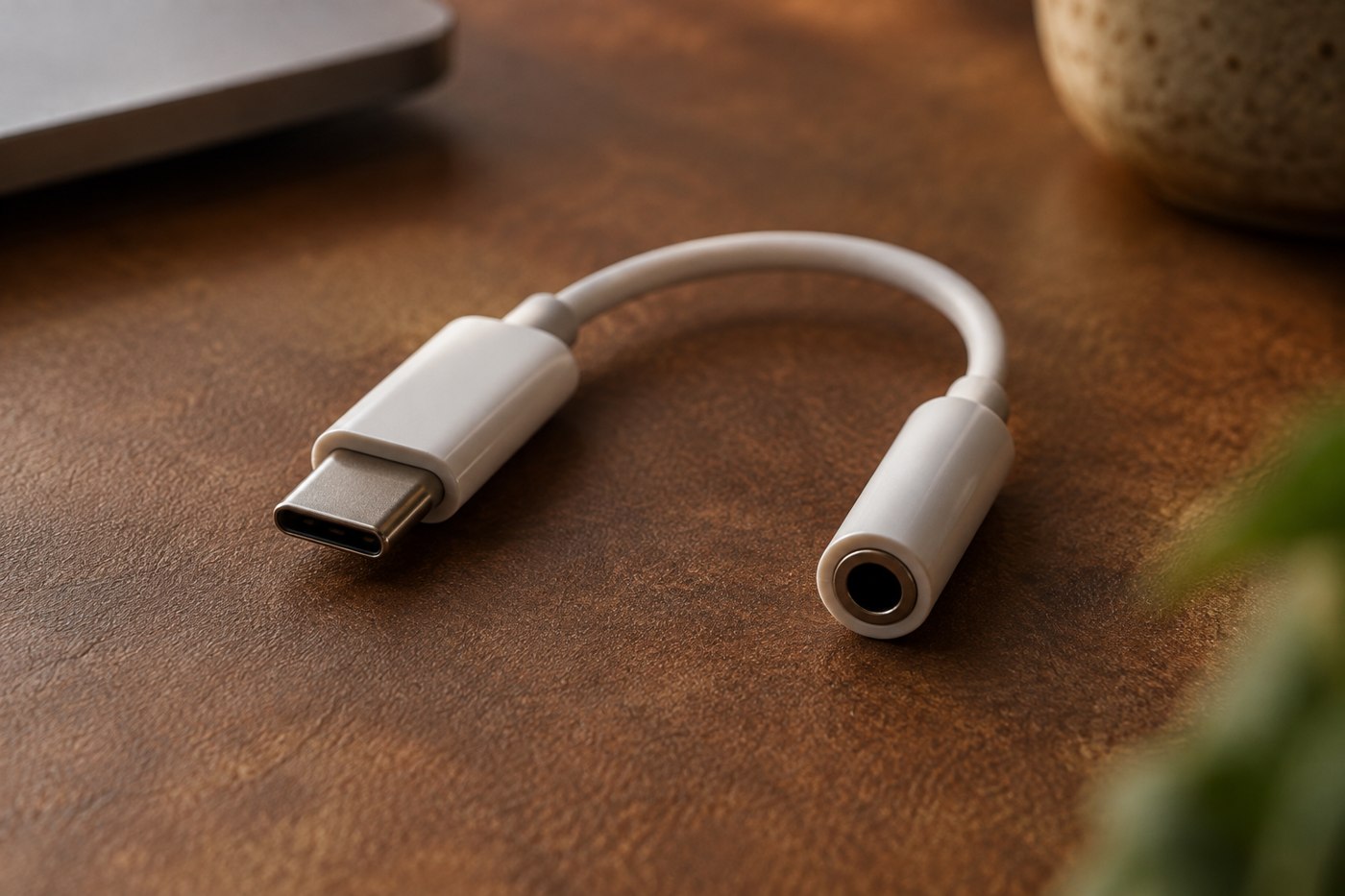
A phone without a headphone socket may need an adapter to use wired headphones, but the adapter must support more than the right plug shape. Start with the phone's exact model and connector. Then identify whether you need only stereo listening or also the microphone and buttons on a headset cable.
Read the phone manufacturer's accessory guidance and the adapter's compatibility list. USB-C audio accessories can differ in how they handle the audio connection, so a physically fitting plug is not enough evidence. Choose a documented combination instead of relying on a listing that says universal without explaining its supported devices.
Separate listening from microphone input
An adapter may provide headphone output without supporting every headset microphone or remote-control function. If calls are important, look for explicit microphone support and the relevant headset connection arrangement. A successful music test does not establish that the phone is using the microphone on the cable.
For clip-on microphones, the distinction can be more specific. RØDE's guidance for its Lavalier GO describes the need for the appropriate TRS-to-TRRS and phone-connector adapters in supported setups. That example shows why a chain must be checked end to end; it is not a claim that the same adapters suit every microphone.
Decide whether charging must happen too
A combined audio-and-charging adapter adds another function to verify. Check the phone models and charging conditions the manufacturer supports, and confirm whether the required charger or cable is included. If you rarely listen while charging, a simpler single-purpose adapter may avoid an unnecessary connection chain.
Consider the physical fit with the phone case. The plug housing must seat properly without the case forcing it sideways. A short flexible lead may reduce awkward leverage in a pocket, but it still needs protection from sharp bending and pulling.
Consider a wired headset with an inline microphone used for both music and calls. An adapter listing that mentions headphones but says nothing about microphone input leaves half the requirement unresolved. Ask about the exact headset and phone combination. If the answer covers playback only, either accept that limitation consciously or choose another documented option.
When testing, start with music to establish output, then make a short voice recording to establish input. Check play or pause buttons separately because control compatibility can differ from audio compatibility. If the phone's built-in microphone is still active, the recording may sound usable while the cable microphone does nothing; compare the recording with the phone placed farther away in the same quiet room.
For a combined charging adapter, repeat the audio test with the supported charger connected. The complete use case includes simultaneous functions, not merely two separate successes. Keep the settings and accessories constant while testing so an unexpected change can be described clearly to support.
Test the full use case
Play audio, make a short call or voice recording if required, and try the headset controls you rely on. Confirm the selected microphone by recording while gently moving the headset microphone closer and farther away, without tapping or blowing into it. Check that disconnecting and reconnecting restores the expected output.
Keep the adapter with the wired headphones so it is available when needed. If you hear interruptions, first inspect the supported setup and connection fit rather than buying another adapter with a larger specification number that may not address the actual incompatibility.