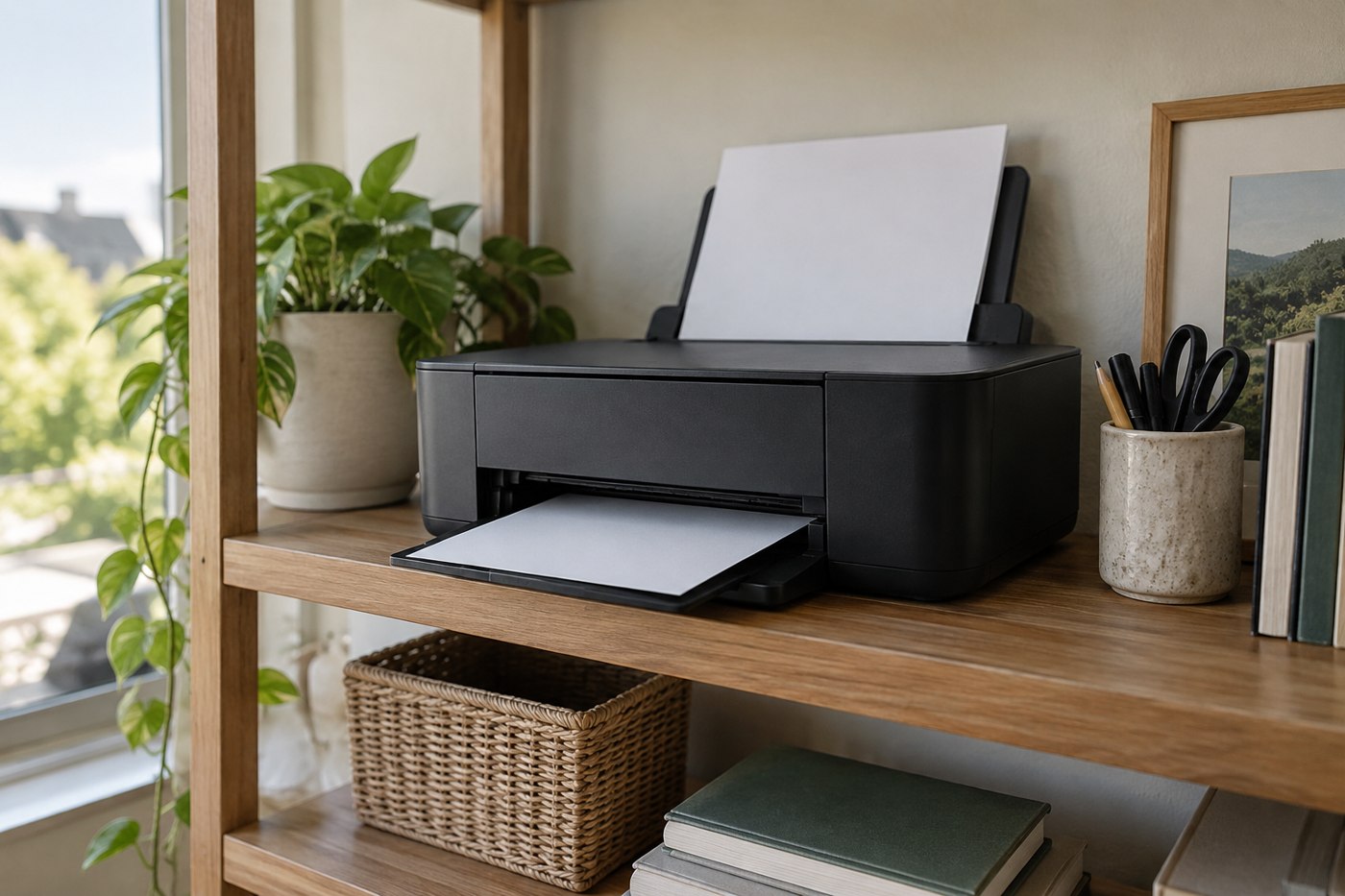
Occasional printing does not automatically call for the smallest printer in the shop. A compact closed box may need considerably more room when the paper tray, output support and service cover are open. Measure the available shelf or desk in its working state, including room to retrieve a page and replace supplies.
Gather a few examples of what you print: text letters, forms, colour charts or photographs. Decide whether colour is necessary and whether you need automatic two-sided printing. Do not pay for a feature simply because it is common in office models if it has no place in your actual workload.
Look beyond the first cartridge
Find the replacement ink or toner model and the supplies included with the printer. Check the manufacturer's explanation of page-yield figures and remember that your documents may differ from the test pattern. Compare the cost of the supplies you would actually buy, not only an unusually low purchase price for the printer.
For equipment used infrequently, read the manufacturer's maintenance and storage guidance. Ask how the model should be left between uses and what routine procedures it performs. Avoid assuming that all printing technologies have identical requirements, or that a machine can be unplugged and stored indefinitely without following its instructions.
Establish a supported direct connection
If you intend to connect by USB, verify that the printer supports that connection, that the required cable is included or separately available, and that your computer has current driver support. A convenient-looking socket may have another purpose. Check the support page for the exact operating system before ordering an older model.
If scanning or copying matters, inspect those functions separately. A flatbed and a document feeder handle different kinds of originals. Two-sided printing does not automatically mean two-sided scanning, so read the specifications for each task rather than combining their names into one assumption.
Finally, consider whether the printing frequency justifies owning equipment at all. For a handful of ordinary documents, a nearby print service may meet the need, provided its handling of your files suits the material. If you do buy, test a representative document, paper loading and the complete open footprint before deciding that the printer fits your space.