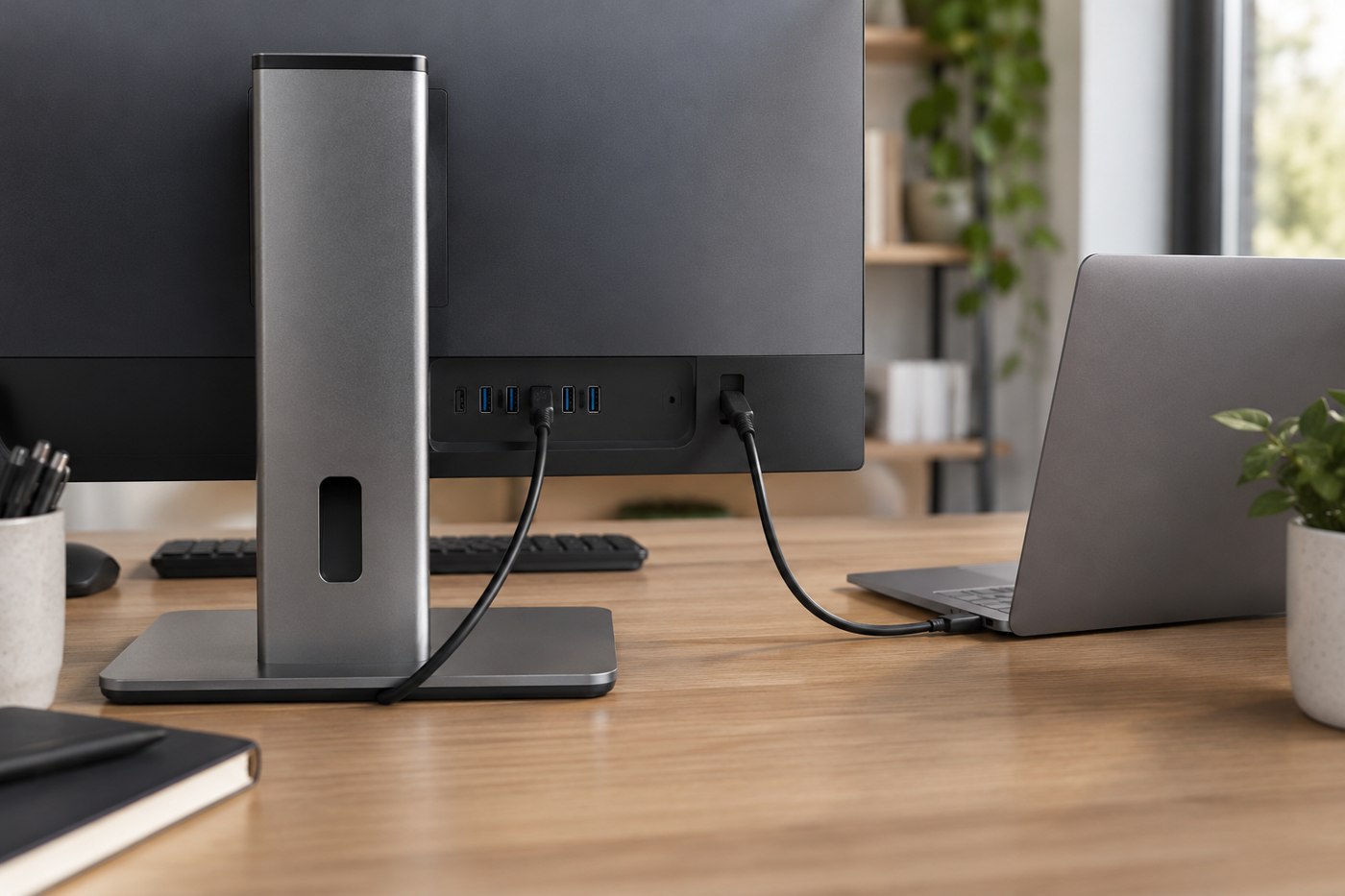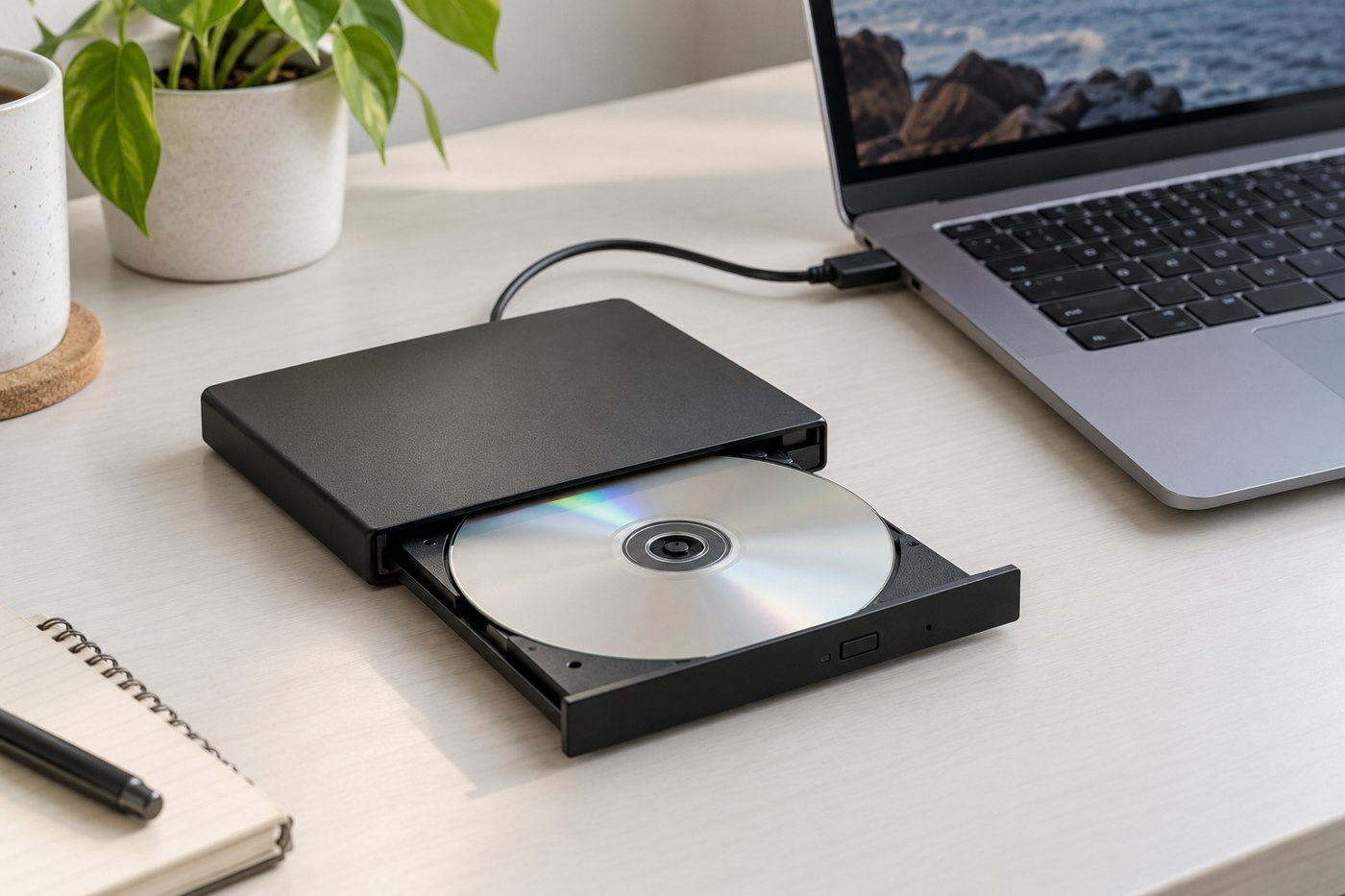
A temporary workspace is easier to manage when the equipment has already worked together somewhere familiar. Before leaving, assemble the laptop, accessories and cables exactly as you expect to use them. Open the documents or applications needed for the visit and identify any item that adds complexity without supporting a real task.
Separate essential equipment from optional convenience. A charger and the correct display adapter may be essential; a full-size keyboard or lamp may be optional. Keep the essential set together so a late change of bag does not leave one critical lead behind.
Ask concrete questions about the destination
Find out whether there is a desk, a display you are permitted to use and an accessible power outlet. If an external monitor is important, request its model or a clear description of its inputs rather than asking only whether a screen is available. Do not assume you can install drivers or alter settings on someone else's computer.
Measure the packed kit and consider the unpacked footprint. A portable display needs support depth, a mouse needs movement space, and a webcam may need a stable attachment. Pack for the desk likely to exist, not an ideal arrangement that requires moving the room's furniture.
Make setup reversible
Use your own labelled cables where appropriate and remember which existing leads belong to the room. Photograph a non-sensitive connection arrangement with permission if it helps you restore it later. Avoid unplugging unfamiliar equipment merely to obtain a spare socket.
Choose a place for the bag that does not pull on the charging cable when moved. Keep liquids away from the temporary equipment, and leave ventilation openings clear. A setup used for only a few hours still needs ordinary support and cable care.
Before the first important call or presentation, test the camera, microphone, audio output and any display connection you will use. A quick device check prevents discovering an incorrect input selection when other people are waiting.
When leaving, finish transfers and remove external storage through the appropriate procedure. Count small adapters and receivers, restore the space and check that no account remains signed in on borrowed equipment. A compact written packing list becomes more useful after each trip when you remove items that never earned their place.