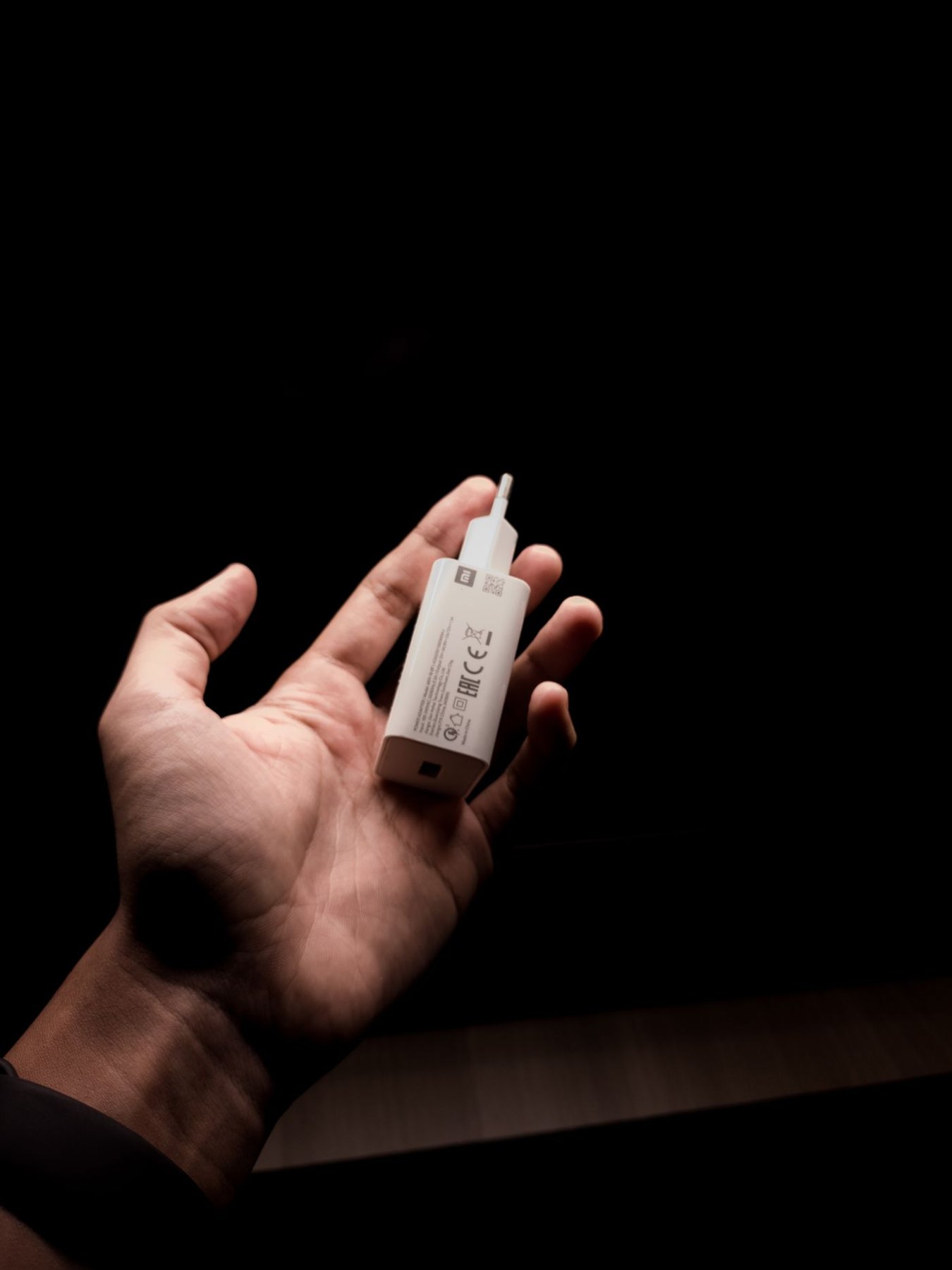
A bedside charging arrangement should fit the way you use the room without hiding operating equipment under soft furnishings. Read the device and charger instructions about ventilation and placement. Apple, for example, advises adequate ventilation around its power adapters; use the relevant guidance for your own equipment.
Choose a stable location for the phone and a suitable route to the outlet. Include the space needed to insert and remove the connector. A cable should not pull the device towards the edge of the table when you pick it up.
Keep storage separate from operation
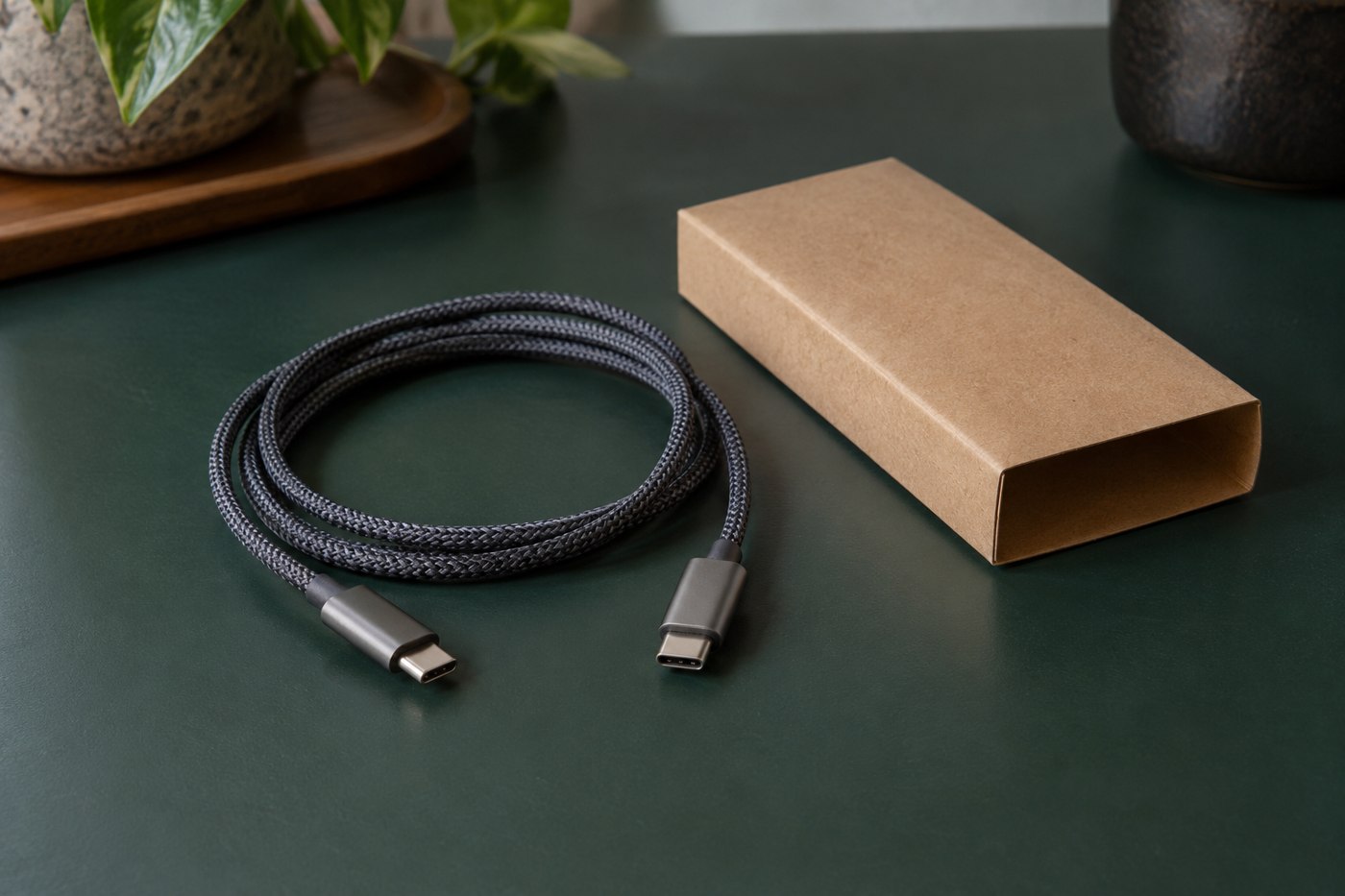
A pouch or decorative box can organize unplugged accessories, but it should not be assumed suitable for enclosing a charger in use. Do not cover the adapter or phone with bedding to hide a light or reduce clutter. Address an unwanted indicator through the product's supported settings or choose a different arrangement.
Check where the cable runs when a drawer opens, furniture moves or someone gets out of bed. Avoid pinch points and a route that can be caught by a foot. Use a suitable guide loosely enough that ordinary movement does not stress the connector.
Check the complete device setup
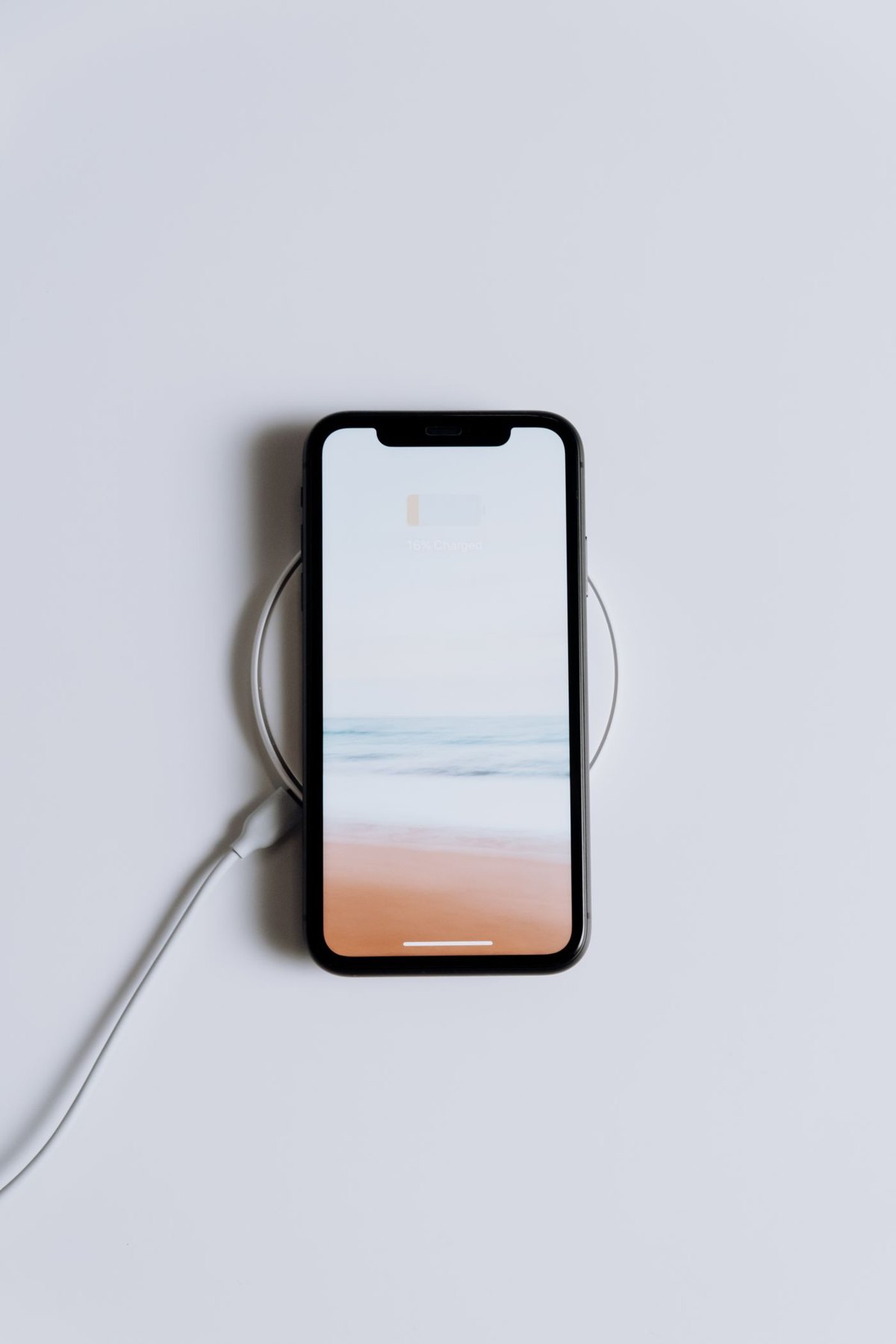
For a stand, include the case and any grip attached to the phone. Make sure it sits as intended and leaves the cable room. For wireless charging, follow the maker's placement and compatibility instructions and verify the charging indication after putting the phone down normally.
If the outlet is difficult to reach, do not create a stack of improvised adapters to bring power closer. Use a suitable documented solution for the room and keep the equipment within its ratings. Electrical installation questions belong with an appropriately qualified person.
Make the routine easy to notice
Keep the cable's purpose clear if more than one device shares the area. Remove damaged or unidentified equipment from the ready-to-use collection. A lead that only works when held at an angle should be investigated through the manufacturer's guidance rather than left as the bedside default.
Review the route when the bed, table or device changes. Small furniture movements can turn a previously relaxed cable into a tight one. A good arrangement remains simple: the phone rests securely, the equipment is used as instructed and the connection is easy to reach without moving bedding or heavy furniture.