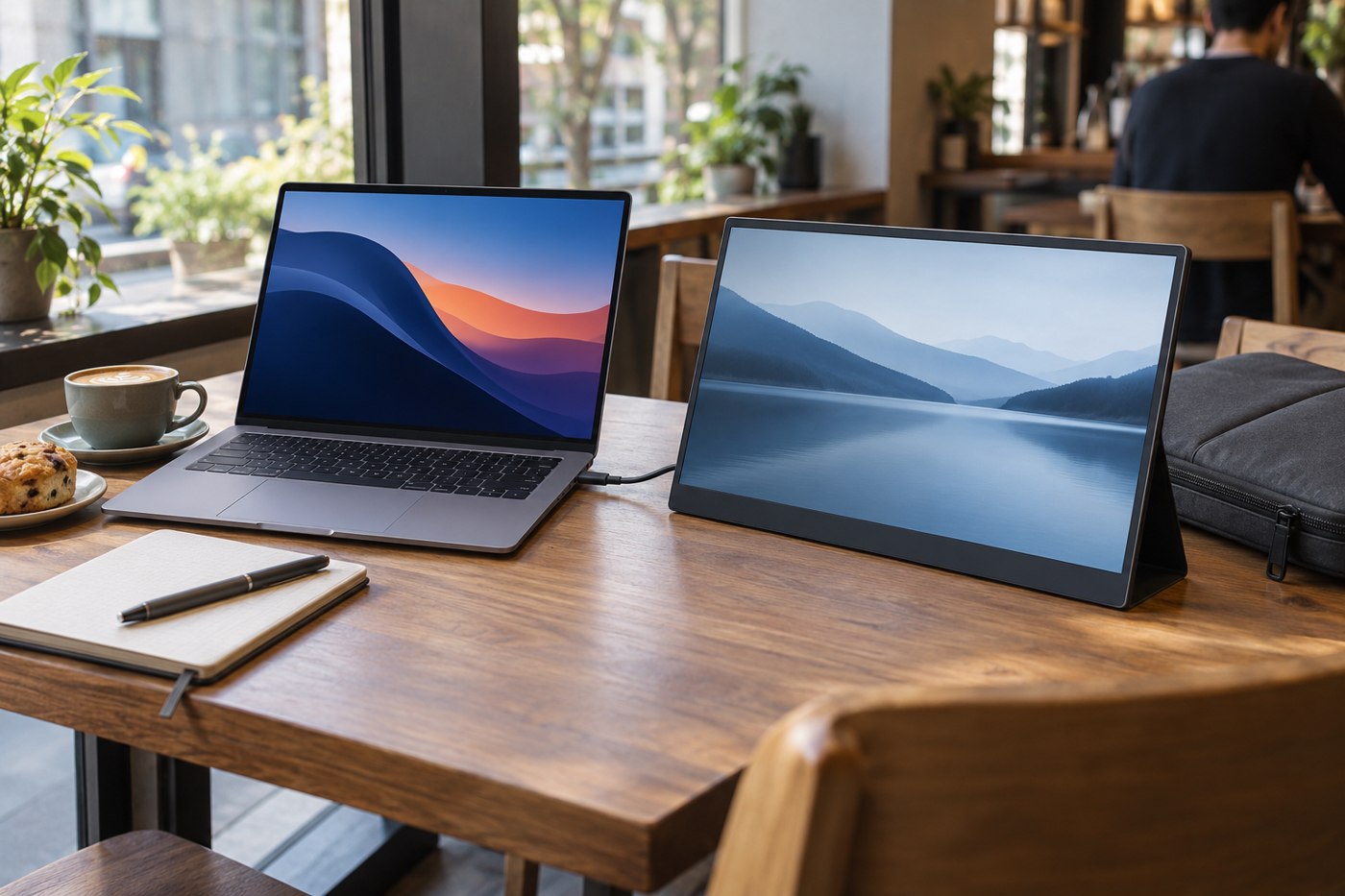
A portable monitor adds more than its screen to your luggage. Include the cover, stand, cable and any power adapter when comparing the size of two candidates. A thin display that needs a separate stand and several adapters may occupy more useful bag space than a slightly thicker model with an integrated support.
Make a paper rectangle matching the monitor's outside dimensions rather than its advertised diagonal. Try it in the bag pocket alongside the laptop. Check whether the zip closes without pressing on the corners, and whether another object can push against the middle of the screen. The bag's laptop compartment may not be designed to protect two panels pressed together.
The table is part of the purchase
A hotel desk, shared office table and train tray offer very different depths. Find the stand's footprint when open, including the space behind the screen. A cover that folds into a support may need more depth than the product photograph suggests. If portrait use matters, confirm that the support is designed for it and that the cable can exit without propping up one edge.
Use the expected screen position to choose size. A large panel placed extremely close because the table is shallow may be less useful than a smaller display set beside the laptop. Think about what goes on the second screen: a document for reference needs a different arrangement from a large spreadsheet that you edit continuously.
Establish the complete connection
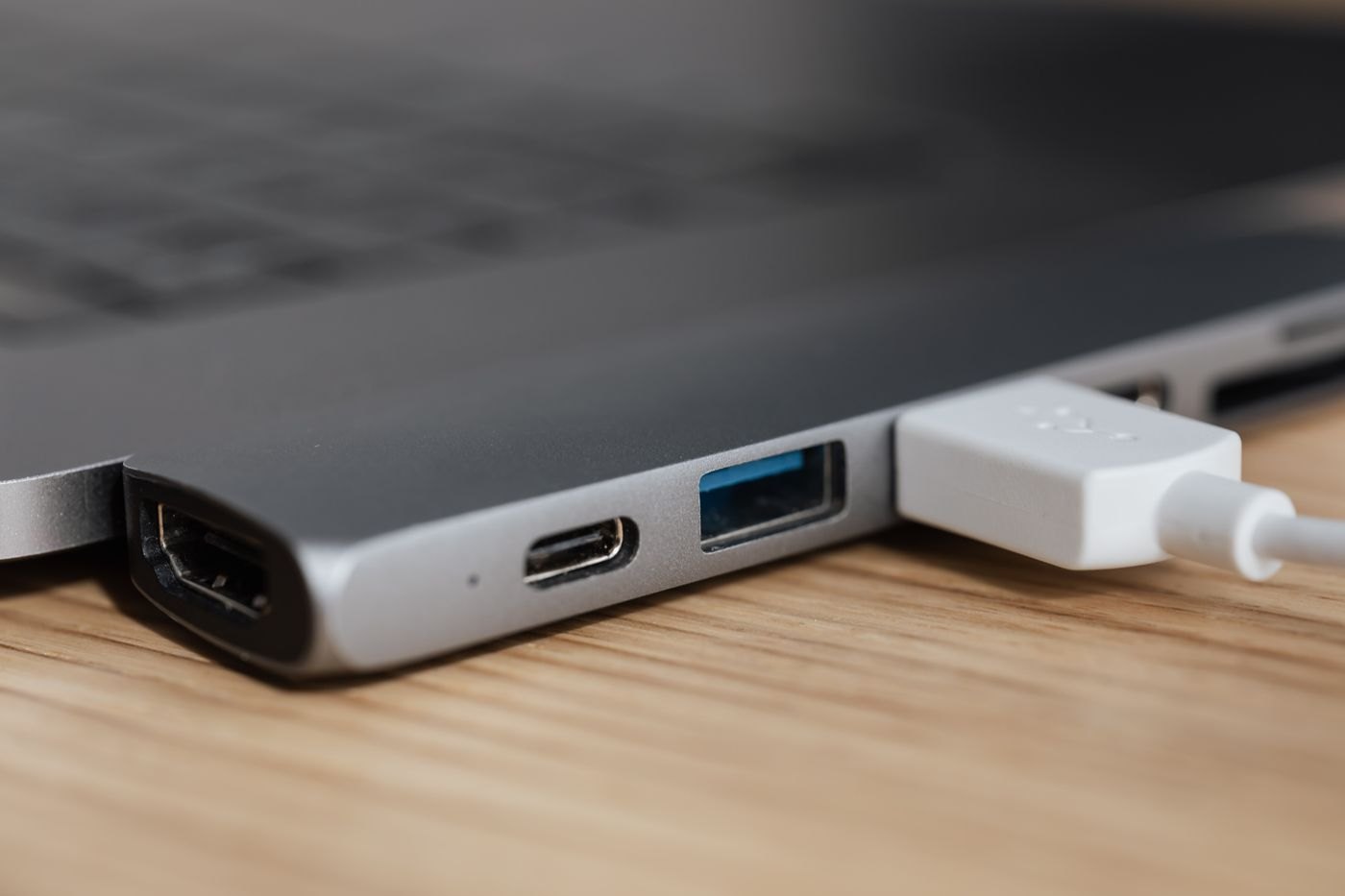
Read the laptop's port specification and the portable monitor's connection instructions together. Some portable USB-C displays depend on a video-capable USB-C computer port. Dell's guidance for its C1422H, P1424H and P1425 specifically requires an appropriate DisplayPort Alt Mode or Thunderbolt connection; a data-and-charging port is not sufficient for those models.
Treat that as a reason to check your chosen model, not as a statement that all portable displays connect identically. Some offer another video input and separate power. Record the required power arrangement and supplied cables so that a claimed single-cable setup does not become an unexpected collection of accessories.
Before travelling, test the display on the laptop's battery as well as in your normal powered setup. Open the actual documents, set a readable scale, and check reconnecting after sleep. Pack the verified cable with the monitor instead of assuming any similar-looking USB-C cable in the bag will replace it. The final decision should be based on the working kit you carry, not the panel's weight in isolation.