Desk noise can reach a microphone in more than one way. The sound of typing travels through the air, while contact with a stand or cable can also transmit movement into the setup. A useful diagnosis separates those routes instead of applying several fixes at once.
Make a short test recording with ordinary speech, a pause, normal typing and a gentle mouse movement. Do not strike the microphone or shake the desk to create an exaggerated test. Listen back at a sensible level and note which actions are actually distracting in the saved file.
Move the microphone for the voice first
Read the microphone's intended speaking position and pickup orientation. A microphone pushed far away to clear the keyboard may require a different input level and capture more of the room relative to the voice. Bring it into a supported, usable position without blocking the task you are demonstrating.
Shure's recording-technique guidance discusses microphone positioning as part of the result. Apply the model's own instructions rather than assuming that every microphone should be pointed the same way. If it has a directional pattern, identify the front and rear from its diagram before experimenting with placement.
Inspect the support and cable
Check that the stand is stable and that the microphone cable is not tapping against the support or rubbing across the desk as you move. Leave relaxed slack without a loop that catches your arm. A cable pulled taut can undermine an otherwise sensible support arrangement.
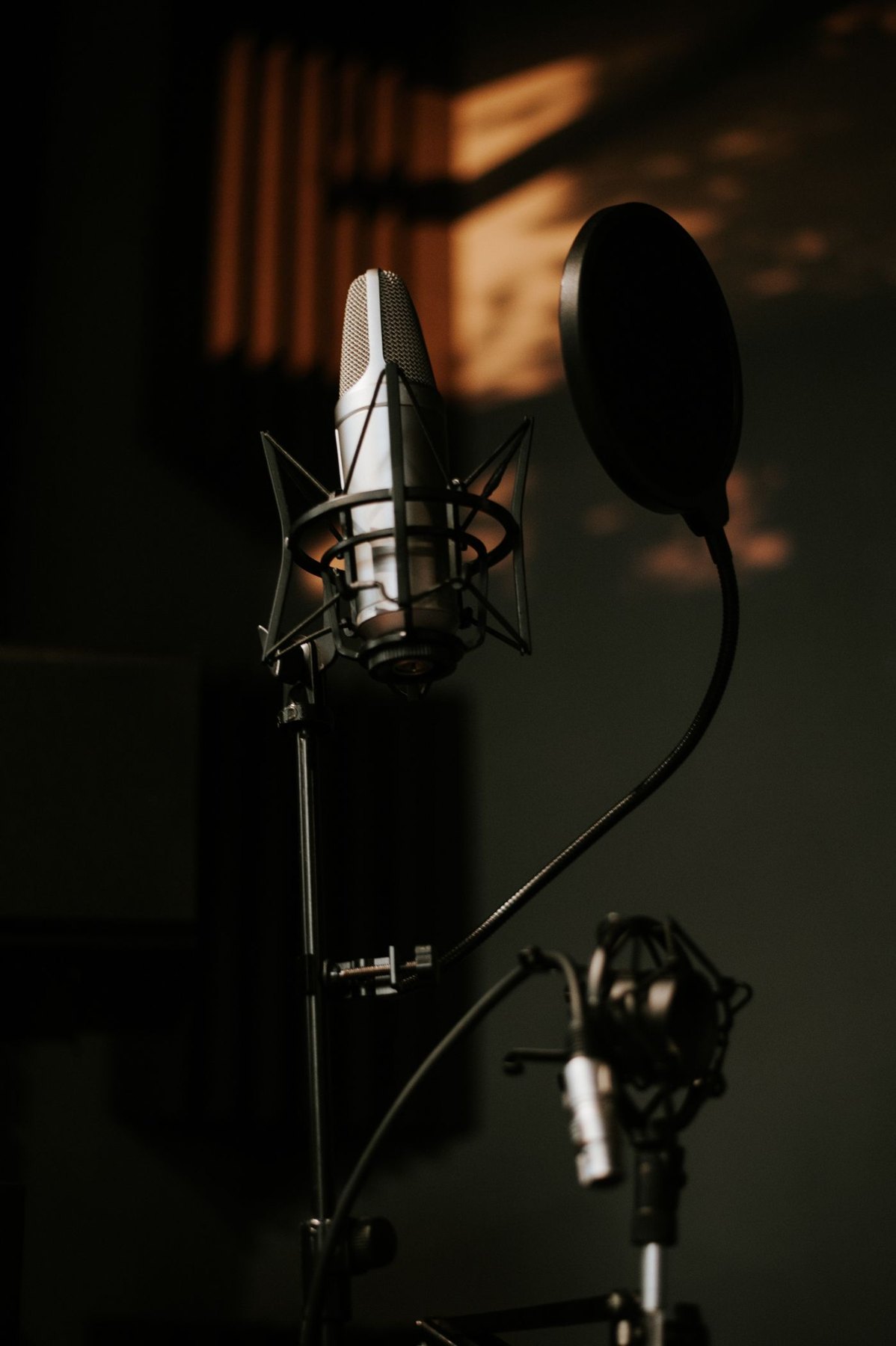
A compatible shock mount can address some mechanical transmission, but it must match the microphone and stay within the arm or stand's load limits. It does not remove the airborne sound of a nearby keyboard. If you add one, repeat the same normal test to assess the change rather than treating the accessory as a complete solution.
Decide what needs to happen during speech
For a tutorial, some keyboard sound may belong to the demonstration. You could pause narration during intense typing or record the explanation afterward if that suits the material. For a meeting, muting while typing can be a straightforward option when you are not speaking.
Use application noise processing deliberately and compare its effect on the voice as well as the noise. A setting that removes clicks but clips quiet syllables may not improve the recording overall. Keep the original sample and change one factor at a time. The aim is understandable speech in a workable desk arrangement, not an unrealistic promise that every sound will vanish.