Begin with the full model identifier and storage capacity. A familiar product name can span several generations, and an attractive price is difficult to assess if the listing does not say which device is being sold. Compare the seller's description with the manufacturer's identification information and ask about any mismatch.
Decide which features you need before evaluating condition. A tablet for reading has a different minimum requirement from one intended for a particular drawing application, keyboard or external display. Confirm current application and accessory support for that model rather than assuming the newest-looking case indicates the newest hardware.
Ask for evidence of ordinary operation
Where an inspection is possible, use the touchscreen across its area and check the physical controls, charging connection, cameras and speakers relevant to you. Look for display issues on ordinary light and dark content. Do not run intrusive diagnostics or open the device; the goal is to verify the offered condition within the seller's inspection arrangement.
Inspect the case and connector area without inserting tools. Ask about damage, repairs and included accessories. Cosmetic grading terms can vary between sellers, so look for the definition attached to this sale instead of assuming a label has a universal meaning.
Battery information deserves a specific question. Ask what the seller has checked and what its condition policy covers. A claim that a battery holds a charge is not the same as a measured capacity statement. Avoid predicting remaining service life from a short demonstration.
Confirm that the handover can be completed
The device should be prepared for a new owner through the platform's official process. Do not accept someone else's account password as the solution to an activation or ownership restriction. If a previous account or organizational management remains involved, have the seller resolve it legitimately before completing the purchase.
Read the return window and warranty terms, including who provides support and what evidence is needed. Keep the listing and order information. For an online purchase, inspect promptly so a missing accessory or unexpected restriction can be raised within the applicable process.
Test the intended task first
Once the tablet is ready for your account, install the application you bought it to use and test the intended accessory. A device can pass a general power-on check while still being unsuitable for your particular workflow.
If the seller's model description is correct but the tablet does not support your required feature, the mistake may be in the selection rather than a defect. This is why the first model check matters: it separates a condition question from a capability question before money changes hands.
Use a short acceptance session
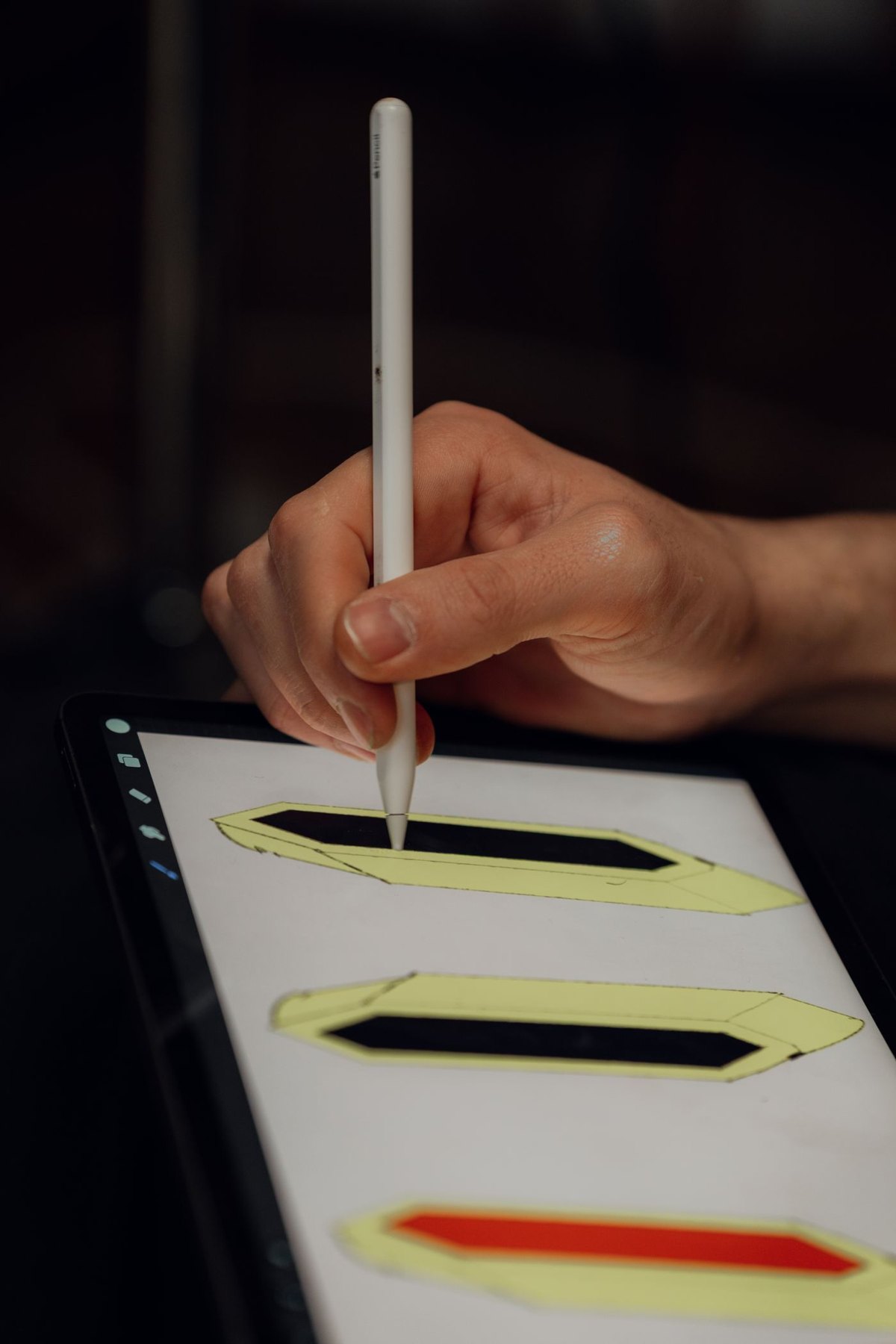
Prepare a few ordinary tasks before the device arrives. A reader might open a representative document, turn several pages and try the reading application they intend to use. A note-taker can check a compatible pen in the actual application, including charging or pairing as required. Someone buying the tablet for calls should test both camera framing and recorded sound in an ordinary room.
Keep the inspection proportionate and within the seller's return conditions. You are establishing whether the delivered device matches the description and supports your intended use, not stress-testing it to destruction. Record an observable issue precisely: a particular button does not respond, the listed capacity differs, or a stated accessory is absent. Avoid diagnosing an internal component from one symptom.
Prioritize the questions that would change your decision to keep it. Cosmetic marks already disclosed in the grade are different from an undisclosed account restriction. A missing application feature may be a model limitation, while repeated failure through the documented connection may need the seller's assessment. Sorting these findings makes the return or support conversation shorter and reduces the chance of spending the whole window testing irrelevant features.