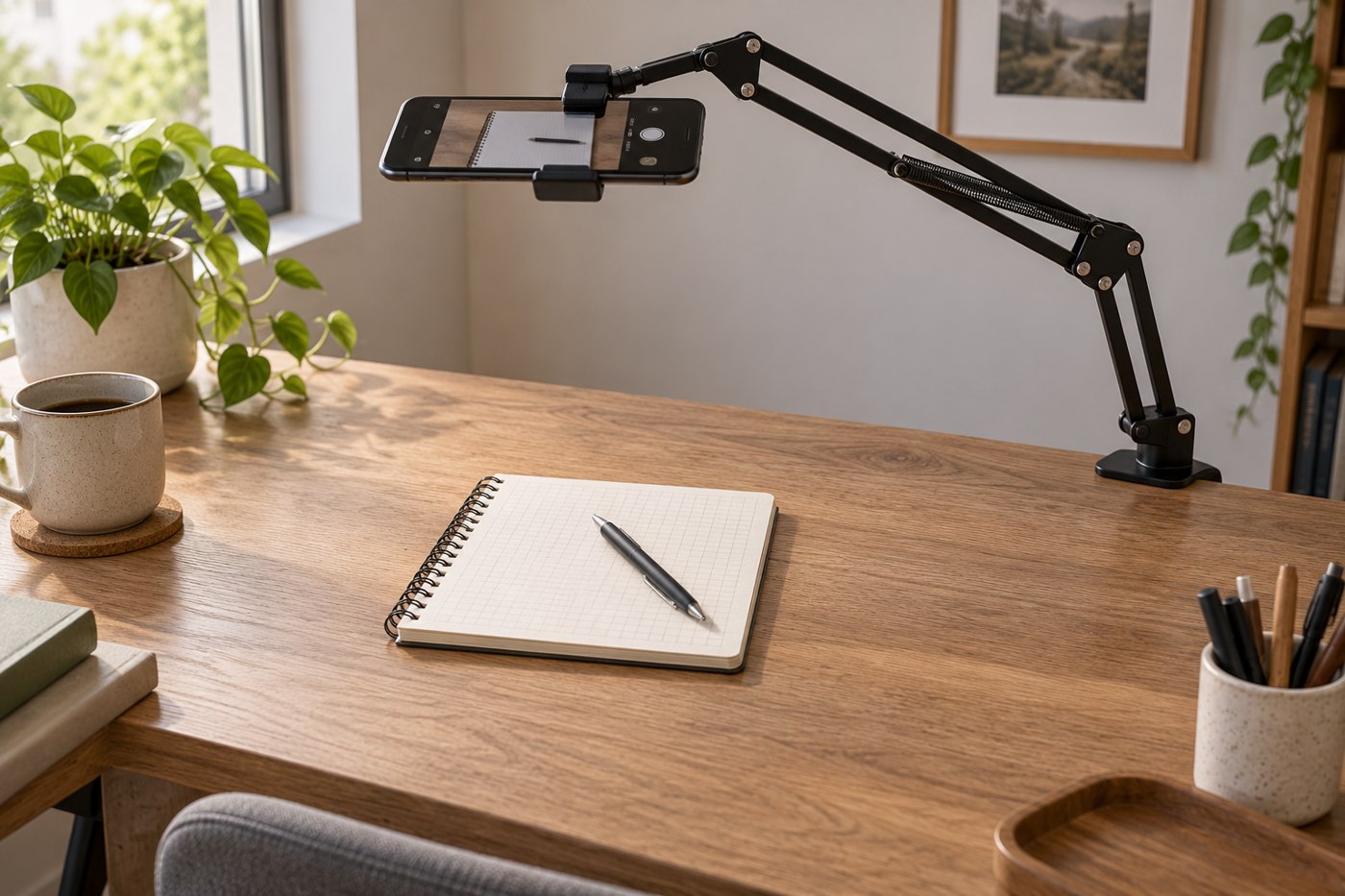
For a desk demonstration, the phone needs to look down at the work area without the support blocking your hands. Begin by deciding how much of the desk must appear: a notebook, a small product or a wider activity. Use the camera preview to estimate the required position before choosing an arm or stand.
Do not assume a normal selfie tripod can safely hold a phone far beyond its base. Read the support's intended arrangement and load limits, including any attachment or counterweight instructions. A long reach changes the demands on a mount even when the phone itself is light.
Check the desk connection
If the support clamps to the desk, inspect the edge, thickness and underside clearance. A drawer, cable tray or bevel can prevent the clamp from seating as intended. Use the mounting instructions rather than tightening against a surface that the maker does not support.
Keep the holder clear of the lens and controls. Check the actual camera used by the application: changing lenses may change the framing and reveal part of the support. Include the case and any microphone cable in the fit check.
Light the subject without hiding it
Look at the preview while moving your hands through the task. A light that seems well placed on an empty desk may cast a strong shadow when you begin. Adjust the arrangement and make a short sample recording before committing to a long demonstration.
Reflective objects need particular attention. Change the light or subject position within the available setup and inspect the result. There is no need to buy a larger light until you understand which reflection or shadow is causing the problem.
Keep cables away from the area your hands will cross. If power is needed, route the lead with enough slack for the approved movement of the holder, without letting it pull the phone out of position.
Before each session, confirm that the support remains secure and the framing still matches the task. Start with a short recorded test that includes hand movement and speech if relevant. An overhead arrangement can look correct as a still image while producing distracting vibration or blocked detail once the activity begins.