A separate number pad is most useful when it improves a recurring task. Try observing one spreadsheet session: how often do you enter long strings of figures, use arithmetic keys or reach for Enter? If the answer is only occasionally, the laptop's existing keys may be sufficient. If data entry is a substantial part of your work, placement and key behaviour deserve a closer look.
Put the pad where the task happens
A separate pad can be placed on either side of the main keyboard, but this does not mean both positions will feel equally natural. Make a paper outline and try moving between it, the mouse and the keyboard. If you alternate numbers with text in every row, a pad pushed far away to preserve a tidy desk may defeat its purpose.
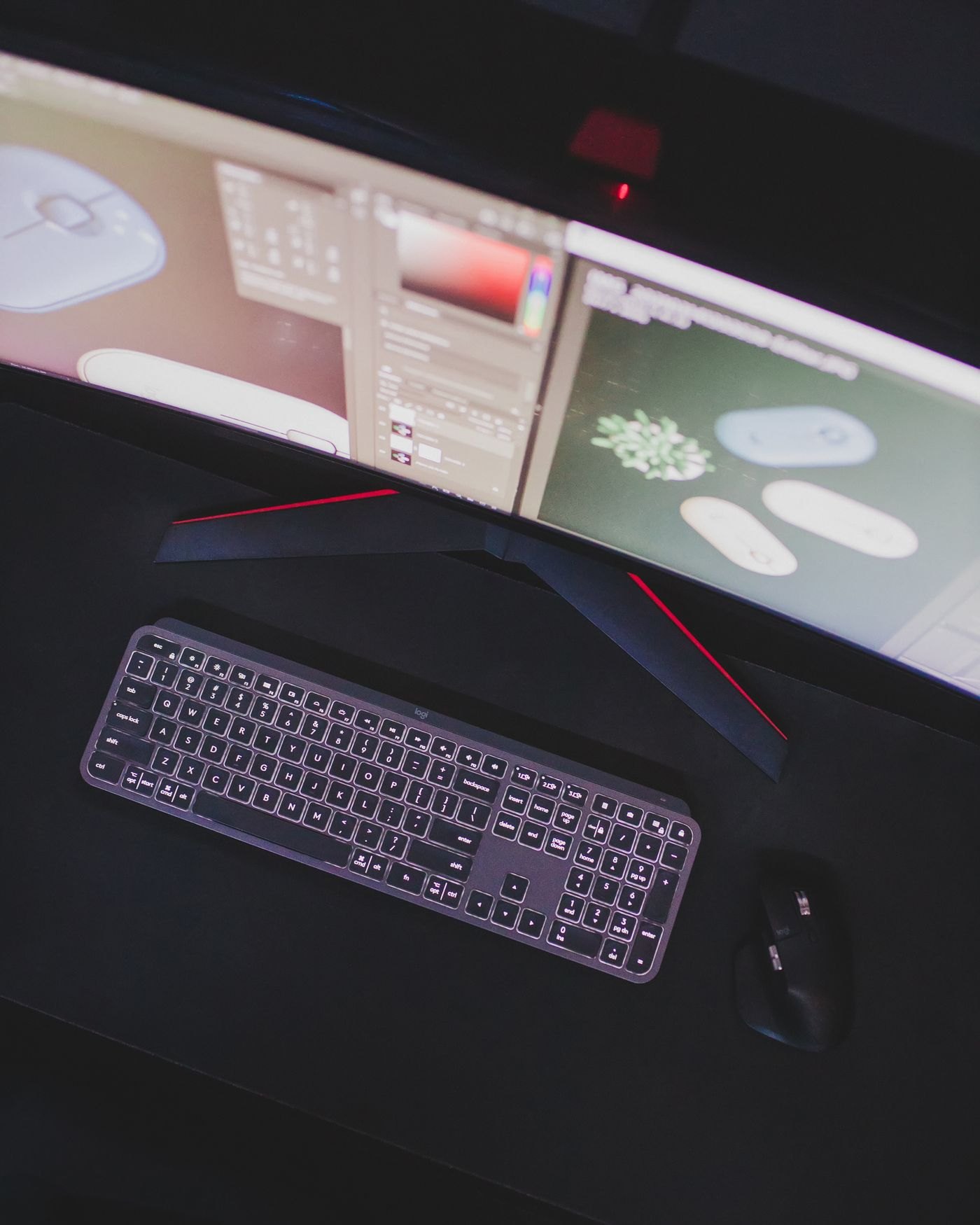
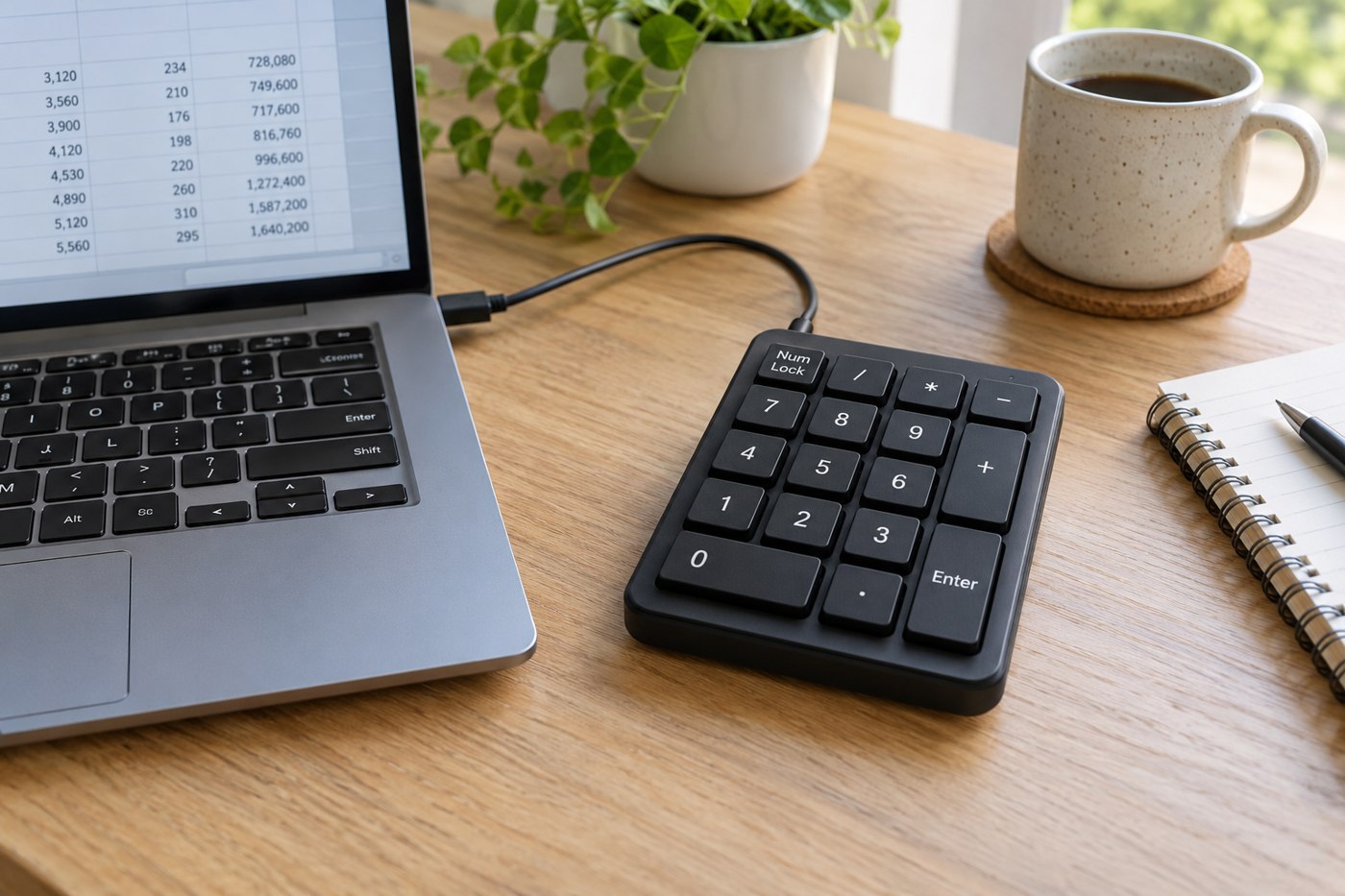
Inspect the key arrangement in a top-down photograph. Check the size of zero and Enter, the location of decimal and arithmetic keys, and whether extra function keys change the spacing. If you depend on a familiar calculator layout, even a small rearrangement can slow the initial transition.
Test in the real spreadsheet
The pad's behaviour depends on its hardware and the computer's input settings. Check the manufacturer's operating-system support and description of Number Lock. Do not assume a product marketed for one system will handle every shortcut identically on another. For a work computer, establish whether any configuration software is required and permitted.
Use a disposable test sheet containing the kinds of entries you make: whole numbers, decimals, dates, negative values and formulas. Confirm what the decimal key produces under your regional settings. Test navigation and Enter movement as well as the figures themselves, because the application may have its own preferences.
Account for one more device
A wireless pad needs a battery or charging routine and a connection method. A wired one needs an available port and enough cable to reach the chosen side of the keyboard. Check whether a receiver is supplied, and keep it with the pad if you plan to move between desks.
If the number pad is also advertised as a calculator, confirm how results transfer to the computer and whether that feature needs software. Judge it with a simple calculation you can verify independently. The useful upgrade is consistent entry with fewer awkward movements, not a long feature list that you rarely use.