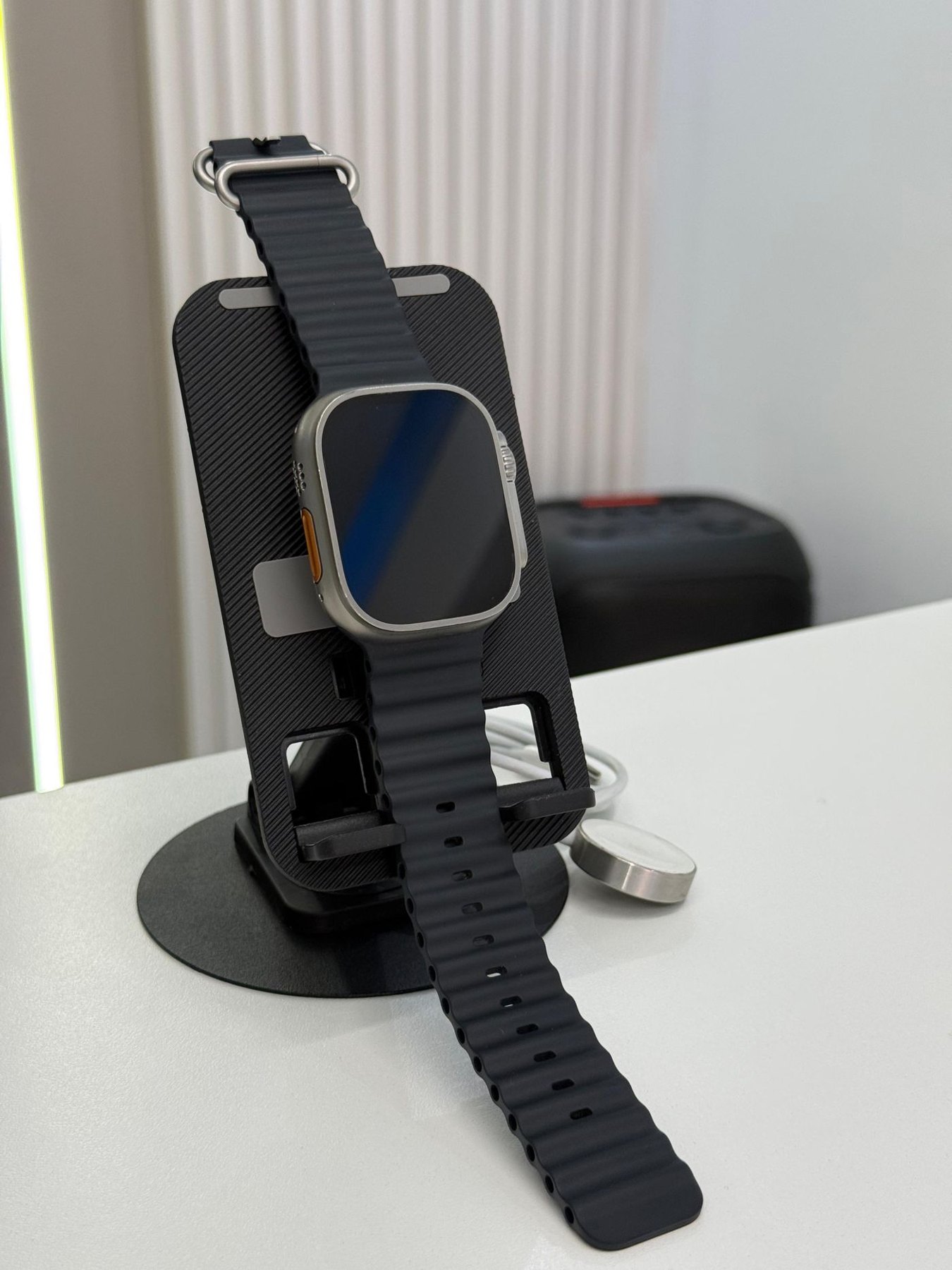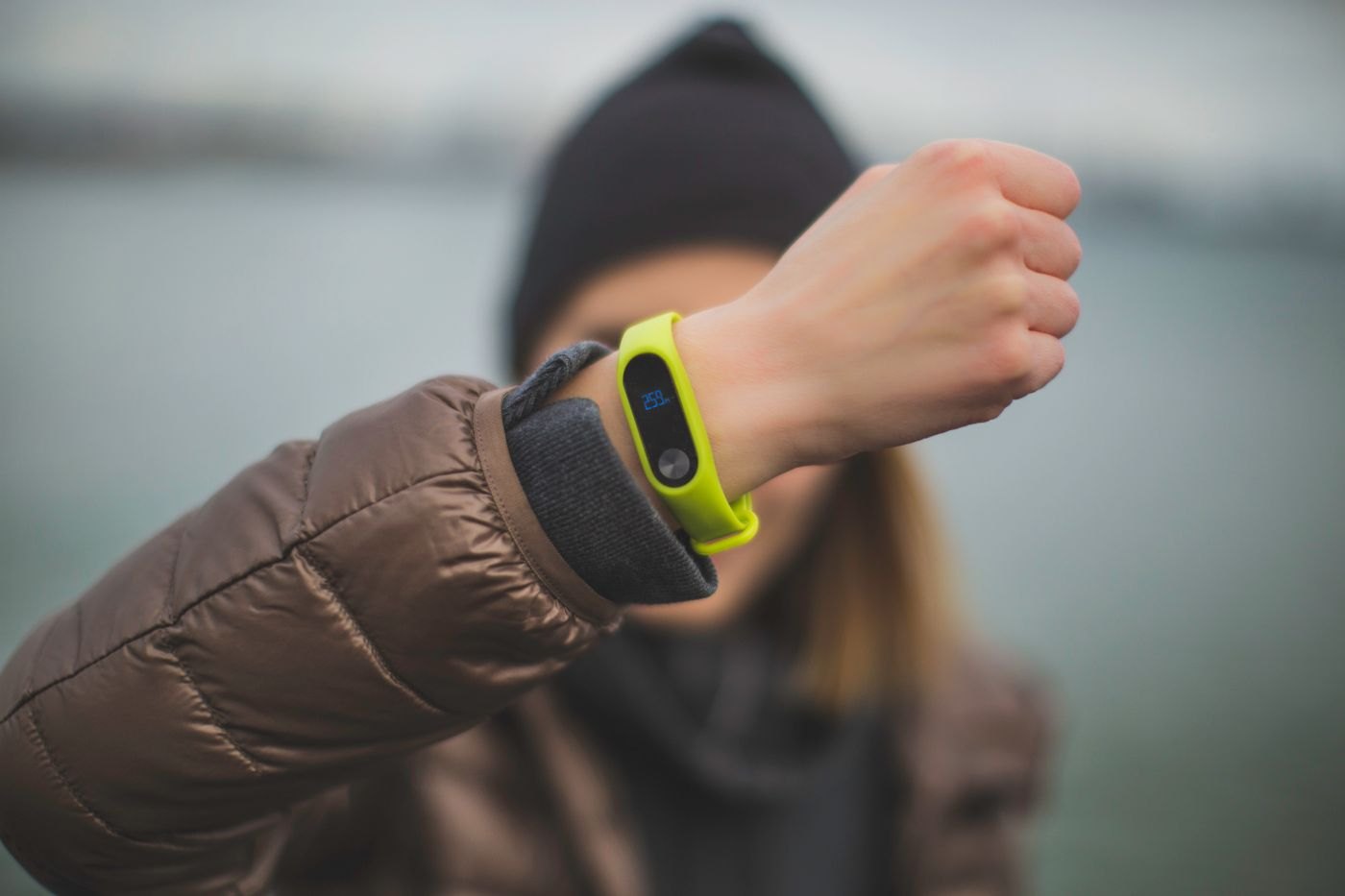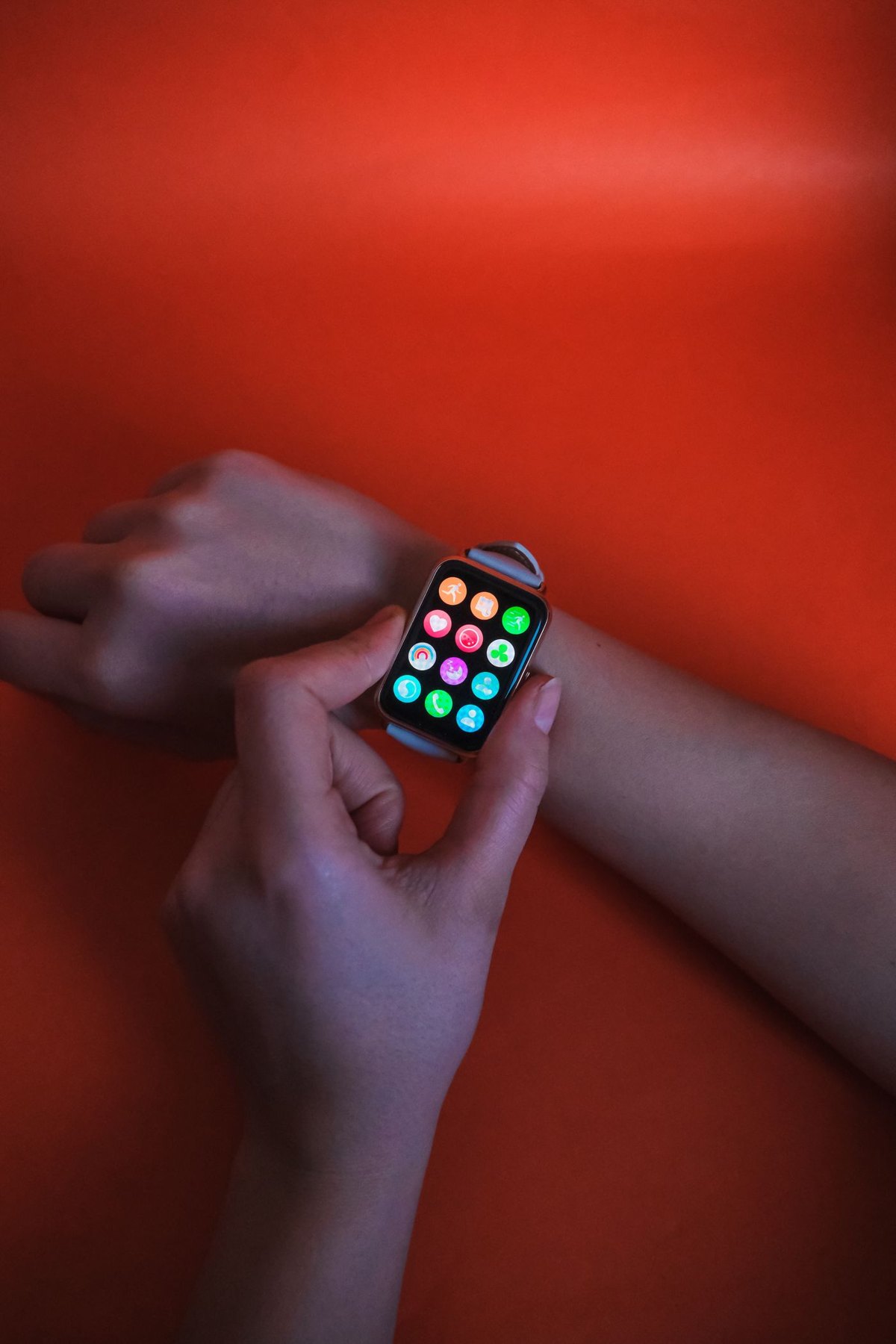
Make a list of alerts you actually act on. A calendar reminder, a message from a particular person and a delivery update may deserve different treatment from a promotion or a busy group conversation. Start with a small set and add others only when you notice a real need.
Find the watch's notification controls in its official companion application. Apple Watch documentation, for example, distinguishes notification behaviour and settings rather than assuming every phone alert appears on both screens in the same way. Use the current instructions for your own watch and phone combination.
Choose an action for each alert
Ask what you will do when the watch vibrates. If the answer is always to dismiss a message you never needed, that application may not belong on the wrist. If an alert requires a long response, a short preview may be enough to decide whether to open the phone later.
Review the amount of information visible in previews. A notification can expose a message subject or content while you are showing the watch to someone else. Check available privacy controls and test them with a harmless message, including the locked state.
Do not change every setting at once. Adjust a few noisy applications, use the watch for a normal day and note which useful alerts you missed. This makes it easier to identify the effect of each change instead of ending with a silent watch and no memory of why.
Test more than one device state
Send yourself a harmless reminder with the phone locked, then try with the phone in active use. Check any focus or quiet mode you commonly enable. If you rely on an alert while away from the phone, verify the requirements for that situation separately rather than assuming it behaves like the nearby-phone test.
Avoid using a new configuration as the sole reminder for something consequential until you understand its behaviour. Keep an existing reminder route while you test ordinary tasks such as watering a plant or taking a book to a meeting.
Review the selection after installing new applications or changing phones. Permission prompts can quietly rebuild a large collection of wrist alerts. A short monthly check of the applications allowed to notify you is often enough to keep the watch focused on the interruptions you chose.