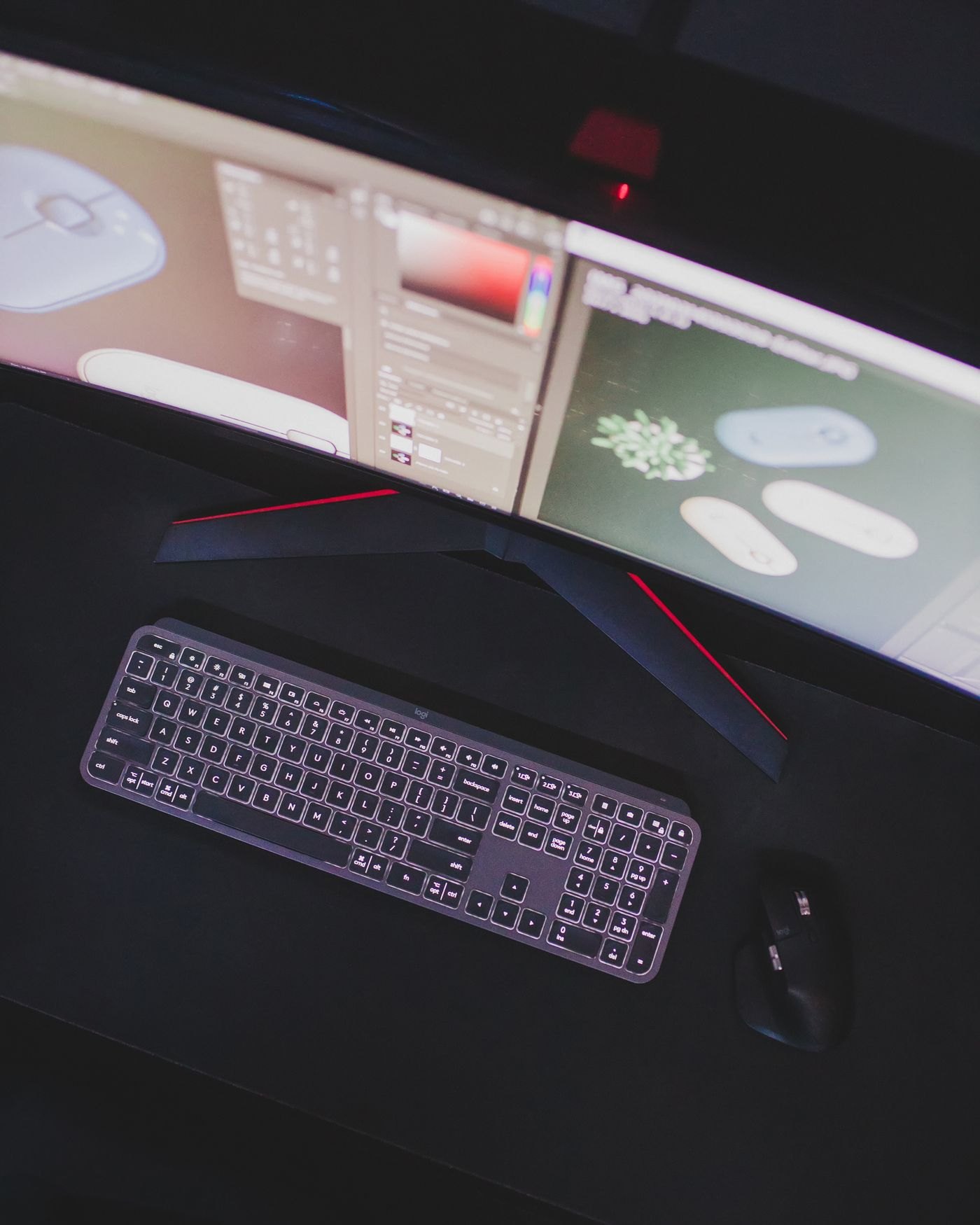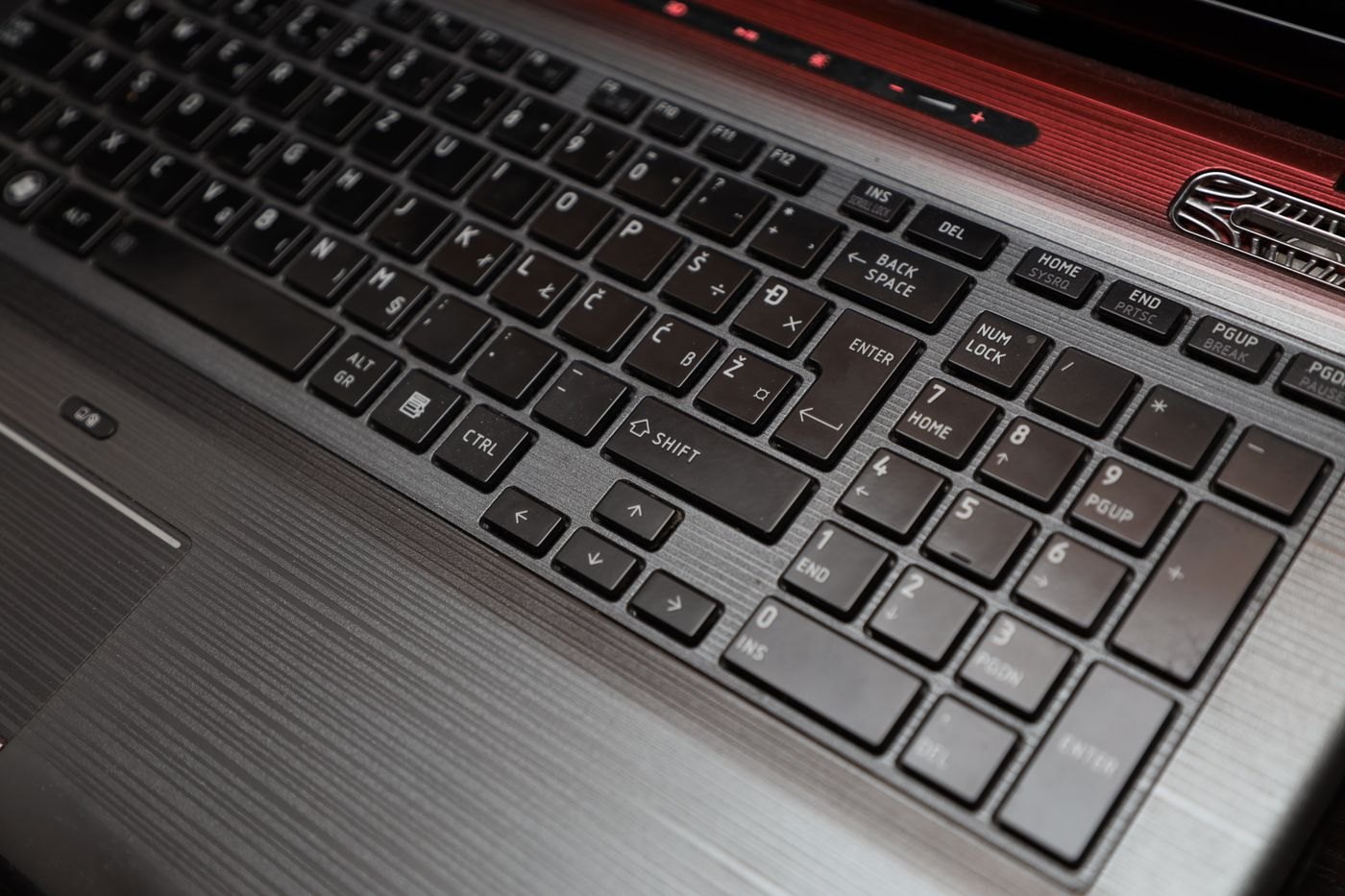
A familiar product name does not guarantee a familiar keyboard layout. Online shops can offer several regional variants under nearly identical listings, and the first photograph may show only one of them. Before ordering, identify the variant selected in the basket and inspect a clear image of that exact arrangement.
Look first at the Enter key, left Shift, backslash area and bottom row. These positions are easier to compare than a long list of language names. Keychron's layout guidance explains that ANSI, ISO and JIS differ in physical key structure; replacing printed keycaps cannot move the underlying switches into a different layout.
Physical keys and typed characters
The legends printed on the keys help you find characters, while the operating system's input setting determines what a key press produces. If the two do not match, ordinary letters may appear correct while punctuation surprises you. This can be especially inconvenient for passwords, programming symbols and frequent currency characters.
Check which language layouts you already use on your computer. If you intentionally type with more than one, decide whether you need familiar legends for each or are comfortable using remembered positions. A keyboard advertised for a particular operating system may also have different modifier labels, so compare the shortcuts you use rather than judging the main letter block alone.
Inspect the less obvious keys
Compact layouts can move navigation functions into a shared column or require a function key. Find Home, End, Delete and the arrow keys in the product diagram. If you use a number pad, check its decimal and Enter arrangement. A small change in a frequently used position can matter more than several keys you never press.
For a backlit model, inspect photographs taken with the lighting off as well as on. You may not want to depend on illumination to read the legends in daylight. For replacement keycaps, use the manufacturer's compatibility list and size diagram; a set with enough pieces may still lack one of the unusual key widths your board requires.
Save the seller's selected layout description with your order confirmation. When the keyboard arrives, compare the actual keys before changing settings or discarding packaging. A quick punctuation test in a plain text editor will expose a mismatch much sooner than discovering it during an important login.