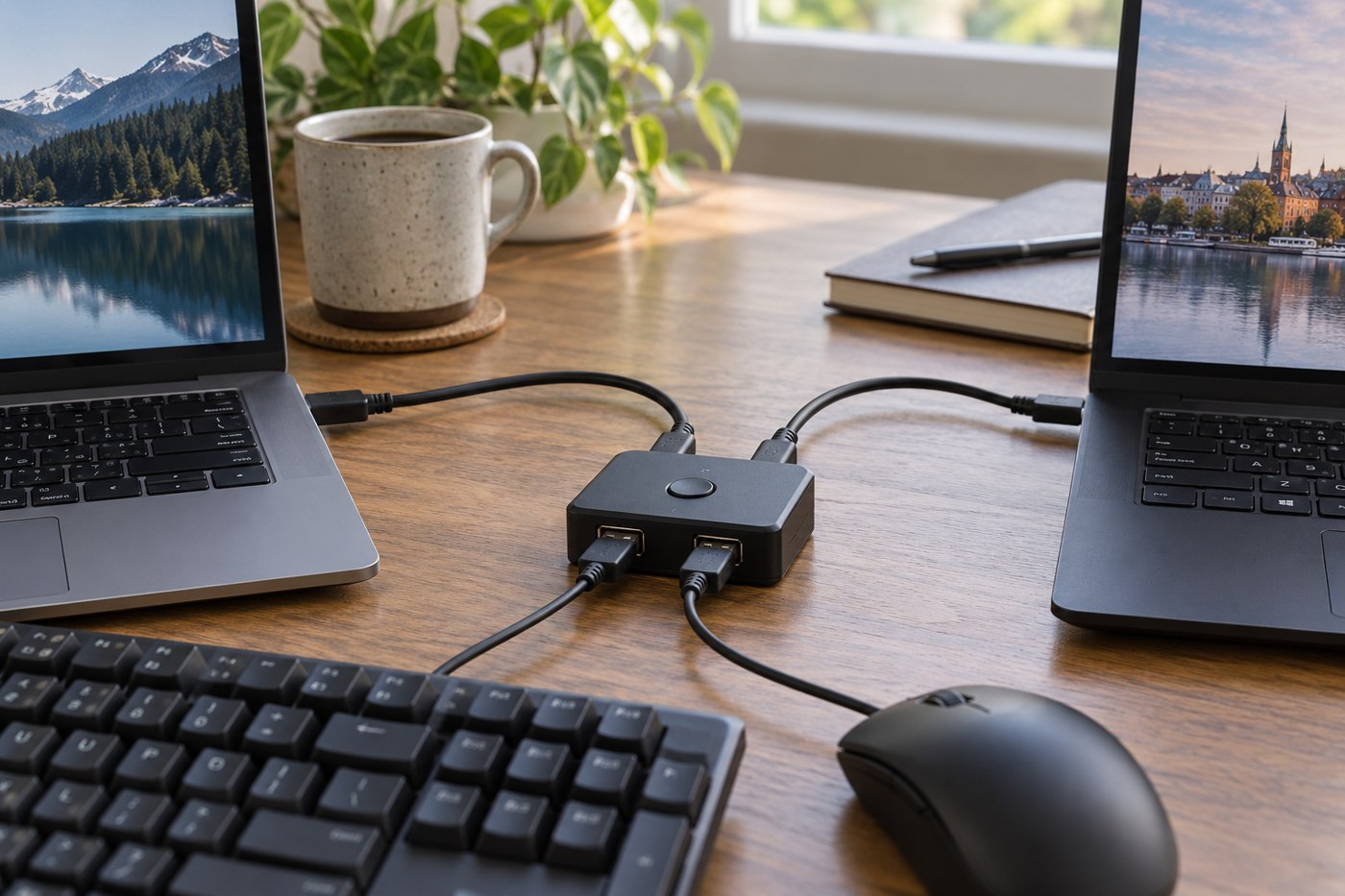
Using one keyboard with a tablet and laptop can reduce the number of accessories on a small desk. It works best when changing devices is deliberate and easy to recognize. Before buying, check whether the keyboard supports multiple stored connections and how you choose the active one.
Some models use dedicated device keys. Logitech's K380 documentation is one example of a keyboard with several paired-device channels. Other keyboards require a different process or remember only one connection. Read the manual for the exact model, including how to enter pairing mode without accidentally replacing an existing pairing.
Check the keys you actually need
A keyboard can type ordinary text while some shortcuts behave differently between operating systems. Compare modifier labels, media controls and any operating-system selection switch. If the keyboard has dual legends, make sure they are clear enough for the way you use it rather than assuming extra labels always help.
Try your main tablet application with an external keyboard before relying on it for laptop-like work. Text entry, navigation and shortcuts depend partly on the application. A successful Bluetooth connection does not promise that every desktop shortcut will work in a tablet app.
Make the active destination visible
Give the tablet and laptop consistent positions, and note which device button belongs to each. When testing, open a harmless text note on both and type a short label after switching. This is a better first test than entering a password where you cannot easily see what happened.
Check reconnecting after each device sleeps. Observe whether a key press wakes the device or merely reconnects the keyboard, and learn the model's normal delay. If you often switch during a call, test that routine too so you know which device will receive the next shortcut.
Consider the pointing device separately. Switching the keyboard may not switch a mouse, and the tablet may handle its pointer differently from the laptop. If both devices need a mouse, verify its own connection arrangement instead of assuming it follows the keyboard.
Finally, plan power and storage. Keep the charging cable or spare battery with the shared setup, and use the keyboard's power switch when packing if instructed. A shared keyboard is convenient when its behaviour is predictable; if switching creates frequent uncertainty, separate simple keyboards may be a better fit for your routine.