A clip-on microphone can keep the voice closer to the recording point while the phone frames a wider shot. Its usefulness depends on two separate things: a supported connection to the phone and a position that avoids rubbing against clothing. Start with the phone model, the camera application and the microphone's exact output type.
For a wired microphone, trace the entire path. RØDE's Lavalier GO guidance explains that its TRS connection needs appropriate adaptation for supported phone setups, including a further phone-connector adapter where required. Other microphones use different arrangements. Do not assemble adapters purely by plug size or assume a headphone-output dongle accepts a microphone input.
Check the camera application
A microphone recognized by one recording app may need a specific selection or permission in another. Test the exact camera application and video mode you plan to use. Make a short clip and listen to the saved audio, rather than trusting a connected-device icon alone.
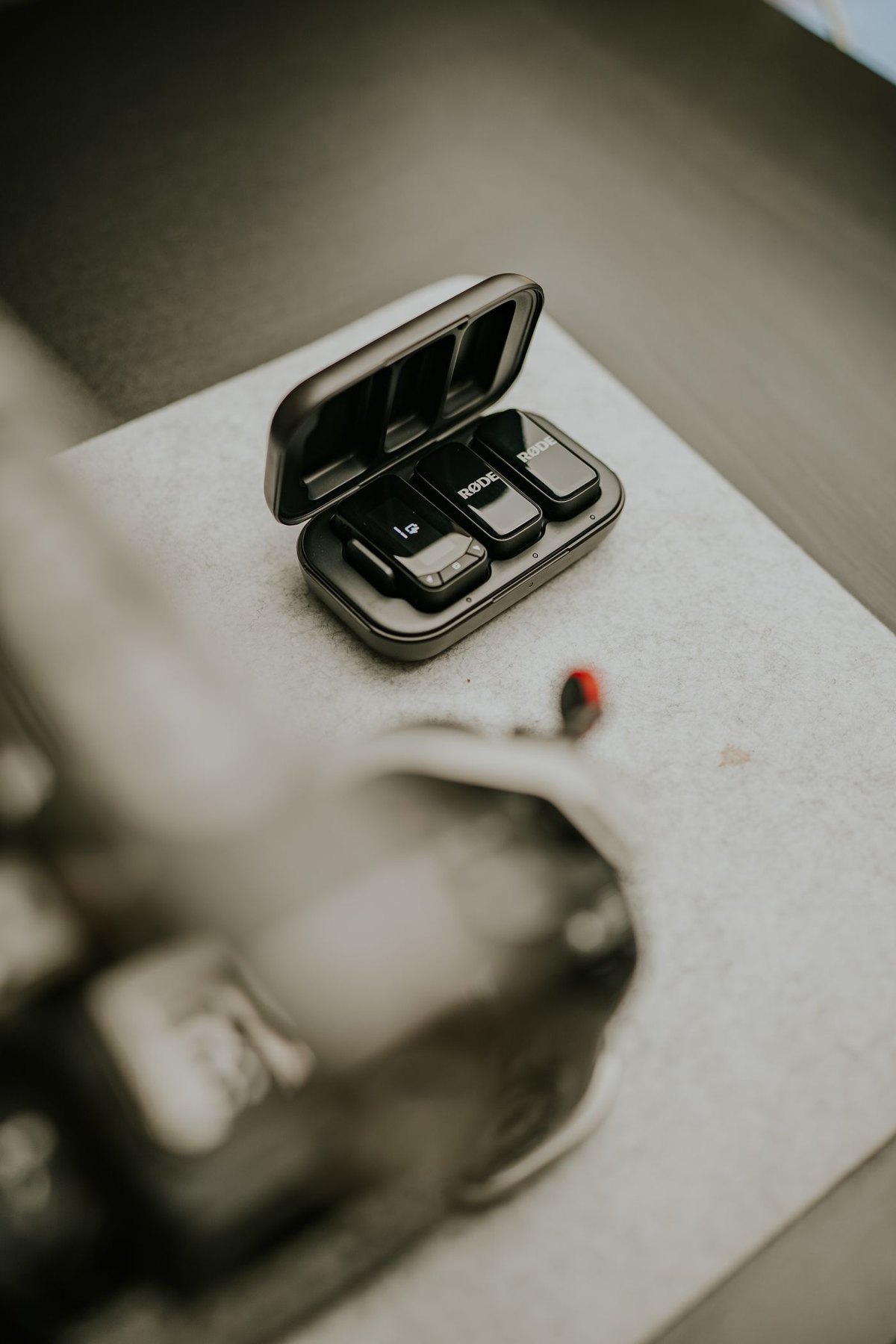
For a wireless kit, verify the transmitter, receiver and phone compatibility together. Check the receiver's physical fit with the case and whether it blocks a tripod clamp or charging connection. If an app is required for setup or firmware, establish that before leaving for the recording location.
Test charging and mounting together
A phone video setup may need a microphone receiver, tripod clamp and power connection at the same time. Lay those parts out before buying an adapter or mounting accessory. A receiver that works when the phone is handheld can be blocked by a case lip or a clamp when the phone is mounted.
If the receiver offers charging pass-through, read its supported conditions and test that complete arrangement with the intended charger. A port on the receiver should not be assumed to supply every function of the phone's own socket. Keep the cable from pulling on the receiver while the phone is on the support.
For two-person video, verify whether the kit records the microphones separately, mixes them or offers a selectable mode. Test both speakers and inspect the saved clip in the application you will edit with. This avoids discovering that one person is missing or that the channel arrangement is inconvenient only after filming.
Use the trial to decide whether the kit is still compact enough for the task. A wired clip-on may suit a seated demonstration, while a supported wireless arrangement may suit movement. The choice follows the shot and connection requirements rather than a general assumption that wireless is always simpler.
Put the clip on the intended clothing
Use the microphone maker's placement guidance and test with the garment you will wear. A collar, scarf, necklace or loose cable can contact the capsule or its cover during movement. Ask permission before helping another person attach a microphone and let them position it where appropriate.
Make a sample while turning the head, gesturing and sitting or standing as the scene requires. Listen for fabric noise and changes in voice level. A perfectly still test can miss the problem that appears as soon as the presentation begins.
Manage cable and wind separately
For a wired setup, leave enough movement slack without allowing the lead to pull at the phone or microphone. Keep the route away from where hands, chair arms or a bag strap will catch it. Do not use the clip as the only support for the weight of an adapter chain.
If recording outdoors, use a compatible wind accessory according to the manufacturer's instructions. A small foam cover may not address every condition, and no accessory makes an unsuitable location automatically usable. Test the actual setting and move if the voice cannot be captured clearly.
Keep a simple record of the working setup
Once the clip works, note the phone, application, adapter and microphone combination. Keep the verified adapters with the microphone and carry a supported spare cable only if it has been tested. Before each recording, capture a few seconds and play them back with headphones.
The saved sample answers the important question: did the phone record the intended microphone clearly during the movements and conditions of this shot? That check is more useful than the microphone's small size or a broad claim that it works with all phones.