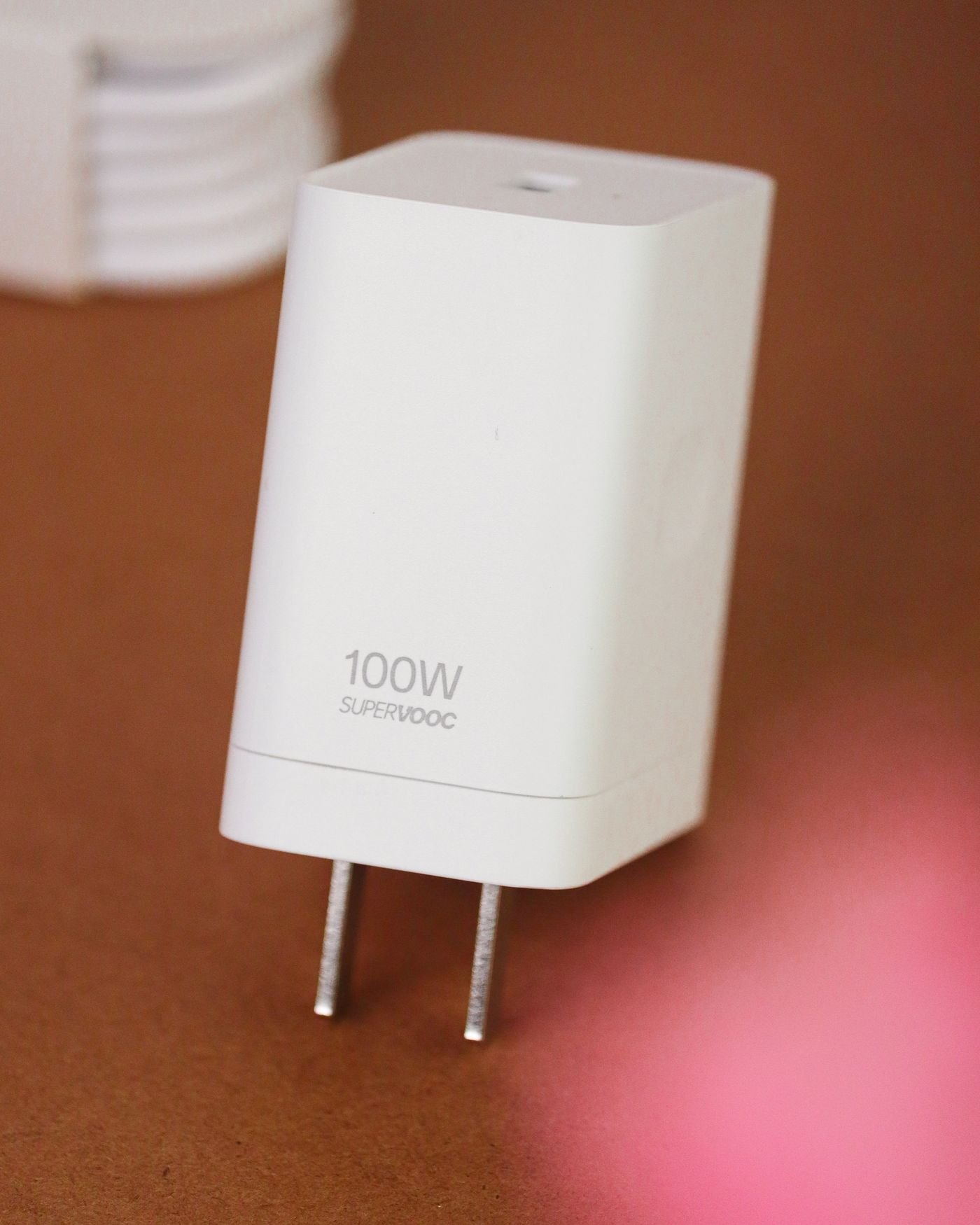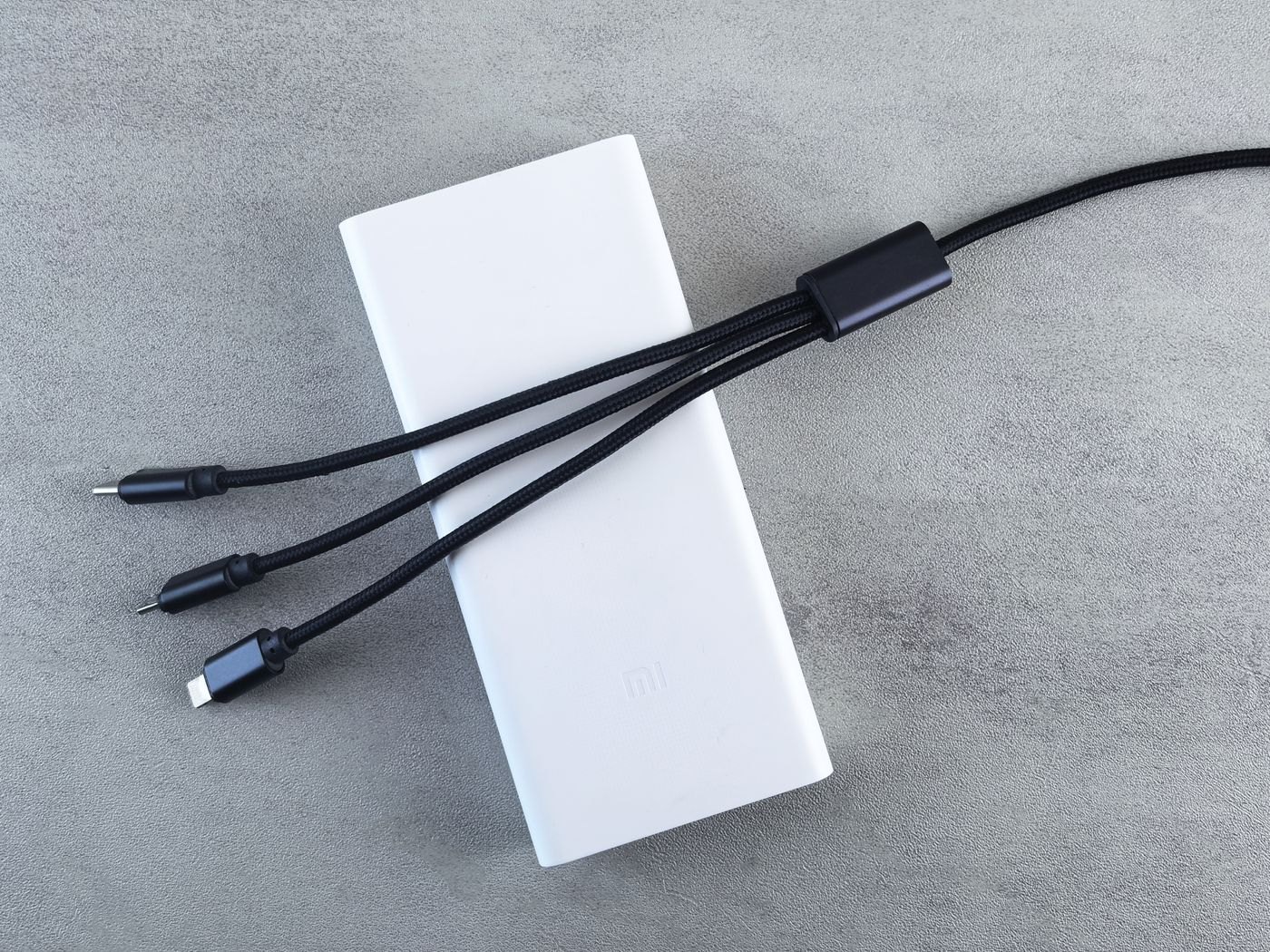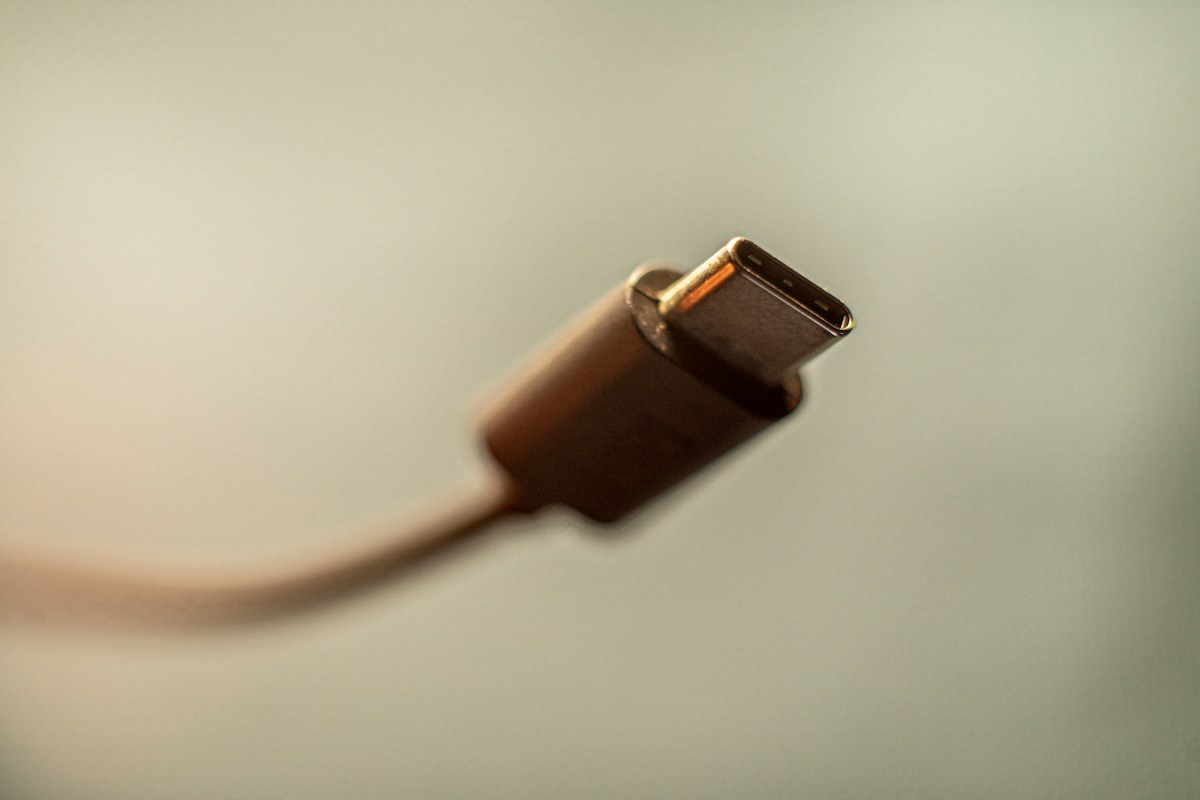
Two cables can have USB-C plugs at both ends and still suit different jobs. A cable used to charge a phone may not provide the data performance or display connection required by another setup. Buying by the connector photograph alone leaves several questions unanswered.
USB-IF's published cable information distinguishes cable capabilities and describes power and data markings within its certification program. That distinction is the starting point: connector type, supported data rate and power capability are separate pieces of information. A statement about one is not a complete specification for the others.
Write down the task before reading the listing
For charging, identify the device and the charger you intend to use. For transferring files, identify the computer and storage device. For a display, identify the source device and monitor, including the connection described in their manuals. The cable needs to fit the whole connection, not merely have ends that can be inserted.
A short purchase note might say, 'laptop to portable SSD, on this port, using the drive maker's recommended connection.' That is a more useful filter than 'fast USB-C cable.' It also gives a seller or manufacturer something specific to answer if the listing is incomplete.
Read each claim on its own
Look for an explicit data-rate statement if moving files is the purpose. Look for a power rating when charging requirements matter. If video is part of the job, look for a supported display connection and check the device documentation too. Avoid treating a large wattage number as an answer to a video question.
The claimed capability belongs to a particular model and length. A retailer may put several cable variants on one product page, so check the selected option before ordering. Keep a screenshot or the model reference if the listing changes when you choose a different length.
Certification markings can help communicate supported capabilities, but an unexplained badge in a marketplace image should not replace a clear manufacturer specification. When a claim is ambiguous, ask for the exact cable model and its documentation instead of assuming that premium packaging means every function is included.
Remember the devices at both ends
A cable cannot add a display output to a port that does not provide the required display function. Similarly, the overall connection can be limited by a device or port even when the cable supports more. Check the intended port rather than assuming every USB-C socket on a computer has the same role.
For a desk with several cables, label the verified purpose after testing: charging, a particular drive or a particular display connection. Keep the label modest; a successful connection between two devices does not prove that the cable works for every possible setup.
If something fails, simplify the arrangement. Return to the direct connection described by the device maker, remove unnecessary adapters and use a known suitable cable where available. Change one component at a time and record what changes. Buying the highest advertised number without identifying the missing function can leave the original problem untouched.