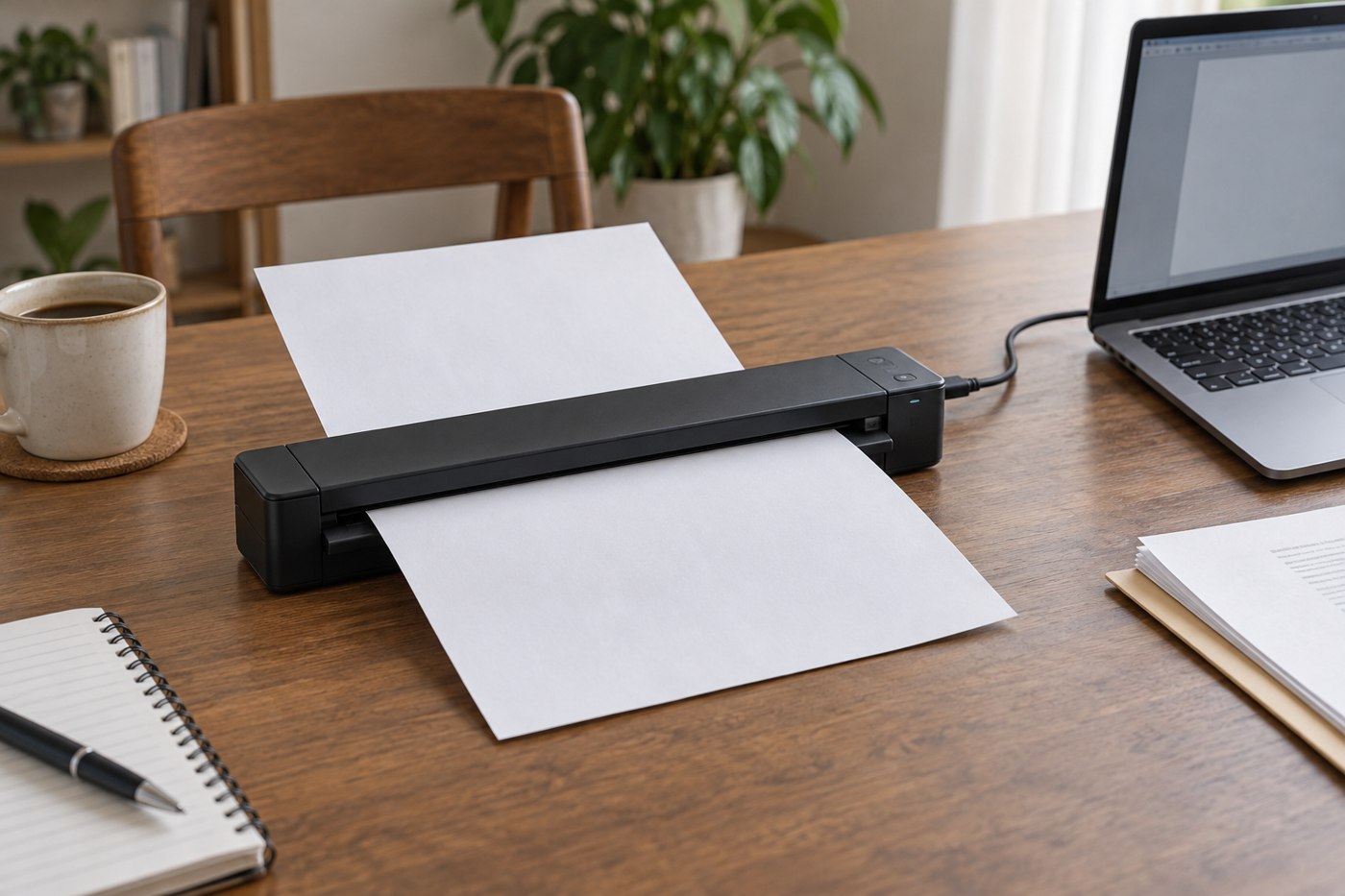
A portable scanner makes sense when paperwork arrives in places where a larger scanner is inconvenient. It is less useful if most of your originals are bound, fragile or unsuitable for its feed path. Gather a representative pile before shopping: receipts, ordinary sheets, cards and any two-sided documents you need to preserve.
Check the manufacturer's supported document sizes, thicknesses and conditions. A small sheet-fed scanner has a specific path through the device; it should not be treated like a flatbed that accepts an object resting on glass. Remove staples and follow the instructions for folded or damaged paper rather than forcing it through.
Follow one document all the way through
The useful workflow begins with an original and ends with a file you can find. Decide whether you need a single image, a multi-page PDF or searchable text. Verify which outputs the supplied software supports and whether those features work on your operating system. Optical character recognition is a separate function from simply capturing a readable picture.
For two-sided paperwork, establish whether the scanner captures both sides in one pass, requires a second pass or has another process. Also check how pages are combined and reordered. A fast headline scanning rate can matter less than the time spent correcting a mixed-up document afterward.
Portability includes power and software
Compare the scanner, its cable, any power supply and the computer needed to use it. A device described as portable may still require a particular host or software installation. If you will use a managed laptop, confirm that the software is permitted before buying.
Try a sample scan containing small text, a faint receipt and a page with a signature or stamp. Inspect the saved file rather than only the preview. Confirm that the page edges are present and that automatic cropping has not removed meaningful content.
Try a small batch rather than a single perfect sheet. Include two related pages, a receipt and an unrelated letter, then process them into the folders you would actually use. Notice whether you spend time splitting a combined file, rotating pages or correcting the order. That handling time may dominate the task more than the scanner's capture speed.
Check searchable output with a word that appears in the sample, then inspect the visible image separately. Text recognition can be useful for finding a file without guaranteeing that every character was interpreted correctly. Keep the page image and verify important names or numbers before using recognized text elsewhere.
If the scanner is intended for travel, perform the same batch on the laptop and power arrangement you will carry. A successful demonstration on a different computer does not establish that the software licence, installation permissions and output options will be available on yours.
Finally, time the whole routine informally from clearing the papers to confirming the saved files. That observation provides a grounded comparison with the phone or flatbed method you already use, without pretending that a personal trial is a standardized benchmark.
Keep originals until the result is checked
Name the file according to a repeatable rule, save it to the intended folder and make the appropriate backup. Do not discard an original simply because a scan exists; retention requirements depend on the document and its purpose.
For a few occasional pages, a phone scanning workflow may already be adequate. A dedicated portable scanner earns its place when its feed handling and output process reduce repeated work for the types of paperwork you actually receive.