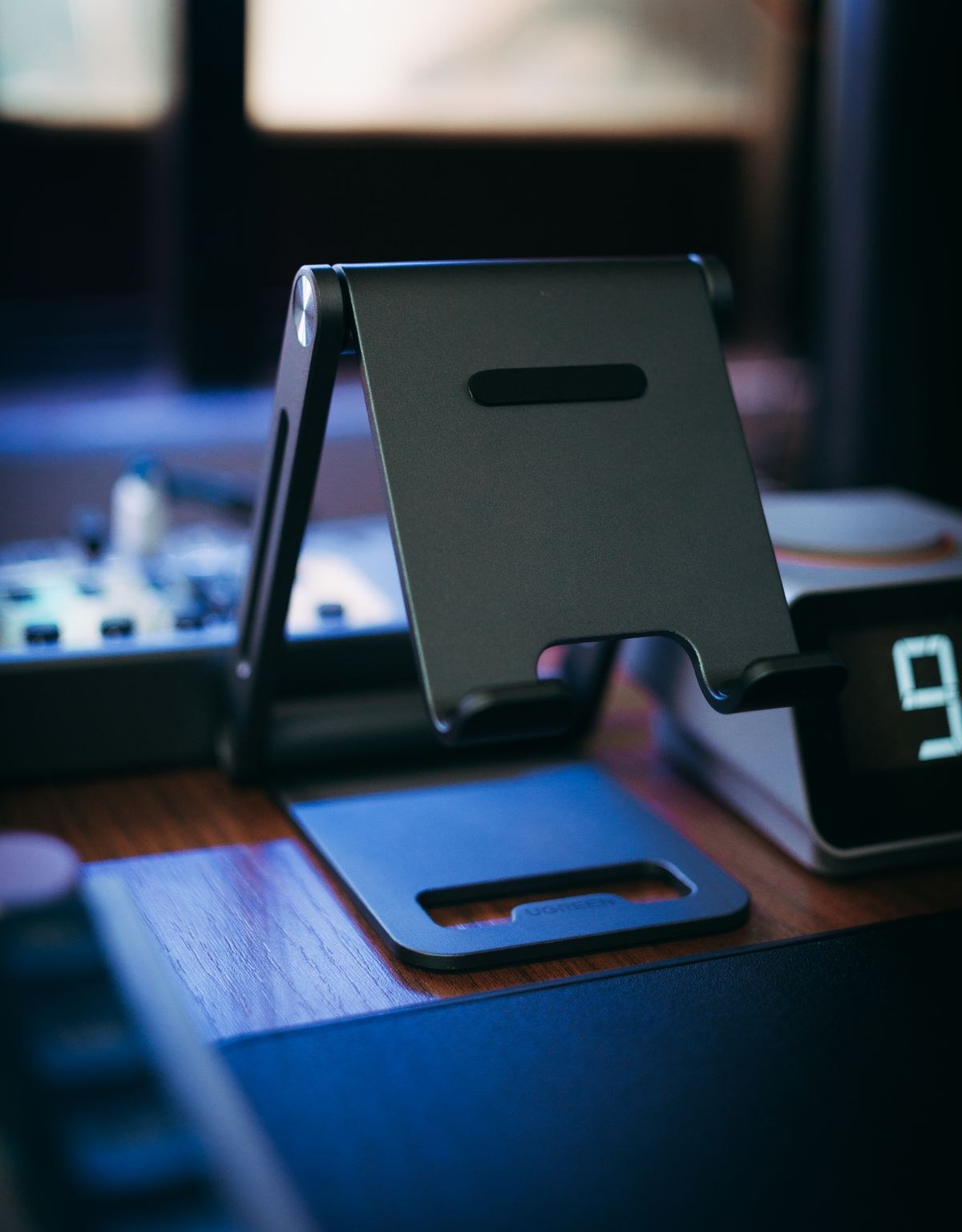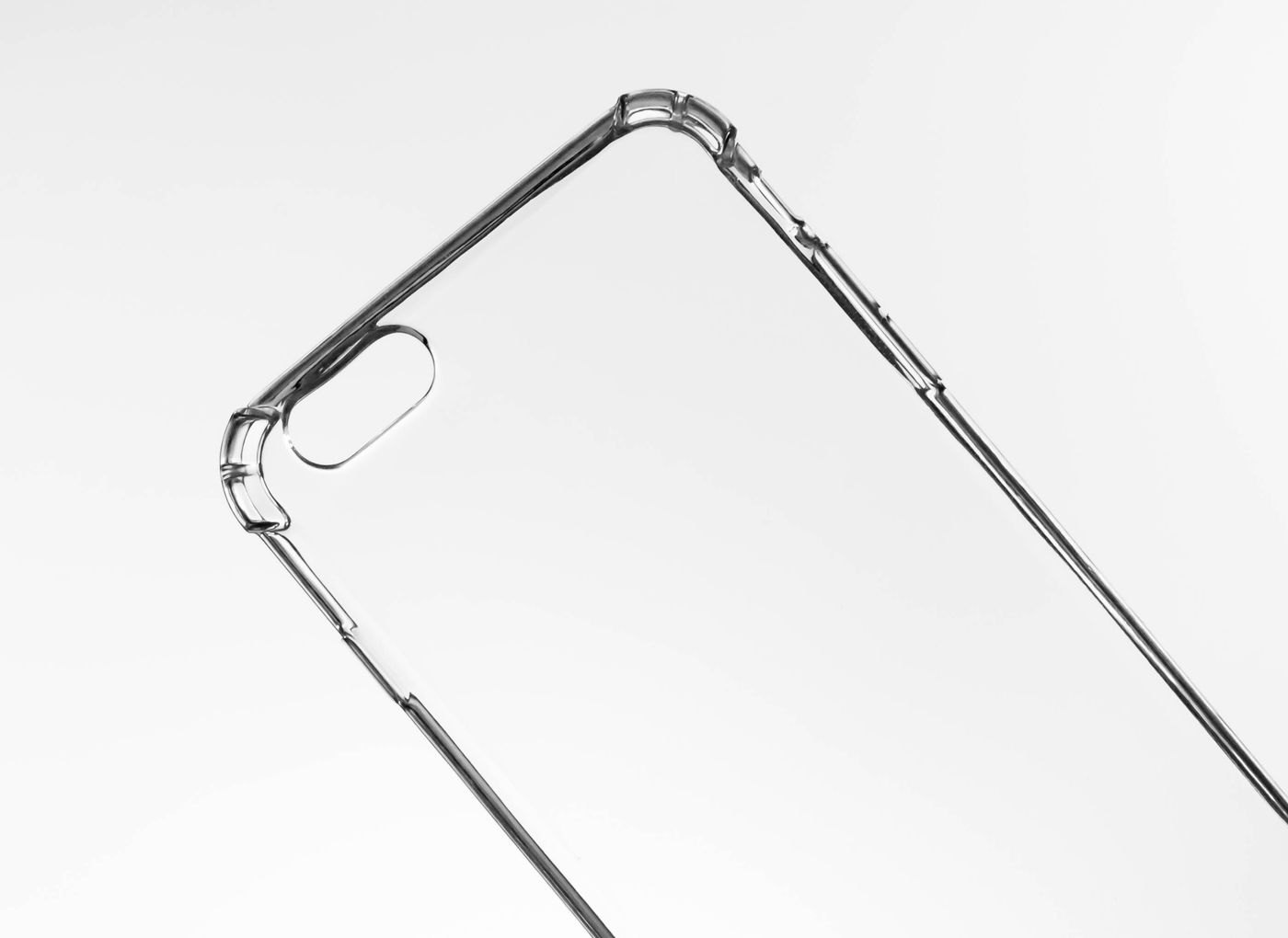
A wireless charger has to work with the phone you own and the case you actually leave on it. A product photograph showing a bare phone does not answer that second question. Before buying, identify the phone model, the case model and anything attached to its back, including a wallet, grip or mounting plate.
Apple's wireless-charging guidance notes that certain thick, metal or battery cases can interfere with charging and suggests removing the case when investigating a problem. That is a reason to check the whole arrangement, not a rule that every case of a particular appearance will behave identically. Use the phone, charger and case makers' compatibility information together.
Look at the back and the lower edge
A raised camera surround, folding grip or wallet can change how the phone rests against a charger. Inspect the position in which you expect to use it. A stand may hold a phone upright but need a different arrangement when the phone is placed horizontally for watching video.
Do not add an unverified metal plate or magnetic ring simply to make two products appear to fit. Ask the accessory maker whether the exact combination is intended. Magnetic attachment and electrical charging compatibility are questions to confirm separately.
For a bedside stand, consider whether you can put the phone down consistently without carefully balancing it. The useful test is the motion you make at the end of a day, with the case installed and the cable routed normally. An arrangement that only works when you remove a daily accessory may still be acceptable, but that extra step belongs in the purchase decision.
Test the routine during the return period
Follow the charger's instructions and check that the phone indicates charging. Repeat the ordinary placement rather than assuming one successful attempt proves the arrangement is convenient. If it does not work as expected, use the maker's troubleshooting steps and test the specified configuration before buying another accessory.
Keep payment cards and other items out of the charging arrangement as directed by the manufacturer. A case pocket is a storage feature, not permission to leave everything inside it during charging.
You may decide that a cable is simpler for the case you prefer. Alternatively, a compatible case can make a charging stand worthwhile. Choose based on the combination you will keep using, including the need to remove attachments, rather than treating wireless charging as a reason to replace every part of a setup that already works.