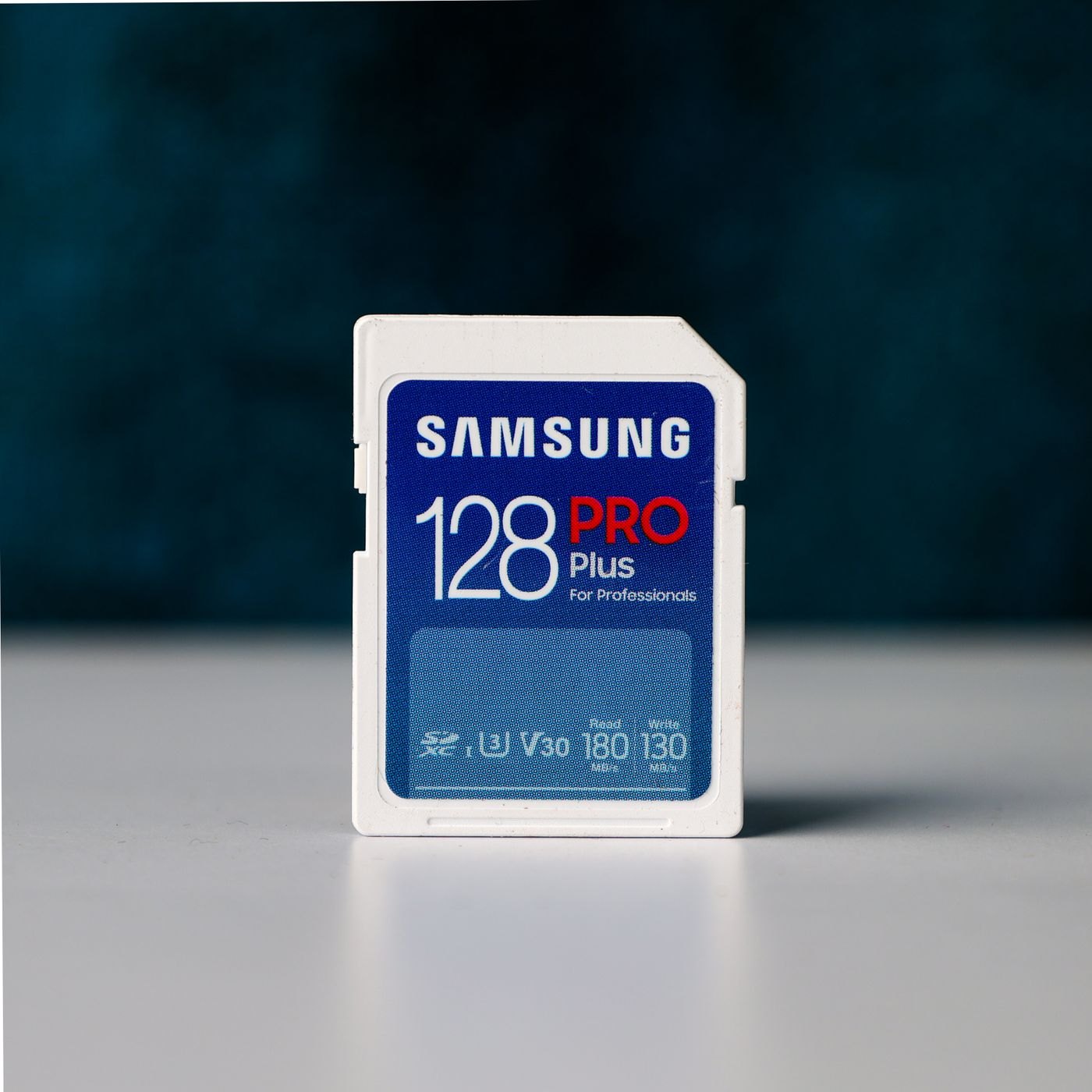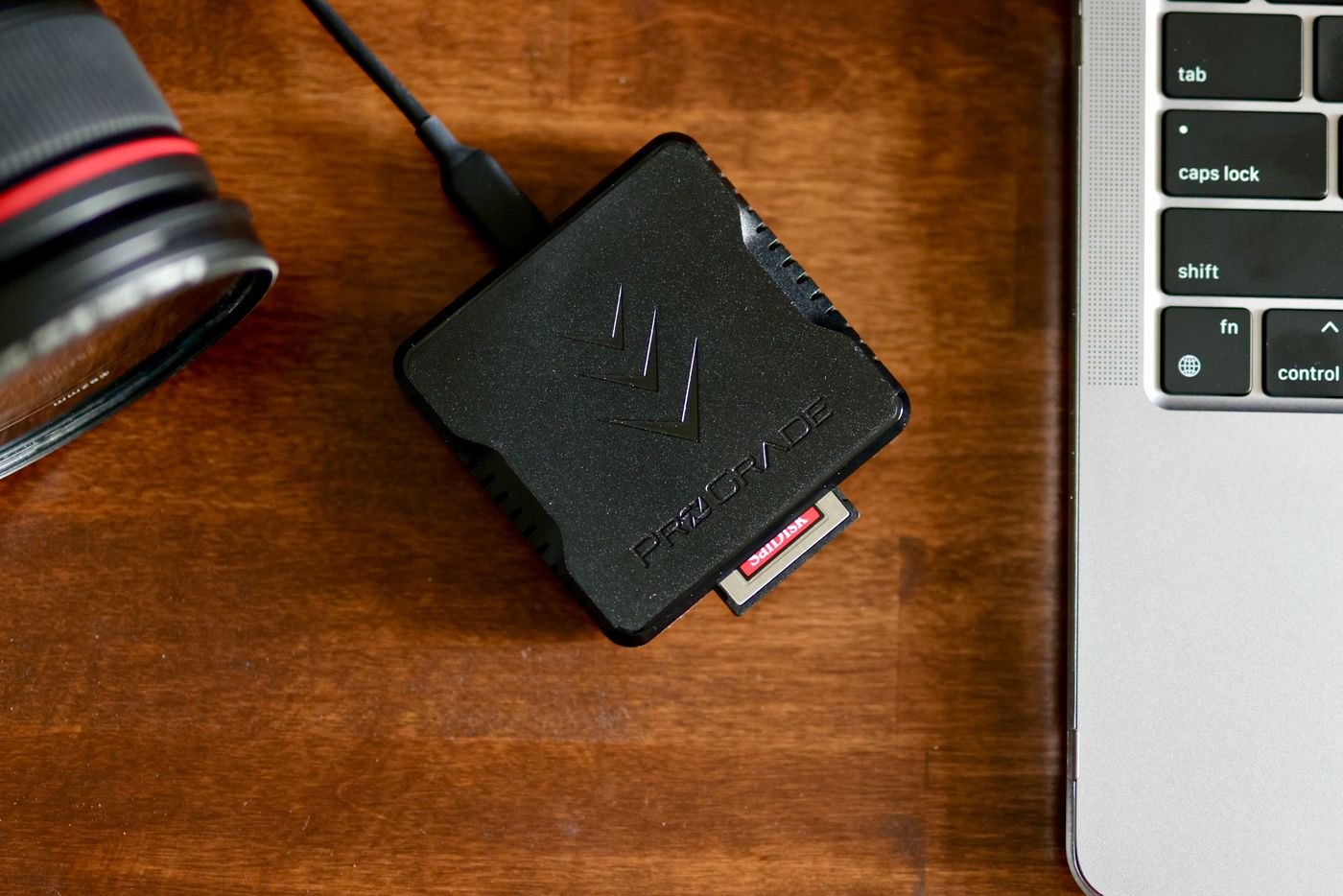
A card reader with many slots can still be wrong for the cards in your drawer. Lay out the cards and write down the full family names printed on them. Distinguish full-size cards from smaller cards used with adapters. Do not assume that similarly named camera-card families share a slot, or that every slot in a multi-format reader has the same capabilities.
Find the reader manufacturer's supported-card list. Match the family and standard, then look at the connection to your computer. An adapter may solve a physical plug mismatch while leaving another compatibility question unresolved. If the reader has a detachable cable, include its specification in the comparison rather than assuming any spare cable will perform identically.
Think about the import you normally do
For one card at a time, simple access and a stable connector may matter more than a row of unused slots. If you genuinely need to copy from two cards together, check whether the reader supports simultaneous access. Do not infer that feature from the number of openings on its front panel.
The SD Association distinguishes card performance classes and the conditions in which they apply. A fast card does not establish the speed of an entire import workflow. The reader, its connection and the destination storage also matter. Treat a transfer-rate advertisement as a specification to investigate, not an estimate of how long your collection will take to copy.
Consider physical placement. A rigid reader attached directly to a laptop can block a neighbouring port or protrude into a narrow workspace. A short-cabled model can rest on the table, but adds another lead to pack. Check the card insertion direction and how much of the card remains exposed.
Give the first import a clear destination
Create a temporary folder with an unmistakable name before trying a new reader. Copy a small set of nonessential files and open them from that folder. Keep the source card unchanged while you verify the result. If your import application offers automatic deletion after transfer, leave that option off until you understand the workflow and have another copy.
Store any required card adapter with the reader in a separate pocket, rather than loose beside metal keys. A reader that requires a particular small part is only useful when that part reaches the destination with it. Include the exact reader model in your kit inventory so replacement purchases are based on a known fit.