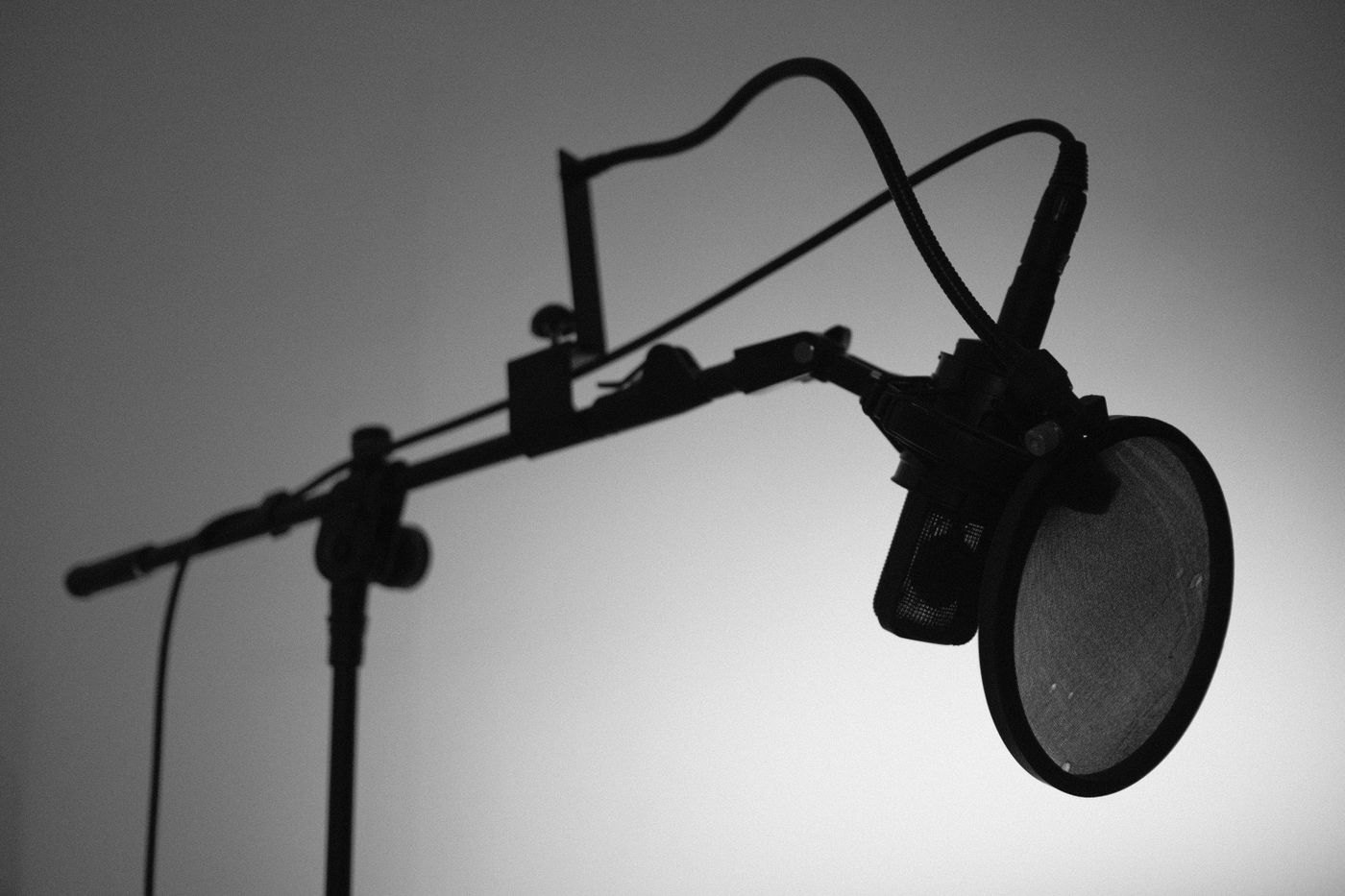
A pop filter is intended to reduce the effect of bursts of air from speech reaching a microphone. It is not a general cure for room echo, traffic or keyboard noise. Before buying one, make a short recording with your existing microphone in its recommended speaking position and identify whether plosive sounds are actually the problem.
Try a sentence with ordinary p and b sounds at a normal speaking level. Do not blow into the microphone as a test. Listen to the saved recording, because the effect you hear through live monitoring may not be identical to the final file after application processing.
Check the mounting arrangement
Look at where the filter attaches and where its screen will sit between you and the microphone. A clamp designed for a stand pole may not fit a thick desk edge. A gooseneck must hold its position without repeatedly drooping into the microphone or blocking the part of the computer screen you need.
If the filter mounts directly to a microphone, confirm the exact model compatibility. A foam cover and a separate pop screen are different accessories with different fitting requirements. Use the maker's recommended spacing and orientation rather than pressing a screen against the microphone grille.
Include your normal movement
Speak while glancing at notes and returning to the screen. The filter should remain useful in the range of positions you naturally use, without encouraging you to lean into an uncomfortable posture. A stable microphone position often matters as much as the accessory itself.
Check whether the added mount changes the arm's total load or makes the desktop stand easier to tip. Keep its support out of the keyboard area and avoid attaching it where adjustments can loosen the microphone's own connection.
Compare one change at a time
Record the same short passage before and after installation with similar distance and level. Judge the reduction in the unwanted bursts, then listen for any other change you notice. This is a personal setup check, not a measurement proving one filter is superior to another.
Follow cleaning instructions for the screen or foam and let it dry as directed before use. If plosive sounds remain, revisit the microphone's angle and placement using its manual. Buying a larger filter is not automatically the next step when the basic speaking position has not been checked.