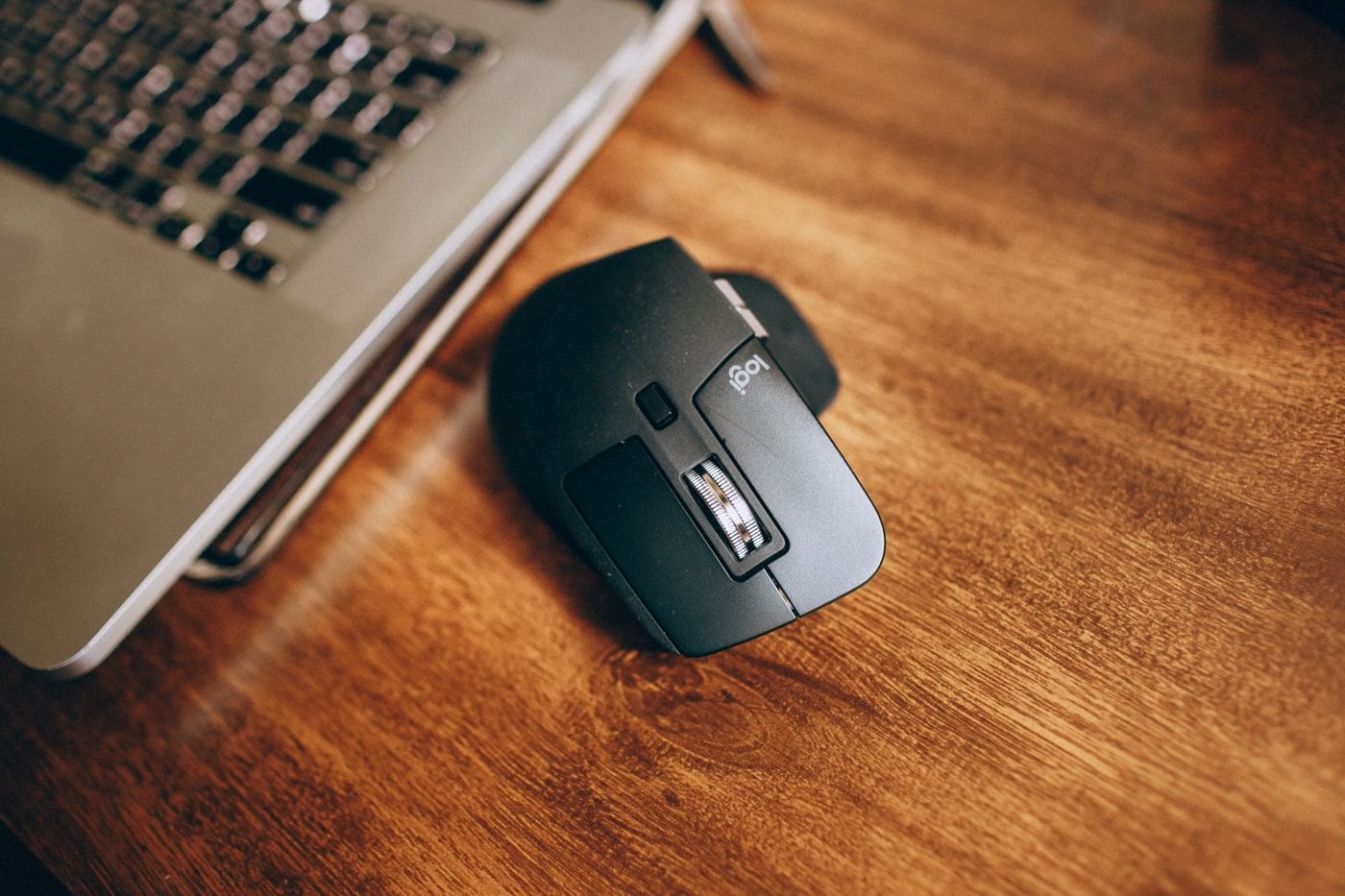
A travel mouse and a desk mouse solve partly different problems. One has to survive a bag and fit an unfamiliar table; the other may stay under your hand for long periods. If you want one device for both, decide which compromise you are willing to make before comparing colours or advertised sensor numbers.
Place your current mouse beside your hand and note what you would change. Is the body too short, are side buttons difficult to reach, or does it take too much bag space? These concrete observations help more than searching for a mouse described as ergonomic without knowing how its shape relates to your grip.
Try the motions you repeat
Test clicking, scrolling a long document and dragging a small item. Move between two parts of the screen using your normal surface area. Check whether the wheel has the scrolling behaviour you prefer and whether an extra button is easy to press accidentally. If you work with either hand, verify the shape and button arrangement rather than assuming a visually symmetrical shell is equally convenient on both sides.
Think about the surface at your destination. A mouse that behaves well on your usual pad may not behave identically on every polished table. A small familiar pad can be a simpler travel accessory than choosing equipment solely around claims of universal surface tracking. Test the surfaces you can before relying on a new setup for a presentation.
Keep the connection with the mouse
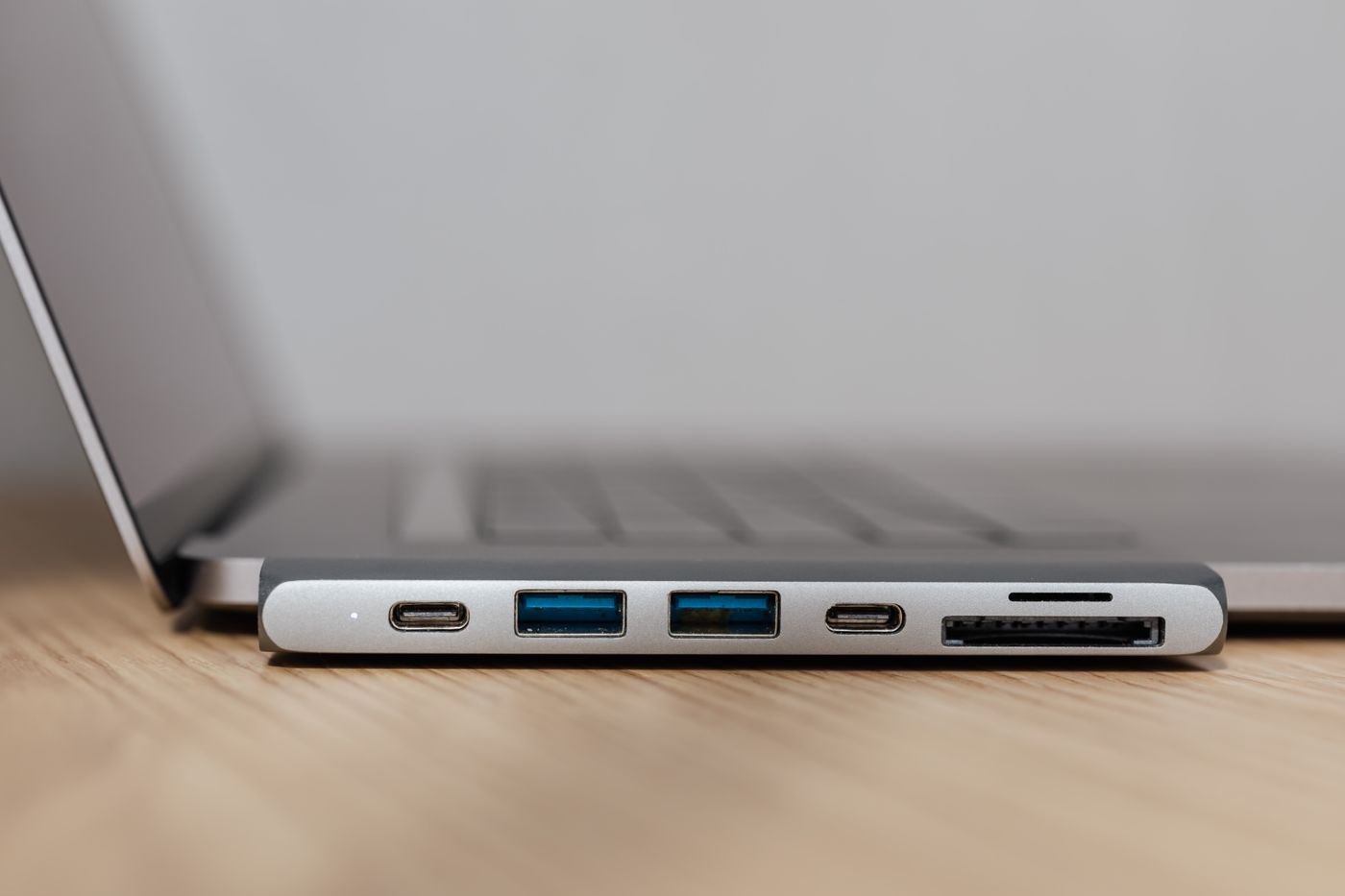
A receiver needs a place to live when it is not in the computer. Look for an internal storage compartment or use a dedicated pocket, and verify which receiver is actually included. Bluetooth avoids a separate receiver but still requires compatible pairing with the destination device. Do not assume a receiver from another mouse can be substituted simply because it comes from the same brand.
For rechargeable models, check the cable connector and whether the device remains usable while charging. For replaceable batteries, note the required type and the manufacturer's storage instructions. A power switch should be accessible when packing so the mouse is less likely to wake repeatedly in a moving bag.
Finish by packing the mouse in its intended pouch. Buttons should not be held down by another accessory, and a charging plug should not act as a handle. If the smaller option feels cramped at the desk, keeping a second inexpensive travel device may be more sensible than compromising every working day to save a little luggage space.