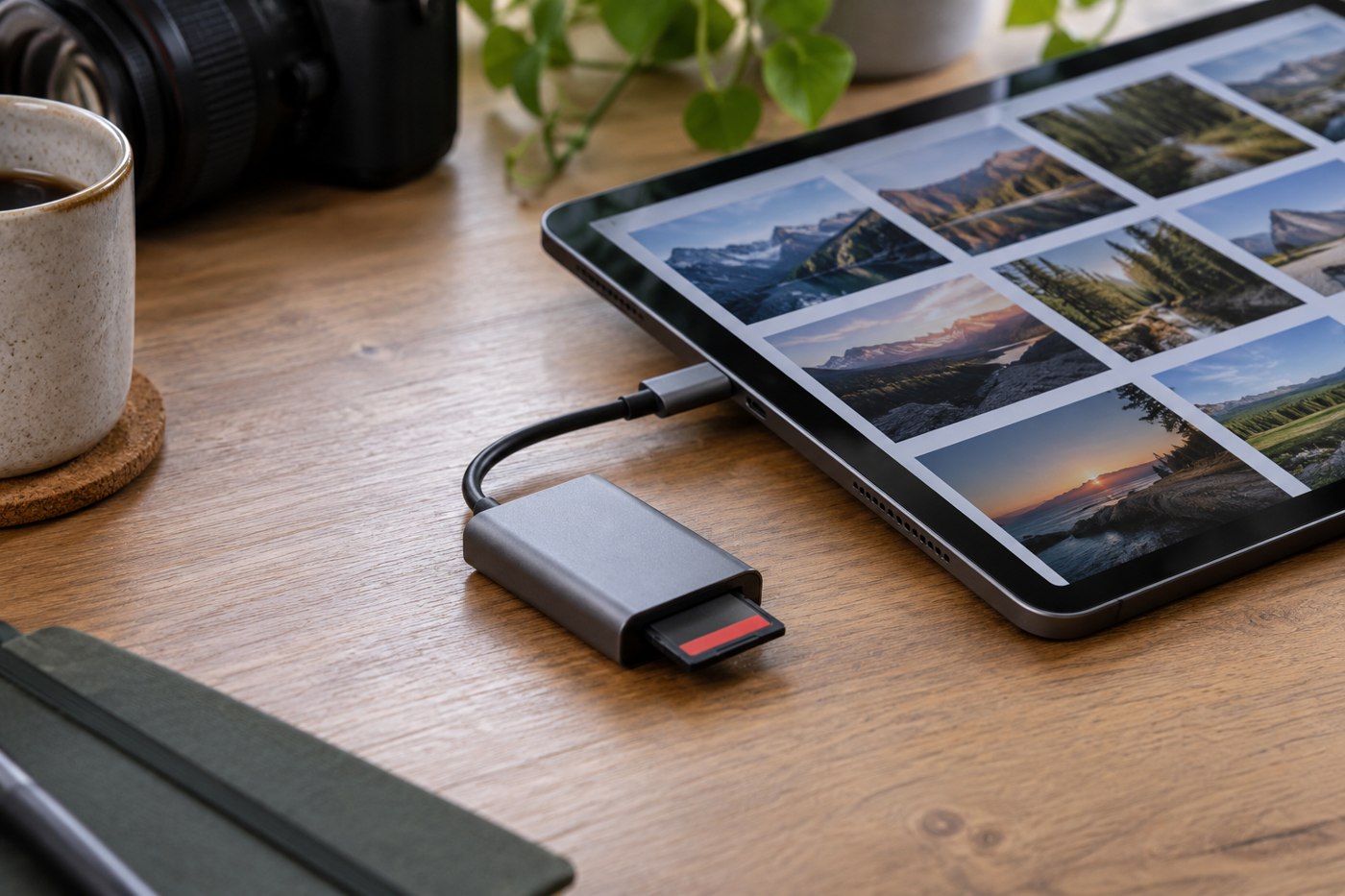
An original photograph, an editable project and an exported picture can all show the same scene while serving different purposes. Give them distinct locations or a documented structure inside your photo application. The source preserves what you imported; the project records work you may want to change; the export is the version prepared for a particular use.
Do not overwrite the original merely to simplify the folder. If your editing application manages changes non-destructively, learn where its catalogue or sidecar information lives and include it in the backup. Keeping only the original image may not preserve your editing decisions, while keeping only a small export may limit what you can do later.
Name exports for their destination
Use a suffix or folder name that explains the purpose, such as print, web or family-share. Add a version when the recipient has requested a revision. Avoid a chain of names such as final-final-new, which records frustration rather than a usable order.
Write down export settings when the job is likely to repeat. Dimensions, file type and any recipient requirements belong with the project. Do not assume the application will retain the same preset after another task changes it. Check the exported file itself rather than relying on the preview displayed before export.
For a shared project, agree which file the other person should edit. If they receive only a flattened delivery image, they may be unable to adjust elements that remain separate in the source project. Conversely, sending every working file can expose private notes or create confusion when a finished picture was all that was needed.
Clean up without losing the path back
When space becomes tight, identify replaceable temporary exports separately from originals and project files. Make sure any file you plan to remove can actually be regenerated with the software and source material you still have. An old plugin, missing font or unavailable linked file can make that assumption false.
Before deleting a batch, preserve a backup and test one representative project. Open it, confirm that linked images are found and create a new export into a temporary folder. If that fails, solve the missing dependency before treating the existing export as disposable.
A clear separation makes future work easier: you can locate the untouched source, resume an edit or resend the exact approved version without guessing which similar thumbnail contains the right history.
Use one project to establish the pattern
For a family album project, the original folder might contain the camera imports, the working project might contain selections and edits, and a delivery folder might contain the pictures sized for the album service. Keep a brief note explaining that relationship. If the album layout changes, you can return to the working material instead of enlarging a small delivery image and hoping it is equivalent.
When another person asks for a different crop, create a new export with an identifiable version rather than silently replacing the copy they already approved. Keep the approved version long enough to resolve questions about what was delivered. The extra file has a defined purpose; it is not an excuse to retain every temporary experiment indefinitely.
If you later move the project to a new drive, use the application's supported relocation method and test the links before removing the old location. Folder separation only helps if the relationships remain intact. Record the move in the project note so a future search does not send you back to a retired device.