A tablet stand that looks comfortable during a video call may move every time you put a pen on the screen. Conversely, a low drawing support can hold a tablet firmly while leaving its camera pointed up from the desk. If you use the same device for both activities, think about two working positions rather than one impressive adjustment range.
Start with the tablet in the case you normally use. Measure the space it occupies and note where the charging connector, buttons and camera sit. A stand's stated screen-size range is only a first filter; it does not explain whether a thick case fits its lower lip or whether a clamp crosses a button.
Try the writing position first
Place the tablet on a stable surface and find a comfortable angle for the way you write. You might rest part of your hand on the screen or work with your forearm on the desk. Observe what needs support without pushing the tablet into an awkward posture to match an accessory photograph.
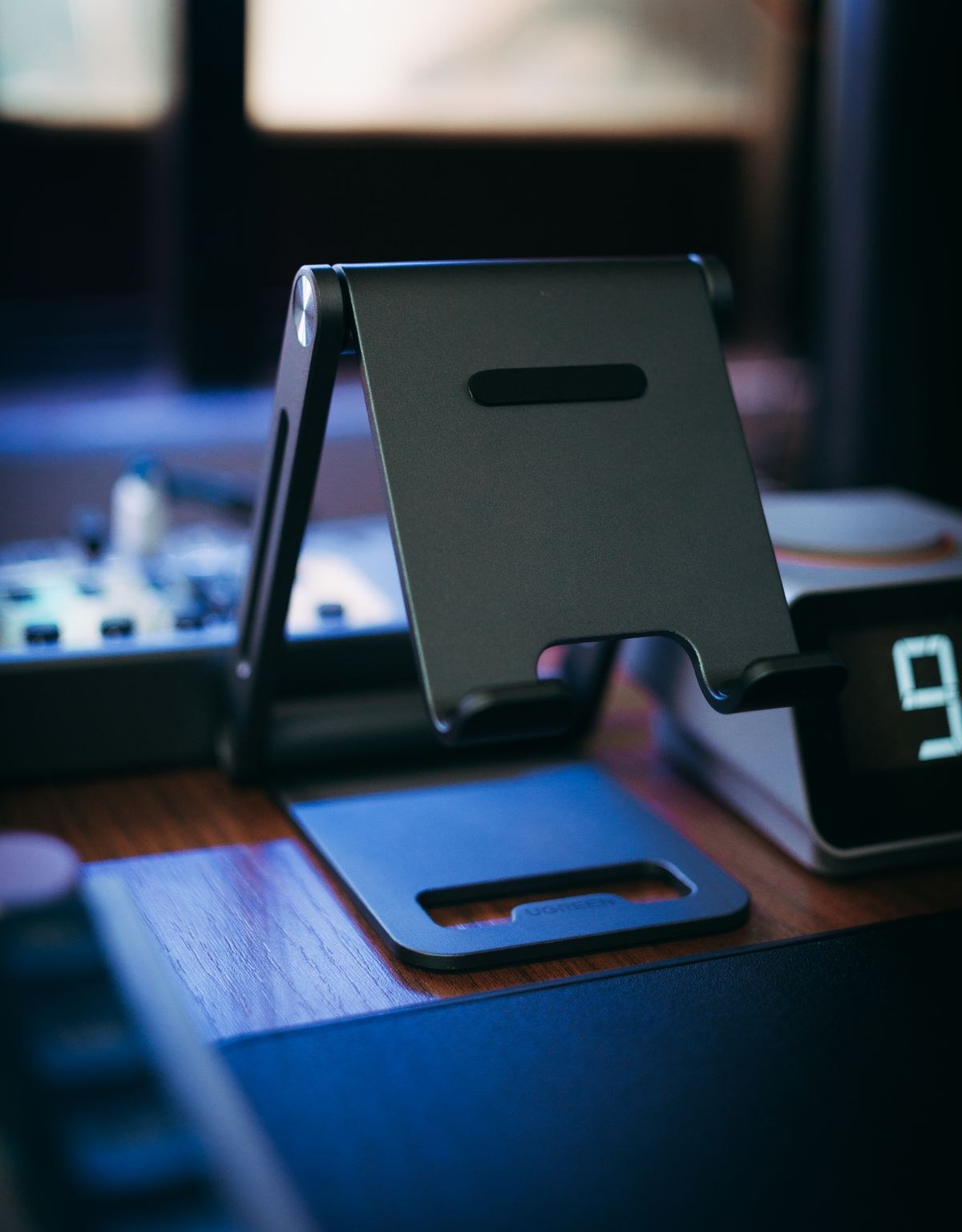
Look for a base and hinge arrangement that can resist normal pen contact at that angle. A tall articulated arm has a different job from a low wedge. Ask whether the maker describes writing or drawing use, and examine how the tablet is retained. Do not assume a claim about holding a device still for watching a film also describes its behaviour under repeated touch.
The lower edge matters too. A deep retaining lip may support the tablet but interfere with your wrist or a gesture near the bottom of the screen. Check the part you will actually touch, not only the silhouette of the stand.
Then check the camera view
For a call, set the tablet where it can show the framing you want while leaving room for a keyboard, notebook or drink. Open the camera preview and check which edge contains the camera in that orientation. Raising the screen is not automatically the same as placing the camera where you intended.
Decide whether you need portrait and landscape positions. A rotating holder should have enough clearance for the tablet and its cable throughout the movement. If you have to unplug everything whenever you change orientation, that may be acceptable for occasional calls but irritating during a mixed work session.
Make the transition part of the decision
Imagine finishing a handwritten page and joining a call immediately afterwards. Can you lower or raise the stand without removing the case? Does the base stay in place while you adjust it? Will the charging lead pull tight? These are useful questions to test during the return period, using the maker's instructions and ordinary handling rather than force.
A two-piece arrangement can also make sense: a simple low support for writing and a separate upright stand for calls. Compare the space and cost of that arrangement with a single adjustable product. The aim is not to collect more accessories; it is to choose a setup whose changes you are willing to make every day.
Before keeping a stand, try it with your actual case, cable and desk surface. If its clamp slips, blocks a control or needs constant tightening beyond the instructions, revisit the fit rather than treating the inconvenience as something your tablet should work around.