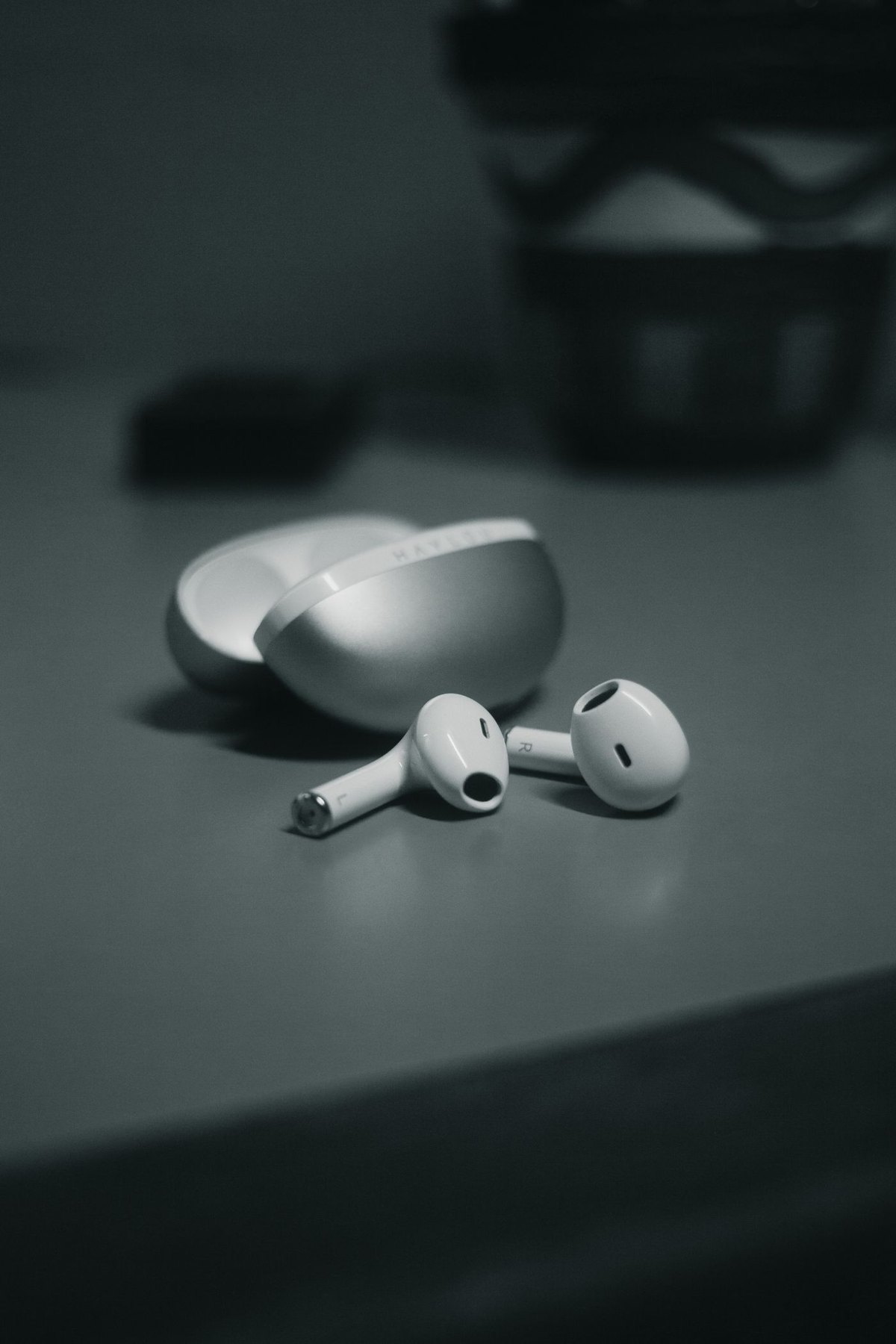
When one earbud does not charge consistently, visible debris is worth checking, but cleaning should begin with the product's instructions. Identify the earbud and charging-case model first. The contact shape, coating and surrounding materials can differ even between generations from the same brand.
Inspect the earbuds and case in good light without inserting a tool. Check whether the earbud sits in its normal position and whether a replacement tip or cover prevents it from seating. A charging problem caused by fit will not be solved by increasingly aggressive cleaning.
Separate the components in the instructions
Manufacturers may provide different methods for the outer shell, acoustic mesh, ear tips, charging contacts and case port. Do not transfer a method intended for one of those areas to another. Apple's AirPods cleaning page, for example, separates mesh procedures from case care and warns against putting objects into charging ports or allowing liquid there.
Use only the material and method specified for the exact area you need to clean. A product sold as an electronics cleaning pen does not establish that its metal tip, brush or liquid is appropriate for your earbuds. Avoid scraping contacts or trying to straighten an internal pin as a cleaning step.
Give drying its own place in the process
If the approved method involves moisture, follow the manufacturer's drying instructions completely before using or charging the equipment. A surface that looks dry is not a reason to shorten a specified wait. Do not use heat to accelerate drying unless the manufacturer explicitly directs that method.
Keep the work area clean and set removed ear tips or accessories where they will not collect lint. Before replacing the earbuds in the case, check that everything is correctly reattached and that the lid closes normally.
Recheck without repeating unnecessary treatment
Reconnect power according to the instructions and observe the charging indication for each earbud. Record whether the same side still fails, whether the case itself charges and whether seating changes the result. Those details help support distinguish a contact, battery or case issue.
If contacts look corroded, damaged or displaced, stop cleaning and seek the manufacturer's service guidance. Repeated scraping or flooding is not a reasonable next step. A brief, model-appropriate maintenance routine should preserve the equipment; when it does not resolve the fault, the next useful action is diagnosis rather than more force.