Open the manual for your exact camera model before searching for a memory card. Find its supported card families, capacity guidance and any separate requirements for the video mode you plan to use. A recommendation for another camera in the same product family may not apply. Firmware-specific notes also deserve attention when the manufacturer publishes them.
Record the most demanding mode you actually intend to select. A casual still-photo workflow and a high-data-rate video mode can impose different requirements. Buying only for your current default settings may leave a gap when you deliberately switch to a more demanding option, but paying for an unused capability is not automatically helpful either.
Read the right symbol
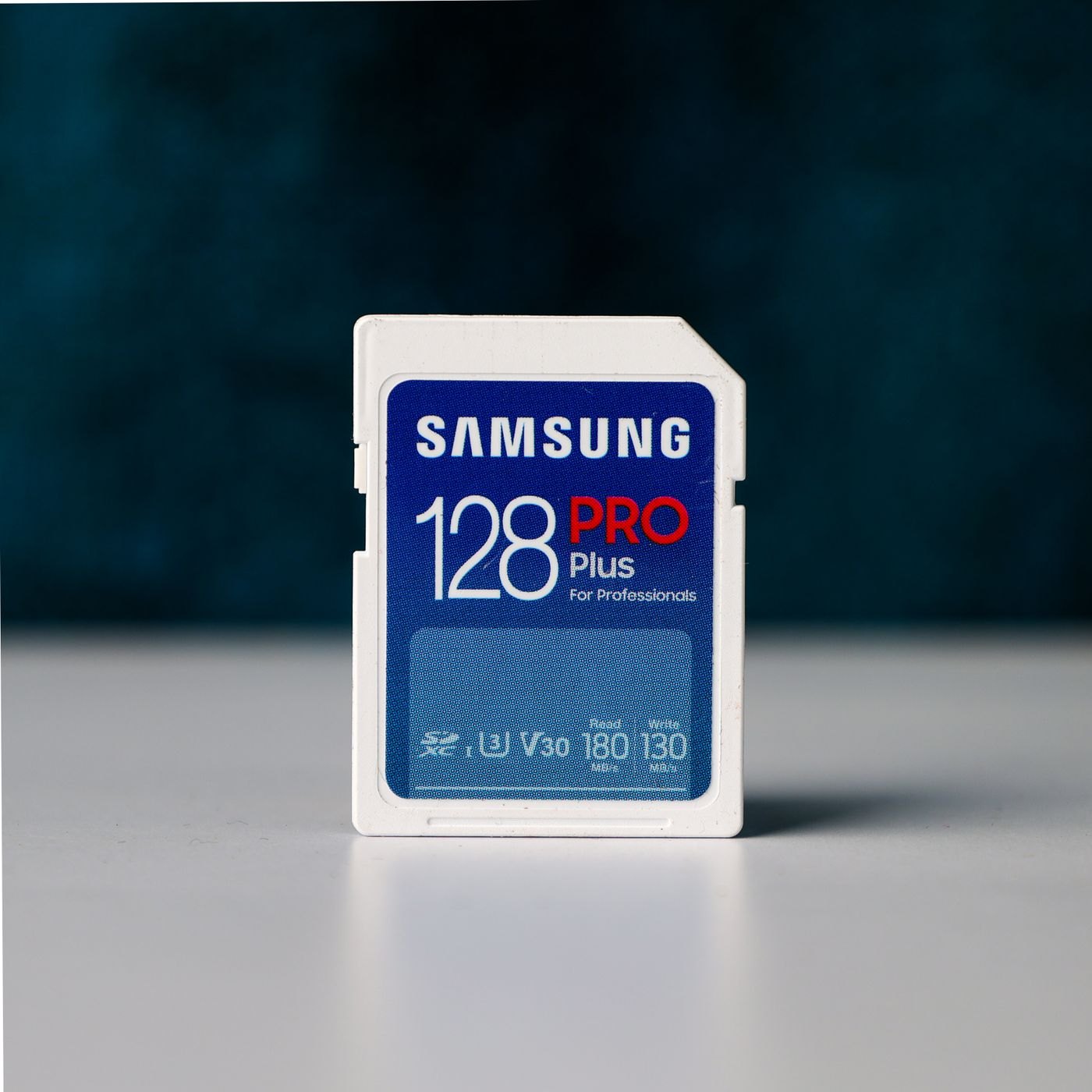
The SD Association explains that speed-class markings describe minimum sequential performance under specified conditions. They are not interchangeable with the largest advertised read-speed figure. Match the class and card type requested by the camera documentation; do not try to infer compatibility from a higher-looking number printed elsewhere on the packaging.
Keep capacity and recording performance as separate questions. Capacity affects how much you can store, while the camera still needs a card suitable for its chosen recording settings. Estimated remaining time displayed by a camera is useful for planning the current setup, but should not become a promise for every scene or recording mode.
When comparing listings, copy the full product code into your notes. Similar packaging can cover different capacities or card families. Check who sells the card, the return conditions and whether the product can be traced to a manufacturer. A listing that combines several models under one set of specifications needs extra care.
Rehearse before the event
Use the camera's own instructions to prepare a new card, after confirming it contains nothing you need. Record and play back sample material in the intended mode, then transfer it through your reader and open the files on your computer. This checks the path you will use, rather than just whether the camera recognizes an empty card.
Label the card or its case with a short identifier. If an error appears later, the identifier helps you distinguish a particular card from a reader or workflow problem. Keep a suitable spare for an important occasion, and avoid making the first real assignment the first time you try a new card and recording mode together.
Keep recording modes and card slots in the same plan
If the camera has more than one slot, read what each slot supports and how the camera uses them. The slots may serve different card families or recording roles. A setting that records a second copy, separates stills from video or continues onto another card changes what you need to buy and how you will import the result. Check the actual options instead of assuming two slots create an automatic backup.
Write a small mode card for your kit: the camera setting you intend to use, the card requirement stated by the manual and the identifier of a card that meets it. This is especially useful when several people share equipment or when one person alternates between ordinary photography and a more demanding recording mode. Keep it short enough to read while packing.
After changing a recording setting, repeat the relevant rehearsal before a critical event. A card that worked in yesterday's mode is not evidence about every other mode. If the camera publishes an approved-card list, compare the complete model code and capacity, because a similar product name may cover several variants. Retain the packaging or purchase record so you can identify the exact card later.