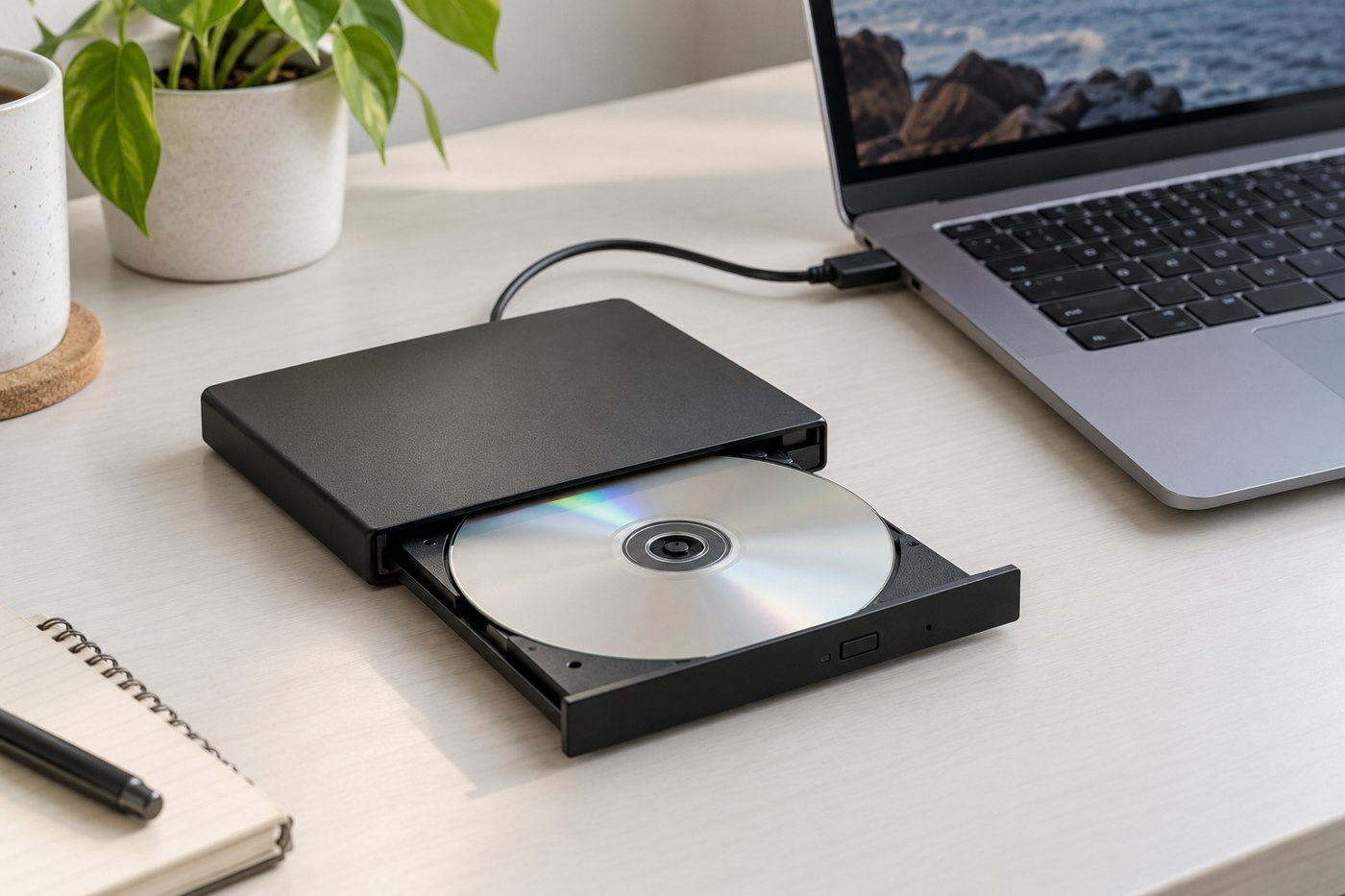
An external optical drive is not automatically able to read every disc that fits in its tray. Start by sorting the collection by type: data CDs, DVDs, Blu-ray discs, recordable media or another format. Then identify whether you want to copy personal files, install old software or play commercial films. Those tasks involve different requirements beyond the drive itself.
Look for an explicit list of supported media in the drive's specifications. A DVD drive should not be assumed to read Blu-ray, and reading a format is different from writing it. If recording discs matters, check the supported writable types and the software required for that operation.
Check the computer side first
Confirm operating-system compatibility and the connection and power requirements. Some compact drives use a particular cable or power arrangement; follow the manufacturer's instructions rather than substituting an improvised lead. If the drive requires software, check whether it is included, current and compatible with your computer.
Movie playback can require licensed software and may be subject to region restrictions. Read both the drive and player documentation before assuming the hardware purchase solves playback. Likewise, an old installation disc may contain software that no longer runs on a current operating system even if the files are readable.
Inspect the material before loading it
Check discs for cracks, severe warping or other damage. Do not put a visibly damaged disc into a drive in an attempt to rescue it. Handle intact discs by their edges and follow appropriate manufacturer cleaning guidance rather than experimenting with solvents or abrasives.
For personal files, begin with a non-critical disc to verify the drive and copying process. Copy to a clearly named folder and open several files afterward. Keep another backup of material you want to retain; a successful copy to one computer does not by itself establish a lasting archive.
Consider the physical use as well. A tray needs room to extend, while a slot-loading design may have restrictions on disc shape or size. Keep the drive on a stable surface during operation and follow its instructions for ejecting and disconnecting.
If the collection is small, borrowing a compatible drive or using a suitable transfer service may be more economical than owning equipment. The useful decision starts with the actual discs and the desired result, not the broad promise of restoring everything stored on old media.