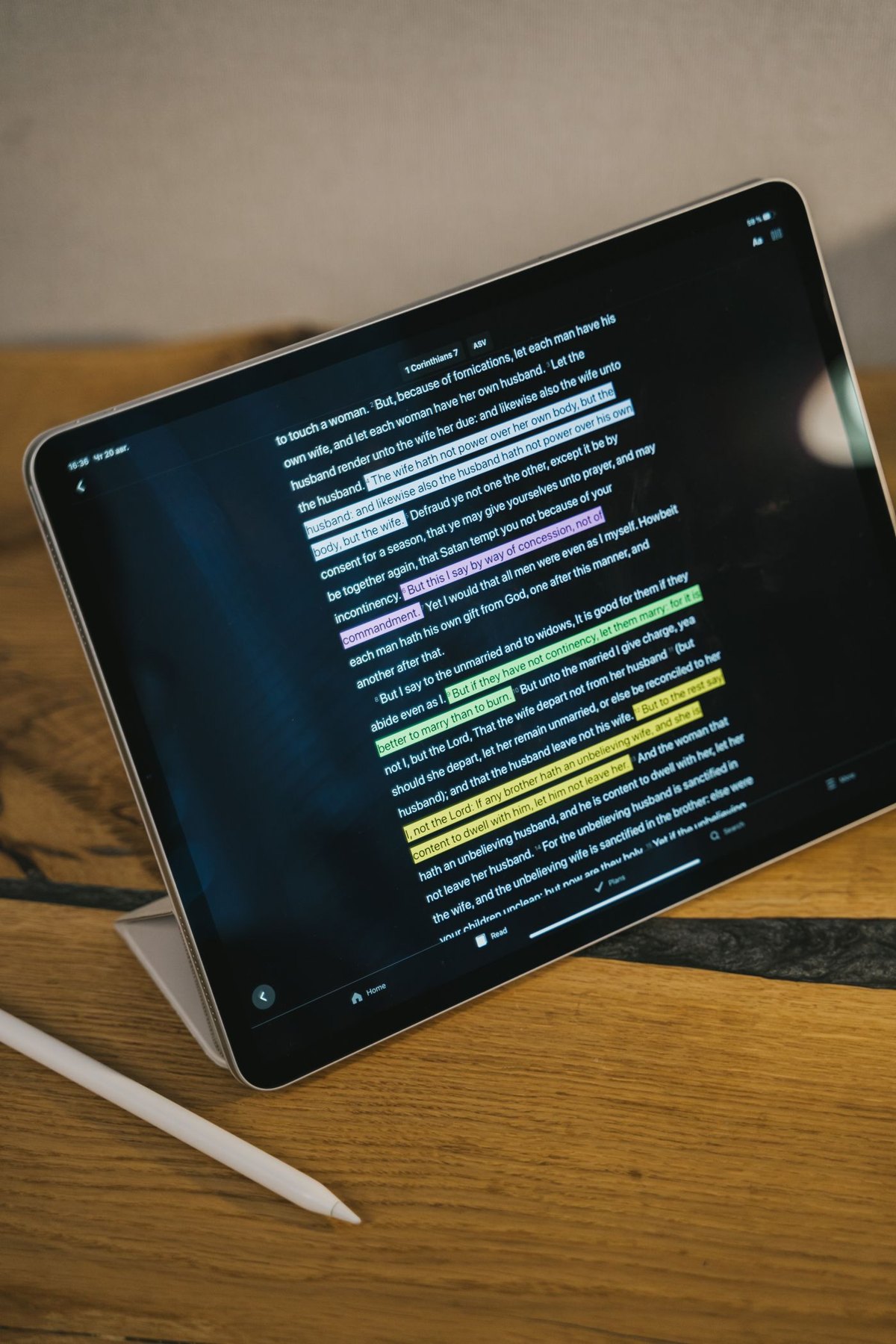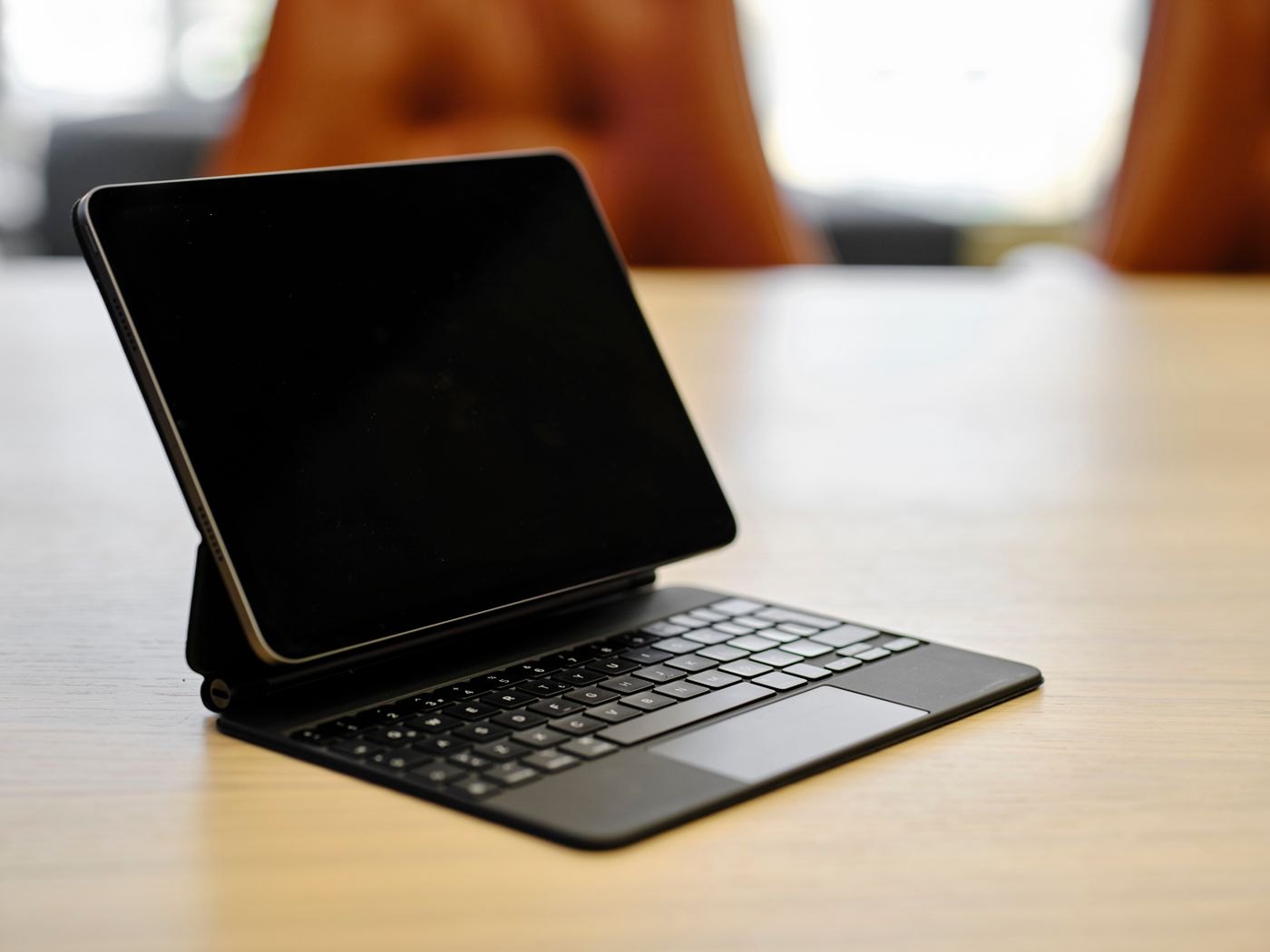
Start with the place where you type most often. A case designed to turn a tablet into a compact typing unit can suit a small table or a bag that is opened several times a day. A separate keyboard can let you place the tablet farther away or at another height. Neither arrangement is automatically the better choice for every location.
Measure the space available with the equipment in its working position. A product's folded dimensions do not describe the depth it needs when the tablet is supported at an angle. Include a mouse or trackpad if that is part of the task.
Look beyond the key count
Check the physical layout, language markings and keys you use repeatedly. A compact layout may move punctuation or combine functions in a way that matters more than a modest difference in width. Read the model's layout image rather than assuming all versions share the same arrangement.
Ask how the keyboard connects and receives power. If it uses a separate battery, include charging in your routine. If it relies on contacts or a particular tablet connector, confirm the exact tablet model and case compatibility. A keyboard that attaches physically still needs the intended electrical and software support.
Try the places where the compromise appears
For a keyboard case, test the supported angle and stability on the surface you use. A lap, narrow train table and ordinary desk are different settings. Do not judge all three from a product image on a large table.
For a separate keyboard, plan how the tablet will stand up and how the pieces will travel. A small keyboard plus an awkward stand may take more effort to set up than expected. Conversely, keeping the keyboard at home can make the tablet lighter when you only want to read.
Consider a typical mixed day: typing at a desk, annotating a document and then reading on a sofa. If the keyboard is hard to detach or adds unwanted bulk when folded away, that changes the value of an all-in-one case. If the separate parts are regularly forgotten, the integrated option may solve a different problem.
Before deciding, type a familiar paragraph and use the shortcuts you depend on. Check the tablet application's support as well as the hardware. The best evidence is whether the full arrangement supports your actual sequence of tasks without requiring constant rearrangement.